
Internet · Published
The best cloud storage apps for Windows
A cloud storage app puts a folder or a drive letter in File Explorer and keeps its contents in sync with an online account, so the same files are on your PC, your phone and the web. It doubles as an off-site copy: if a laptop is lost or a disk dies, whatever was in the synced folder is still in the account.
The free plans differ more than the apps do. Free space ranges from 2 GB to 20 GB, some of it shared with email and photos, and only a few services encrypt files on your PC so that the provider cannot read them. Below, each service is described by what you get without paying and what the free plan leaves out.
Our picks at a glance
| App | Best for | License | Price | Download |
|---|---|---|---|---|
 Google Drive |
People who already use Gmail and Google Docs | Freeware | Free | Review |
 Microsoft OneDrive |
Windows and Microsoft Office users | Freeware | Free | Review |
 MEGA |
The most free encrypted storage | Freeware | Free | Review |
 pCloud |
A large library that does not fill your disk | Freeware | Free | Review |
 Proton Drive |
Privacy from the makers of Proton Mail | Freeware | Free | Review |
 Filen |
Encrypted storage with open-source apps | Open source | Free | Review |
 Dropbox |
Sharing files with people who have no account | Freeware | Free | Review |
 Icedrive |
Extra online space as a drive letter | Freeware | Free | Review |
1. Google Drive — Cloud Storage App
Best for: People who already use Gmail and Google Docs
- Freeware
- Free
- Internet
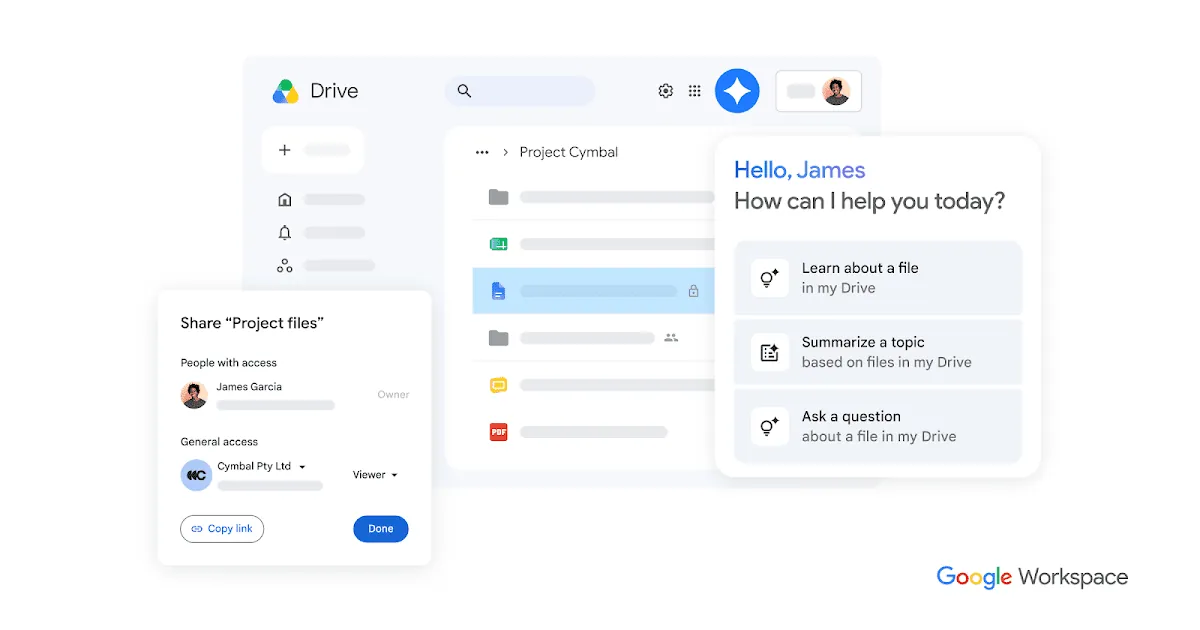
Google Drive for desktop adds your Drive as a drive letter in File Explorer. You choose between streaming, where files stay online until you open them, and mirroring, where a full copy of My Drive stays on the PC. It can also back up chosen local folders to Drive and photos to Google Photos, and several Google Accounts can be added at once.
Every Google Account includes up to 15 GB, more than most rivals, but that space is shared with Gmail and Google Photos, so a full mailbox eats into it. Files are not end-to-end encrypted and there is no official Linux app. For encrypted storage with a similar amount of free space, look at MEGA or Filen.
Pros
- 15 GB free, more than most rivals
- Drive appears directly in File Explorer
- Works with Google Docs and Photos
Cons
- Free storage is shared with Gmail and Google Photos
- Files are not end-to-end encrypted
- No official Linux app
2. Microsoft OneDrive — Cloud Storage App
Best for: Windows and Microsoft Office users
- Freeware
- Free
- Internet
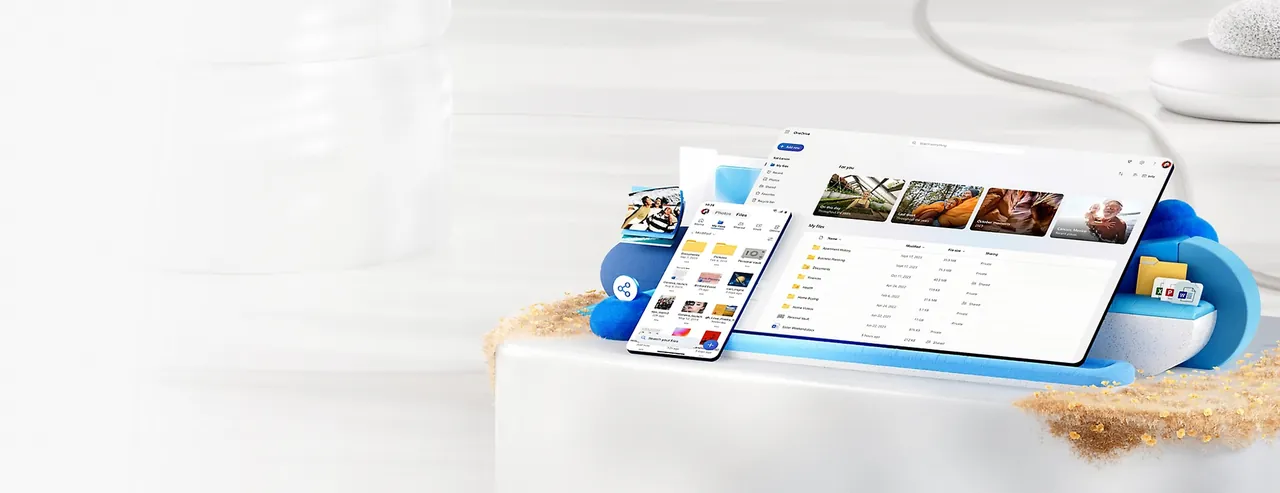
OneDrive ships with Windows 10 and 11, shows sync status icons in File Explorer and saves Word, Excel and PowerPoint files straight to the cloud for real-time co-authoring. Files On-Demand keeps files online until you open them, PC folder backup protects Desktop, Documents and Pictures, and Personal Vault adds an extra verification step for sensitive files.
The free plan is only 5 GB, and Windows pushes folder backup hard, so decide which folders to back up instead of clicking through the prompts. A Microsoft 365 Personal or Family subscription includes 1 TB per person, which is what makes OneDrive attractive if you already pay for Office. Files are not end-to-end encrypted.
Pros
- Preinstalled and deeply integrated with Windows
- Files On-Demand saves disk space
- Works well with Microsoft Office
Cons
- Only 5 GB of free storage
- Windows pushes folder backup aggressively
- Files are not end-to-end encrypted
3. MEGA — Cloud Storage App
Best for: The most free encrypted storage
- Freeware
- Free
- Internet
MEGA gives 20 GB on the free plan, the most among the services here, and encrypts every file on your PC with keys only you hold. The desktop app, formerly MEGAsync, keeps local folders in two-way sync, makes one-way backups of PC folders and streams files without syncing them first. Its source code is published on GitHub.
The catch is the transfer quota: free accounts can download and stream only a limited amount of data, which makes MEGA awkward for sending large files to many people. If you lose both your password and your recovery key, the files are gone, and the app shows frequent upgrade prompts. For sharing, Dropbox links work better.
Pros
- 20 GB of free storage
- End-to-end encrypted by default
- Sync and one-way backup in one app
Cons
- Limited transfer quota on free accounts
- Losing both password and recovery key means losing your files
- Frequent upgrade prompts
4. pCloud — Cloud Storage App
Best for: A large library that does not fill your disk
- Freeware
- Free
- Internet
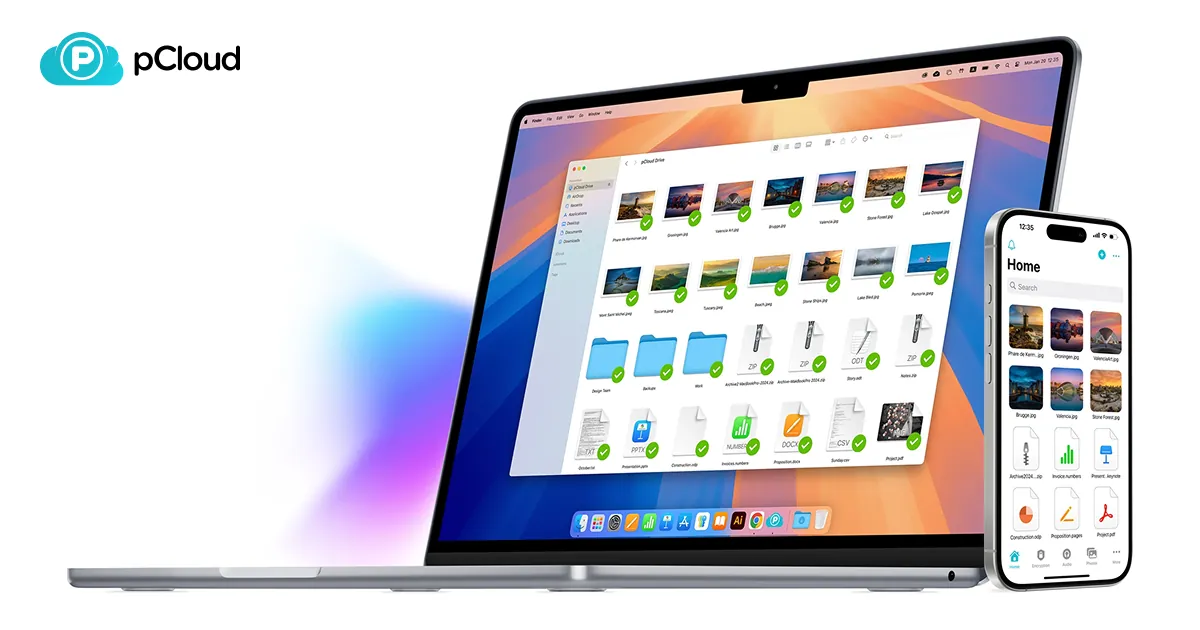
pCloud Drive mounts the whole account as a virtual drive in File Explorer, so files stream from the cloud and use disk space only when you open them or mark them for offline use. You can still sync chosen folders both ways, back up computer folders, restore earlier versions and share files with password-protected links and upload requests.
The free plan offers up to 10 GB, though not all of it is available right after sign-up. Zero-knowledge encryption is a paid add-on that creates a separate Crypto folder; other files are encrypted on pCloud's servers. pCloud is based in Switzerland and is one of the few services that sells one-time lifetime plans.
Pros
- Up to 10 GB free
- Virtual drive saves local disk space
- One-time lifetime plans available
Cons
- Zero-knowledge encryption is a paid add-on
- Not all 10 GB of free storage is available right after sign-up
- Closed source
5. Proton Drive — Cloud Storage App
Best for: Privacy from the makers of Proton Mail
- Freeware
- Free
- Internet
Proton Drive encrypts files and file names on your device before upload, and the free plan gets the same encryption as the paid ones. The Windows app syncs chosen folders, shared links can have passwords and expiry dates and can be revoked at any time, and Proton Docs adds an encrypted document and spreadsheet editor in the browser.
The free 5 GB is small, there is no Linux desktop app, and the Windows client has fewer extras than Dropbox or OneDrive. You need a free Proton account but do not have to use Proton Mail. Drive Plus adds 200 GB; if you want more free encrypted space, Filen offers 10 GiB.
Pros
- End-to-end encrypted, including on the free plan
- Based in Switzerland
- Works with the rest of the Proton account
Cons
- Only 5 GB of free storage
- No Linux desktop app
- Fewer desktop features than Dropbox or OneDrive
6. Filen — Cloud Storage App
Best for: Encrypted storage with open-source apps
- Open source
- Free
- Internet
Filen, from Germany, gives every account 10 GiB of end-to-end encrypted storage with unlimited bandwidth. Its desktop app does both folder sync and a network drive in File Explorer, and the desktop, mobile and web clients are open source on GitHub. Paid plans are cheap and include monthly, yearly and lifetime options that stack on one account.
Free accounts must log in at least once every three months, otherwise Filen sends reminders and then deletes the data, so it is a poor place for files you rarely touch. Sign-ups from VPNs or hosting networks may not get free storage, and the company is smaller and younger than the big providers.
Pros
- 10 GiB free with end-to-end encryption
- Open-source desktop app
- Sync and network drive in one client
Cons
- Free accounts are deleted after 3 months without a login
- Free sign-ups from VPNs or hosting networks may not get free storage
- Smaller, younger company than the big providers
7. Dropbox — Cloud Storage App
Best for: Sharing files with people who have no account
- Freeware
- Free
- Internet
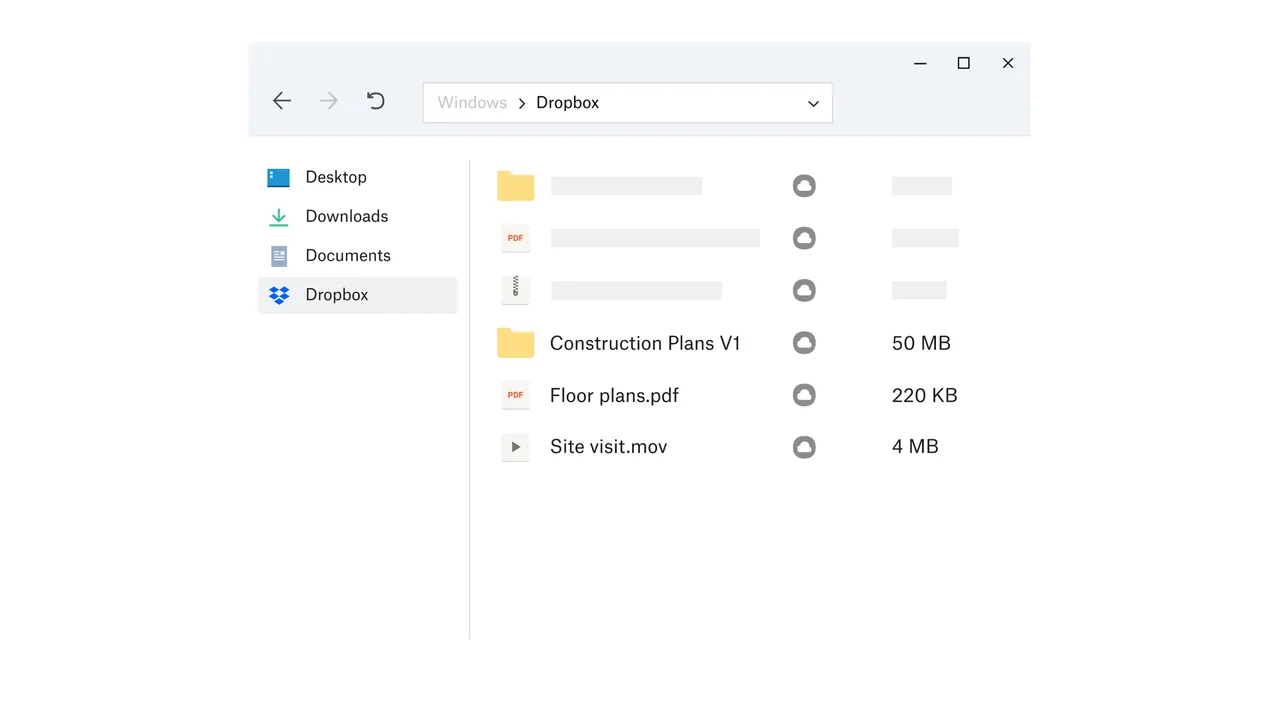
Dropbox still has some of the most reliable sync on Windows. Shared links let anyone preview and download a file without an account, deleted files and earlier versions can be restored for 30 days, and the mobile app can upload camera photos automatically. Files can be kept online-only to save disk space.
The free Basic plan is the smallest here: 2 GB on at most three linked devices. That makes it a sharing tool rather than a backup, and paid plans start at 2 TB. Files are not end-to-end encrypted.
Pros
- Reliable sync
- Shared links work without an account
- 30-day file recovery and version history
Cons
- Only 2 GB of free storage
- Free plan is limited to 3 devices
- Files are not end-to-end encrypted
8. Icedrive — Cloud Storage App
Best for: Extra online space as a drive letter
- Freeware
- Free
- Internet

Icedrive gives 10 GB for free and mounts your storage as a virtual drive, so any program can open and save cloud files without downloading the whole account. Public links work on the free plan, and the mobile app uploads photos automatically. Icedrive says it has no ads, tracking or data selling.
The free plan is a sampler: desktop folder sync, client-side encryption, file versions and password-protected links all need a paid plan. If you want free sync, Google Drive, MEGA or Filen include it.
Pros
- 10 GB of free storage
- Virtual drive works with any program
- No ads, tracking or data selling, according to Icedrive
Cons
- No desktop folder sync on the free plan
- No client-side encryption or file versions on the free plan
- Closed source
How much free space you really get
MEGA leads with 20 GB, followed by Google Drive at 15 GB, and pCloud, Icedrive and Filen at about 10 GB. Google's 15 GB is shared with Gmail and Google Photos, so it is often less than it looks. OneDrive and Proton Drive give 5 GB and Dropbox 2 GB.
Free space is only one limit. MEGA caps how much you can download, Dropbox allows three devices, Icedrive has no desktop sync for free users, and Filen deletes free accounts that are not used for three months. Check the limit that matters for how you plan to use it.
Which services can read your files
MEGA, Proton Drive and Filen encrypt files on your PC before upload, so the provider does not have the keys. pCloud and Icedrive offer the same only on paid plans or add-ons. Google Drive, OneDrive and Dropbox encrypt files on their servers, but the company holds the keys.
End-to-end encryption has a cost: if you forget the password and lose the recovery key, nobody can restore your files. Write the recovery key down and keep it somewhere outside the cloud.
Sync is not a backup
If you delete or overwrite a file in a synced folder, the change reaches the cloud within seconds. Version history and recycle bins help, and Dropbox keeps 30 days of them on the free plan, but a cloud folder does not replace a real backup of your PC. For that, use a backup tool such as Veeam Agent for a full system image, or Duplicati, which can upload encrypted file backups to your own cloud account.
Frequently asked questions
What is the best free cloud storage for Windows?
For most people Google Drive, because 15 GB is generous and Drive appears directly in File Explorer. If you want the most free space with encryption, choose MEGA with 20 GB. If you use Microsoft 365, OneDrive already includes 1 TB.
Which cloud storage gives the most free space?
MEGA with 20 GB. Google Drive offers 15 GB shared with Gmail and Photos, and pCloud, Icedrive and Filen about 10 GB.
Is OneDrive or Google Drive better on Windows?
OneDrive is already installed and works best with Word, Excel and PowerPoint. Google Drive gives three times as much free space and suits people who use Gmail and Google Docs. Neither is end-to-end encrypted.
Which cloud storage is end-to-end encrypted for free?
MEGA, Proton Drive and Filen encrypt every file on your device on the free plan. pCloud and Icedrive offer this only on paid plans.
Can I use several cloud services on one PC?
Yes. Each app adds its own folder or drive letter, so you can, for example, keep work files in OneDrive and photos in Google Drive. Each one uses some disk space for its cache.
Does cloud storage use space on my hard drive?
Only for files kept offline. Google Drive streaming, OneDrive Files On-Demand, Dropbox online-only files and the pCloud and Icedrive virtual drives keep files online until you open them.
ExeDepot does not host installers. Every download button opens the developer's own server or official download page. Prices and licenses come from each developer's site and were checked on .