

Our verdict: Dropbox still has some of the most reliable file sync on Windows, and shared links work well for sending files to anyone. The free Basic plan, however, is small: 2 GB of storage and a limit of three linked devices make it a sharing tool rather than a real backup.
About Dropbox
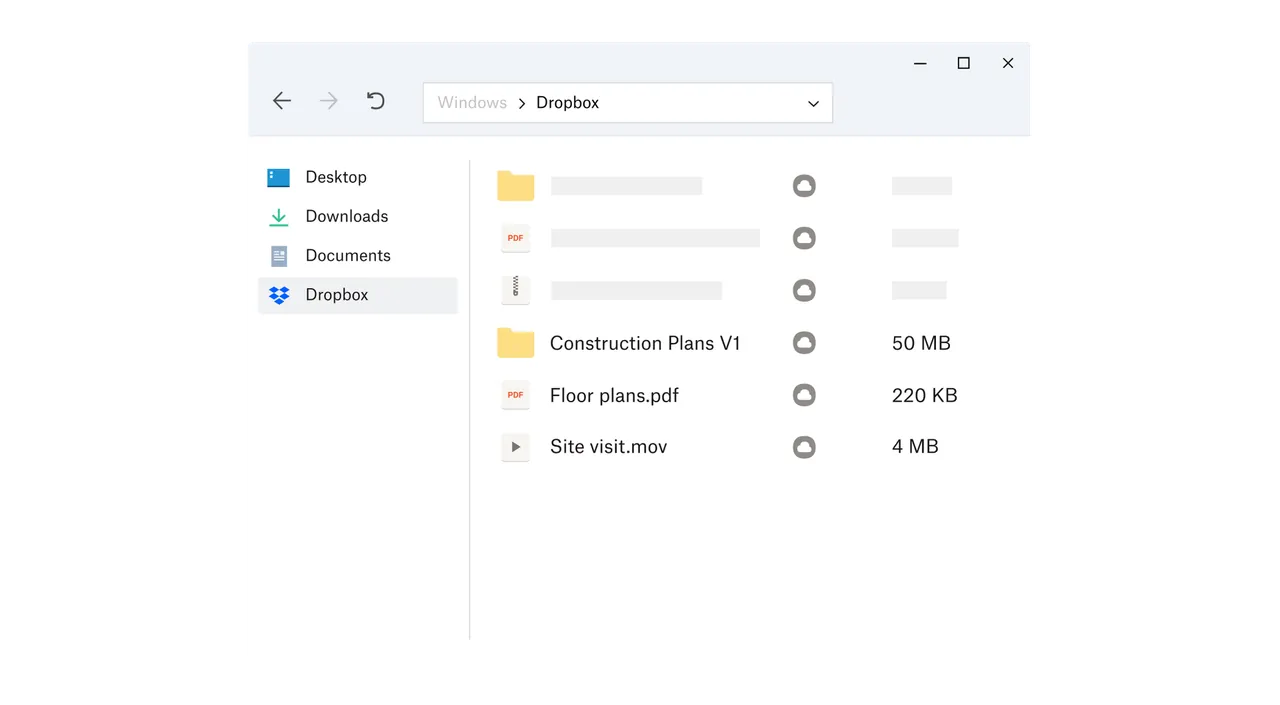
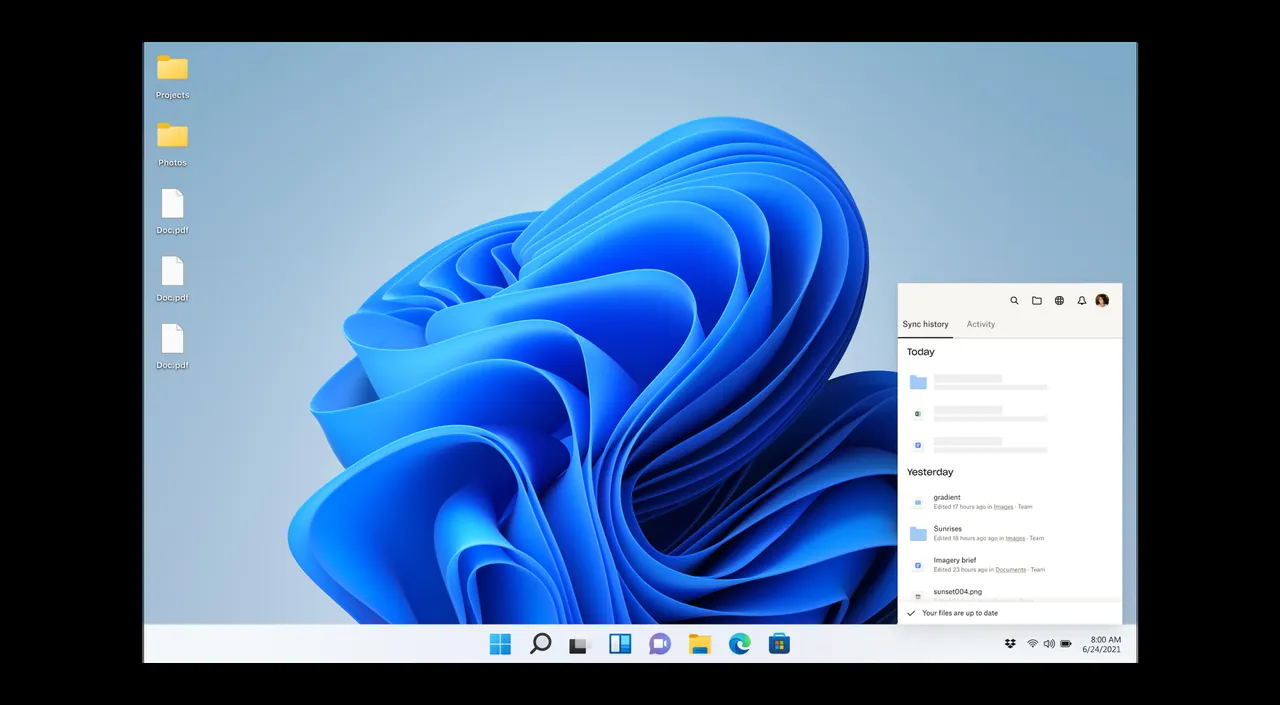
Dropbox adds a Dropbox folder to File Explorer and keeps it in sync with your account in the cloud and on your other devices. Files can be kept online-only to save disk space and are downloaded when you open them.
The free Dropbox Basic plan includes 2 GB of storage, connects up to three devices, and lets you restore deleted files and earlier versions from the past 30 days. Shared links let anyone view and download a file without an account. Paid plans start at 2 TB.
What it does well
- Folder sync. Everything in the Dropbox folder syncs between your PC, phone and the web.
- Online-only files. Keep files in the cloud and download them only when you open them.
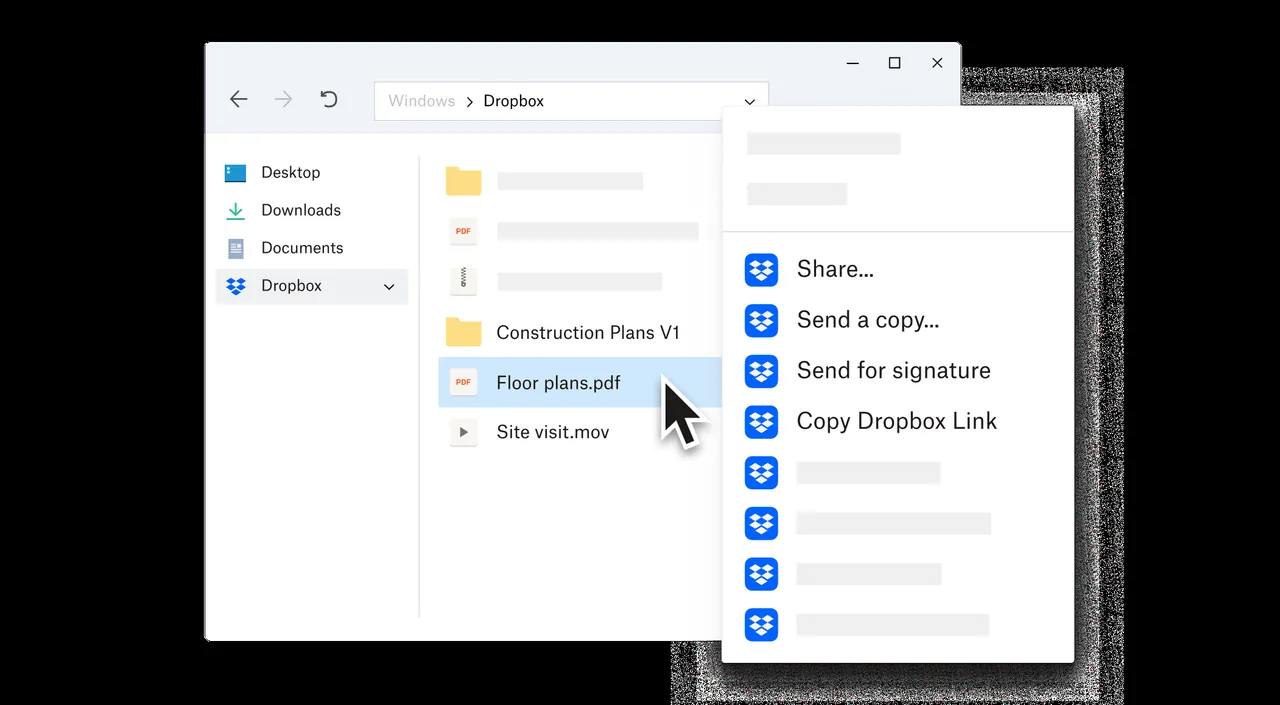
- Shared links. Send a link that lets anyone preview and download a file without an account.
- File recovery. Restore deleted files and earlier versions from the last 30 days.
- Camera uploads. Automatically upload photos and videos from your phone.
Who it is for
Good fit
People who share files with others often and want dependable sync between a few devices.
Look elsewhere
Anyone who needs more than 2 GB for free or wants to sync many computers on a free plan.
Pros and cons
Pros
- Reliable sync
- Shared links work without an account
- 30-day file recovery and version history
Cons
- Only 2 GB of free storage
- Free plan is limited to 3 devices
- Files are not end-to-end encrypted
How to install Dropbox
The download is a small installer that fetches the latest Dropbox app. Sign in or create an account, then choose which folders to sync and whether files should be online-only by default. Decline the optional backup of Desktop, Documents and Pictures if you do not want them moved into Dropbox.
Questions about Dropbox
Is Dropbox free?
Yes. Dropbox Basic is free with 2 GB of storage on up to three devices. Paid plans add more space and features.
Does the Dropbox app work without the internet?
Yes. Files stored on your PC stay available offline and sync when you reconnect; online-only files need a connection.
Can people without Dropbox download my files?
Yes. Anyone with a shared link can preview and download the file without an account.


