

Our verdict: Google Drive for desktop is the natural choice if you already live in Gmail and Google Docs: it gives the most free space among the big providers and opens Drive files right in File Explorer. Keep in mind that the 15 GB is shared with your mail and photos, and that there is no official Linux app.
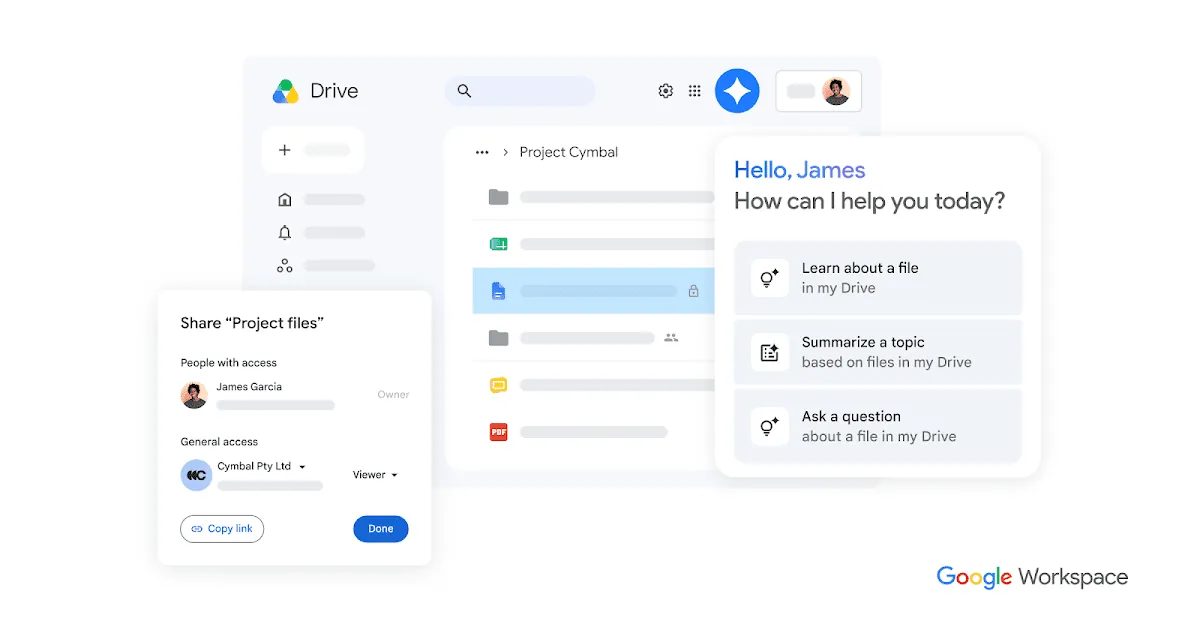
About Google Drive
Google Drive for desktop adds your Google Drive as a drive letter in File Explorer. Files can be streamed from the cloud and downloaded on demand, or mirrored so that a full copy stays on your PC. The app can also back up chosen local folders to Drive or Google Photos.
Every personal Google Account includes up to 15 GB of storage shared across Gmail, Google Drive and Google Photos. Google One subscriptions add more space. Google Docs, Sheets and Slides files open in the browser from Explorer.
What it does well
- Drive in File Explorer. Your Google Drive appears as a drive letter alongside your local disks.
- Stream or mirror. Keep files online-only to save space, or keep full offline copies.
- Folder backup. Back up chosen PC folders to Google Drive or photos to Google Photos.
- Multiple accounts. Add several Google Accounts and switch between them.
- Offline files. Mark files or folders to stay available without an internet connection.
Who it is for
Good fit
People who use Gmail, Google Docs or Google Photos and want their Drive files in File Explorer.
Look elsewhere
Users who want end-to-end encrypted storage or a Linux desktop client.
Pros and cons
Pros
- 15 GB free, more than most rivals
- Drive appears directly in File Explorer
- Works with Google Docs and Photos
Cons
- Free storage is shared with Gmail and Google Photos
- Files are not end-to-end encrypted
- No official Linux app
How to install Google Drive
Run the installer, sign in with your Google Account in the browser and choose whether Drive streams or mirrors your files. In Preferences, pick which local folders to back up and change the drive letter if needed.
Questions about Google Drive
Is Google Drive free?
Yes. Every Google Account includes up to 15 GB of free storage shared across Drive, Gmail and Google Photos. Google One adds more.
What is the difference between streaming and mirroring?
Streaming keeps files in the cloud and downloads them when opened. Mirroring keeps a full copy of My Drive on your PC.
Can I back up my PC folders with it?
Yes. You can choose local folders to sync to Google Drive or back up photos to Google Photos.


