

Our verdict: Duplicati is a free open-source backup client for encrypted, scheduled file backups to almost any cloud or local storage. It uploads only changed blocks and keeps versions with flexible retention rules. The interface runs in a web browser, and it backs up files rather than a full system image.
About Duplicati
Duplicati is an open-source backup client under the MIT License. On Windows the GUI package installs a tray icon and a small local web server; the first launch opens the interface in your browser. You create backup jobs that pick folders, a destination, a schedule and how many versions to keep.
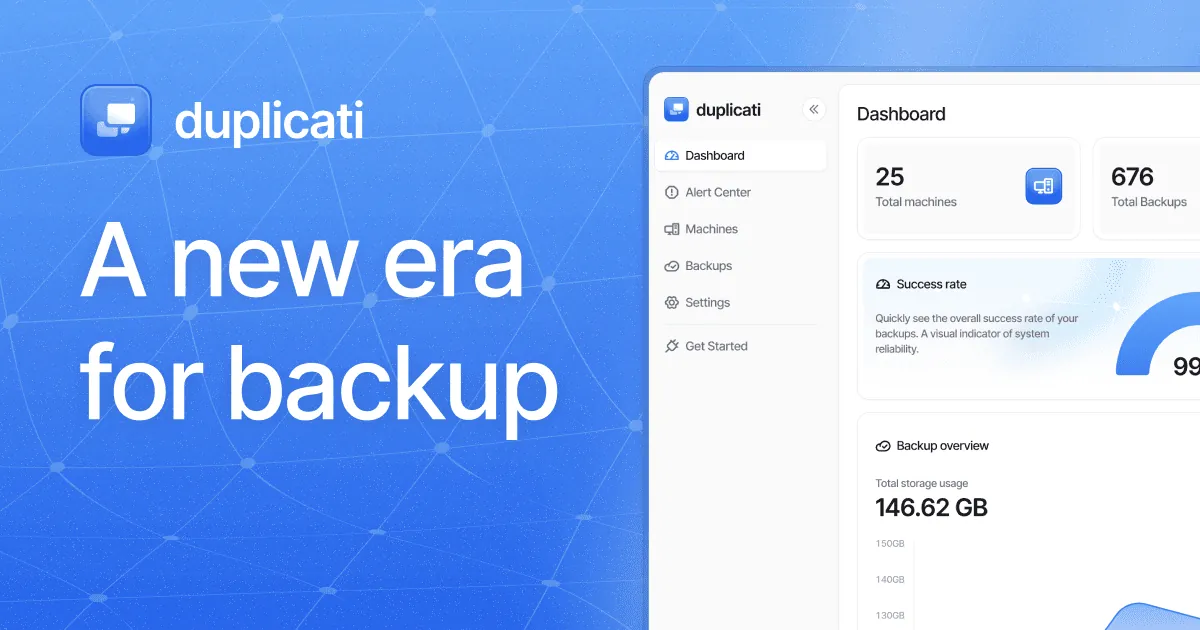
Destinations include local and external drives, network shares, FTP and SFTP servers, Amazon S3, Azure Blob Storage, Google Cloud, Backblaze B2, Dropbox, OneDrive, box.com, Jottacloud and Storj. Data is encrypted with AES-256 on your PC before upload, and only changed blocks are sent after the first backup. Duplicati Inc. also sells an optional online console for monitoring many machines; the backup client itself stays free.
What it does well
- Many destinations. Cloud services, S3-compatible storage, SFTP, FTP, network shares and local drives.
- AES-256 encryption. Backups are encrypted on your PC before they leave it.
- Block-level incremental backups. After the first run, only changed data is uploaded.
- Retention rules. Keep all versions, a fixed number, or delete backups older than a set age.
- Scheduled jobs. Run backups automatically at set times from the tray app.
Who it is for
Good fit
Home users and small offices who want encrypted file backups to their own cloud account or NAS.
Look elsewhere
People who need a bootable system image or disk clone, or who dislike browser-based settings pages.
Pros and cons
Pros
- Free and open source
- Huge choice of cloud and local destinations
- Encryption before upload
- Flexible version retention
Cons
- Files only, no full system image
- Interface runs in a web browser
- Upgrades require uninstalling the old version first
How to install Duplicati
Install the x64 GUI MSI from duplicati.com; the Windows installer also comes in Arm64 and 32-bit builds. After setup the interface opens in your browser. Store the backup passphrase somewhere safe, because encrypted backups cannot be restored without it. To upgrade, uninstall the old version first; the docs say jobs and settings are kept.
Questions about Duplicati
Is Duplicati free?
Yes. The backup client is open source under the MIT License. Only the optional online monitoring console has paid plans.
Where does Duplicati store backups?
Wherever you choose: a local or external drive, a network share, an SFTP or FTP server, or cloud storage such as S3, B2, OneDrive or Dropbox.


