
Internet · Updated
The best VPN for Windows, free and paid
A VPN encrypts the connection between your PC and the VPN server, so the owner of a public Wi-Fi network or your internet provider cannot see what you do, and websites see the server's IP address instead of yours. It does not make you anonymous: the VPN provider can see your traffic instead, so who runs the service matters as much as its features.
The real choice is between a free plan with limits and a paid subscription. Free plans cap your data, devices or server countries; paid plans remove those limits but often start with a cheap first term and renew at a higher price. All picks below have a Windows app with a kill switch or an equivalent that blocks traffic if the VPN drops, except Cloudflare WARP, which is a different kind of tool.
Our picks at a glance
| App | Best for | License | Price | Download |
|---|---|---|---|---|
 Proton VPN Proton VPN |
The best free VPN with no data cap | Open source | Free | Review |
 Windscribe Windscribe |
A free VPN on all your devices | Freeware | Free | Review |
 NordVPN NordVPN |
A full-featured paid VPN for streaming and travel | Free trial | $94.23, for the first 27 months (Basic 2-year plan), then $139.08 per year | Review |
 Surfshark Surfshark |
Households with many devices | Free trial | $67.23, for the first 27 months (Starter 2-year plan), then renews at a higher price | Review |
 TunnelBear TunnelBear |
The simplest app for occasional use | Freeware | Free | Review |
 Cloudflare WARP Cloudflare WARP |
Encrypting public Wi-Fi traffic without a data cap | Freeware | Free | Review |
1. Proton VPN — VPN
Best for: The best free VPN with no data cap
- Open source
- Free
- Internet
Proton VPN has one of the few free plans worth using every day: no data limit, no time limit and no ads. The free tier keeps the kill switch, DNS and IPv6 leak protection and the Stealth protocol for networks that block VPNs. The apps are open source and independently audited, and Proton AG, the Swiss company behind Proton Mail, states a strict no-logs policy.
The free plan works on one device only and has fewer server locations. P2P, streaming support, the NetShield ad blocker and up to 10 devices need a paid plan, and every plan requires an account. If you need several free devices instead of unlimited data, Windscribe is the alternative.
Pros
- No data cap on the free plan
- No ads
- Open-source, audited apps
Cons
- Free plan works on one device only
- P2P, streaming and NetShield need a paid plan
- Account required
2. Windscribe — VPN
Best for: A free VPN on all your devices
- Freeware
- Free
- Internet
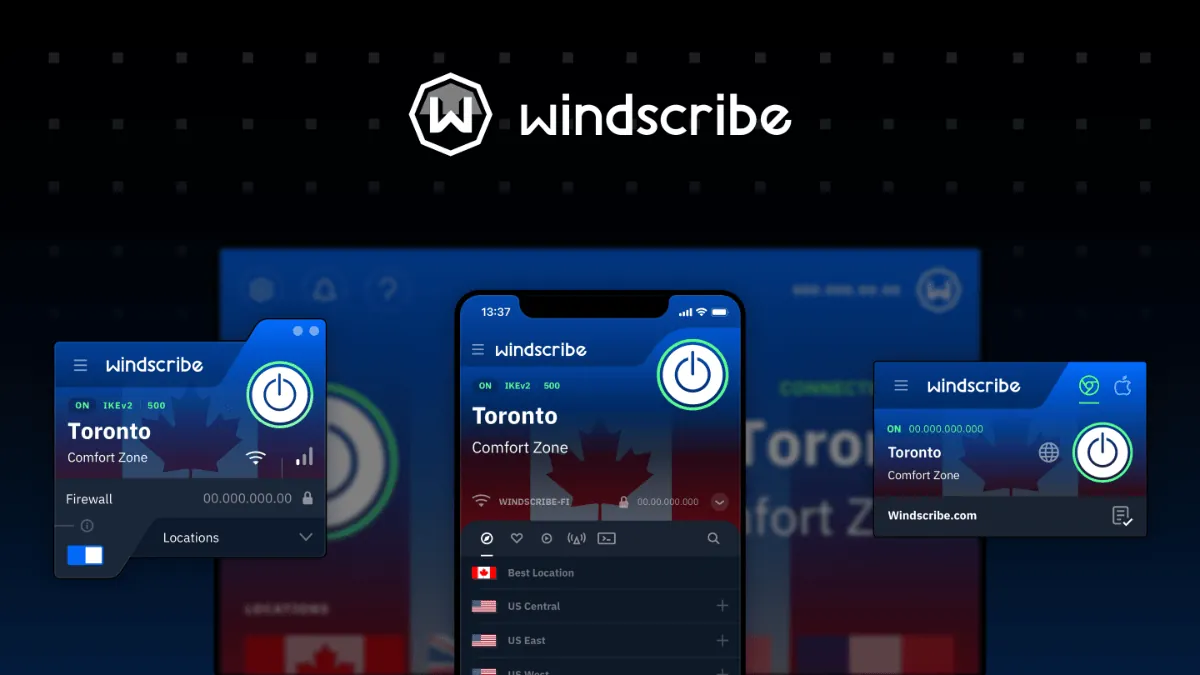
Windscribe's free plan gives 10 GB a month once you confirm an email address, or 2 GB with just a username, on unlimited devices. Free users get servers in 10 countries, including the US, Canada, the UK, Germany and the Netherlands, and the same app as Pro with the leak-blocking firewall, split tunneling and the R.O.B.E.R.T. blocker for ads and trackers.
The cap is the limit: 10 GB suits travel and public Wi-Fi, not daily streaming, where Proton VPN Free goes further. Pro removes the cap for $9 a month or $69 a year, and the desktop app is open source under the GPL v2.
Pros
- 10 GB a month free on unlimited devices
- Same encryption and features as Pro
- Ad and tracker blocking included
Cons
- Free plan capped at 10 GB a month (2 GB without email)
- Only 10 countries and shared servers on the free plan
- Requires a Windscribe account
3. NordVPN — VPN
Best for: A full-featured paid VPN for streaming and travel
- Free trial
- $94.23, for the first 27 months (Basic 2-year plan), then $139.08 per year
- Internet
NordVPN is the most complete paid option here. The Windows app uses NordLynx, a protocol built on WireGuard, plus OpenVPN and NordWhisper for networks that block VPNs, and adds split tunneling, obfuscated and Double VPN servers and Threat Protection against malicious sites, ads and trackers. One account covers 10 devices, and Meshnet, a private network between your own devices, works without a subscription.
The 7-day trial is only for new users in selected countries and needs a card or PayPal. The cheapest plan, Basic for two years, costs $94.23 for the first 27 months and then renews at $139.08 a year, and the installer suggests other Nord products. Surfshark costs less up front and has no device limit.
Pros
- Fast NordLynx connections
- Built-in threat and ad blocking
- 10 devices per account
Cons
- Free trial only in some countries and needs a card or PayPal
- Renewal prices are much higher than the intro price
- Installer suggests other Nord products
4. Surfshark — VPN
Best for: Households with many devices
- Free trial
- $67.23, for the first 27 months (Starter 2-year plan), then renews at a higher price
- Internet
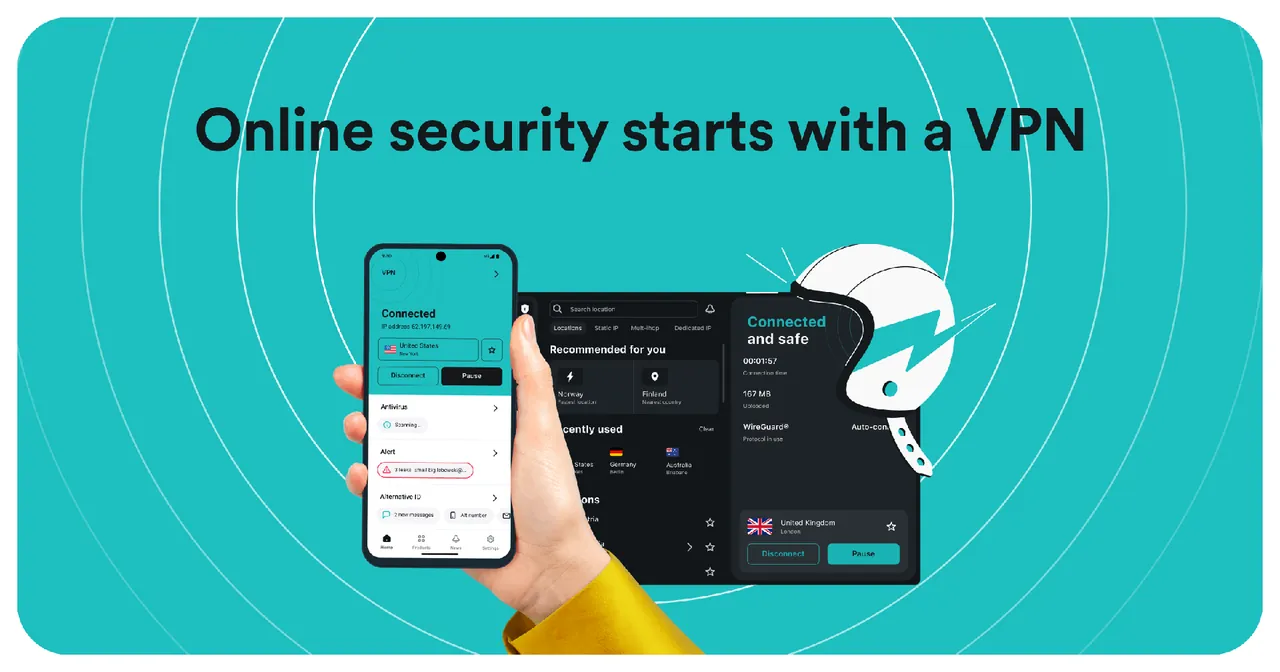
Surfshark lets one subscription protect an unlimited number of devices at once, which makes it the better value than NordVPN for a family. The Windows app has a kill switch, Bypasser split tunneling, Rotating IP, Dynamic MultiHop through two servers and obfuscated servers, with more than 4,500 servers in 100 countries.
The 7-day trial for first-time users needs a card, PayPal or Apple Pay, allows only 3 devices and turns into the chosen plan unless you turn off auto-renewal. The Starter two-year plan costs $67.23 for the first 27 months, and it renews at a higher price.
Pros
- Unlimited simultaneous devices
- Trial available on Windows
- Useful extras like Rotating IP and MultiHop
Cons
- Trial needs a card, PayPal or Apple Pay and renews automatically
- Only 3 devices during the trial
- Renewal price is higher than the first term
5. TunnelBear — VPN
Best for: The simplest app for occasional use
- Freeware
- Free
- Internet

TunnelBear is built around a map and an on/off switch, which makes it the easiest VPN here to understand. It includes VigilantBear as a kill switch and GhostBear for networks that block VPNs, works on unlimited devices and publishes independent security audits every year.
The free plan is only a taster: 2 GB of data per month, a location chosen by the app instead of by you, and no split tunneling. Proton VPN and Windscribe give free users much more, so TunnelBear makes the most sense if you plan to pay for its Unlimited plan.
Pros
- Very simple app
- Kill switch and obfuscation on the free plan
- Yearly public security audits
Cons
- Free plan is capped at 2 GB per month
- Free users cannot choose a country or use split tunneling
- Account required
6. Cloudflare WARP — VPN and DNS App
Best for: Encrypting public Wi-Fi traffic without a data cap
- Freeware
- Free
- Internet

Cloudflare WARP sends your traffic through an encrypted tunnel to the nearest Cloudflare data center, free and with no data limit. It is the quickest way to keep a cafe Wi-Fi owner or your internet provider from seeing your traffic, and its 1.1.1.1 mode can encrypt only DNS lookups instead.
It is not a classic VPN: you cannot choose a country, and it is not designed to hide your location from websites or streaming services. For that, use Proton VPN or a paid service.
Pros
- Free with no data cap
- No account required
- Simple one-switch app
Cons
- No choice of server location
- Not designed to hide your location from websites
- Your traffic passes through Cloudflare instead of your provider
Free vs paid VPN
A free plan is enough for public Wi-Fi, travel and occasional private browsing. Proton VPN has no data cap but one device, Windscribe has unlimited devices but 10 GB a month, and TunnelBear gives 2 GB. Be careful with unknown free VPNs: the provider sees all the traffic you send through it.
Pay if you stream, download a lot, need many server countries or want P2P support. Compare the renewal price, not just the first term: NordVPN and Surfshark both renew at higher prices than their introductory offers, and their trials need a payment method.
Small VPNs inside other apps
Some apps include a limited VPN. Opera has a free VPN that only covers traffic inside the browser, and Bitdefender Antivirus Free includes 200 MB of VPN traffic per device per day. They are fine for a quick check, not as your main VPN.
Your own server: WireGuard and OpenVPN clients
If your router, your own server or your employer provides a VPN, you need a client, not a service. WireGuard imports a .conf file and runs the tunnel as a Windows service, and OpenVPN Connect imports .ovpn profiles. Neither includes any servers, so they do nothing without a configuration from someone else.
Frequently asked questions
What is the best free VPN for Windows?
Proton VPN is the best free choice for most people because its free plan has no data or time limit and no ads. Windscribe is better if you want the free plan on several devices and 10 GB a month is enough.
Is NordVPN better than Surfshark?
NordVPN has more extras, such as Threat Protection, Double VPN servers and the free Meshnet feature, and covers 10 devices. Surfshark costs less for the first term and allows unlimited devices. Both have 7-day trials that need a payment method and renew at higher prices.
Is Proton VPN free?
Yes. The free plan has no data or time limit and no ads, but works on one device with fewer locations. P2P, streaming support and NetShield require a paid plan.
Is Cloudflare WARP a VPN?
It uses VPN technology to encrypt your traffic, but you cannot choose a country, and it is not meant to hide your location from websites. It is free with no data cap.
Can I use a free VPN for torrents?
Not with Proton VPN Free, where P2P support is a paid feature. Check the provider's rules before torrenting through any VPN.
ExeDepot does not host installers. Every download button opens the developer's own server or official download page. Prices and licenses come from each developer's site and were checked on .