

Our verdict: AdwCleaner is a quick, free way to clean up a browser that keeps redirecting, showing pop-ups or changing its homepage. It needs no installation and focuses only on adware and unwanted programs. It is not an antivirus and does not protect you in real time.
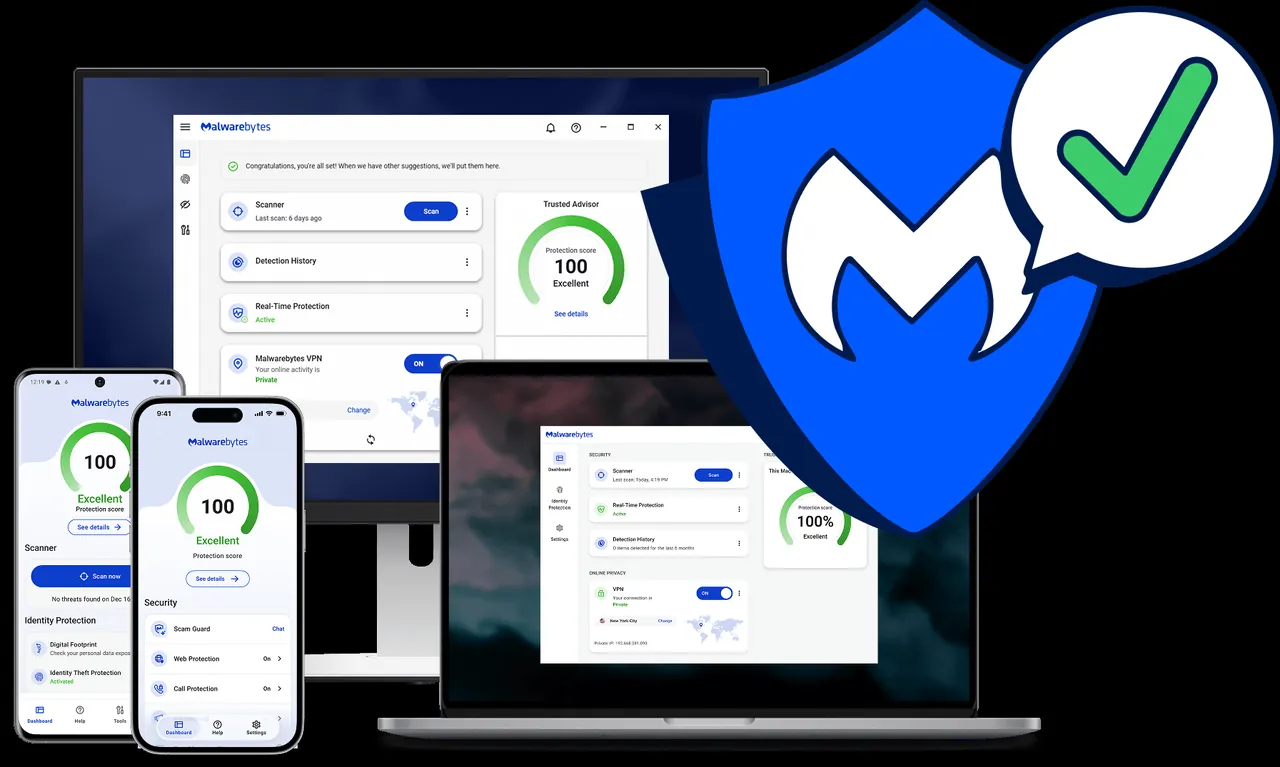
About Malwarebytes AdwCleaner
AdwCleaner is a single program file from Malwarebytes that you run when you need it. It targets adware, potentially unwanted programs (PUPs), toolbars and browser hijackers, the kind of software that often arrives bundled with free downloads and changes browser settings.
A scan takes a few minutes. You review the list of findings, keep anything you want, and quarantine the rest; some cleanups finish after a restart. For viruses, trojans and ransomware, Malwarebytes points users to its separate Malwarebytes Free scanner.
What it does well
- No installation. Runs straight from the downloaded file and can be removed afterwards.
- Adware and PUP detection. Finds adware, unwanted programs, toolbars and browser hijackers.
- Review before removal. Lets you untick any finding you want to keep before cleaning.
- Quarantine. Moves removed items to quarantine so they can be restored.
- Scan logs. Saves a text log of each scan and cleanup for later review.
Who it is for
Good fit
Anyone whose browser shows unexpected pop-ups, redirects or a changed homepage or search engine.
Look elsewhere
Users who need a full antivirus or ongoing real-time protection.
Pros and cons
Pros
- Free and portable
- Fast scans focused on adware and browser hijackers
- Results can be reviewed and restored from quarantine
- Small download
Cons
- No real-time protection and no antivirus scanning for viruses or ransomware
- Can flag bundled programs you actually want, so results need checking
- Closed source
How to install Malwarebytes AdwCleaner
Download adwcleaner.exe and run it; there is no setup. Accept the license, click Scan Now, then check the results carefully before you clean, because some flagged programs may be tools you installed on purpose. Save your work first, since a restart may be needed to finish the cleanup.
Questions about Malwarebytes AdwCleaner
Is AdwCleaner free?
Yes. Malwarebytes AdwCleaner is free to download and use.
What is the difference between AdwCleaner and Malwarebytes?
AdwCleaner targets adware, PUPs and browser hijackers. Malwarebytes Free is a broader cleanup scanner that also removes viruses, trojans and ransomware.
Does AdwCleaner need to be installed?
No. It runs directly from the downloaded file.


