

Our verdict: WhatsApp for Windows is the easiest way to answer WhatsApp chats and calls from a keyboard. It is free and end-to-end encrypted, but it is only a companion app: the account lives on your phone, and the Windows version is distributed through the Microsoft Store.
About WhatsApp
WhatsApp is owned by Meta. The Windows app is a linked device: you sign in by scanning a QR code with WhatsApp on your primary phone, and personal messages and calls stay end-to-end encrypted.
One phone can link up to four devices, such as a PC, a browser and a tablet. Linked devices keep working while the phone is offline, but you must open WhatsApp on the primary phone at least every 14 days or the links are disconnected. On Windows the app is offered through the Microsoft Store.
What it does well
- Linked device. Sign in by scanning a QR code with WhatsApp on your phone.
- End-to-end encryption. Personal chats and calls are encrypted between the people in the conversation.
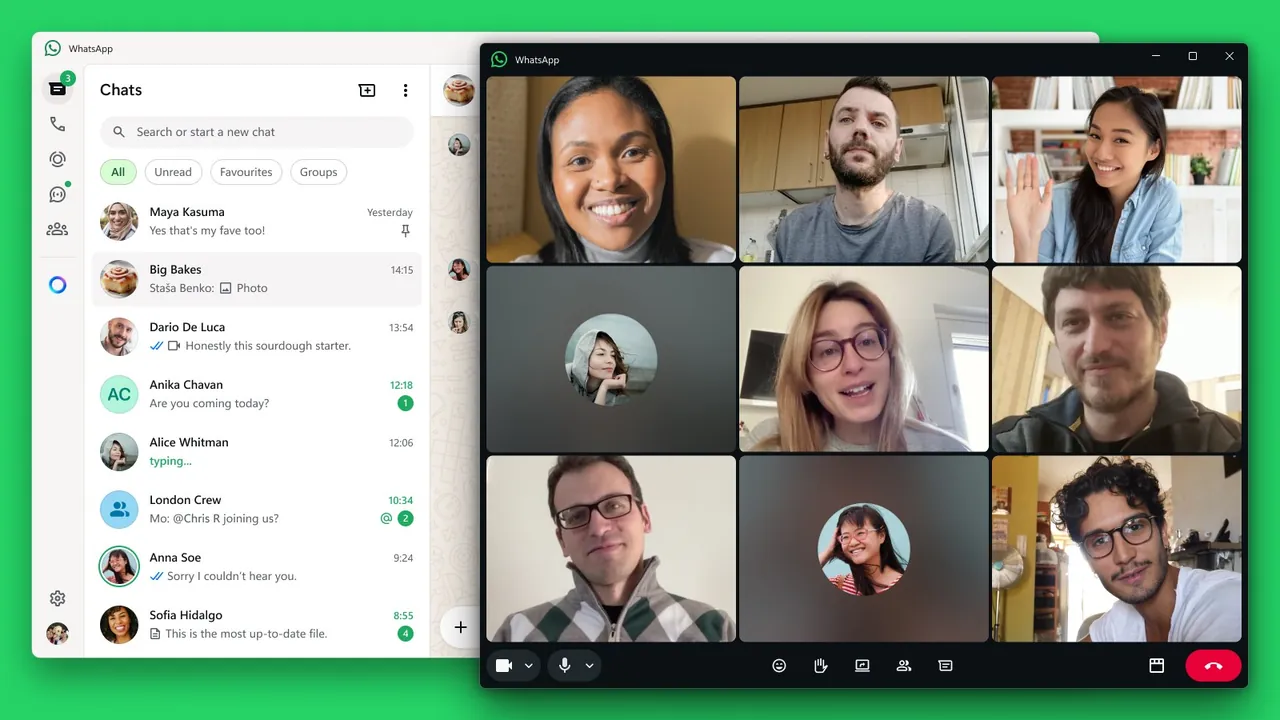
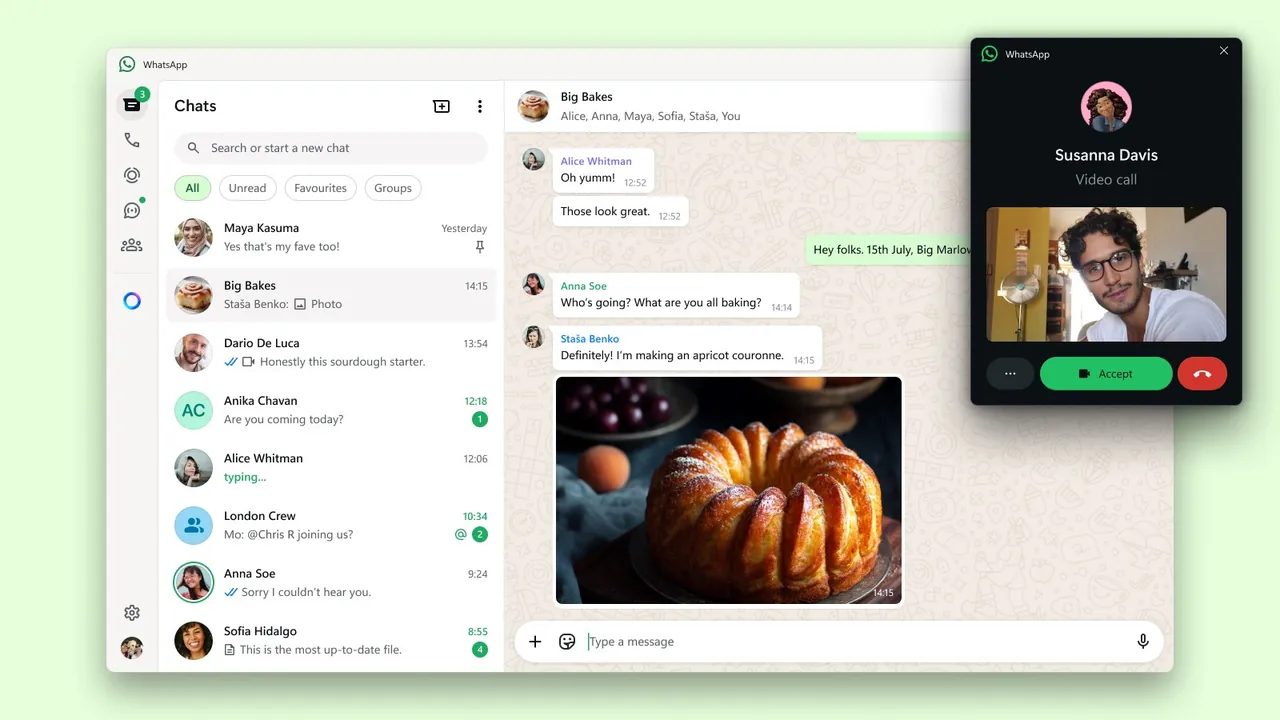
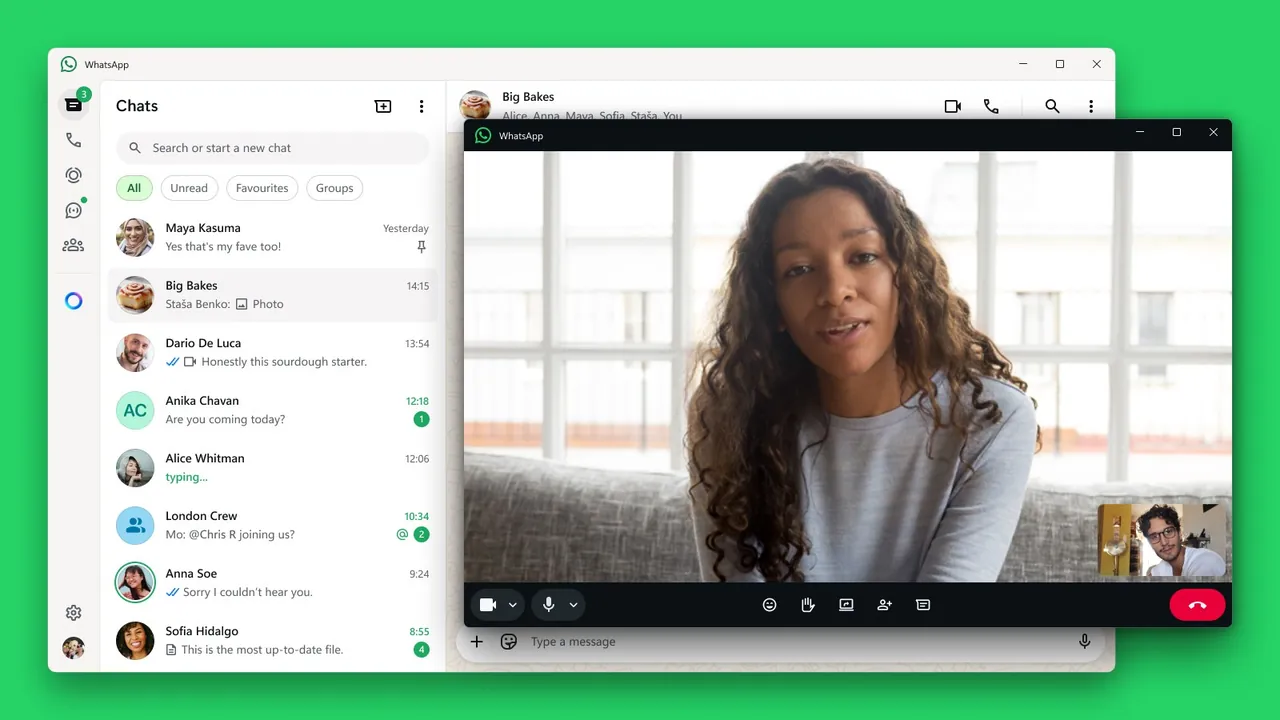
- Voice and video calls. Make one-to-one and group calls from the desktop app.
- Works without the phone online. Chats keep syncing while your phone is switched off, within the 14-day limit.
- Files and media. Send documents, photos and voice messages straight from your PC.
Who it is for
Good fit
People who already use WhatsApp on their phone and want to type and call from a PC.
Look elsewhere
Users without a smartphone, or anyone who wants a messenger not owned by Meta.
Pros and cons
Pros
- Free, with end-to-end encrypted chats and calls
- Most of your contacts likely already use it
- Keeps working while the phone is offline
- Native app with calls, not just a web wrapper
Cons
- Needs WhatsApp on a phone to set up
- Linked devices disconnect if the phone app is not opened for 14 days
- Windows version comes only from the Microsoft Store
How to install WhatsApp
Open the official download page and choose Windows; it sends you to the Microsoft Store. After installing, open WhatsApp on your phone, go to Linked devices → Link a device and scan the QR code on the PC screen.
Questions about WhatsApp
Is WhatsApp free?
Yes. WhatsApp for Windows and the mobile apps are free to download and use.
Can I use WhatsApp on Windows without a phone?
No. The Windows app is a linked device and must be connected to a WhatsApp account on a primary phone.
How many devices can I link to WhatsApp?
Up to four linked devices per primary phone.


