

Our verdict: Malwarebytes Free is a good second-opinion scanner for cleaning up a PC that is already infected. It does not protect you in real time; that needs the paid Premium plan. Expect a 14-day Premium trial after installation and regular upgrade prompts.
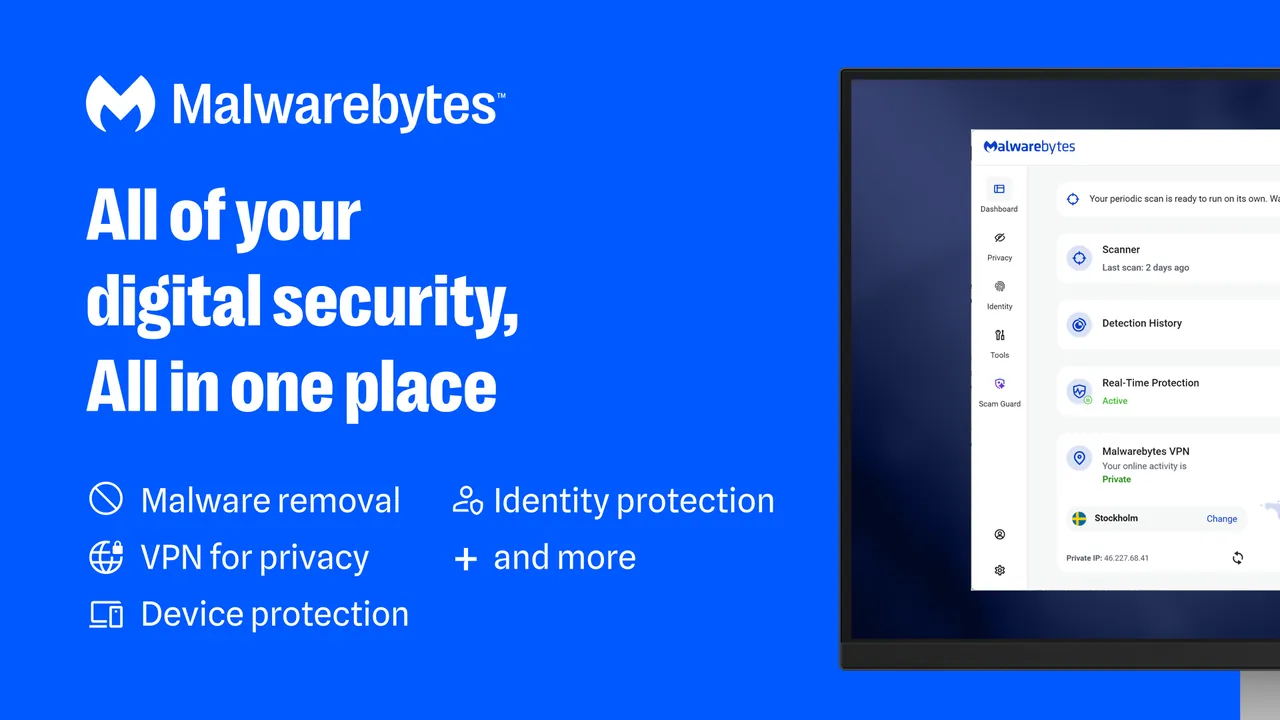


About Malwarebytes
Malwarebytes for Windows comes in a free and a paid version from the same installer. The free version is a cleanup tool: you start a scan yourself, and it finds and removes viruses, ransomware, spyware and adware that are already on the device.
Real-time protection, scheduled scans, web protection, ransomware protection and exploit protection are part of the paid Premium subscription. After installation, choosing Maybe later starts a 14-day Premium trial; when it ends, or if you deactivate it under Settings → Account, the app falls back to the free version.
What it does well
- On-demand scans. Quick Scan and Custom Scan check the PC for malware whenever you start them.
- Malware removal. Quarantines and removes infections found by a scan.
- Privacy and firewall tools. Free Privacy Controls and Windows Firewall Control settings.
- Startup and tweaks. Free tools to manage startup applications and apply system tweaks.
- File Shredder. Deletes files so they cannot be recovered with undelete tools.
Who it is for
Good fit
People who suspect an infection and want a second scanner next to Microsoft Defender.
Look elsewhere
Users looking for free always-on antivirus protection.
Pros and cons
Pros
- Free on-demand scanning and removal
- Clear list of free and paid features
- Trial can be turned off right away
- Extra free privacy and system tools
Cons
- No real-time protection in the free version
- Installs with a 14-day Premium trial and shows upgrade prompts
- Closed source
How to install Malwarebytes
Run MBSetup.exe from the official download page and choose Install. The setup offers the Browser Guard extension, which you can skip. When the app asks you to activate, Maybe later starts a 14-day Premium trial; to return to the free version right away, open Settings → Account and click Deactivate.
Questions about Malwarebytes
Is Malwarebytes free?
The scanner is free. Real-time protection, scheduled scans and web protection require a paid Premium subscription.
Why does Malwarebytes say Premium after installing?
A 14-day Premium trial starts when you choose Maybe later during setup. After the trial, or if you deactivate it under Settings → Account, the free version remains.
Does Malwarebytes Free replace my antivirus?
No. Malwarebytes describes the free version as a cleanup tool for existing infections, not ongoing protection, so keep Microsoft Defender or another antivirus running.


