

Our verdict: VLC is the player to install when a file will not open anywhere else. It carries its own codecs, so it plays almost any video, audio or disc without extra downloads. It is not the prettiest player, but it is the most reliable.
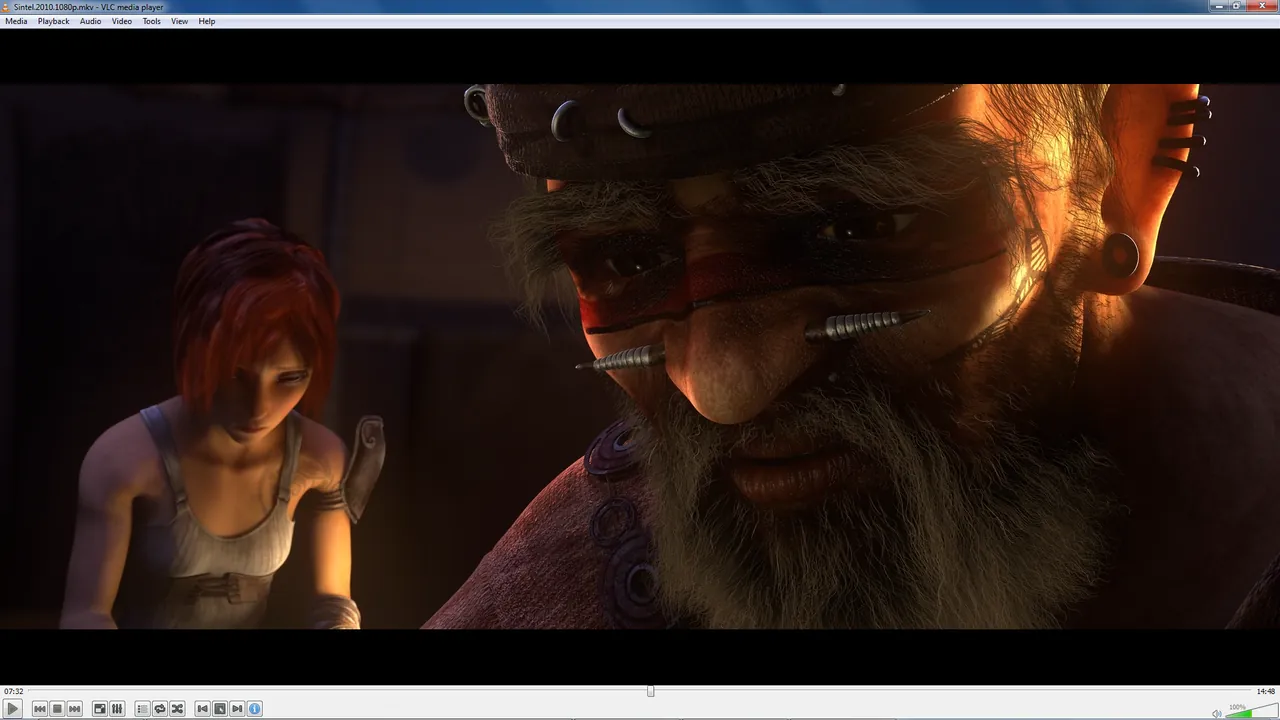
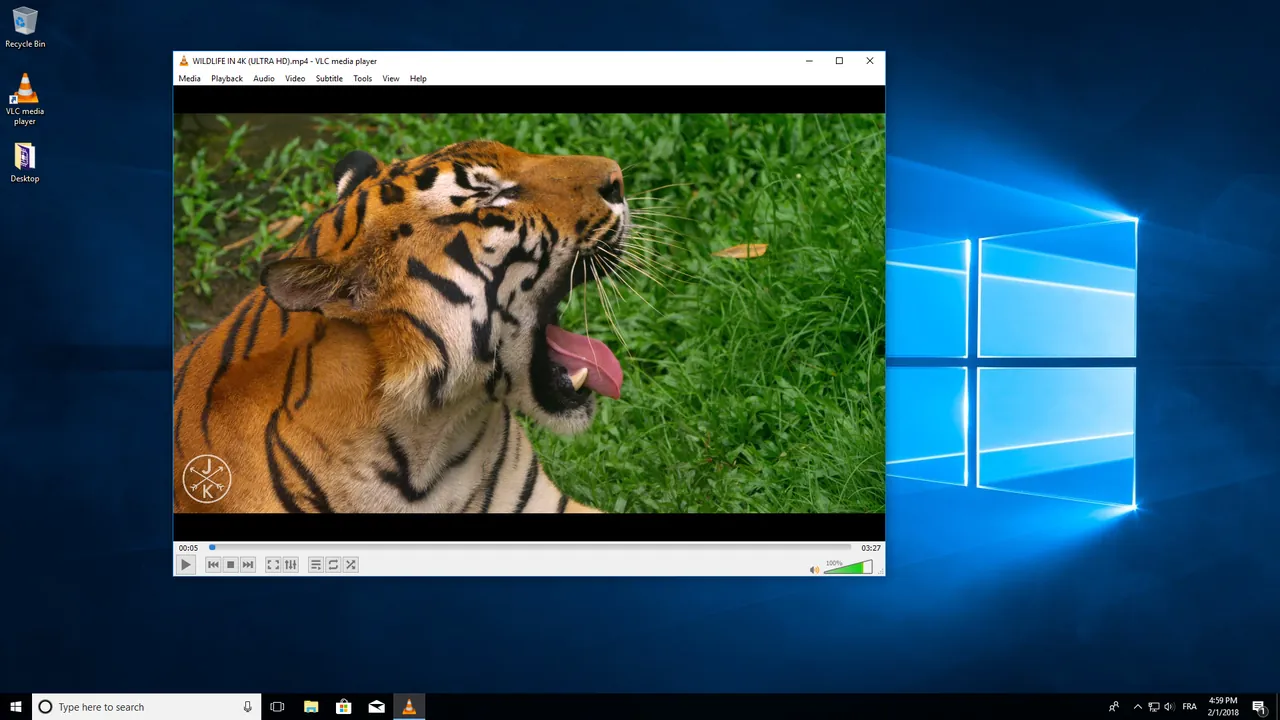
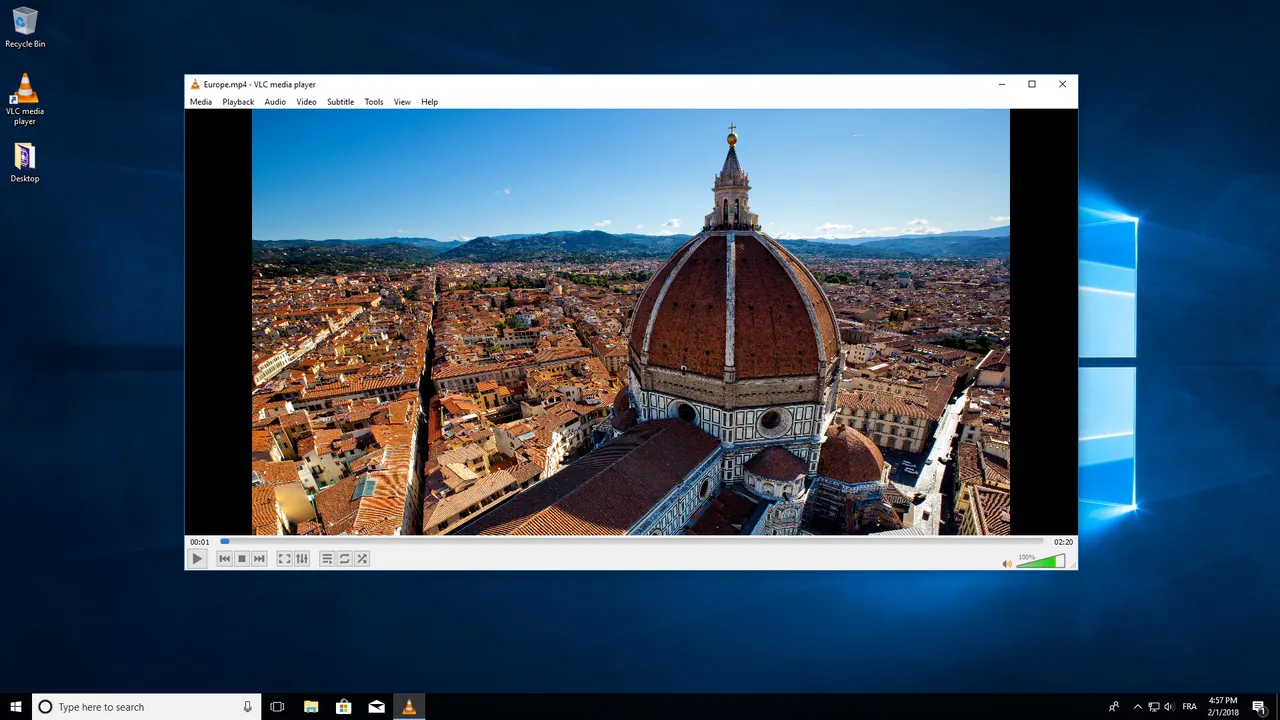
About VLC media player
VLC is made by VideoLAN, a non-profit organization that grew out of a student project in Paris. It is free, has no ads and does not track what you watch.
Because the codecs are built in, you do not need to install codec packs, which are a common source of junk software on Windows. VLC also opens DVDs, audio CDs, network streams and partially downloaded files.
What it does well
- Plays nearly every format. MKV, MP4, AVI, MOV, WebM, FLAC, MP3 and many more, with built-in codecs.
- Subtitle control. Loads external subtitle files, lets you shift timing and change font and size.
- Hardware decoding. Uses your graphics card to play high-resolution video smoothly with less CPU load.
- Streams and URLs. Opens network streams and online video links from Media → Open Network Stream.
- Convert and record. Converts files to other formats and records streams, without a separate app.
Who it is for
Good fit
Everyone who watches local video files, especially in unusual formats.
Look elsewhere
People who want a polished media library with posters and metadata for a large collection.
Pros and cons
Pros
- Plays almost anything
- No codec packs needed
- No ads or tracking
- Runs on every major platform
Cons
- Plain interface
- Media library is basic
- Many settings are hidden in advanced menus
How to install VLC media player
The download button gets the 64-bit Windows installer; ARM and 32-bit builds are on the official download page. During setup you can choose which file types VLC should open; leave them all ticked if you want it as your default player.
Questions about VLC media player
Is VLC free?
Yes, completely. It is open source and has no paid version on Windows.
Does VLC play Blu-ray discs?
It can play unprotected Blu-ray discs. Most commercial Blu-rays are copy protected, and VLC does not include the keys needed to decrypt them.
Do I need codec packs with VLC?
No. VLC includes its own codecs, which is one of its main advantages.


