

Our verdict: The Xbox app is required if you subscribe to PC Game Pass or buy PC games in the Microsoft Store. It installs and launches those games, streams console titles from the cloud and connects you to Xbox friends. Without Game Pass, it offers little that Steam does not.
About Xbox app
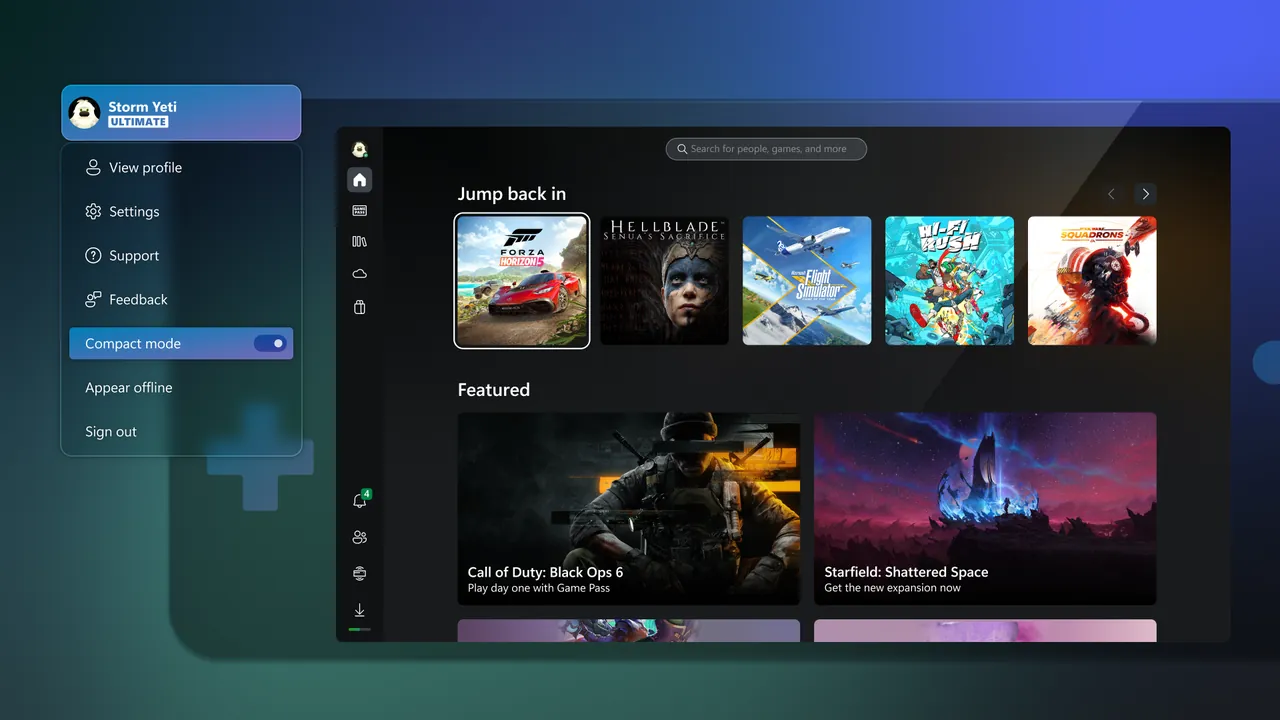
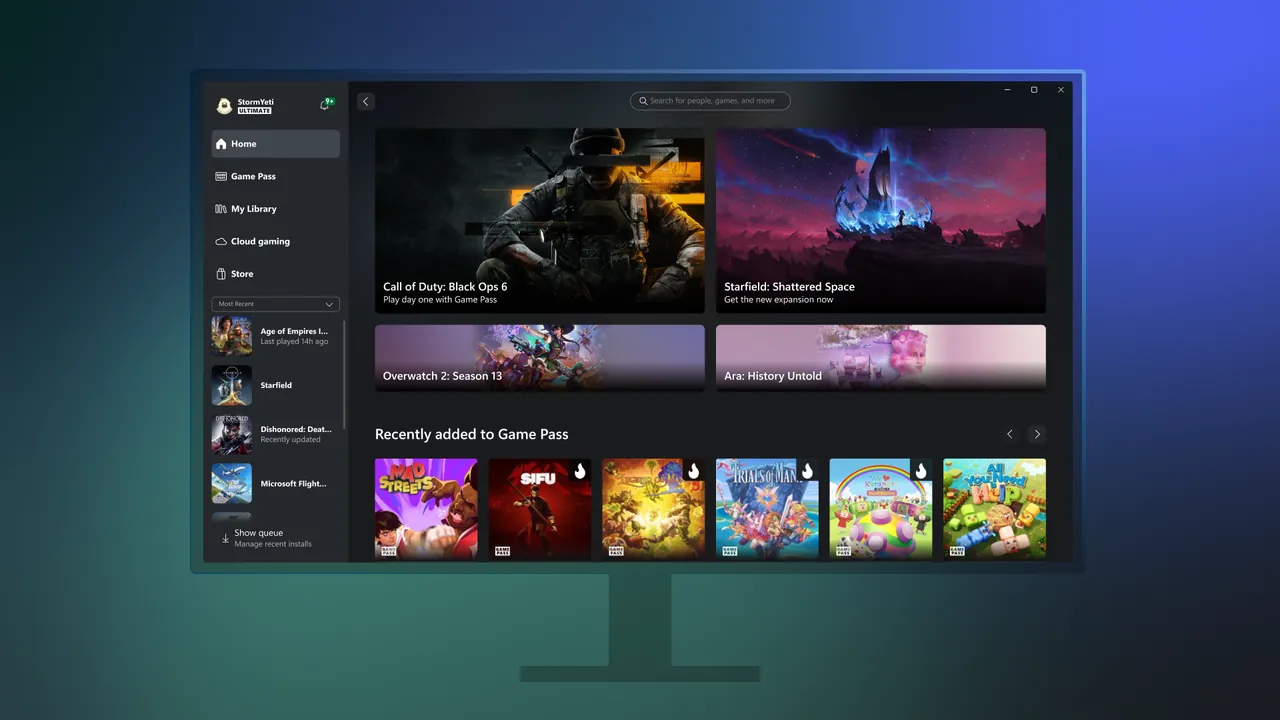
The Xbox app is Microsoft's game launcher for Windows. You sign in with a Microsoft account to browse the Game Pass library, install and launch PC games, and organize your collection. Achievements, game saves and purchases are shared with Xbox consoles and mobile, and you can chat and join parties with friends across devices.
Many features depend on a paid subscription: PC Game Pass unlocks the PC game library, and cloud gaming of console titles requires Xbox Game Pass Ultimate. On Windows 11 PCs and handhelds the app also offers Xbox mode, a controller-optimized full-screen interface. Microsoft states that it requires Windows 10 or 11, version 22H2 or later.
What it does well
- Game Pass library. Browse, install and launch PC Game Pass games from one place.
- Cloud gaming. Stream Xbox console games to the PC with Game Pass Ultimate.
- Friends and parties. Text and voice chat with Xbox friends on PC, console and mobile.
- Shared progress. Achievements, saves and purchases follow your Microsoft account.
- Xbox mode. Controller-friendly full-screen interface on Windows 11 PCs and handhelds.
Who it is for
Good fit
PC Game Pass subscribers and players who buy PC games from the Microsoft Store.
Look elsewhere
Players without Game Pass whose library is on Steam, Epic or GOG.
Pros and cons
Pros
- Required for PC Game Pass
- Cloud gaming of console titles with Game Pass Ultimate
- Cross-device friends, chat and achievements
Cons
- Most of the value needs a paid Game Pass plan
- Requires a Microsoft account
- Only games from the Microsoft Store and Game Pass
How to install Xbox app
The button downloads Microsoft's small Xbox installer, which then installs the app; Windows must be version 22H2 or later and up to date. Sign in with the Microsoft account you use for Xbox or Game Pass. In the app's settings you can pick the folder or drive where games are installed.
Questions about Xbox app
Is the Xbox app free?
Yes. The app is free with a Microsoft account. PC Game Pass, Xbox Game Pass Ultimate and most games are paid; there are also free-to-play titles.
Do I need the Xbox app for PC Game Pass?
Yes. PC Game Pass games are browsed, installed and launched through the Xbox app on Windows.
Can I play Xbox console games on PC with the Xbox app?
Yes, through cloud gaming, which streams supported console games and requires Xbox Game Pass Ultimate.


