

Our verdict: Chrome is the browser most websites are tested on first, and it fits naturally if you already use Gmail, Drive and Android. The trade-off is privacy: signing in ties your browsing data to a Google Account, and there is no built-in ad blocker.
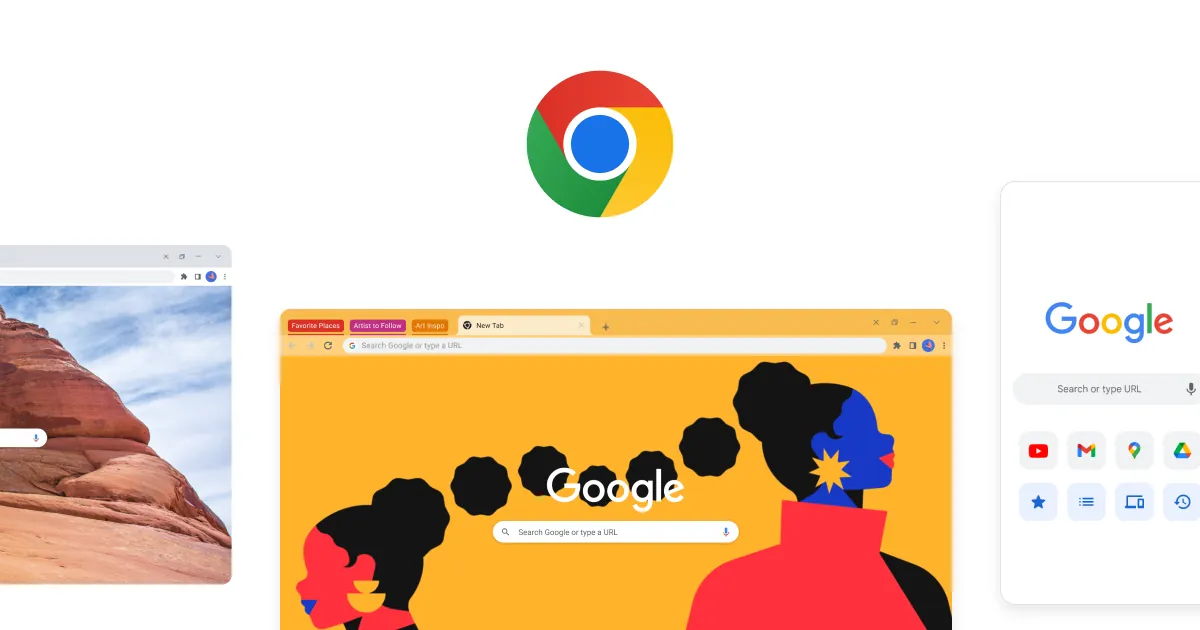
About Google Chrome
Chrome is developed by Google on top of Chromium, the open-source project that also powers Edge, Brave and Vivaldi. Chrome itself adds Google services, automatic updates and proprietary components, so it is freeware rather than open source.
Signing in with a Google Account syncs bookmarks, saved passwords and other settings between devices. Google Password Manager, Safe Browsing warnings and Safety Check are built in, and the Chrome Web Store has the largest catalog of browser extensions. Recent versions also add Gemini, Google's AI assistant, inside the browser.
What it does well
- Google Password Manager. Saves and fills passwords, suggests strong ones and flags compromised logins.
- Safe Browsing. Warns about malware and phishing sites; Enhanced Safe Browsing adds stronger checks.
- Tab groups and vertical tabs. Group, label and color tabs, or stack them down the side of the window.
- Sync across devices. Bookmarks, passwords and autofill data follow your Google Account to other devices.
- Chrome Web Store. Large catalog of extensions for productivity, shopping and development.
Who it is for
Good fit
People who use Google services every day and want the browser that websites support best.
Look elsewhere
Users who want strong tracking protection or a built-in ad blocker out of the box.
Pros and cons
Pros
- Best website compatibility
- Largest extension catalog
- Automatic security updates
- Built-in password manager
Cons
- No built-in ad or tracker blocking
- Sync links browsing data to your Google Account
- Some Gemini features require a paid Google AI plan
How to install Google Chrome
The download button gets Google's full 64-bit offline installer, which does not need to download anything during setup; Chrome opens when setup finishes and offers to become your default browser. Chrome updates itself automatically in the background. Sign in with a Google Account only if you want sync.
Questions about Google Chrome
Is Google Chrome free?
Yes. Chrome costs nothing to download and use. Some AI features inside it, such as Gemini auto browse, are limited to paid Google AI subscribers.
Is Chrome open source?
No. Chrome is built on the open-source Chromium project, but Chrome itself includes proprietary Google components.
Do I need a Google Account to use Chrome?
No. Chrome works without signing in. An account is only needed for sync of bookmarks, passwords and settings.


