

Our verdict: OpenVPN Connect is the straightforward way to use an OpenVPN profile from your employer, your router or a VPN provider. It imports .ovpn files and connects with a toggle. It is only a client: without a server or a profile from someone else, it does nothing.
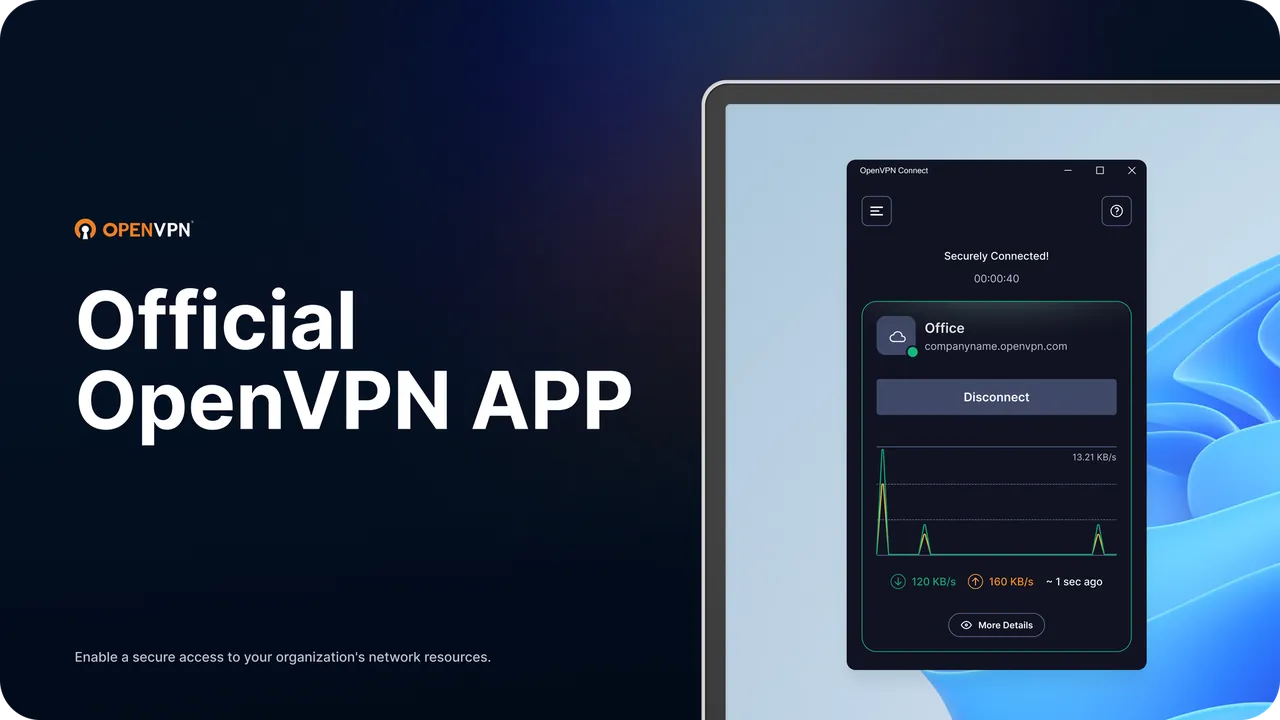
About OpenVPN Connect
OpenVPN Connect is the client app made by OpenVPN Inc., the company behind the OpenVPN protocol. It connects to the open-source OpenVPN server, to the company's Access Server and CloudConnexa products, and to any VPN service that offers OpenVPN profiles.
You import a connection profile as an .ovpn file or by entering a server URL, then switch it on. The Windows app also supports Pre-Login Connect, which starts the VPN at the Windows sign-in screen so domain-joined laptops can log in and pick up Group Policy off the office network. The client itself is free; the business servers it connects to are sold separately.
What it does well
- Profile import. Add a connection from an .ovpn file or a server URL.
- Works with any OpenVPN server. Supports the open-source server, Access Server, CloudConnexa and VPN providers that use OpenVPN.
- Pre-Login Connect. Starts the VPN at the Windows sign-in screen for domain logins.
- Tray app. Connect and disconnect from the system tray icon.
- MSI installer. Standard MSI package, with a winget option for scripted installs.
Who it is for
Good fit
Employees and home users who received an .ovpn profile from their company, router or VPN provider.
Look elsewhere
People looking for a ready-made VPN service with its own servers.
Pros and cons
Pros
- Official client from the makers of OpenVPN
- Works with almost any OpenVPN server or provider
- Simple one-toggle connection
- Free with no ads
Cons
- Does not include any VPN servers
- Closed-source app, unlike the community OpenVPN GUI
How to install OpenVPN Connect
Install the MSI, agree to the EULA and accept the Windows prompt. On first start, review the data usage policy, then import your .ovpn file or enter the server URL your IT team or provider gave you. Toggle the profile to connect.
Questions about OpenVPN Connect
Is OpenVPN Connect free?
Yes. The client is free to download and use. You need access to an OpenVPN server or a profile from a VPN provider.
Does OpenVPN Connect hide my IP address by itself?
No. It only connects to a server you have a profile for; the server decides where your traffic exits.
Can I use OpenVPN Connect with a commercial VPN?
Yes, if the provider offers OpenVPN configuration files. Import the .ovpn file and sign in with the credentials they give you.


