

Our verdict: Surfshark is one of the cheaper big-name VPNs and allows unlimited devices, which suits households. The 7-day trial works on Windows, but it needs a payment method and turns into a long plan automatically. Expect a higher price when the first term ends.
About Surfshark
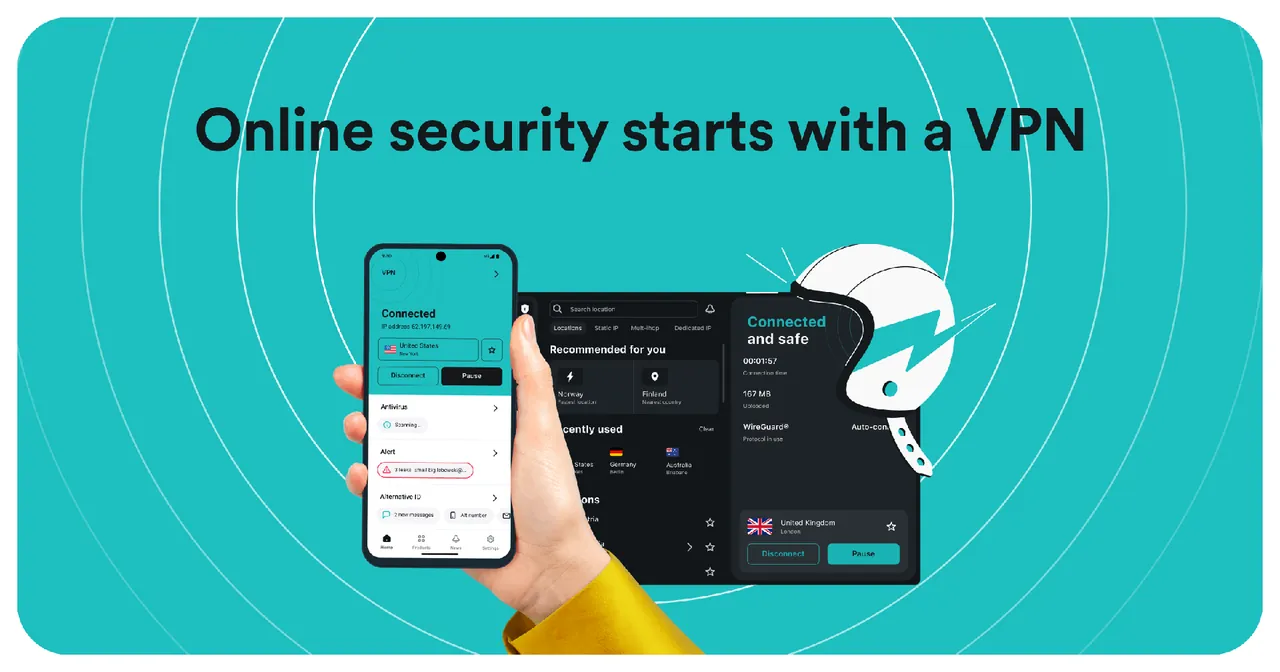
Surfshark runs more than 4,500 servers in 100 countries and lets one subscription protect an unlimited number of devices at once. The Windows app has a kill switch, Bypasser split tunneling for apps and websites, Rotating IP, which changes your IP address during a session, Dynamic MultiHop through two servers and obfuscated servers for restrictive networks. Higher tiers, Surfshark One and One+, add antivirus, data leak alerts and Incogni data removal.
The 7-day free trial is for first-time users on 12-month and 24-month plans. You enter a card, PayPal or Apple Pay, pay $0 up front and can use 3 devices during the trial; if you do not turn off auto-renewal before day 7, you are charged for the chosen plan and a 30-day money-back guarantee then applies. The cheapest plan, Starter for two years, cost $67.23 for the first 27 months when we checked.
What it does well
- Unlimited devices. One subscription covers every device in the household at the same time.
- Bypasser. Split tunneling to keep chosen apps and sites outside the VPN.
- Rotating IP. Changes your exit IP address regularly without dropping the connection.
- Dynamic MultiHop. Routes traffic through two VPN servers for extra privacy.
- Kill switch. Blocks internet access if the VPN connection drops.
Who it is for
Good fit
Families and people with many devices who want one affordable VPN subscription.
Look elsewhere
Anyone who wants a VPN without giving payment details, or who dislikes long prepaid plans.
Pros and cons
Pros
- Unlimited simultaneous devices
- Trial available on Windows
- Useful extras like Rotating IP and MultiHop
- Low introductory price
Cons
- Trial needs a card, PayPal or Apple Pay and renews automatically
- Only 3 devices during the trial
- Renewal price is higher than the first term
How to install Surfshark
Start the trial on Surfshark's free-trial page with a 12- or 24-month plan and a payment method, then install the Windows app and log in. During the trial only 3 devices can connect. Disable auto-renewal under Subscription in your Surfshark account before day 7 if you do not want to be charged.
Questions about Surfshark
Is Surfshark free?
No. First-time users get a 7-day free trial on 12- or 24-month plans; you must enter a card, PayPal or Apple Pay and cancel before day 7 to avoid paying. Plans start at $67.23 for the first 27 months.
Can I use the trial on Windows?
Yes. The trial works on Windows, macOS, mobile and other platforms, on up to 3 devices at once.
Is there a money-back guarantee?
Yes. After the trial converts to a paid plan, a 30-day money-back guarantee applies.


