

Our verdict: Python is the language most people learn first, and the official installer is the cleanest way to get it on Windows. It includes pip for packages and IDLE for quick experiments. Managing several versions and virtual environments takes some learning.
About Python
Python is developed by the Python Software Foundation and core developers and is released under the PSF License. It is used for scripting, automation, web back ends, data analysis, machine learning and teaching.
On Windows, python.org offers two ways to install it: the new Python install manager, which can install and switch between several Python versions, and the classic standalone installer for a single version. Both include pip, the IDLE editor, the py launcher and the standard library.
What it does well
- pip. Installs packages from the Python Package Index, such as requests, pandas or Django.
- Standard library. Modules for files, networking, JSON, CSV, dates, testing and more, ready without extra installs.
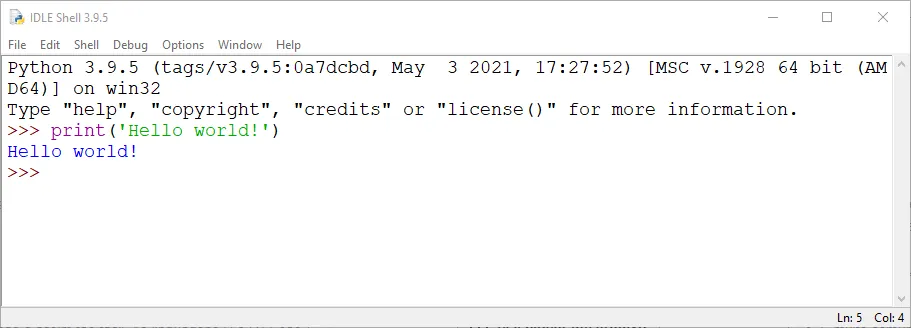
- IDLE. A simple editor and interactive shell for learning and small scripts.
- py launcher. Runs a specific installed version, for example py -3.14 script.py.
- Virtual environments. The venv module keeps each project's packages separate.
Who it is for
Good fit
Beginners learning to code, and anyone writing scripts, automation, data analysis or web back ends.
Look elsewhere
People who just want to run a single app; many Python tools ship as standalone .exe files instead.
Pros and cons
Pros
- Free and open source
- Huge package ecosystem via pip
- Easy to read and learn
- Official installer includes IDLE and pip
Cons
- Several versions and environments can get confusing
- Slower than compiled languages for heavy number crunching without libraries
- Typing python can open the Microsoft Store if PATH is not set
How to install Python
The link downloads the standalone 64-bit installer for the latest stable version. Tick Add python.exe to PATH on the first screen so python and pip work in the terminal. If you need several Python versions side by side, use the Python install manager from the same page instead. Create a virtual environment per project with python -m venv .venv.
Questions about Python
Is Python free?
Yes. Python is open source under the PSF License and free for any use, including commercial.
Should I use the Python install manager or the standalone installer?
The install manager is better if you need several versions. The standalone installer is simpler if you want one version.
Why does typing python open the Microsoft Store?
Windows has app execution aliases for python.exe. Install Python with Add to PATH ticked, or turn off the aliases in Settings → Apps → Advanced app settings.


