

Our verdict: Telegram Desktop is a fast, full-featured client for anyone who already uses Telegram on a phone. Chats sync instantly through the cloud, and files of up to 2 GB can be sent. Regular chats are not end-to-end encrypted, so it is not the best choice for highly sensitive conversations.
About Telegram Desktop
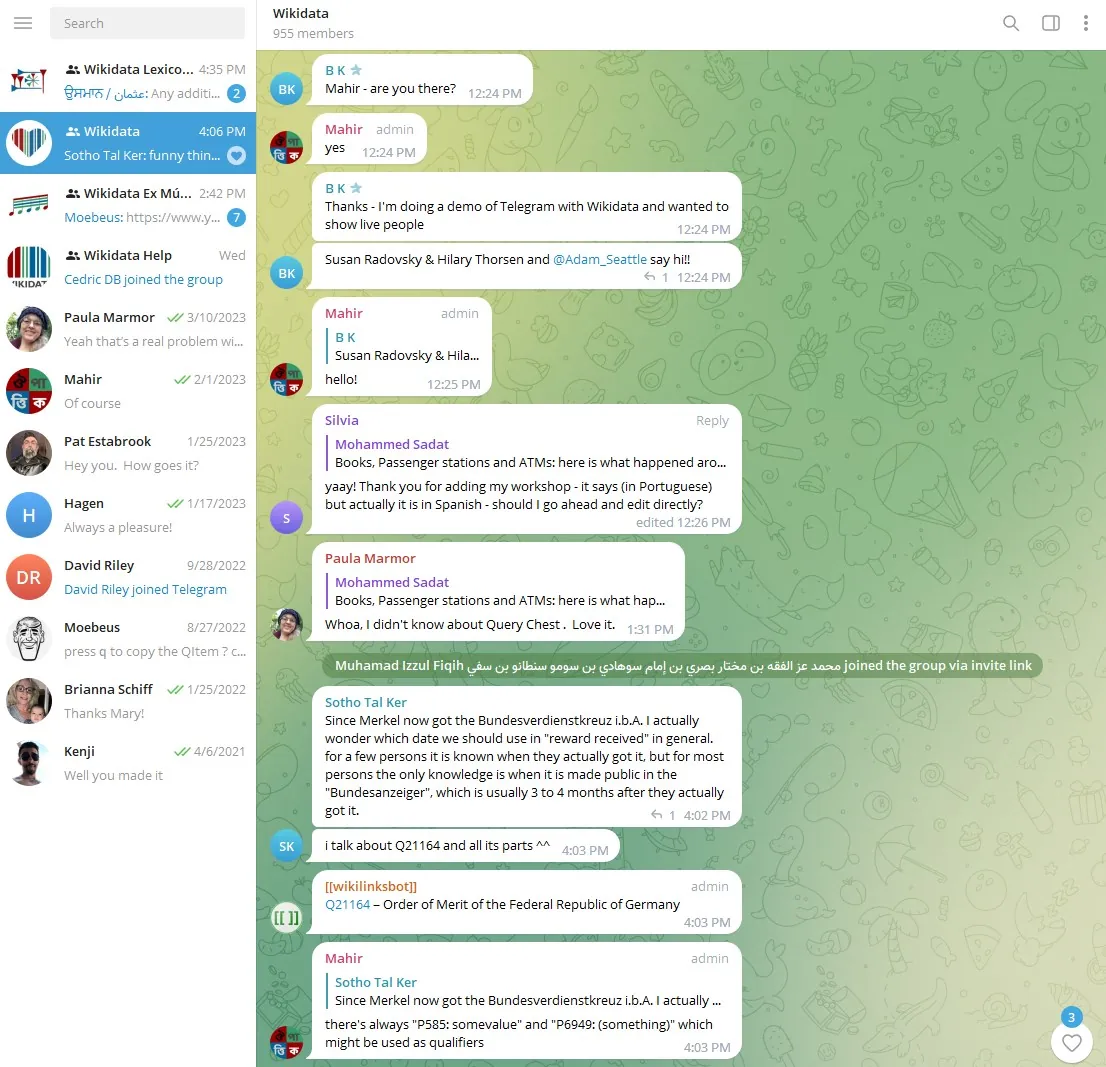
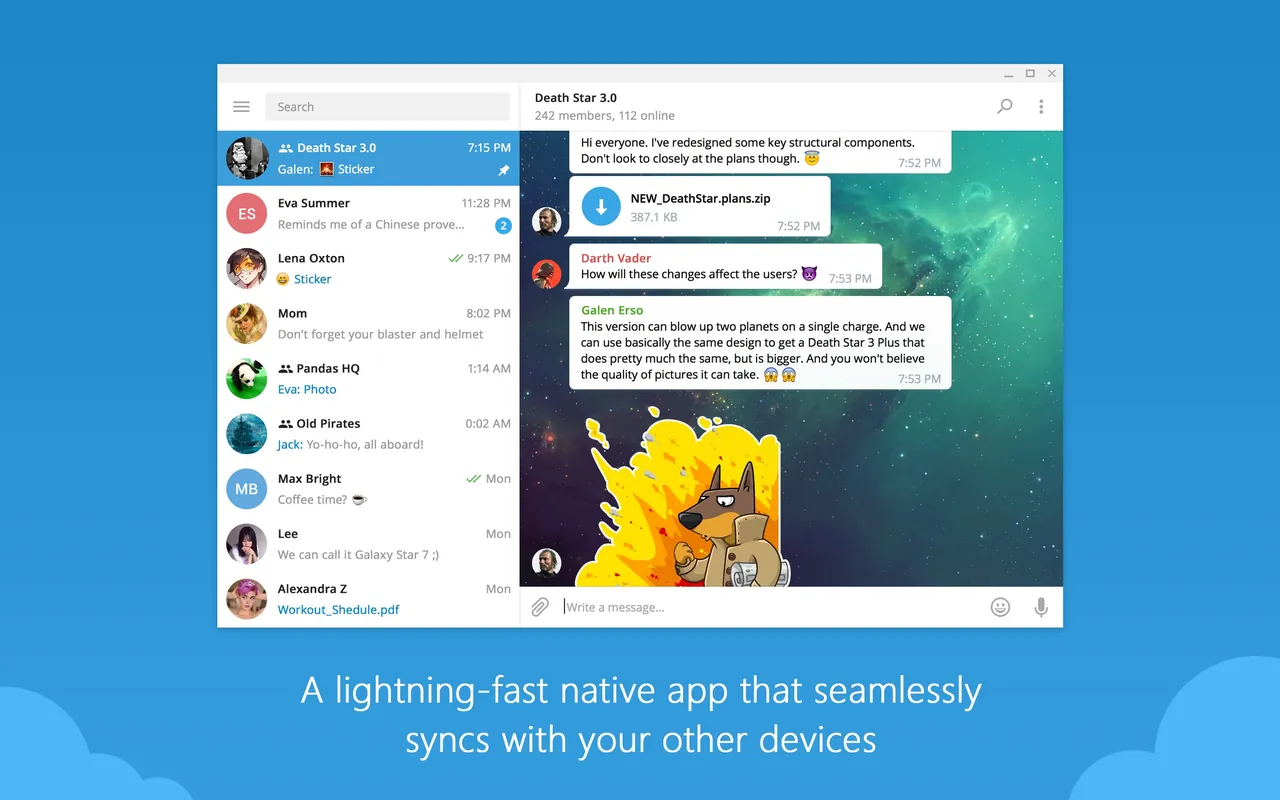
Telegram Desktop is the official Windows, macOS and Linux client of Telegram, released under the GPL v3 with its source code on GitHub. You sign in with the phone number of your Telegram account, and all cloud chats appear on every device at once.
Groups can hold up to 200,000 members, and channels broadcast to unlimited audiences. Cloud chats use server-client encryption; end-to-end encrypted secret chats are tied to the device they were started on. Voice and video calls, including group calls with up to 200 participants, are end-to-end encrypted. Telegram Premium is an optional subscription that unlocks extras such as 4 GB file uploads.
What it does well
- Cloud sync. Messages, media and files sync instantly between your phone, PC and other devices.
- Large file sharing. Send files of any type up to 2 GB each, or 4 GB with Premium.
- Groups and channels. Groups for up to 200,000 people with admins, replies and mentions; channels for broadcasting.
- Encrypted calls. End-to-end encrypted voice and video calls, plus group calls for up to 200 participants.
- Passcode lock. Lock the app with a local passcode and protect your account with two-step verification.
Who it is for
Good fit
Telegram users who want to chat, follow channels and move files from a full keyboard and large screen.
Look elsewhere
People who need end-to-end encryption for every conversation by default, or who do not want to link a phone number.
Pros and cons
Pros
- Instant sync with your phone
- Sends large files up to 2 GB
- Open-source client
- Portable version available
Cons
- Regular cloud chats are not end-to-end encrypted
- Requires a phone number to register
How to install Telegram Desktop
Download the installer from desktop.telegram.org; a portable version is offered on the same page. Sign in with your phone number and confirm the login code. In Settings → Privacy and Security, turn on two-step verification and a local passcode.
Questions about Telegram Desktop
Is Telegram Desktop free?
Yes. The app and the service are free. Telegram Premium is an optional paid subscription with extra features.
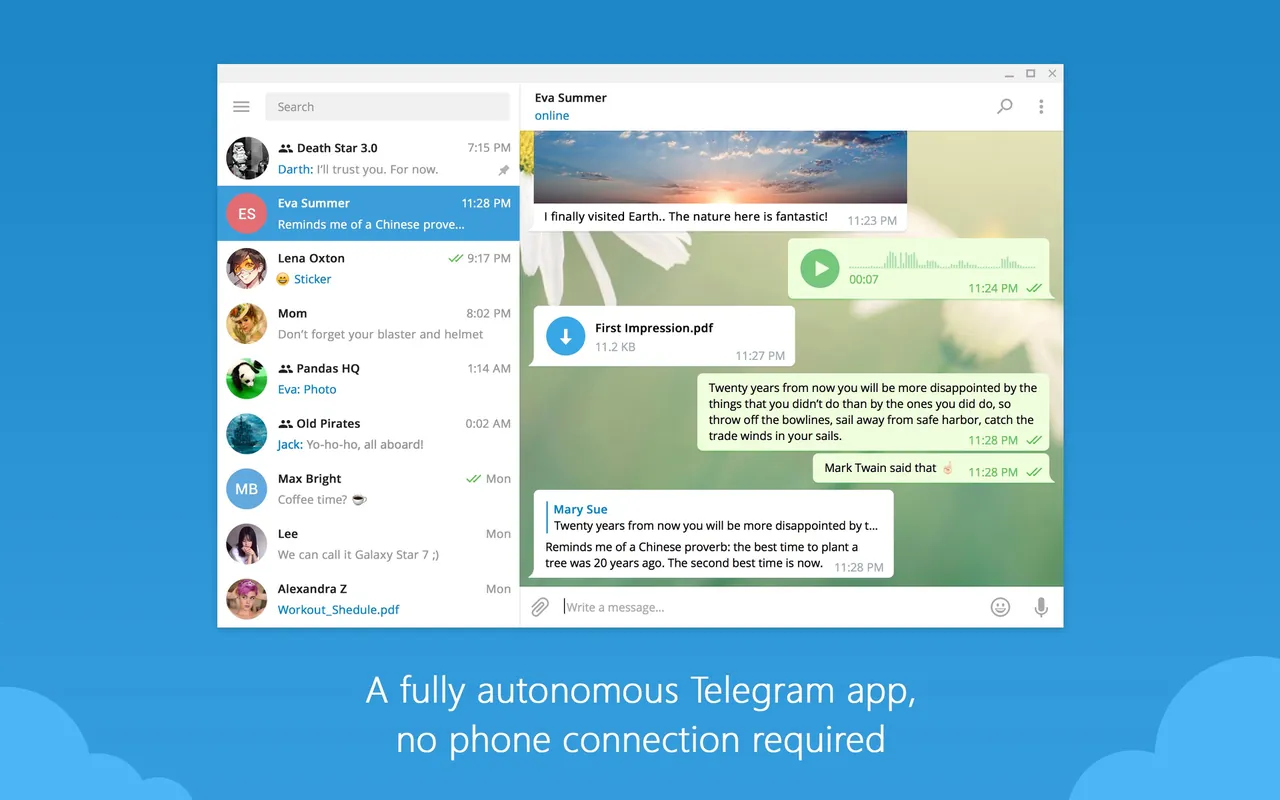
Do I need my phone to use Telegram on Windows?
You need a Telegram account registered with a phone number. After you sign in, the desktop app works on its own.
Are Telegram chats encrypted?
Cloud chats use server-client encryption. Only secret chats and calls are end-to-end encrypted.


