
AI tools · Updated
The best AI code editors and coding agents for Windows
An AI code editor does more than autocomplete: you describe a task, and an agent reads your project, edits several files, runs commands and shows you a diff to review. Several editors in this guide, including Cursor, TRAE, Qoder and Kiro, are based on or modelled after Visual Studio Code and accept its extensions or settings, so switching between them costs little.
The real differences are in the AI plans and in where your code goes. Every editor here is free to download, but the free plans range from a small monthly credit allowance to unlimited completions with a weekly agent quota, and heavy agent use costs $20 per month or more almost everywhere. With hosted AI, your prompts and code context are sent to cloud models, so check the privacy settings before you open private code.
Our picks at a glance
| App | Best for | License | Price | Download |
|---|---|---|---|---|
 Cursor Cursor |
The most complete AI editor for VS Code users | Freeware | Free | Review |
 Google Antigravity IDE Google Antigravity IDE |
The most generous free plan for agent work | Freeware | Free | Review |
 Devin Desktop (Windsurf) Devin Desktop (Windsurf) |
Running several AI agents in parallel | Freeware | Free | Review |
 Kiro Kiro |
Planned, reviewable changes instead of free-form chat | Freeware | Free | Review |
 Zed Zed |
A fast open-source editor where AI is optional | Open source | Free | Review |
 OpenCode OpenCode |
An open-source agent that works with any model | Open source | Free | Review |
 TRAE TRAE |
A cheap entry plan with VS Code extensions | Freeware | Free | Review |
 Qoder IDE Qoder IDE |
Trying premium models during a two-week trial | Freeware | Free | Review |
 Warp Warp |
Developers who work mostly in the terminal | Open source | Free | Review |
1. Cursor — AI Code Editor
Best for: The most complete AI editor for VS Code users
- Freeware
- Free
- AI tools

Cursor is a fork of VS Code, so it runs most VS Code extensions, themes and key bindings and can import your settings on first launch. Its agent edits several files, runs commands and shows a diff to review, Tab completion predicts multi-line edits, and codebase chat answers questions with references to your files. For a VS Code user it is the smallest change of habits among the agent editors.
The free plan only includes limited agent and chat requests. Paid plans are Plus at $8 per month with Grok models only, then Premium at $30, Super at $100 and Ultra at $200 per month, and third-party models are billed separately at API list price. Turn on Privacy Mode if you do not want your code used for training. If you want strong free agent use, Google Antigravity is more generous.
Pros
- Strong AI agent built into the editor
- Runs most VS Code extensions
- Imports VS Code settings in one step
Cons
- Free plan has only limited AI requests
- Paid plans range from $8 to $200 per month, and third-party models cost extra
- Code is sent to cloud models for AI features
2. Google Antigravity IDE — AI Code Editor
Best for: The most generous free plan for agent work
- Freeware
- Free
- AI tools
Google Antigravity is an agent-first editor: agents work across the editor, the terminal and a separate Chrome profile, so they can open and test your web app, and they report back with Artifacts such as plans, walkthroughs and screenshots you can comment on. The free individual plan includes several agent models, unlimited Tab completions, unlimited Command requests and basic weekly rate limits.
The limits are about accounts: you need a personal Google account in a supported country and must be 18 or older, and Workspace-only users may be turned away. The newest models such as Gemini 4 Argon need a paid Google AI Pro or Ultra plan. Code is processed by Google's cloud models; data collection can be switched off in Settings.
Pros
- Unlimited Tab completions on the free plan
- Agents can drive a browser to check web apps
- Reviewable plans and screenshots from the agent
Cons
- Top models such as Gemini 4 Argon need a paid Google AI plan
- Only personal Google accounts in supported countries, 18 and older
- Code and prompts are processed by Google's cloud models
3. Devin Desktop (Windsurf) — AI Code Editor
Best for: Running several AI agents in parallel
- Freeware
- Free
- AI tools
Windsurf has been renamed Devin Desktop by Cognition AI, and existing installs move to it through a normal update. Its Agent Command Center starts, tracks and reviews several local and cloud agent sessions from one board, and Spaces share context and Git worktrees between agents working on the same task. Through the Agent Client Protocol it can also run third-party agents such as Codex, Claude Agent and OpenCode.
The free plan keeps unlimited Tab completions and inline edits but only a light agent quota and limited models, so daily agent work means the $20 per month Pro plan; Max costs $200 per month. Compared with Cursor, it puts more weight on managing many agents at once than on the classic editing experience, and the recent rename can make documentation and forum answers confusing.
Pros
- Unlimited Tab completions on the free plan
- Runs several agents in parallel with shared context
- Works with third-party agents through ACP
Cons
- Free plan has only a light agent quota and limited models
- The recent rename from Windsurf and frequent changes can confuse
- Code and prompts are processed by cloud models
4. Kiro — AI Code Editor
Best for: Planned, reviewable changes instead of free-form chat
- Freeware
- Free
- AI tools
Kiro from Amazon Web Services is the most structured editor here. In spec mode it turns a prompt into requirements, an architectural design and a task list before the agent writes code, checks the requirements for contradictions and verifies behaviour with property-based tests. Agent hooks run tasks automatically on events such as saving a file, and it supports Open VSX extensions and imports VS Code settings.
The free tier is permanent but small: 50 credits per month with open-weight models and Claude Sonnet 4.5, and premium models burn credits faster. Pro costs $20 per user per month for 1,000 credits. For free and individual users, content may be used for service improvement unless you opt out, which is a weaker default than Cursor with Privacy Mode on.
Pros
- Clear spec, design and task workflow
- Wide choice of Claude, GPT and open-weight models
- Imports VS Code settings and supports Open VSX extensions
Cons
- Free tier has only 50 credits per month
- Credits run out faster with premium models
- Content may be used for service improvement unless you opt out
5. Zed — Code Editor
Best for: A fast open-source editor where AI is optional
- Open source
- Free
- Developer tools
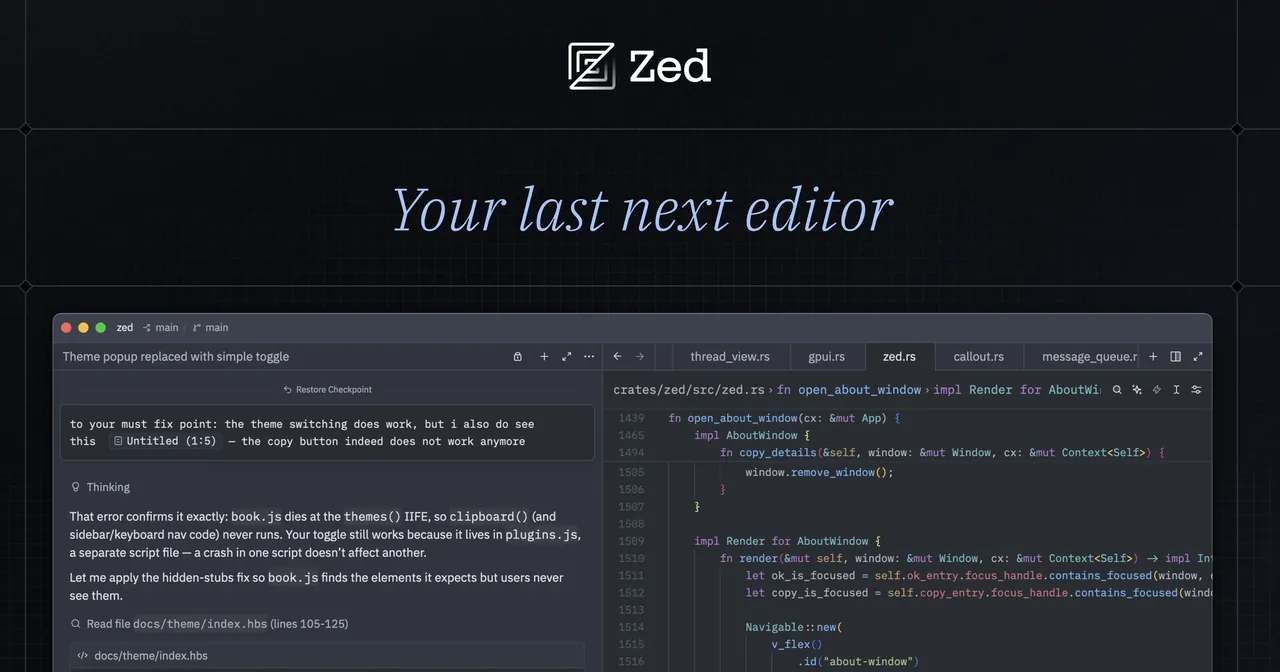
Zed is written in Rust, draws its interface on the GPU and is open source under the GNU GPL v3. The free Personal plan covers the full editor and lets you use the agent panel with your own API keys or external agents, so you can use AI without a subscription to the editor maker. All AI features can also be turned off completely.
Zed Pro at $10 per month adds hosted models, unlimited edit predictions and $5 of tokens, with usage billed beyond that. The trade-offs are a much smaller extension library than VS Code and a Windows version that is newer than the macOS and Linux builds. It suits developers who want speed first and AI second.
Pros
- Very fast on large projects
- Editor is free and open source
- Real-time collaboration built in
Cons
- Far fewer extensions than VS Code
- Hosted AI needs a paid Pro plan beyond the trial
- Windows version is newer than the macOS and Linux builds
6. OpenCode — AI Coding Agent
Best for: An open-source agent that works with any model
- Open source
- Free
- AI tools
OpenCode is not an editor but a coding agent you run from a terminal, a desktop app or an extension for VS Code, Cursor or Zed. It is free under the MIT license, connects to more than 75 providers and local models, and can sign in with an existing GitHub Copilot or ChatGPT Plus or Pro subscription, so you can reuse a plan you already pay for instead of buying another editor subscription.
It includes a rotating set of free models, but the lineup changes and strong models still need a paid provider. OpenCode states that it does not store your code or context data; prompts go to the provider you choose. The release pace is fast, and OpenCode 1 and 2 cannot be installed side by side. If you prefer a full editor with the agent built in, Cursor or Devin Desktop fit better.
Pros
- Free and open source under the MIT license
- Not tied to one AI vendor; local models supported
- Can reuse ChatGPT or GitHub Copilot subscriptions
Cons
- The free model lineup changes and some models are limited-time
- Strong models still require a paid provider or subscription
- Fast release pace; OpenCode 1 and 2 cannot be installed side by side
7. TRAE — AI Code Editor
Best for: A cheap entry plan with VS Code extensions
- Freeware
- Free
- AI tools
TRAE from ByteDance has two windows: an Agent window that runs several agent tasks, including tasks handed off to the cloud, and an IDE window with editor, terminal, debugger, Git and VS Code extension support. SOLO mode lets the AI plan a task and move through code generation, testing and preview on its own, and you can add your own models through API keys.
The free plan offers Auto model selection only, limited usage and 5,000 autocompletions per month; Pro costs $20 per month. The main concern is privacy: Privacy mode is off by default, and without it chats, code snippets and AI outputs may be used for model training. Turn it on before opening private code, or choose Cursor or Zed if that default bothers you.
Pros
- Agent window and classic IDE in one app
- Supports VS Code extensions, SSH and WSL
- Can use your own models through API keys
Cons
- Free plan is limited to Auto mode and 5,000 completions a month
- Privacy mode is off by default, so chats may be used for training
- Code is sent to cloud models for AI features
8. Qoder IDE — AI Code Editor
Best for: Trying premium models during a two-week trial
- Freeware
- Free
- AI tools
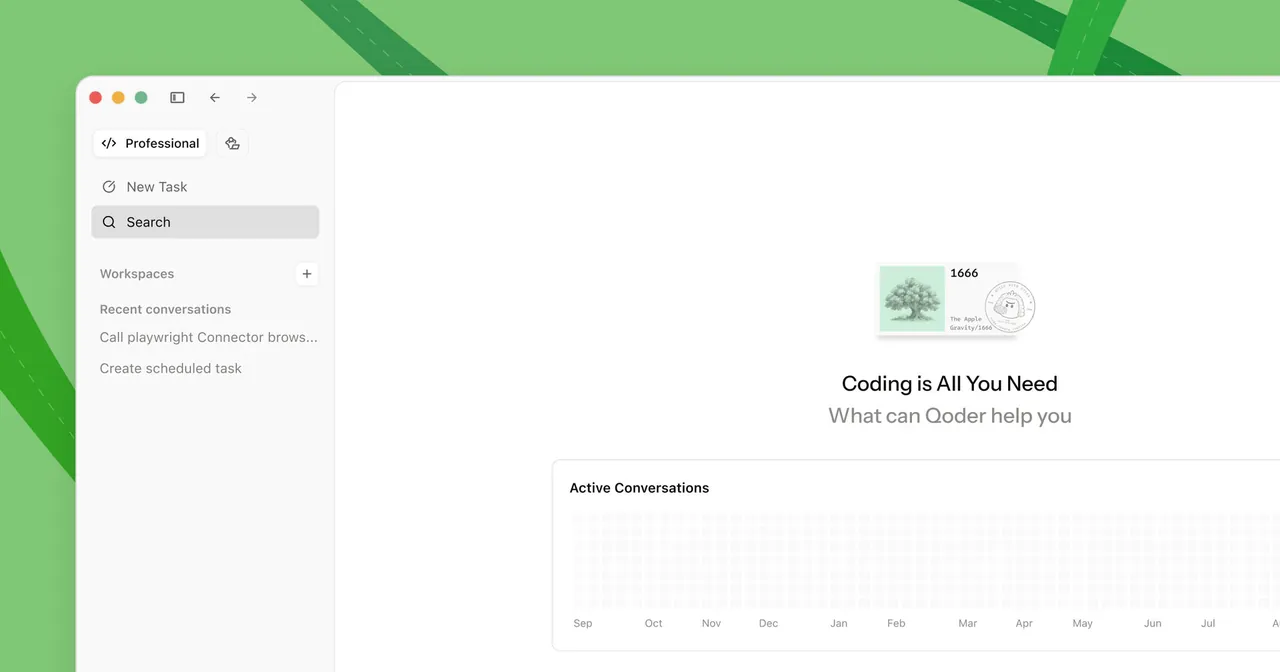
Qoder IDE is a VS Code-style editor with NEXT edit suggestions, inline chat and a chat panel that switches between Ask for questions and Agent for multi-file changes. Experts mode splits a request into parts and runs several agents in parallel. New users get a 14-day Pro trial with 300 credits, and the free plan supports your own API keys.
After the trial, the free plan drops to basic models with a daily message limit and limited completions, and Repo Wiki, which documents your repository for the agent, needs a paid plan from $20 per month. It overlaps heavily with TRAE and Cursor, so it is mainly worth a look if its trial lets you test premium models before you commit.
Pros
- 14-day Pro trial with 300 credits for new users
- Next-edit suggestions and agent mode in one editor
- Bring-your-own-key support on the free plan
Cons
- After the trial, the free plan has only basic models with a daily limit
- Repo Wiki and Knowledge Cards need a paid plan
- Code and prompts are processed by cloud models
9. Warp — AI Terminal
Best for: Developers who work mostly in the terminal
- Open source
- Free
- AI tools
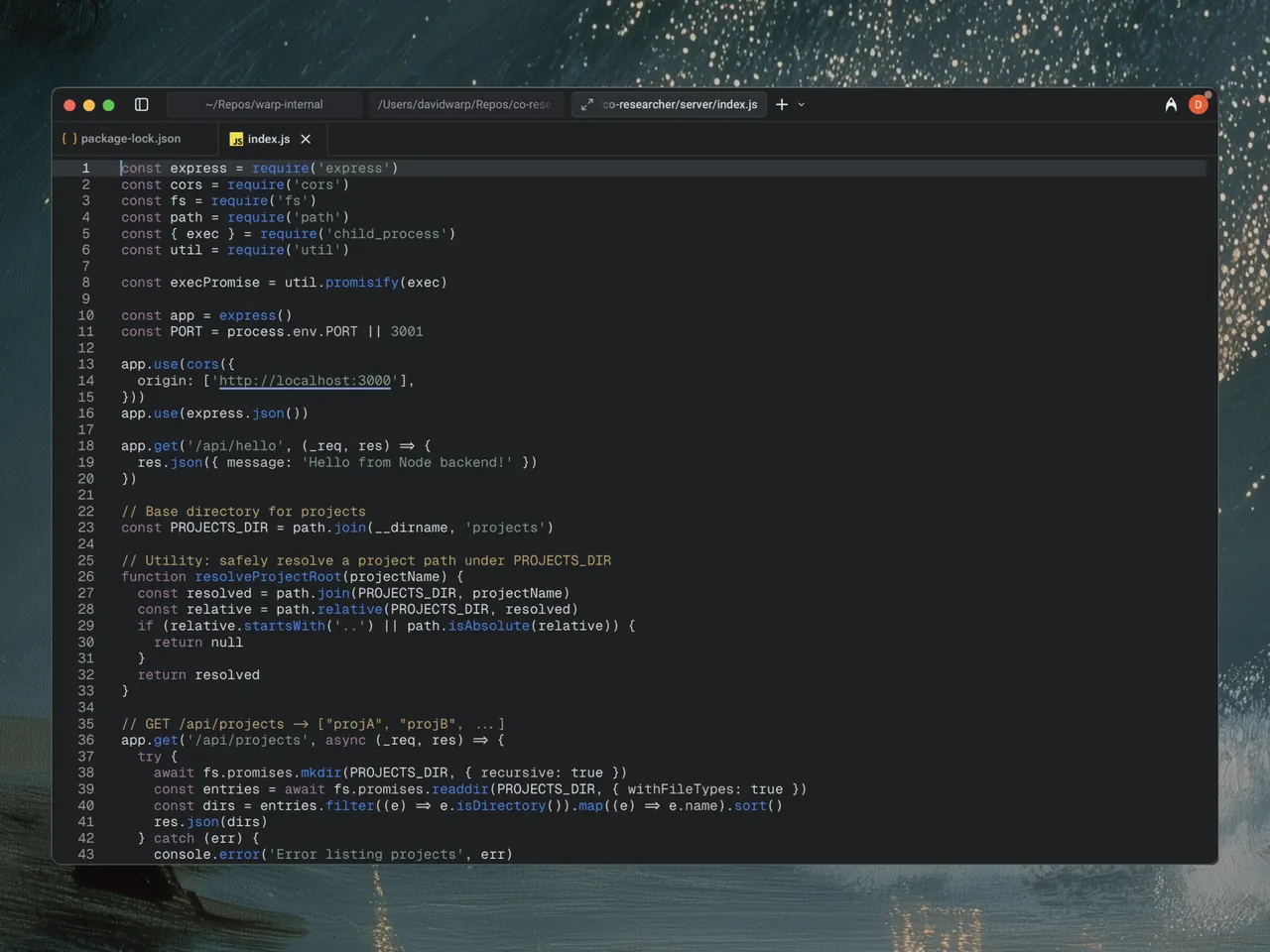
Warp is a terminal rather than an editor: commands and output appear as blocks you can copy, search or share, input works like a code editor, and the Warp Agent runs commands, edits files and reviews diffs from the same window. The client is open source, most of it under the AGPL v3, and you can use the terminal without an account.
The AI side is where the free plan is thin: agent usage is pay-as-you-go or uses your own inference, and AI and cloud features need an account. Build costs $20 per month and includes $20 of agent usage at API rates. Pair it with an editor such as Zed or VS Code rather than treating it as a replacement.
Pros
- Open-source client under the AGPL v3
- Blocks make long command output easy to work with
- Works without an account for terminal use
Cons
- Agent usage on the free plan is pay-as-you-go
- Warp Drive, cloud agents and cloud history are limited on the free plan
- AI and cloud features need an account and send data to the cloud
What the free plans really include
No editor here offers heavy agent use for free. Google Antigravity gives the most on its free plan: several agent models, unlimited Tab completions and a weekly agent quota. Devin Desktop keeps Tab completions and inline edits unlimited but has only a light agent quota. Kiro gives 50 credits per month, TRAE limits free users to Auto mode and 5,000 completions a month, and Cursor includes only limited agent and chat requests.
If you already pay for an AI provider or subscription, open tools let you avoid a second bill. OpenCode can use a GitHub Copilot or ChatGPT plan, Zed works with your own API keys on the free Personal plan, and goose, an open-source general-purpose agent from the Agentic AI Foundation, can sign in with a ChatGPT, Claude or Gemini subscription. goose ships for Windows as a ZIP without an installer.
Privacy: where your code goes
Hosted AI features send prompts and code context to cloud models in every editor in this guide. What differs is the default. Cursor has a Privacy Mode that keeps code data out of training, Antigravity lets you opt out of data collection in Settings, Kiro may use content from free and individual users unless they opt out, and TRAE has Privacy mode off by default.
For code that must not leave your PC, use a tool that supports local models. OpenCode supports local models, and goose can use a local Ollama server so prompts stay on your machine; expect local models to be weaker than the hosted frontier models these editors are designed around.
Do you need a new editor at all?
If you are happy in Visual Studio Code, recent versions already put GitHub Copilot and other AI features up front; they need sign-in and can be turned off. A separate agent such as OpenCode also runs as a VS Code extension. Switching to Cursor, Devin Desktop or Antigravity makes sense when you want the agent to be the centre of the workflow rather than a side panel.
Frequently asked questions
What is the best AI code editor for Windows?
For most VS Code users, Cursor is the most complete choice because it keeps your extensions and settings and adds a strong agent, but regular use needs a paid plan. Google Antigravity has the most generous free plan, and Kiro suits developers who want planned changes.
Is Cursor better than Windsurf?
They target slightly different workflows. Cursor focuses on an agent inside a familiar VS Code-based editor. Windsurf, now Devin Desktop, focuses on running and reviewing several agents in parallel. Both have limited free AI use; Windsurf Pro costs $20 per month, and Cursor's plans range from $8 to $200 per month.
What is the best free AI code editor?
Google Antigravity gives the most free agent use with unlimited Tab completions and a weekly quota. For a fully open-source setup without a subscription to the editor maker, use Zed with your own API keys or the OpenCode agent with its free models.
Is Cursor free?
The editor is free to download, and the free plan includes limited agent and chat requests. Paid plans cost $8, $30, $100 or $200 per month, and third-party models are billed separately at API list price.
Can I use an AI coding agent with local models?
Yes. OpenCode supports local models, and goose can use a local Ollama server, which keeps prompts on your PC. The commercial editors in this guide run their AI features on cloud models.
ExeDepot does not host installers. Every download button opens the developer's own server or official download page. Prices and licenses come from each developer's site and were checked on .