

Our verdict: Visual Studio Code is the default choice for a free, general-purpose code editor on Windows. Extensions turn it into a good environment for almost any language, and it handles Git, debugging and remote work over WSL or SSH. Telemetry is on by default, and the Microsoft build is not open source, even though most of its code is.
About Visual Studio Code
VS Code is developed by Microsoft in the open in the microsoft/vscode repository, known as Code - OSS, under the MIT License. The Visual Studio Code you download from Microsoft adds Microsoft-specific parts such as Marketplace access and branding and is released under a proprietary Microsoft license. It is free for private and commercial use.
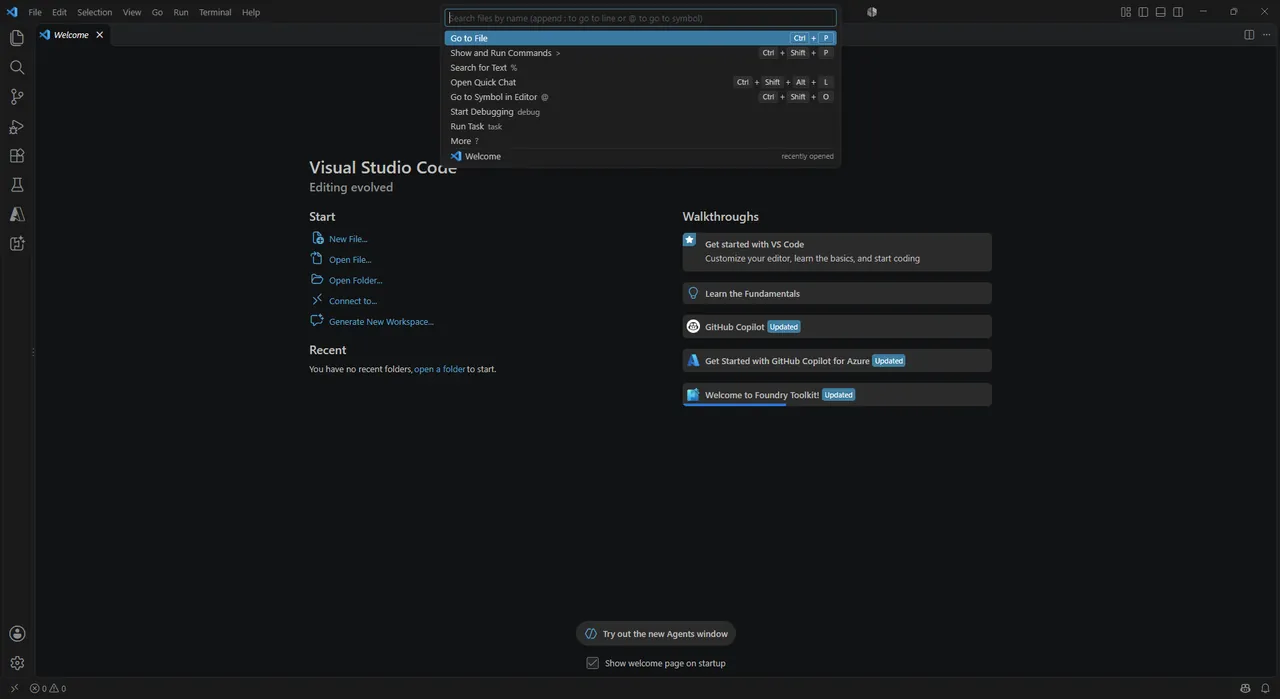
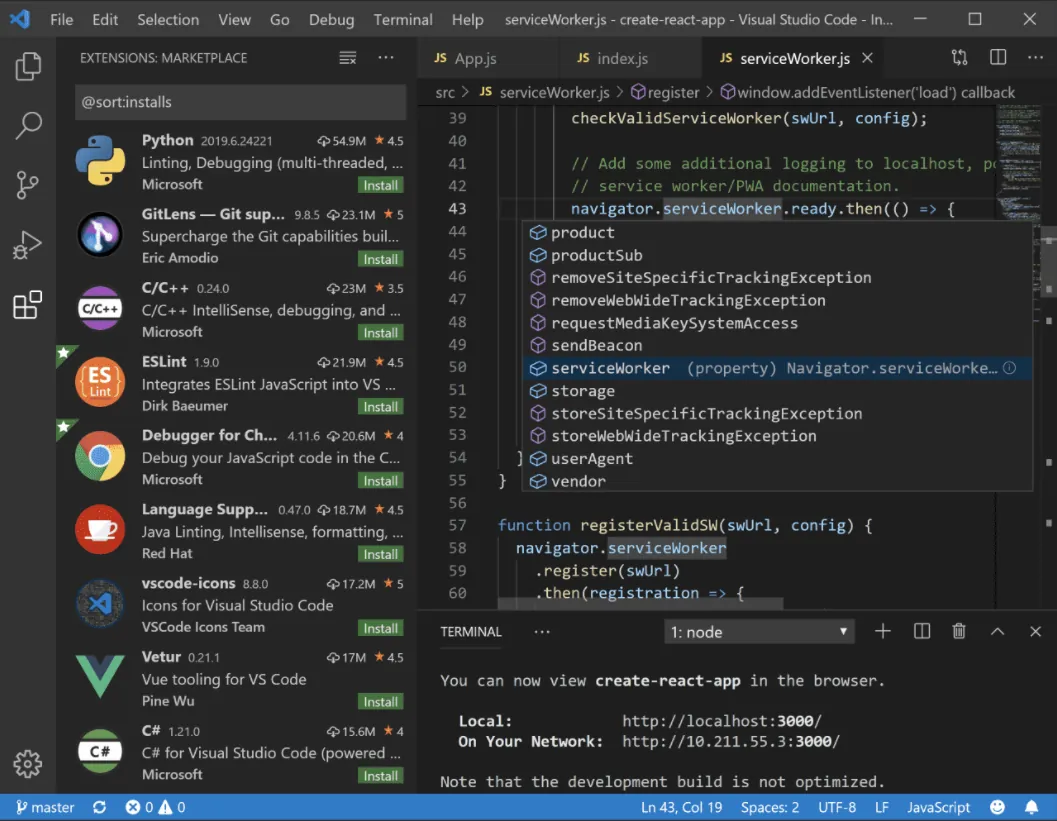
Out of the box it edits and searches code, runs a terminal, shows Git changes and debugs JavaScript and TypeScript. Extensions from the Visual Studio Marketplace add languages such as Python, C++ and Go, themes, linters and remote development. Recent versions put GitHub Copilot and other AI features up front; they need sign-in and can be turned off.
What it does well
- Extensions. The Visual Studio Marketplace adds language support, debuggers, formatters and themes.
- Debugging. Breakpoints, call stacks and variable inspection inside the editor.
- Built-in Git. Stage, commit, compare and resolve conflicts without leaving the editor.
- Integrated terminal. Runs PowerShell, Command Prompt, Git Bash or WSL shells in a panel.
- Remote development. Works on code inside WSL, over SSH or in dev containers with the remote extensions.
Who it is for
Good fit
Developers, students and admins who edit code or config files in several languages.
Look elsewhere
People who need a strictly open-source build or a full IDE with built-in designers for large .NET projects.
Pros and cons
Pros
- Free for personal and commercial use
- Huge extension ecosystem
- Built-in Git, terminal and debugger
- Remote work over WSL and SSH
Cons
- Sends telemetry to Microsoft by default (can be turned off in Settings)
- The Microsoft build is proprietary, and Microsoft's own extensions are licensed only for Microsoft products
- AI features are promoted prominently in the interface
How to install Visual Studio Code
The user installer from code.visualstudio.com installs VS Code for your account without administrator rights and updates itself. A system installer and a ZIP version are also offered. Install Git separately if you want source control, then add extensions for your languages.
Questions about Visual Studio Code
Is Visual Studio Code open source?
The source code in the microsoft/vscode repository is MIT-licensed. The Visual Studio Code build that Microsoft distributes adds proprietary parts and uses a Microsoft product license, so it is free but not open source.
Is VS Code the same as Visual Studio?
No. Visual Studio is a separate, larger IDE for Windows. VS Code is a lighter editor that gets most features from extensions.
How do I turn off telemetry in VS Code?
Open File → Preferences → Settings, search for telemetry and set Telemetry: Telemetry Level to off.


.png)