

Our verdict: Warp is a fast, modern terminal that groups each command and its output into blocks and adds AI agents that can run commands and edit code for you. The terminal itself is free and now open source, and you can use it without an account. Regular AI use costs money: the free plan has only pay-as-you-go agent usage or your own inference.
About Warp
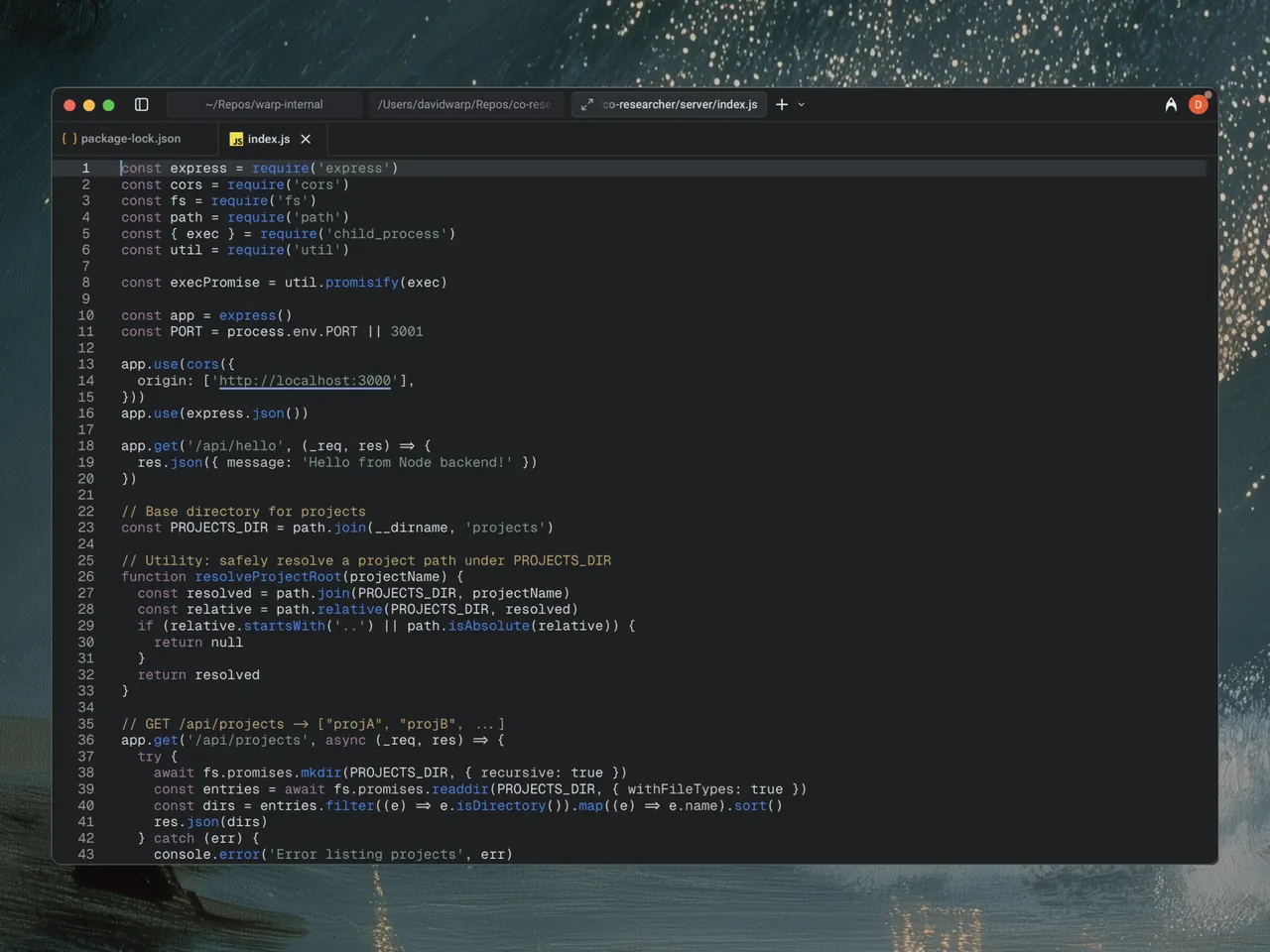
Warp started as a reimagined terminal written in Rust and has grown into what its developer calls an agentic development environment. Commands and output appear as blocks you can copy, share or search, input works like a code editor, and a built-in file editor and code review panel let agents change your project from the terminal. The client is open source: most of the code is under the AGPL v3 and the UI framework under the MIT license.
The free plan includes the full terminal, the Warp Agent CLI, limited cloud agents, limited Warp Drive sharing and bring-your-own AI inference, with extra agent usage billed pay-as-you-go. Build costs $20 per month ($18 billed annually) and includes $20 of agent usage at API rates; Max costs $200 per month. Signing in is optional, but AI and cloud features need an account and send prompts and context to Warp and its model providers.
What it does well
- Blocks. Groups every command with its output so you can copy, search or share it.
- Warp Agent. Runs commands, edits files and reviews diffs using OpenAI, Anthropic and other models.
- Modern input editor. Edits commands like text in a code editor, with completions for many CLIs.
- Warp Drive. Saves and shares workflows, notebooks and environment variables with your team.
- Cloud agents. Hands longer tasks to agents running in the cloud.
Who it is for
Good fit
Developers who live in the terminal and want AI help with commands and code in the same window.
Look elsewhere
Users who want a lightweight classic console or heavy AI use without paying for it.
Pros and cons
Pros
- Open-source client under the AGPL v3
- Blocks make long command output easy to work with
- Works without an account for terminal use
Cons
- Agent usage on the free plan is pay-as-you-go
- Warp Drive, cloud agents and cloud history are limited on the free plan
- AI and cloud features need an account and send data to the cloud
How to install Warp
The download button gets the latest 64-bit Windows installer; Warp is also available through winget as Warp.Warp. Creating an account is optional and can be skipped on first launch. Check the privacy and data settings before connecting agents to private code.
Questions about Warp
Is Warp free?
Yes. The terminal is free and open source, and the free plan includes the Agent CLI and bring-your-own AI inference. Agent usage beyond that is billed pay-as-you-go, or you can pay $20 per month for the Build plan.
Is Warp open source?
Yes. Warp's client source code is on GitHub; the UI framework is under the MIT license and the rest under the AGPL v3.
Do I need an account to use Warp?
No. Signing up is optional. An account is needed for AI agents, cloud agents and Warp Drive.


