

Our verdict: Qoder IDE is a VS Code-style editor with an agent that plans and makes multi-file changes, plus next-edit suggestions while you type. New users get a two-week Pro trial; after it the free plan keeps only basic models with a daily message limit and limited completions. Premium models need a paid plan from $20 per month.
About Qoder IDE
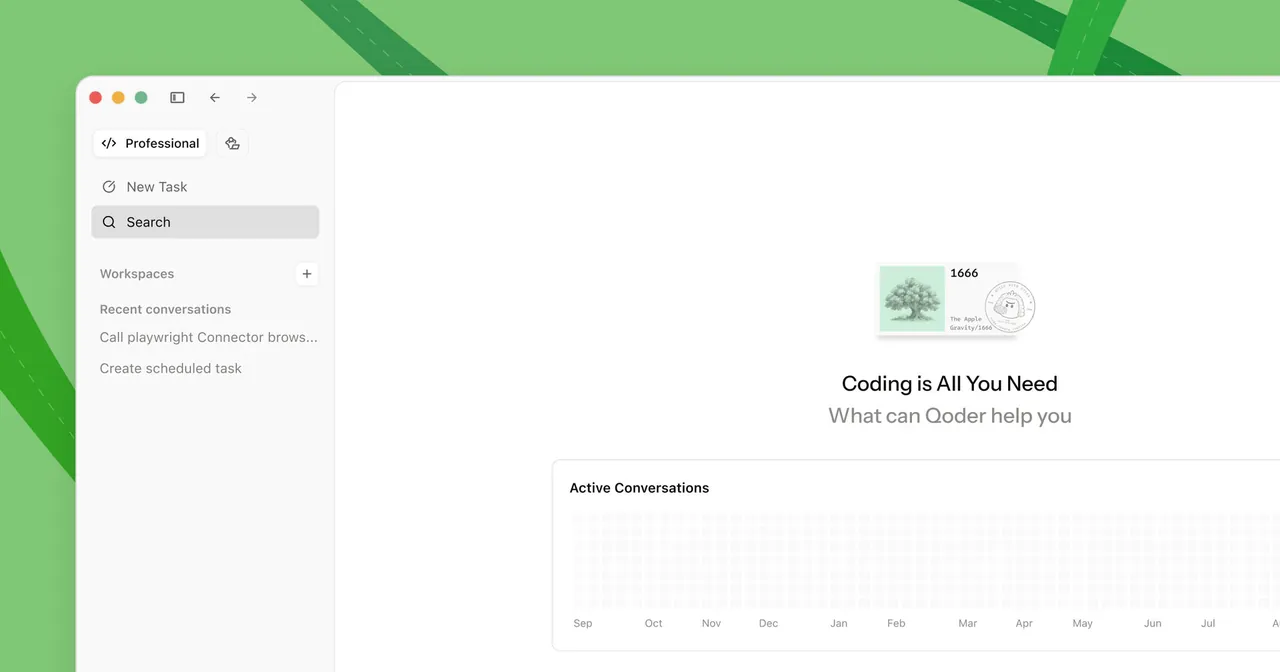
Qoder IDE is one part of the Qoder product family, alongside the newer Qoder desktop app, a JetBrains plugin, a CLI and cloud agents. In the editor, NEXT suggests multi-line next edits at the cursor, Inline Chat edits code in place, and the Chat panel switches between Ask for questions and Agent for multi-file implementation with commands. Paid plans add Repo Wiki, which documents your repository for the agent, and Knowledge Cards.
The free plan includes basic models for a limited number of messages, limited completions and next edits, and bring-your-own-key support. New users get a 14-day Pro trial with 300 credits on first sign-in. Pro costs $20 per month with 2,000 credits for premium models, Pro+ $60 and Ultra $200; when credits run out, Qoder falls back to basic models with a daily limit. AI features need an account and run on cloud models.
What it does well
- NEXT edit suggestions. Predicts multi-line next edits at the cursor; press Tab to accept.
- Ask and Agent modes. Answers questions about code or carries out multi-file changes and runs commands.
- Experts mode. Splits a request into parts and runs several expert agents in parallel.
- Repo Wiki. Builds documentation of your repository that the agent uses as context, on paid plans.
- Bring your own key. Connects your own model API keys on the free plan.
Who it is for
Good fit
Developers who want an agent-centred editor and plan to try premium models during the trial.
Look elsewhere
Users who need strong models for free, offline AI or an open-source editor.
Pros and cons
Pros
- 14-day Pro trial with 300 credits for new users
- Next-edit suggestions and agent mode in one editor
- Bring-your-own-key support on the free plan
Cons
- After the trial, the free plan has only basic models with a daily limit
- Repo Wiki and Knowledge Cards need a paid plan
- Code and prompts are processed by cloud models
How to install Qoder IDE
The download button gets the latest 64-bit per-user installer; a system-wide installer is on the official download page. Sign in with Google, GitHub or a Qoder account to start the 14-day Pro trial. The trial is limited to one account per user and is not available on virtual machines.
Questions about Qoder IDE
Is Qoder free?
Yes, there is a free plan with basic models for a limited number of messages, limited completions and your own API keys. New users also get a 14-day Pro trial. Pro costs $20 per month, Pro+ $60 and Ultra $200.
What happens when Qoder credits run out?
Qoder switches to basic models, which have a daily limit. Paid subscribers can also buy credit packs of 1,500 credits for $20.
Is Qoder IDE the same as the new Qoder app?
No. Qoder IDE is the code editor; the all-new Qoder desktop app is a separate agent platform in the same product family.


