

Our verdict: Zed is the editor to try if Visual Studio Code feels slow. It opens large projects quickly, has language servers, Git and a terminal built in, and the editor itself is free with no limits. Its extension library is much smaller than VS Code's, and hosted AI costs money.
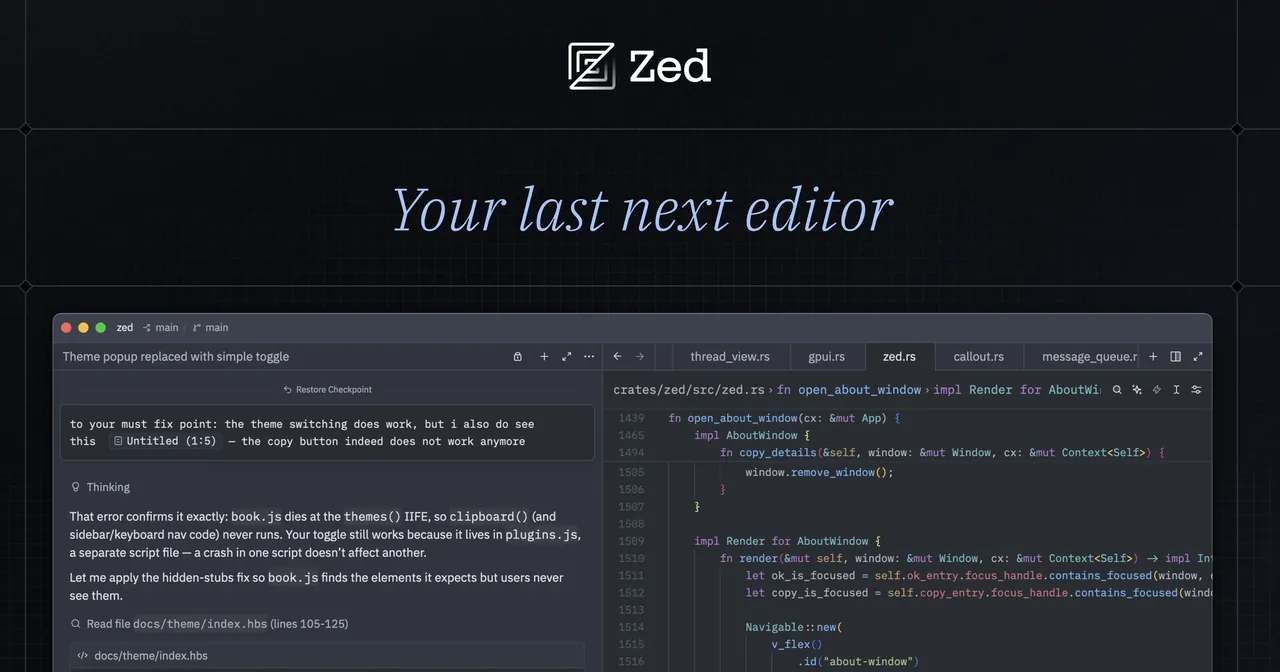
About Zed
Zed is built by Zed Industries, a team that previously created the Atom editor. It is written in Rust and draws its interface on the GPU. The editor source code is published on GitHub under the GNU GPL v3.
The free Personal plan covers the full editor and lets you use AI with your own API keys or external agents. Zed Pro costs $10 per month and adds hosted models, unlimited edit predictions and $5 of tokens, with usage billed beyond that. Business costs $30 per seat per month. All AI features can be turned off.
What it does well
- GPU-rendered interface. Draws the editor on the graphics card for smooth scrolling and fast startup.
- Language servers. Code completion, diagnostics and go-to-definition for many languages out of the box.
- Multiplayer editing. Share a project and edit the same files with teammates in real time.
- Built-in terminal and Git. Run commands and review, stage and commit changes without leaving Zed.
- Optional AI. Agent panel and edit predictions with Zed-hosted models or your own API keys.
Who it is for
Good fit
Developers who want a fast, modern editor and do not depend on niche VS Code extensions.
Look elsewhere
People who rely on a specific VS Code extension or need a full IDE with designers and profilers.
Pros and cons
Pros
- Very fast on large projects
- Editor is free and open source
- Real-time collaboration built in
- AI works with your own keys
Cons
- Far fewer extensions than VS Code
- Hosted AI needs a paid Pro plan beyond the trial
- Windows version is newer than the macOS and Linux builds
How to install Zed
The download button gets the latest stable 64-bit Windows installer from Zed's official GitHub releases. Zed updates itself. On first launch you can import VS Code key bindings, pick a theme and turn AI features off in the settings.
Questions about Zed
Is Zed free?
Yes. The editor is open source and the Personal plan is free forever. Zed Pro at $10 per month only adds hosted AI models and unlimited edit predictions.
Can I use Zed without AI?
Yes. All AI features can be disabled in the settings.
Is Zed available for Windows?
Yes. Zed publishes stable Windows builds for x64 and ARM64 on its download page.


