
Security · Updated
The best free antivirus for Windows 11
Windows 10 and 11 already include Microsoft Defender, which gives real-time protection without installing anything. A third-party free antivirus makes sense when you want extra shields that Defender does not offer in the same way, such as web protection in every browser, a rescue USB drive or a quieter interface. Only one real-time antivirus should run at a time: when you install another one, Windows turns off Defender's real-time scanning.
The free products below all scan files in real time, except Malwarebytes Free, which is a cleanup scanner. They differ in how often they push paid upgrades, whether they need an account, how much a bundled VPN allows and who owns them: Avast, AVG and Avira all belong to Gen Digital, the company behind Norton. At the end are three paid suites with trials for people who want a firewall, a VPN or more features in one subscription.
Our picks at a glance
| App | Best for | License | Price | Download |
|---|---|---|---|---|
 Bitdefender Antivirus Free Bitdefender Antivirus Free |
A quiet free antivirus with few pop-ups | Freeware | Free | Review |
 Avast Free Antivirus Avast Free Antivirus |
The most shields in a free antivirus | Freeware | Free | Review |
 AVG AntiVirus Free AVG AntiVirus Free |
An Avast-style antivirus with a different interface | Freeware | Free | Review |
 Avira Free Security Avira Free Security |
Antivirus plus a capped VPN and PC tools in one app | Freeware | Free | Review |
 Panda Dome Free Panda Dome Free |
USB protection and a rescue drive on a single PC | Freeware | Free | Review |
 Malwarebytes Malwarebytes |
A second-opinion scanner for a PC that is already infected | Freeware | Free | Review |
 ESET NOD32 Antivirus ESET NOD32 Antivirus |
If you want to pay: a light, no-frills antivirus | Free trial | $39.99, per year for 1 device | Review |
 Norton 360 Norton 360 |
If you want to pay: antivirus, VPN and backup in one bill | Free trial | $39.99, first year for 3 devices, then $94.99 per year | Review |
 Kaspersky Standard Kaspersky Standard |
If you want to pay, outside the US: antivirus with a firewall | Free trial | $49.99, first year for 1 device, then $64.99 per year | Review |
1. Bitdefender Antivirus Free — Antivirus
Best for: A quiet free antivirus with few pop-ups
- Freeware
- Free
- Security
Bitdefender Antivirus Free is the pick for people who want protection and otherwise want to be left alone. It scans files in real time, watches app behavior with Advanced Threat Defense, blocks known malicious and phishing sites and stops common ransomware. Bitdefender says the free license has no time limit and needs no credit card.
Compared with Avast and AVG, it shows far fewer offers, but it also has fewer settings. You must sign in to a Bitdefender Central account to install it, and anti-tracking, the vulnerability scan and ransomware file restore are reserved for the paid editions. The bundled VPN is capped at 200 MB per device per day.
Pros
- Real-time protection with no time limit
- Few pop-ups and upgrade prompts by design
- Light on system resources
Cons
- Requires a Bitdefender Central account to install
- Windows only; anti-tracking and ransomware file restore need a paid edition
- Few settings to adjust compared with the paid versions
2. Avast Free Antivirus — Antivirus
Best for: The most shields in a free antivirus
- Freeware
- Free
- Security
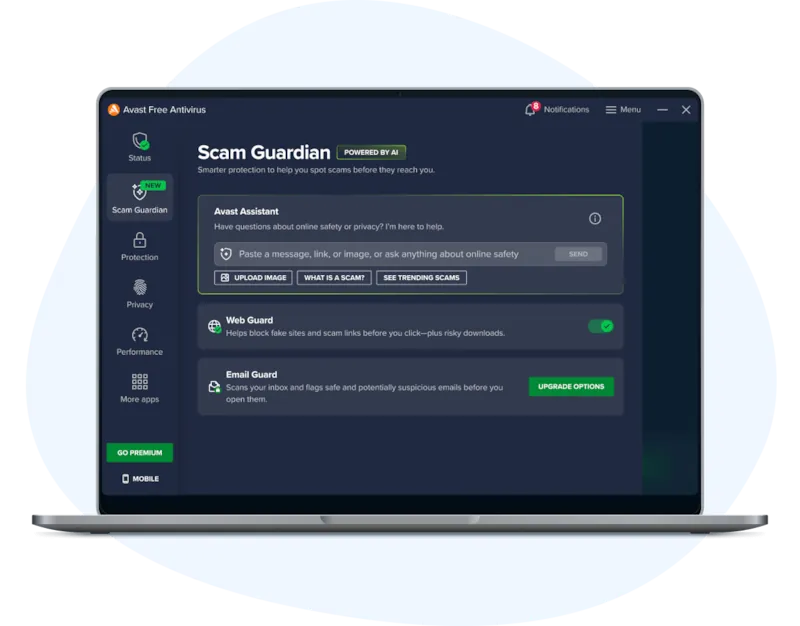
Avast Free Antivirus includes more protection layers than most free products: File Shield, Behavior Shield, Web Guard against scam sites, Mail Shield for attachments, Ransomware Shield for protected folders, a Wi-Fi Network Inspector and a Rescue Disk for a PC that will not start. No account is needed, and the free version can be used for as long as you want.
The price is attention and trust. Avast shows frequent offers for its paid products, setup can suggest extra Avast software that you must untick, and in 2024 the US FTC ordered Avast to pay $16.5 million and banned it from selling browsing data for advertising. If that history bothers you, Bitdefender is the calmer choice.
Pros
- Real-time protection at no cost
- Web, mail and ransomware shields in the free version
- Rescue Disk for badly infected PCs
Cons
- Frequent pop-ups and offers for paid Avast products
- Setup can offer extra Avast software that you must untick
- Fined by the US FTC in 2024 for selling users' browsing data
3. AVG AntiVirus Free — Antivirus
Best for: An Avast-style antivirus with a different interface
- Freeware
- Free
- Security
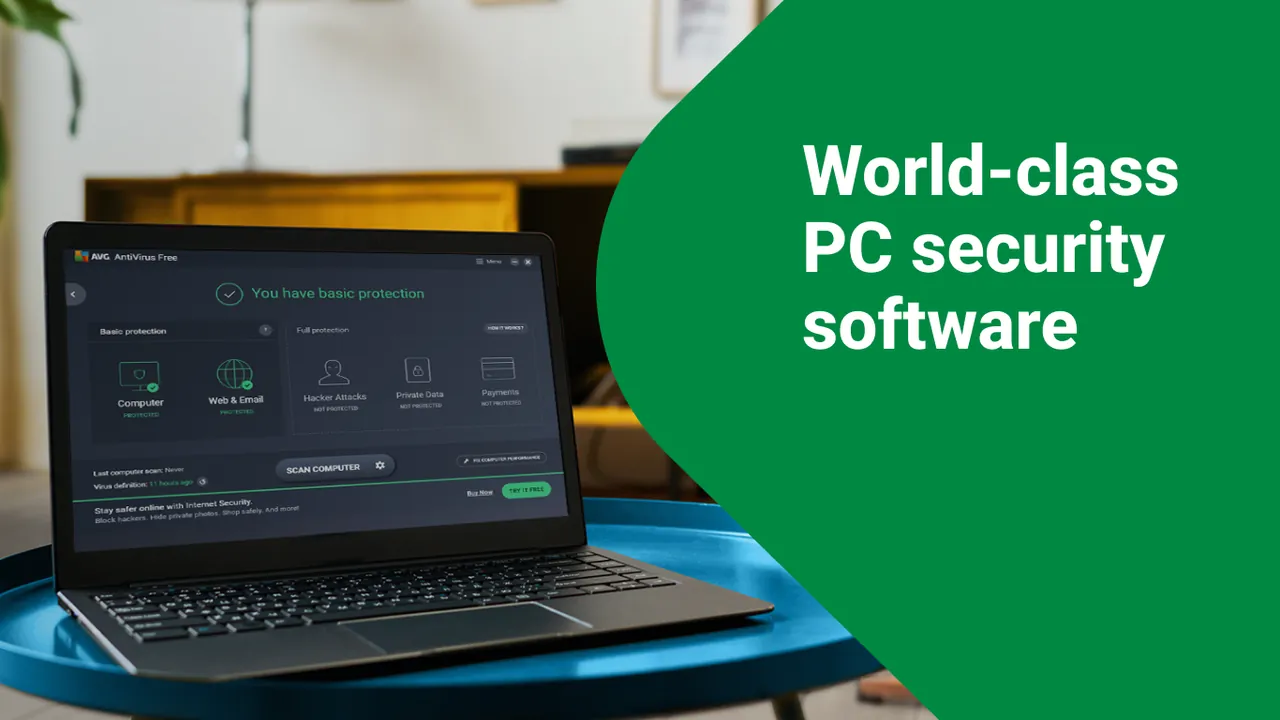
AVG AntiVirus Free uses the same antivirus technology as Avast, because both belong to Gen Digital. It scans files in real time, blocks unsafe sites and downloads, checks email attachments, helps stop ransomware, checks your home Wi-Fi and warns when a password linked to your email address leaks.
Choose AVG over Avast only if you prefer its interface; the protection and the regular upgrade prompts are very similar. AVG's license allows personal and family use only, so a small business needs a paid product or another antivirus.
Pros
- Real-time protection at no cost
- Web, email and ransomware protection included
- Simple interface
Cons
- Regular prompts to buy AVG Internet Security and other products
- Setup can offer extra AVG software that you must untick
- Personal use only; owned by Gen Digital, whose Avast unit was fined by the FTC in 2024 over browsing data
4. Avira Free Security — Antivirus
Best for: Antivirus plus a capped VPN and PC tools in one app
- Freeware
- Free
- Security

Avira Free Security bundles real-time antivirus with a password manager, a software updater, junk and duplicate cleanup and the Phantom VPN. For someone who wants one free app for antivirus and occasional VPN use on public Wi-Fi, that is convenient.
The extras are limited versions meant to lead you to Avira Prime. The VPN gives 500 MB per month, or 1 GB with a free My Avira account, which is less than the daily allowance in Bitdefender or Panda. Web, email and firewall protection inside Windows also require the paid plan, and upgrade prompts are frequent.
Pros
- Real-time antivirus with no time limit
- Free VPN, password manager and updater in one app
- Scheduled scans in the free version
Cons
- VPN capped at 500 MB per month (1 GB with an account)
- Web, email and firewall protection in Windows require paid Avira Prime
- Frequent upgrade prompts for Avira Prime
5. Panda Dome Free — Antivirus
Best for: USB protection and a rescue drive on a single PC
- Freeware
- Free
- Security
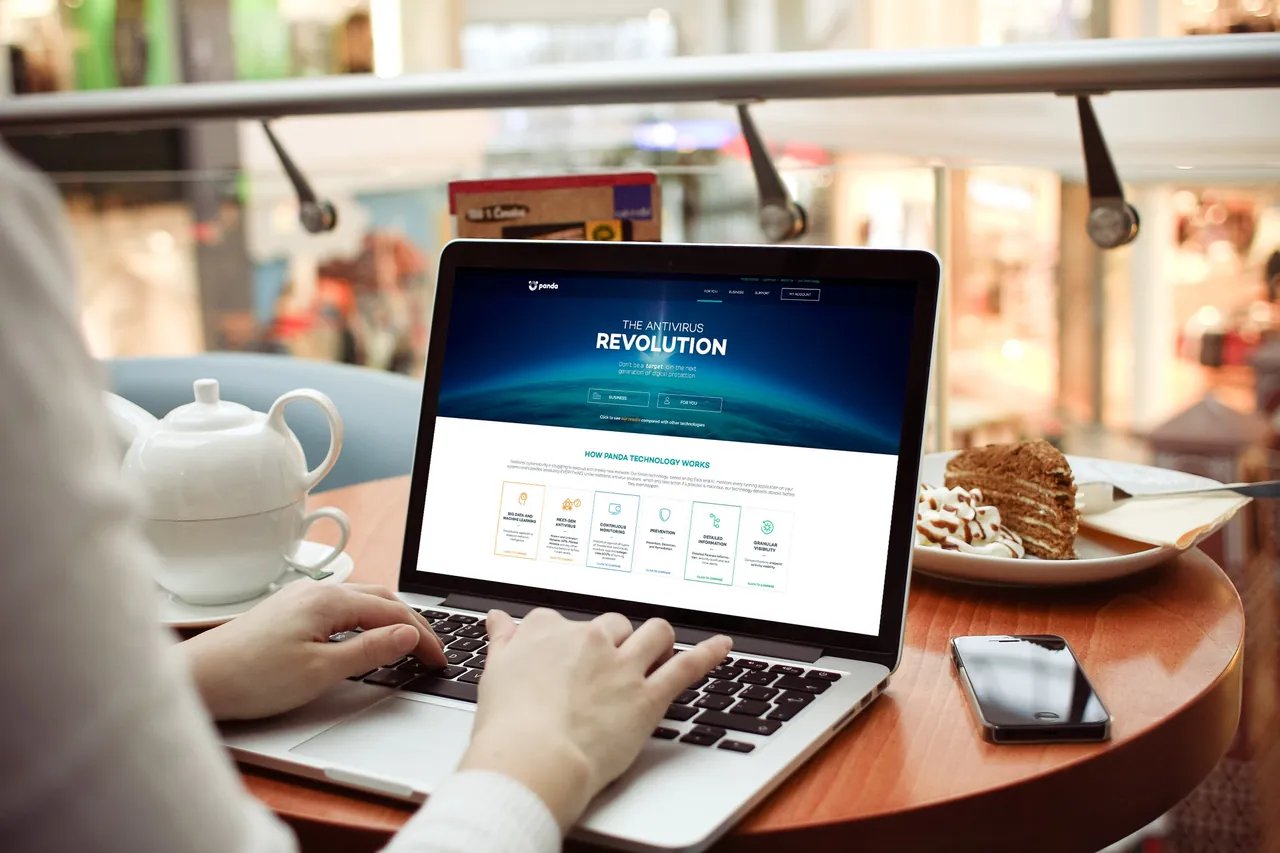
Panda Dome Free does most of its analysis in Panda's cloud, so the local program stays small and does not download large signature files. It scans USB drives when they are plugged in, blocks autorun malware from them and includes the Panda Rescue Kit for building a bootable cleanup USB drive, plus a game mode that holds back notifications.
The free edition has no firewall or web protection, which Avast and Bitdefender include. It protects one Windows device, the VPN is capped at 150 MB per day, and the app regularly points you to the paid Panda Dome plans.
Pros
- Real-time protection at no cost
- Small cloud-based client
- USB scanning and autorun blocking
Cons
- Regular offers to upgrade to paid Panda Dome plans
- No firewall or web protection in the free edition
- Free VPN is capped at 150 MB per day
6. Malwarebytes — Malware Scanner
Best for: A second-opinion scanner for a PC that is already infected
- Freeware
- Free
- Security
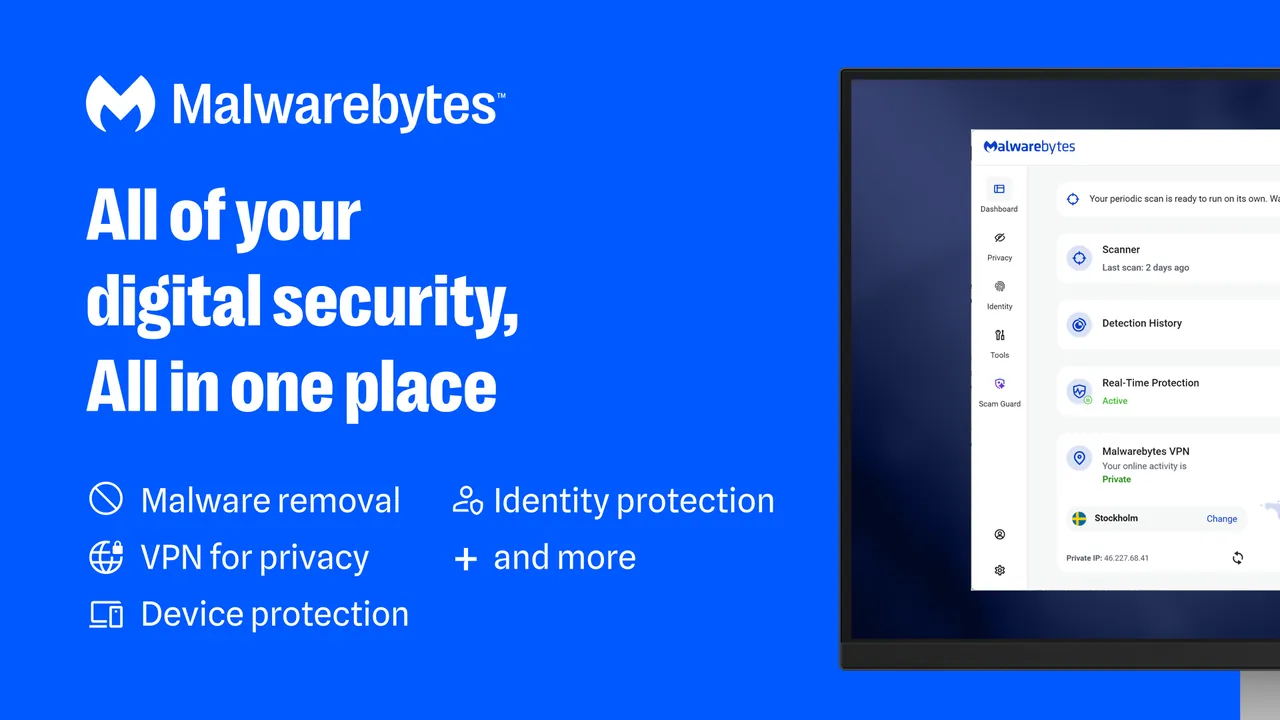
Malwarebytes Free is not an antivirus replacement. It is a cleanup tool: you start a scan yourself, and it finds and removes viruses, ransomware, spyware and adware that are already on the PC. It runs fine next to Microsoft Defender or one of the antivirus apps above, which makes it useful when you suspect something slipped through.
Real-time protection, scheduled scans and web protection are paid Premium features. After installation a 14-day Premium trial starts, and the app falls back to the free scanner when it ends, with regular upgrade prompts along the way.
Pros
- Free on-demand scanning and removal
- Clear list of free and paid features
- Trial can be turned off right away
Cons
- No real-time protection in the free version
- Installs with a 14-day Premium trial and shows upgrade prompts
- Closed source
7. ESET NOD32 Antivirus — Antivirus
Best for: If you want to pay: a light, no-frills antivirus
- Free trial
- $39.99, per year for 1 device
- Security
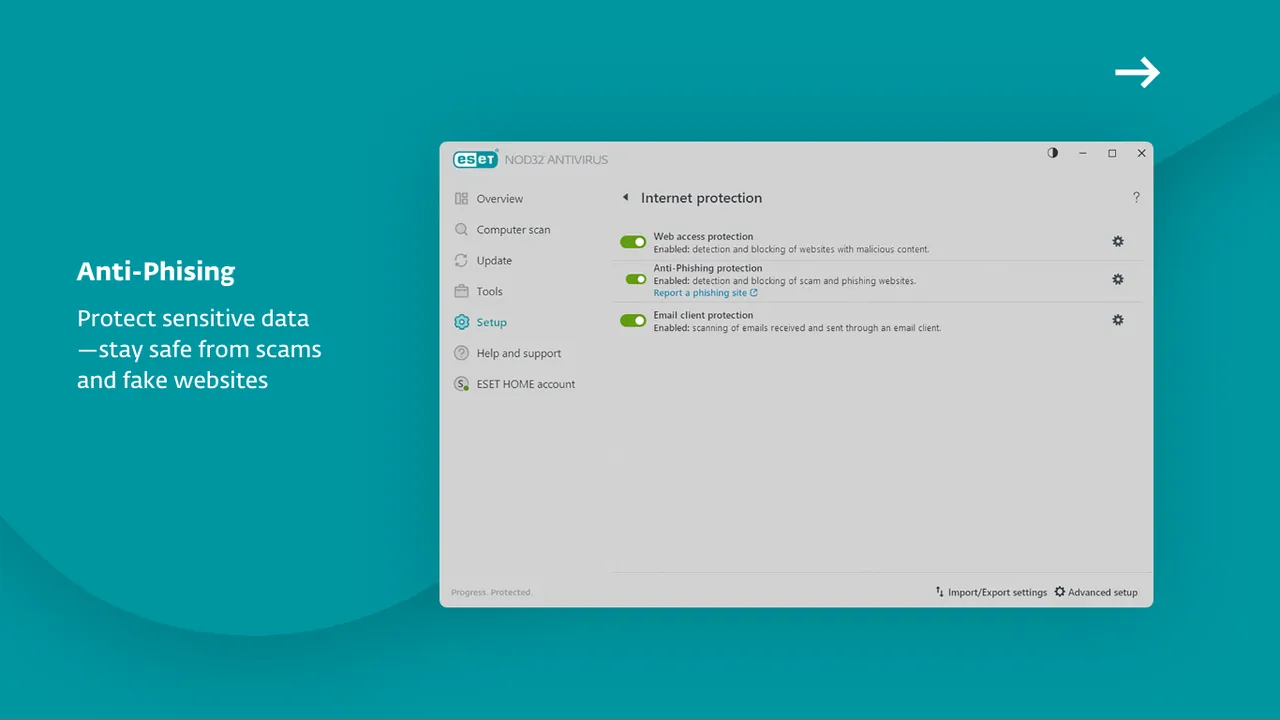
ESET NOD32 Antivirus is a plain paid antivirus with real-time malware protection, anti-phishing, a Gamer mode that suppresses pop-ups and a battery-saving mode for laptops. It suits people who want a small footprint and rely on the Windows Firewall for the rest.
It costs $39.99 per year for one device on ESET's US store after a 30-day trial that needs an ESET HOME account but no payment details. There is no firewall, banking protection or VPN in this plan; those are in the ESET HOME Security plans. If you only need what NOD32 offers, Bitdefender Antivirus Free covers similar basics at no cost.
Pros
- Trial works without a payment method
- Light on system resources
- Gamer and battery-saving modes
Cons
- No firewall, banking protection or VPN in this plan
- Requires an ESET HOME account for the trial
- Protects Windows and macOS only, not phones
8. Norton 360 — Security Suite
Best for: If you want to pay: antivirus, VPN and backup in one bill
- Free trial
- $39.99, first year for 3 devices, then $94.99 per year
- Security
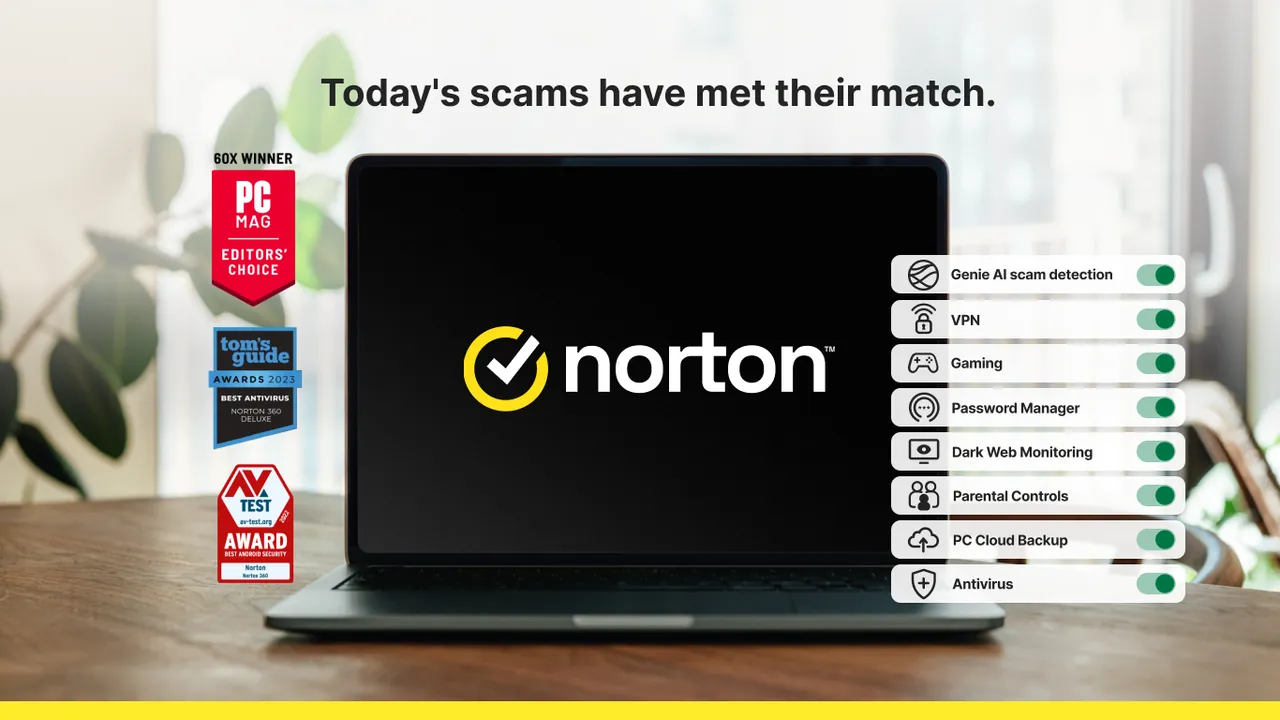
Norton 360 is a full suite: real-time antivirus, a Smart Firewall on Windows, Scam Protection, a password manager, 2 GB of PC cloud backup, a VPN and dark web monitoring, for three devices. It suits households that want all of that from one vendor instead of combining a free antivirus with Bitwarden and Proton VPN.
There is no free version. The 7-day trial needs a payment method and converts automatically. On the US store it costs $39.99 for the first year and then renews at $94.99 per year, more than double; annual plans can be refunded within 60 days of payment.
Pros
- VPN, password manager and cloud backup included
- Covers PCs, Macs and phones in one plan
- 60-day refund window on annual plans
Cons
- Trial needs a payment method and converts to a paid plan automatically
- Renewal price is more than double the first-year price
- No free version
9. Kaspersky Standard — Antivirus
Best for: If you want to pay, outside the US: antivirus with a firewall
- Free trial
- $49.99, first year for 1 device, then $64.99 per year
- Security
Kaspersky Standard is a paid product, not a free antivirus. It adds a firewall, Safe Money for banking sites, an ad blocker and PC clean-up tools to real-time protection, which is more than ESET NOD32 includes at its entry level.
It cannot be bought or updated in the United States: the US Department of Commerce banned sales in 2024, and signature updates for US users stopped on September 29, 2024. Elsewhere, the 30-day trial needs a My Kaspersky account and becomes a subscription unless you cancel; on the global store it costs $49.99 for the first year for one device, then $64.99 per year.
Pros
- Firewall and payment protection included in the cheapest plan
- Clean-up, startup and app update tools built in
- Do-not-disturb mode for games and full-screen apps
Cons
- Not sold or updated in the United States since 2024
- Trial needs an account and turns into a paid subscription unless cancelled
- Renewal price is higher than the first-year price
Do you need an antivirus besides Microsoft Defender?
Not necessarily. Defender is built into Windows 10 and 11 and gives real-time protection out of the box, which is enough for many careful users. A free third-party antivirus mainly adds extra layers: web protection in browsers other than Edge, mail scanning, a rescue USB drive or a game mode.
Whatever you choose, run only one real-time antivirus. Windows switches Defender's real-time scanning off when another antivirus is active, and two real-time scanners at once cause conflicts. An on-demand scanner such as Malwarebytes Free is the exception, because it only scans when you start it.
Free vs paid antivirus
The free editions handle the core job: scanning files in real time and blocking known malicious sites. Paid plans add a firewall, banking protection, an unlimited VPN, a password manager or backup. If you already use a free password manager and VPN, a paid suite such as Norton 360 mostly duplicates them.
Watch the renewal price and the trial terms. Norton 360 and Kaspersky Standard cost more after the first year, and their trials turn into subscriptions unless you cancel. ESET NOD32 asks for no payment details for its trial.
Who makes your antivirus matters
An antivirus sees every file on your PC, so the vendor's track record is part of the decision. Avast, AVG, Avira and Norton all belong to Gen Digital, and Avast was fined by the US FTC in 2024 over selling browsing data. Kaspersky is banned from sale in the US. 360 Total Security is made by China's Qihoo 360, which is on the US Commerce Department Entity List, which is why it is not among the picks.
Frequently asked questions
What is the best free antivirus for Windows 11?
For most people, Bitdefender Antivirus Free is the quietest option with real-time protection and web protection. Choose Avast Free Antivirus if you want more shields, such as mail scanning and a Rescue Disk, and can live with upgrade offers. Microsoft Defender, built into Windows, is also a reasonable choice on its own.
Is Bitdefender better than Avast?
They suit different people. Bitdefender Antivirus Free is quieter with fewer settings but needs a Bitdefender Central account. Avast Free Antivirus has more shields, including Mail Shield and a Rescue Disk, needs no account, but shows frequent offers and has a 2024 FTC settlement over browsing data.
Is Malwarebytes a free antivirus?
Not in the usual sense. Malwarebytes Free scans and removes malware when you start a scan, but real-time protection is part of the paid Premium plan. Keep Microsoft Defender or another antivirus running next to it.
Is Kaspersky free?
No. Kaspersky Standard has a 30-day trial and then a yearly subscription, $49.99 for the first year for one device on the global store. It is not sold or updated in the United States.
Is Avast the same as AVG?
Both belong to Gen Digital and use the same antivirus technology, but they are separate products with different interfaces and offers. AVG AntiVirus Free is licensed for personal and family use only.
Is Norton 360 free?
No. Norton 360 has a 7-day trial that needs a payment method and converts to a paid plan. On the US store it costs $39.99 for the first year for three devices and renews at $94.99 per year.
ExeDepot does not host installers. Every download button opens the developer's own server or official download page. Prices and licenses come from each developer's site and were checked on .