
Office & PDF · Updated
The best free Microsoft Office alternatives for Windows
Microsoft Office is a subscription for most home users today: Microsoft 365 Personal costs $99.99 a year. A free office suite gives you a word processor, spreadsheets and presentations without that fee, and all the suites below open and save Word, Excel and PowerPoint files and work offline without an account.
The main question is how often you exchange files with Microsoft Office users. Simple letters and tables survive the trip in any suite; complex layouts, Excel VBA macros and heavily formatted presentations are where the suites differ. Also consider whether you want open source, whether you mind upsells to a paid plan, and whether you need extras such as a database app or a PDF editor.
Our picks at a glance
| App | Best for | License | Price | Download |
|---|---|---|---|---|
 LibreOffice LibreOffice |
The most complete free Office replacement | Open source | Free | Review |
 ONLYOFFICE Desktop Editors ONLYOFFICE Desktop Editors |
Exchanging DOCX, XLSX and PPTX files | Open source | Free | Review |
 WPS Office WPS Office |
A familiar Microsoft Office look | Freeware | Free | Review |
 SoftMaker FreeOffice SoftMaker FreeOffice |
A light suite with ribbons or classic menus | Freeware | Free | Review |
 Microsoft 365 Microsoft 365 |
The paid reference when compatibility is critical | Free trial | $99.99, per year (Microsoft 365 Personal) | Review |
 Apache OpenOffice Apache OpenOffice |
Only if you already depend on it | Open source | Free | Review |
1. LibreOffice — Office Suite
Best for: The most complete free Office replacement
- Open source
- Free
- Office & PDF
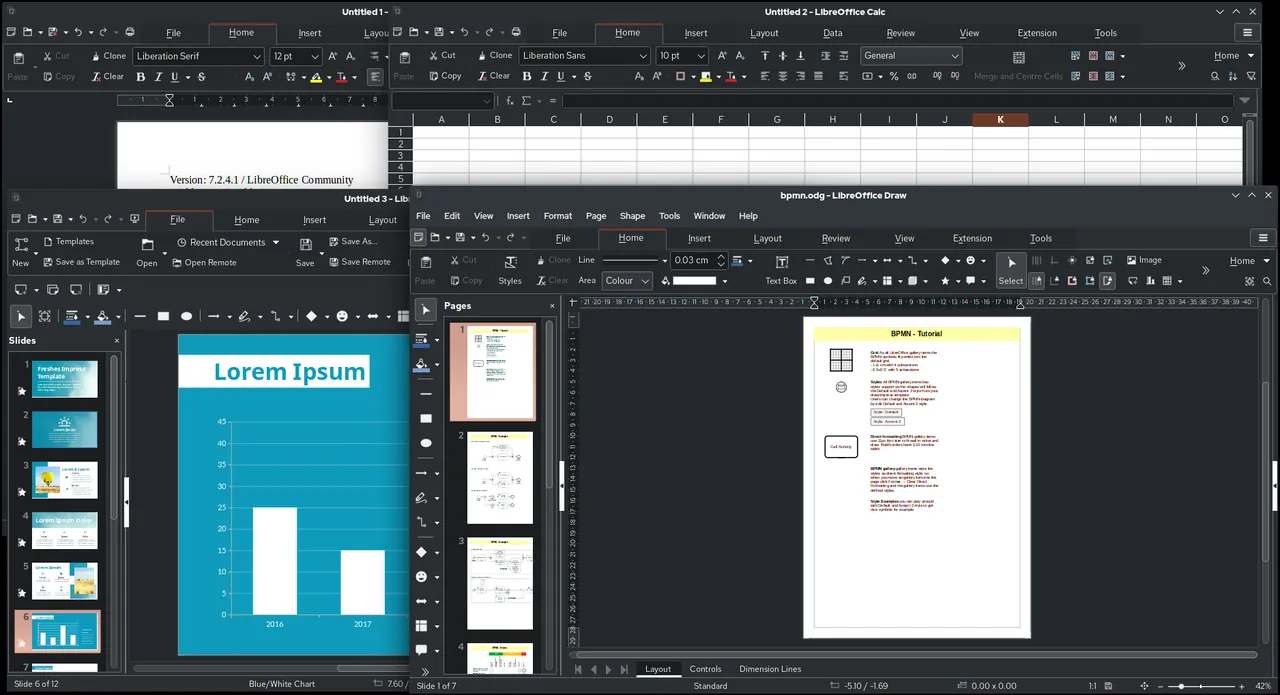

LibreOffice is the fullest free suite: Writer with styles, mail merge and track changes, Calc with pivot tables, Impress with presenter view, plus Draw for diagrams and Math for formulas. It is developed by the non-profit Document Foundation, needs no account and has no license fees for any use, including companies.
Its native format is OpenDocument, and while it opens and saves DOCX and XLSX, complex Office layouts can shift and Excel VBA macros are only partly supported. The desktop app has no real-time co-editing. If you mostly trade Microsoft files, ONLYOFFICE keeps them closer to the original.
Pros
- Complete office suite
- Opens Microsoft Office files
- Works offline, no account
Cons
- Complex Office layouts may shift
- Excel VBA macros are only partly supported
- No real-time co-editing in the desktop app
2. ONLYOFFICE Desktop Editors — Office Suite
Best for: Exchanging DOCX, XLSX and PPTX files
- Open source
- Free
- Office & PDF
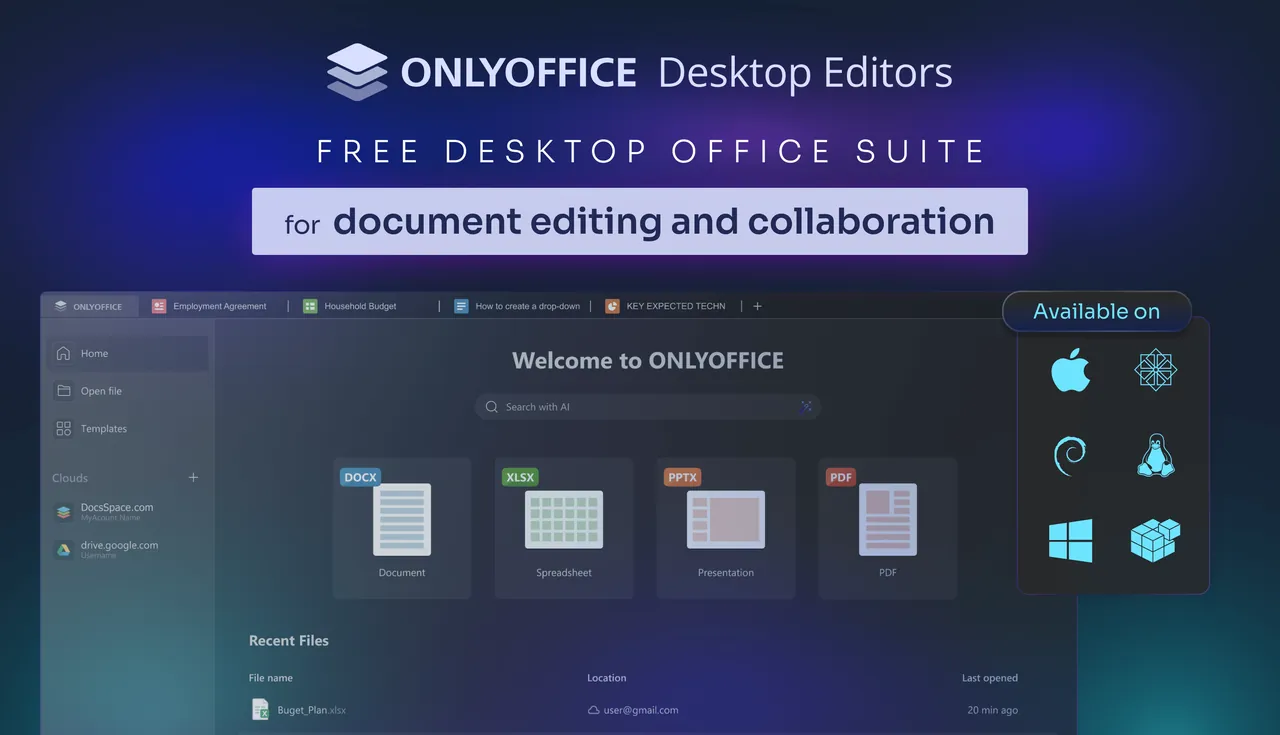

ONLYOFFICE Desktop Editors are built around DOCX, XLSX and PPTX as native formats, so fonts, charts and styles stay intact when you send files back to Office users. One tabbed app holds documents, spreadsheets, presentations and a real PDF editor that edits text and images and creates fillable forms, which LibreOffice and WPS Office do not offer for free.
It is open source under the AGPL v3 and free for home and business use. There is no database or drawing app, the installer is close to 300 MB, and real-time co-editing works only when you connect a cloud service such as ONLYOFFICE, Nextcloud or Dropbox.
Pros
- Native DOCX, XLSX and PPTX support
- Edits PDFs and fillable forms
- Tabbed interface for all file types
Cons
- No database or drawing app
- Large installer, close to 300 MB
- Real-time co-editing needs a connected cloud service
3. WPS Office — Office Suite
Best for: A familiar Microsoft Office look
- Freeware
- Free
- Office & PDF
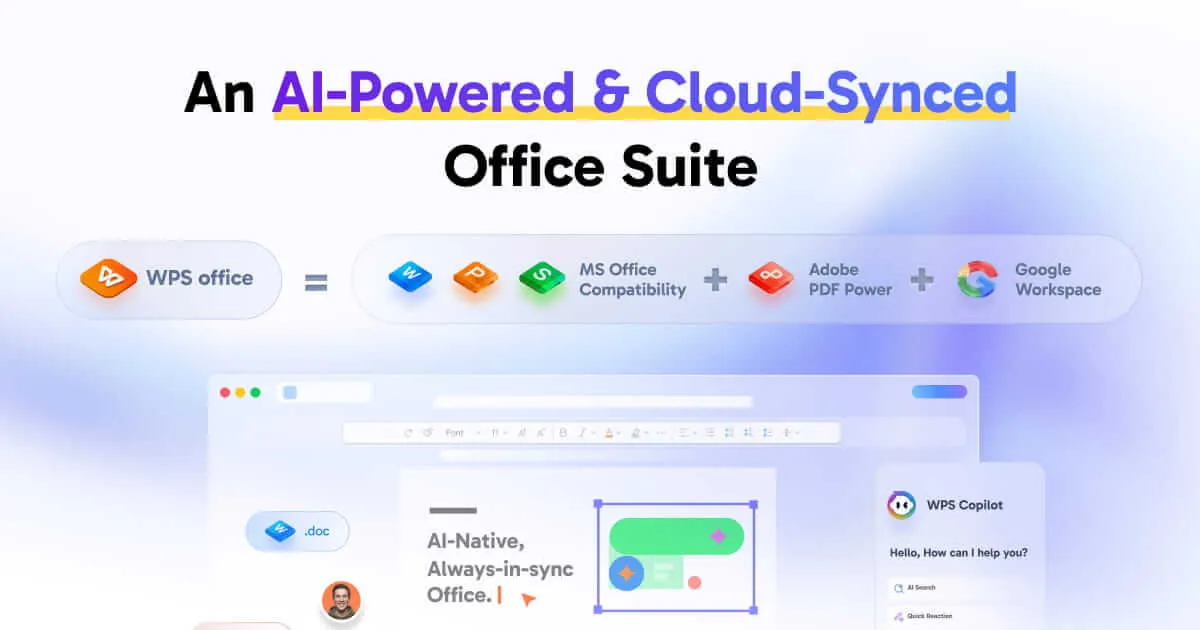
WPS Office looks and works much like Microsoft Office, with Writer, Spreadsheet, Presentation and a PDF reader as tabs in one window. It saves directly to DOCX, XLSX and PPTX and the older DOC, XLS and PPT formats, and a free account syncs documents between Windows, Mac, mobile and the web with 1 GB of cloud storage.
The free plan is the hook for the paid Pro plan: PDF editing and conversion, advanced templates and most AI tools need Pro. It is closed source. If you want a free suite with no upsells, choose LibreOffice or ONLYOFFICE.
Pros
- Familiar Microsoft Office-style interface
- Writer, Spreadsheet, Presentation and PDF reader in one app
- Saves directly to Microsoft formats
Cons
- PDF editing, PDF conversion and advanced templates require Pro
- Free cloud storage is limited to 1 GB
- Closed source; AI tools are limited on the free plan
4. SoftMaker FreeOffice — Office Suite
Best for: A light suite with ribbons or classic menus
- Freeware
- Free
- Office & PDF
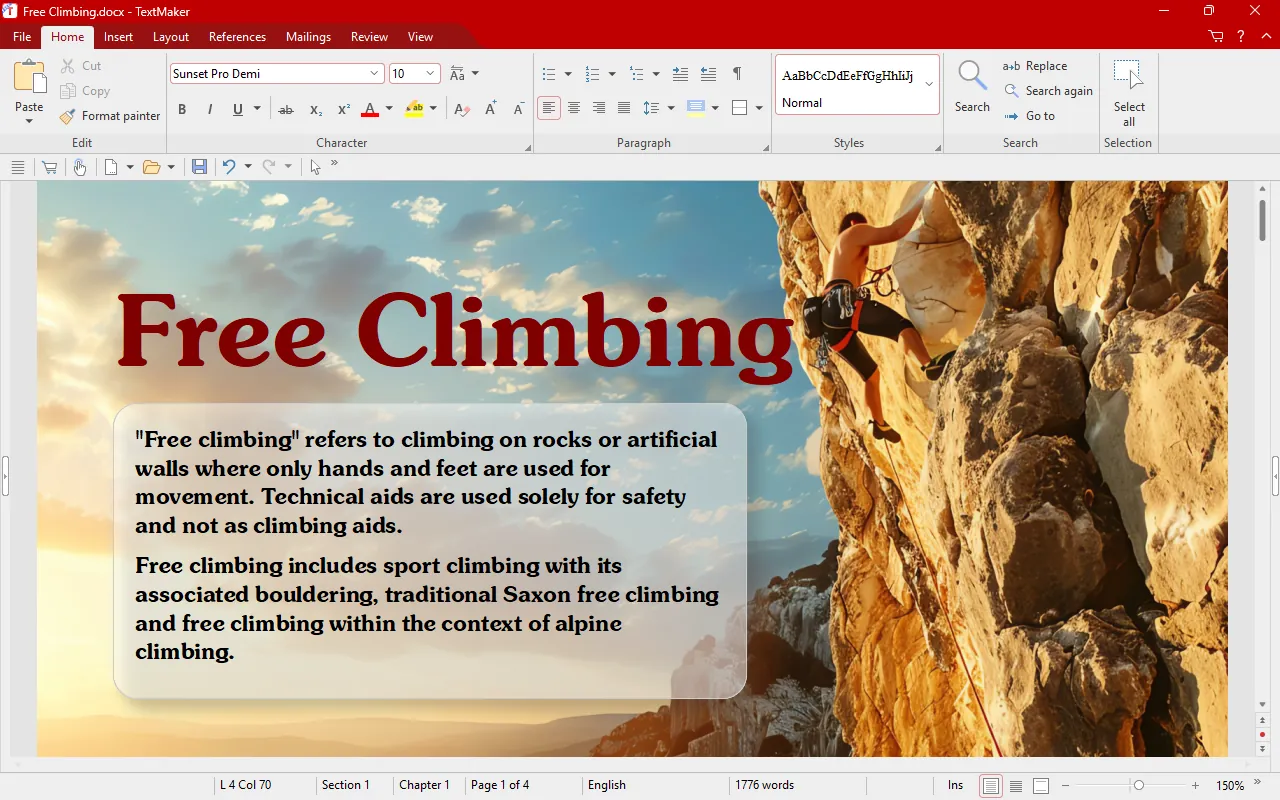
SoftMaker FreeOffice contains three apps: TextMaker, PlanMaker and Presentations. Each opens and saves the matching Microsoft Office format, the interface switches between ribbons and classic menus, and a touch mode suits tablets. A bundled tool copies the suite and your documents to a USB stick, and it is free for business use too.
It is closed source, has no database or drawing program, and SoftMaker uses it to promote its paid SoftMaker Office. Compared with LibreOffice, it is smaller in scope but simpler.
Pros
- Free for personal and business use
- Good Microsoft Office file compatibility
- Choice of ribbons or classic menus
Cons
- Closed source
- Only three apps: no database or drawing program
- Promotes the paid SoftMaker Office suite
5. Microsoft 365 — Office Suite
Best for: The paid reference when compatibility is critical
- Free trial
- $99.99, per year (Microsoft 365 Personal)
- Office & PDF

If work or school sends you complex Word and Excel files, the original is still the safest choice. Microsoft 365 Personal costs $99.99 a year and includes the Word, Excel, PowerPoint, Outlook and OneNote desktop apps, Access on PC, 1 TB of OneDrive, real-time co-authoring and Copilot features with usage limits.
The one-month trial of the Family plan needs a payment method and renews automatically unless you cancel. When a subscription lapses, the desktop apps only open and print files. The web versions of Word, Excel and PowerPoint are free with a Microsoft account, and Office Home 2024 is sold as a one-time purchase for one PC.
Pros
- Best compatibility with Word, Excel and PowerPoint files
- 1 TB of OneDrive storage included
- Same apps on Windows, Mac and mobile
Cons
- Trial needs a payment method and renews automatically at $99.99 a year
- After the subscription ends the apps only open and print files
- Installs all apps at once; you cannot pick only Word
6. Apache OpenOffice — Office Suite
Best for: Only if you already depend on it
- Open source
- Free
- Office & PDF
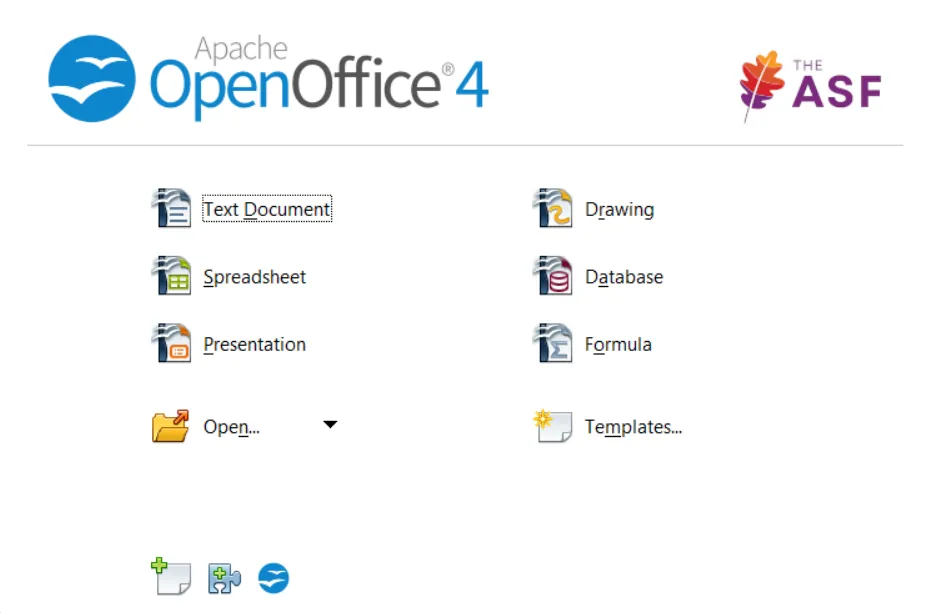

Apache OpenOffice still offers six apps, including Base for databases, under the Apache License 2.0, and it is free for any use. Organisations with existing OpenOffice files, macros or workflows can keep using it.
It has had only maintenance releases since version 4.1.0 in 2014, its compatibility with modern DOCX, XLSX and PPTX files is weaker, and the Windows build is 32-bit only. LibreOffice started from the same code and is far more actively developed, so new users should pick it instead.
Pros
- Open source with no ads or accounts
- Complete suite with database and drawing apps
- Light on resources compared with newer suites
Cons
- Only maintenance releases since 2014; far slower development than LibreOffice
- Weaker compatibility with modern DOCX, XLSX and PPTX files
- Windows build is 32-bit only
How to choose
If you want the most complete free suite with a database and drawing app, choose LibreOffice. If most of your files come from and go back to Microsoft Office users, choose ONLYOFFICE. If you want something that looks like Office and do not mind upsells, WPS Office or SoftMaker FreeOffice are the easiest switch.
Before you commit, open a few of your own complex documents and spreadsheets in the suite you are considering. That tells you more about compatibility than any feature list.
Open source or freeware?
LibreOffice, ONLYOFFICE and Apache OpenOffice are open source. WPS Office and FreeOffice are free but closed source, and both promote paid editions. If you need the suite at work, check the license of WPS Office on its official site; the open-source suites and FreeOffice can be used in a business for free.
Macros, co-editing and PDFs
Excel VBA macros are the most common reason to stay with Microsoft 365: LibreOffice supports them only partly. Real-time co-editing in the free desktop suites needs a cloud service: ONLYOFFICE connects to Nextcloud, ownCloud, Seafile, Box or Dropbox. For editing PDFs, ONLYOFFICE has a free built-in editor, while WPS Office keeps PDF editing in its paid Pro plan.
Frequently asked questions
What is the best free alternative to Microsoft Office?
LibreOffice is the most complete free suite. ONLYOFFICE is the better pick if you mostly exchange DOCX, XLSX and PPTX files with Office users.
Is LibreOffice better than ONLYOFFICE?
LibreOffice has more apps, including Draw, Math and a database, and uses OpenDocument as its native format. ONLYOFFICE works natively with Microsoft formats and includes a PDF editor. Both are open source and free.
Is LibreOffice compatible with Microsoft Word?
Yes. It opens and saves DOC and DOCX. Simple documents look the same; complex layouts may need small fixes, and Excel VBA macros are only partly supported.
Is WPS Office free?
Yes, the core apps are free. PDF editing, PDF conversion, advanced templates, more cloud storage and most AI tools need the paid Pro plan.
Is Microsoft 365 free?
No. It has a one-month free trial that needs a payment method and renews automatically. Microsoft 365 Personal costs $99.99 a year. The web versions of Word, Excel and PowerPoint are free with a Microsoft account.
Should I use OpenOffice or LibreOffice?
LibreOffice. It started from the same code as Apache OpenOffice but is updated much more often and opens Microsoft Office files more reliably.
ExeDepot does not host installers. Every download button opens the developer's own server or official download page. Prices and licenses come from each developer's site and were checked on .