

Our verdict: WPS Office looks and works much like Microsoft Office, so switching takes little effort. The free plan covers documents, spreadsheets and slides. PDF editing, PDF conversion and most AI tools sit behind the paid Pro plan.
About WPS Office
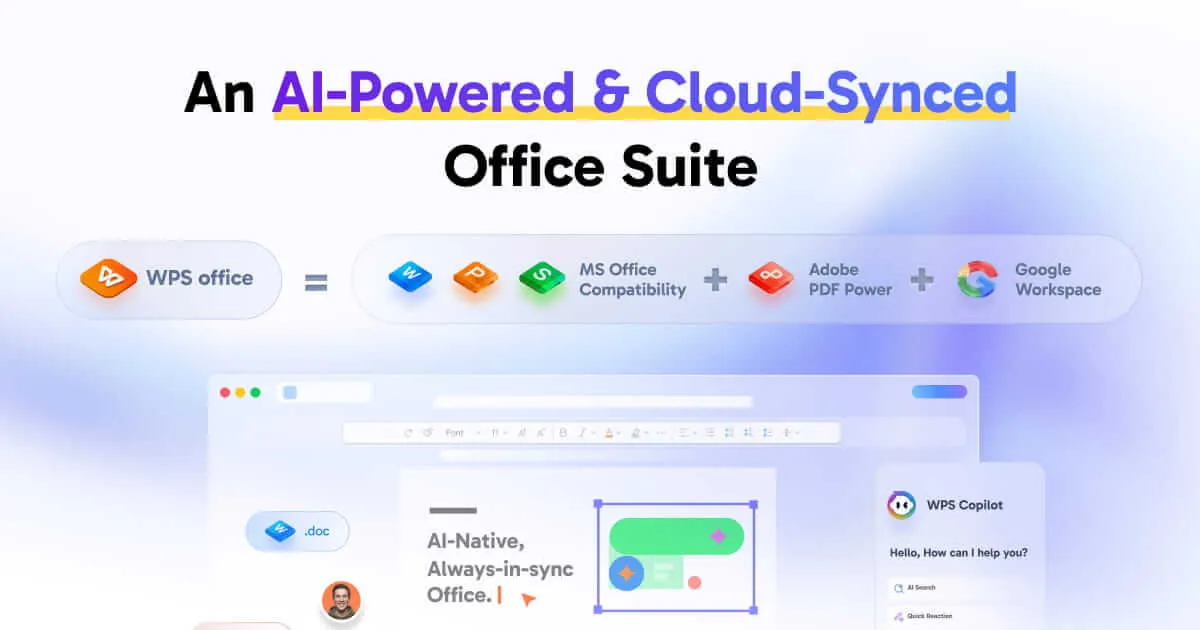
WPS Office is developed by WPS Software, part of Kingsoft Office. One window holds tabs for Writer, Spreadsheet, Presentation and a PDF reader, and it saves directly to DOCX, XLSX and PPTX as well as the older DOC, XLS and PPT formats.
The free plan includes the core office apps, basic templates and 1 GB of WPS cloud storage. Pro adds PDF text and image editing, conversion from PDF to Word, Excel or PowerPoint, advanced templates, 20 GB of storage and AI writing tools with a daily limit.
What it does well
- Microsoft Office formats. Opens and saves DOCX, XLSX, PPTX and the older DOC, XLS and PPT files.
- Tabbed interface. Documents, spreadsheets, slides and PDFs open as tabs in one window.
- Templates. A template library for documents, sheets and presentations; advanced templates need Pro.
- Cloud sync. Signing in syncs cloud documents between Windows, Mac, mobile and the web.
- Google Drive. Saves files directly to a connected Google Drive account.
Who it is for
Good fit
Home users and students who want a free suite that looks like Microsoft Office.
Look elsewhere
People who need PDF editing for free or prefer open-source software.
Pros and cons
Pros
- Familiar Microsoft Office-style interface
- Writer, Spreadsheet, Presentation and PDF reader in one app
- Saves directly to Microsoft formats
- Small online installer
Cons
- PDF editing, PDF conversion and advanced templates require Pro
- Free cloud storage is limited to 1 GB
- Closed source; AI tools are limited on the free plan
How to install WPS Office
The official file is a small online installer of about 5 MB that downloads the rest of WPS Office during setup. Read each setup screen before you click Install. A WPS account is used for cloud documents and syncing; local files work without the cloud.
Questions about WPS Office
Is WPS Office free?
Yes. The core office apps are free to use. Pro is an optional paid plan that adds PDF editing, conversion, more cloud storage and AI tools.
Can WPS Office open Word and Excel files?
Yes. It opens and saves DOC, DOCX, XLS, XLSX, PPT and PPTX files.
Do I need a WPS account?
No for local work. An account is used for cloud documents and syncing between devices.


