
Office & PDF · Updated
The best PDF editors for Windows
A PDF editor does more than a reader: it changes existing text and images, recognizes text in scans with OCR, converts PDFs to Word or Excel, merges and splits files and permanently redacts sensitive data. If you only need to open, fill and sign PDFs, a free reader is enough, and we cover those at the end of this guide.
The real differences between editors are in the business model. Some are completely free, some are free until you touch a paid tool and then stamp a watermark on your file, and some lock their editing tools when a 7- or 14-day trial ends. Check whether you need OCR, whether your files may leave your PC, and whether you prefer a subscription or a one-time license.
Our picks at a glance
| App | Best for | License | Price | Download |
|---|---|---|---|---|
 Adobe Acrobat Pro Adobe Acrobat Pro |
Professionals who need the reference editor | Free trial | $19.99, per month, annual plan billed monthly | Review |
 PDFgear PDFgear |
The best completely free PDF editor | Freeware | Free | Review |
 PDF-XChange Editor PDF-XChange Editor |
Fast annotation and review on Windows | Freeware | Free | Review |
 Foxit PDF Editor Foxit PDF Editor |
An Acrobat replacement with a perpetual license | Free trial | $129.99, per user per year (PDF Editor, annual plan paid in full) | Review |
 PDF24 Creator PDF24 Creator |
Free offline merging, compressing and OCR | Freeware | Free | Review |
 PDFelement PDFelement |
A cheap Acrobat-style editor for home users | Shareware | $31.99, per year (Windows-only one-year plan, promotional price) | Review |
 Nitro PDF Pro Nitro PDF Pro |
Businesses that live in Microsoft Office | Free trial | $180, per year (Nitro PDF Standard, $15 a month billed annually) | Review |
 Master PDF Editor Master PDF Editor |
A one-time purchase that also runs on Linux | Shareware | $79.95, one-time license for the current version, 1 year of updates | Review |
 Stirling PDF Stirling PDF |
Privacy-minded batch work and self-hosting | Freeware | Free | Review |
1. Adobe Acrobat Pro — PDF Editor
Best for: Professionals who need the reference editor
- Free trial
- $19.99, per month, annual plan billed monthly
- Office & PDF

.jpg)
Acrobat Pro comes from Adobe, the company behind the PDF format, and it is the editor other people's files are usually made and tested with. It edits text and images, runs OCR on scans, converts to and from Word, Excel and PowerPoint, compares two versions of a document, redacts permanently and sends documents for e-signature with tracking.
The price is the problem. The cheapest Pro plan is $19.99 a month on an annual plan billed monthly, cancelling after the first 14 days costs a fee, and the 7-day trial turns into a paid plan unless you cancel. If you edit PDFs a few times a year, PDFgear or Foxit PDF Editor cost far less.
Pros
- Most complete PDF feature set
- Reliable OCR and Office conversion
- Built-in e-signature workflow
Cons
- Trial is only 7 days and turns into a paid plan unless cancelled
- Cheapest price needs a one-year commitment with a cancellation fee
- Expensive compared with other PDF editors
2. PDFgear — PDF Editor
Best for: The best completely free PDF editor
- Freeware
- Free
- Office & PDF
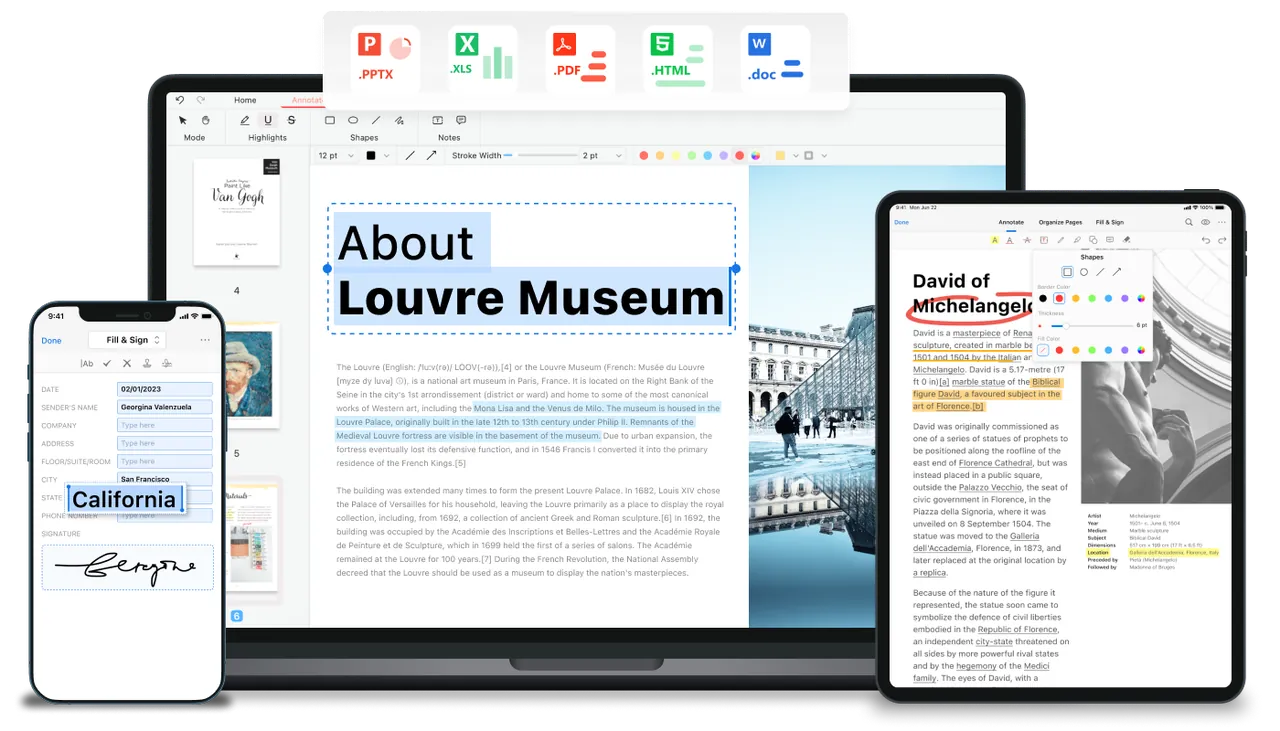
PDFgear is the closest thing to a free Acrobat: it edits text, images, links and form fields, converts PDFs to and from Word, Excel, PowerPoint, TXT and JPG in batches, runs OCR in more than 30 languages, and merges, splits and signs files. There is no account, no watermark and no page limit, unlike the trial modes of PDFelement or Master PDF Editor.
It is closed source and the developer does not explain how it plans to make money long term. The built-in AI chat sends document text to an online service, so avoid that feature for confidential files; editing, conversion and OCR work offline in the desktop app.
Pros
- Editing, OCR and conversion free with no watermark
- No account required
- Batch conversion to Office formats
Cons
- Closed source; the company's long-term business model is not spelled out
- AI features send document content to an online service
- Large installer for a PDF tool
3. PDF-XChange Editor — PDF Editor
Best for: Fast annotation and review on Windows
- Freeware
- Free
- Office & PDF
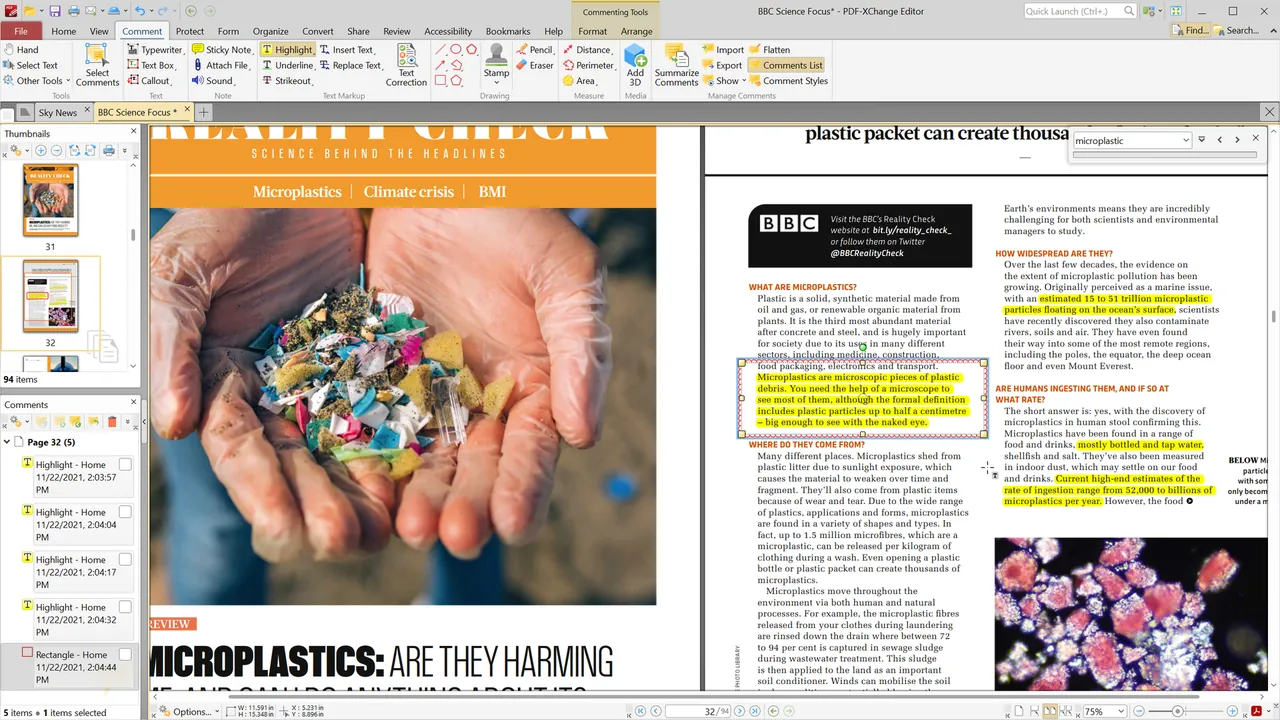
PDF-XChange Editor renders large documents quickly and has one of the richest sets of comment and markup tools: highlights, notes, shapes, stamps, measurements and text boxes. The free mode also runs OCR, fills forms, adds digital signatures and includes a virtual PDF printer, and it is free for private and commercial use with no time limit.
About 30% of its features are licensed, and using them without a key stamps a watermark on your document that you cannot remove later. Turn on the option under Help, License Key that hides all licensed tools. It runs only on Windows; paid licenses are perpetual rather than a subscription.
Pros
- Large set of free annotation tools
- Fast on large PDFs
- Free for commercial use
Cons
- About 30% of features add watermarks without a license
- Watermarks cannot be removed without a license key
- Windows only
4. Foxit PDF Editor — PDF Editor
Best for: An Acrobat replacement with a perpetual license
- Free trial
- $129.99, per user per year (PDF Editor, annual plan paid in full)
- Office & PDF
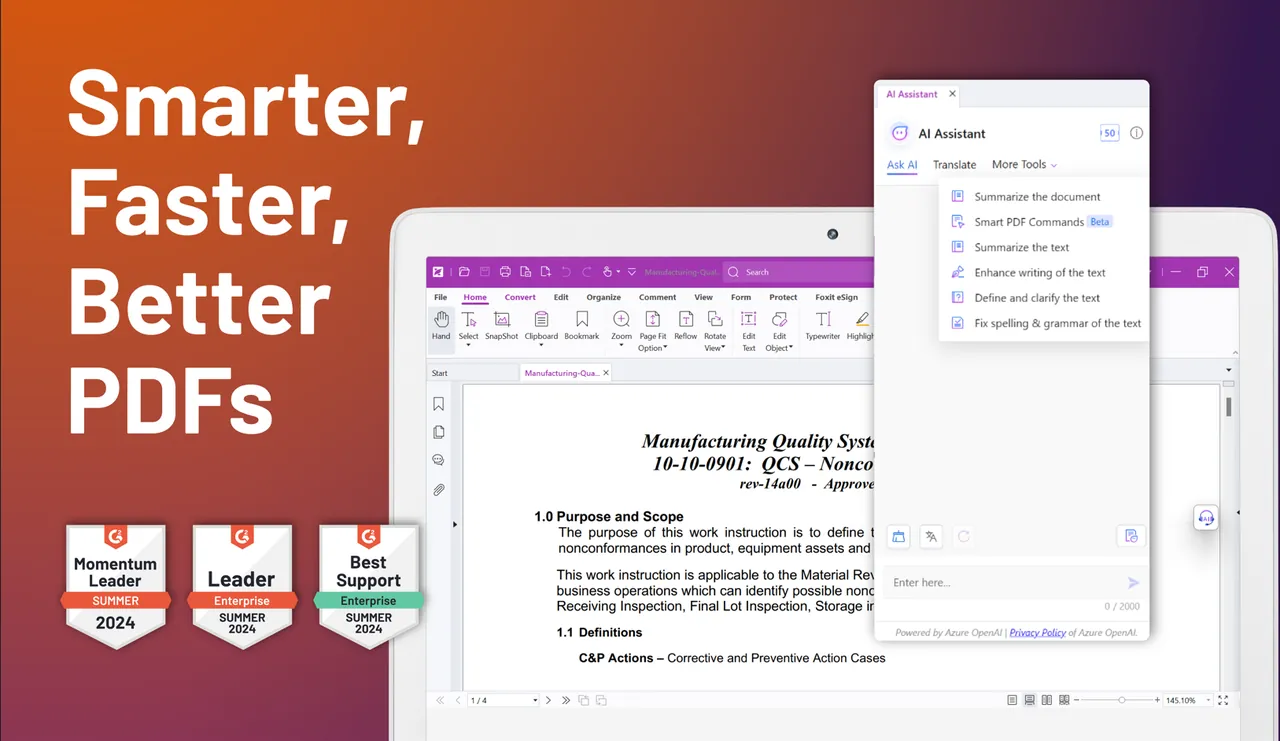
Foxit PDF Editor has a ribbon interface that feels familiar to Acrobat and Office users, and it covers the same core jobs: text and image editing, Office conversion, OCR, document comparison, forms, passwords and redaction. Subscriptions add cloud storage and an AI assistant with 300 free credits a month.
PDF Editor costs $129.99 per user per year, and Foxit is one of the few vendors that still sells a perpetual license, at $209.99 for PDF Editor 14 without AI and cloud features. The 14-day trial needs a free account but no card; afterwards the editing tools lock and only the free Reader features remain.
Pros
- Familiar ribbon interface close to Microsoft Office
- Full editing, OCR, conversion and redaction
- Perpetual license still available
Cons
- Editing tools lock after the 14-day trial
- Subscription from $129.99 a year; perpetual license costs $209.99
- Account sign-in required to start the trial
5. PDF24 Creator — PDF Toolkit
Best for: Free offline merging, compressing and OCR
- Freeware
- Free
- Office & PDF
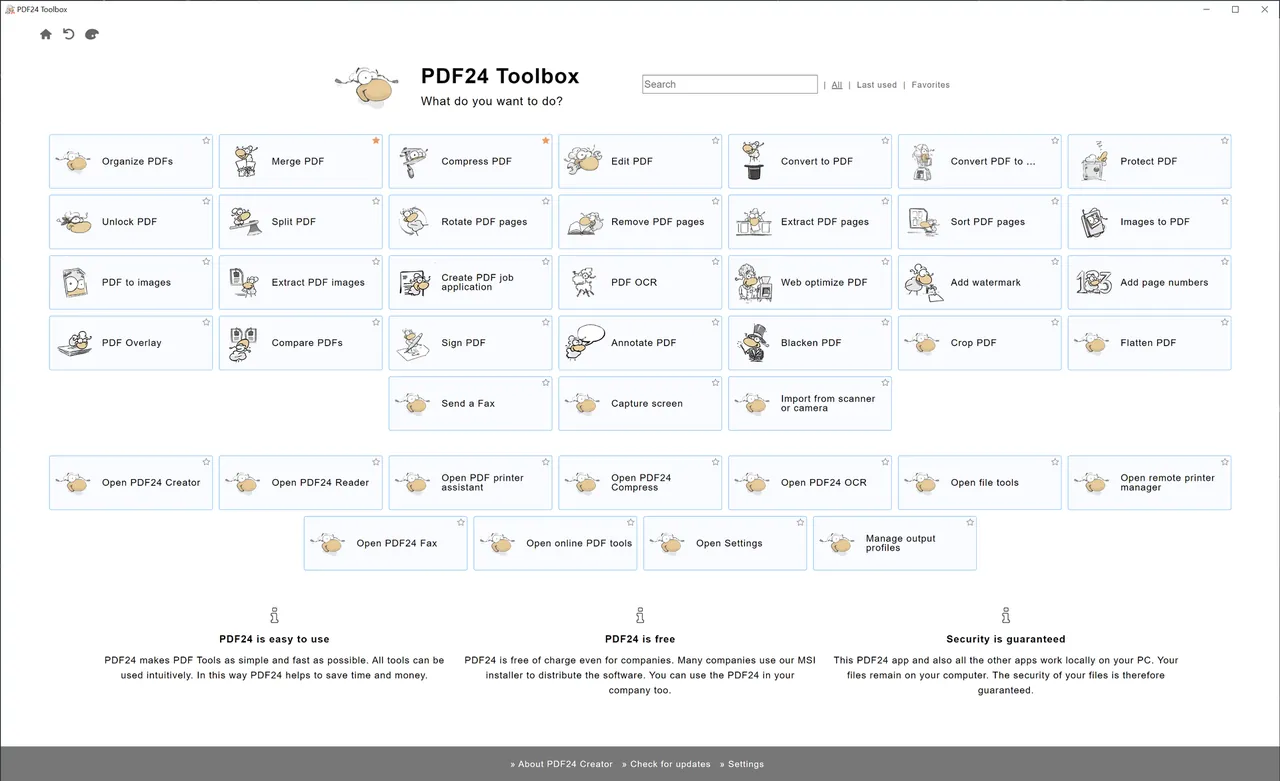
PDF24 Creator is a toolbox rather than a classic editor. It merges and splits files, rearranges and rotates pages, compresses large PDFs, runs OCR and converts files, and its virtual PDF printer lets any program save a PDF. Everything runs offline, and it is free even for companies and public authorities.
It cannot edit the existing text in a PDF, so pair it with PDFgear if you need that. It is Windows-only, closed source and a large install that bundles OpenJDK and WebView2.
Pros
- Free for private and commercial use
- Works offline; files stay on your PC
- Virtual PDF printer included
Cons
- Windows only
- Large install that includes OpenJDK and WebView2
- Closed source
6. PDFelement — PDF Editor
Best for: A cheap Acrobat-style editor for home users
- Shareware
- $31.99, per year (Windows-only one-year plan, promotional price)
- Office & PDF
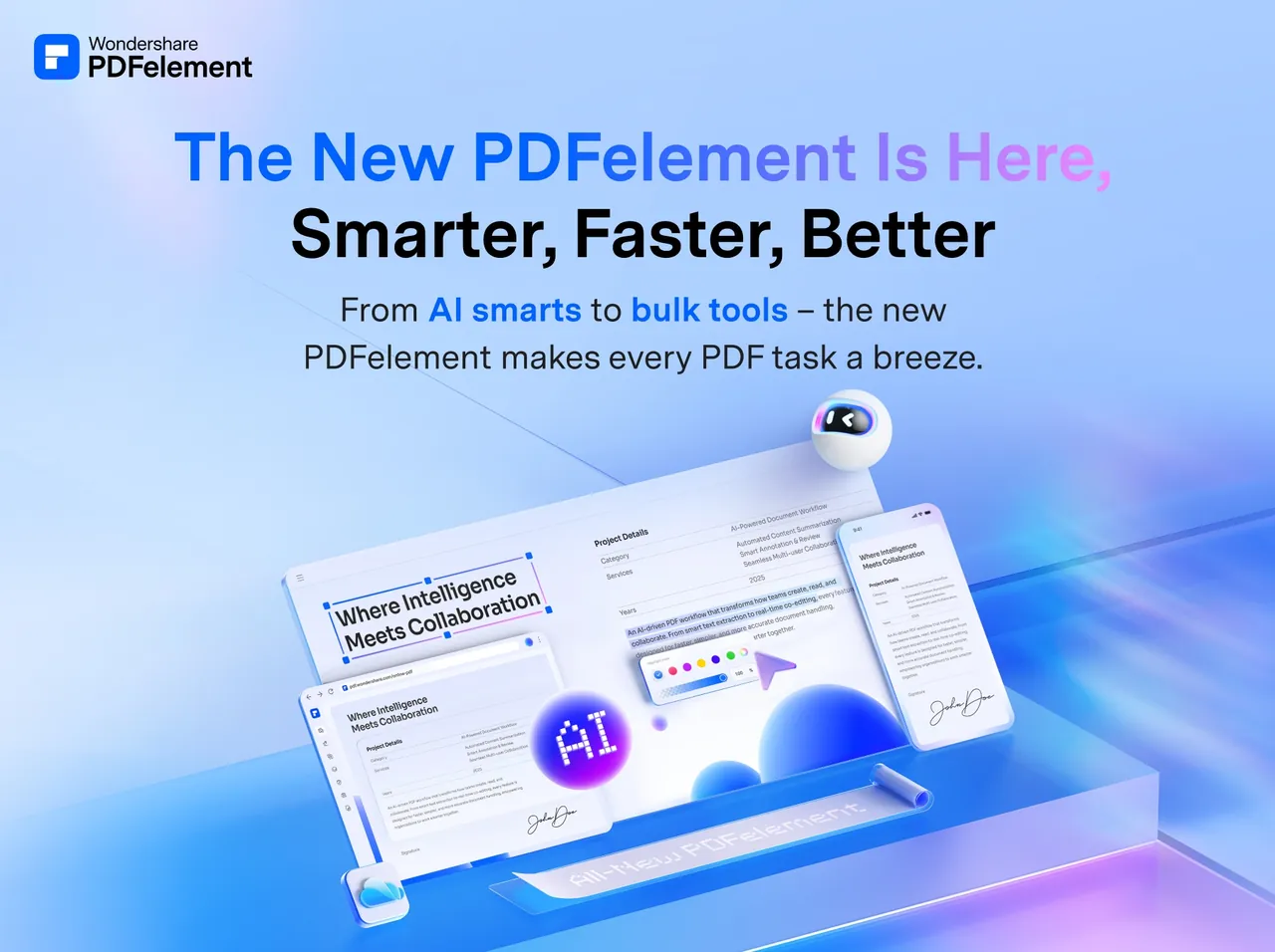
Wondershare's PDFelement edits PDFs with a Word-style toolbar and converts, fills, signs, protects and redacts documents. Its Lumi AI assistant summarizes and translates within a usage quota. At our last check, the cheapest plan was a Windows-only one-year plan for $31.99, and a perpetual license for the current major version was also sold.
The trial is only for testing: every saved file gets a watermark, OCR stays locked, and after the 14-day trial with a Wondershare ID it drops back to a limited mode. Prices are promotional and change often, and some plans renew automatically, so read the checkout page carefully. PDFgear does many of the same jobs for free.
Pros
- Familiar, Word-like editing
- Much cheaper than Acrobat
- Perpetual license option
Cons
- Trial adds a watermark to every saved file
- OCR is not available in the trial
- Frequently changing promotional prices and auto-renewing plans
7. Nitro PDF Pro — PDF Editor
Best for: Businesses that live in Microsoft Office
- Free trial
- $180, per year (Nitro PDF Standard, $15 a month billed annually)
- Office & PDF
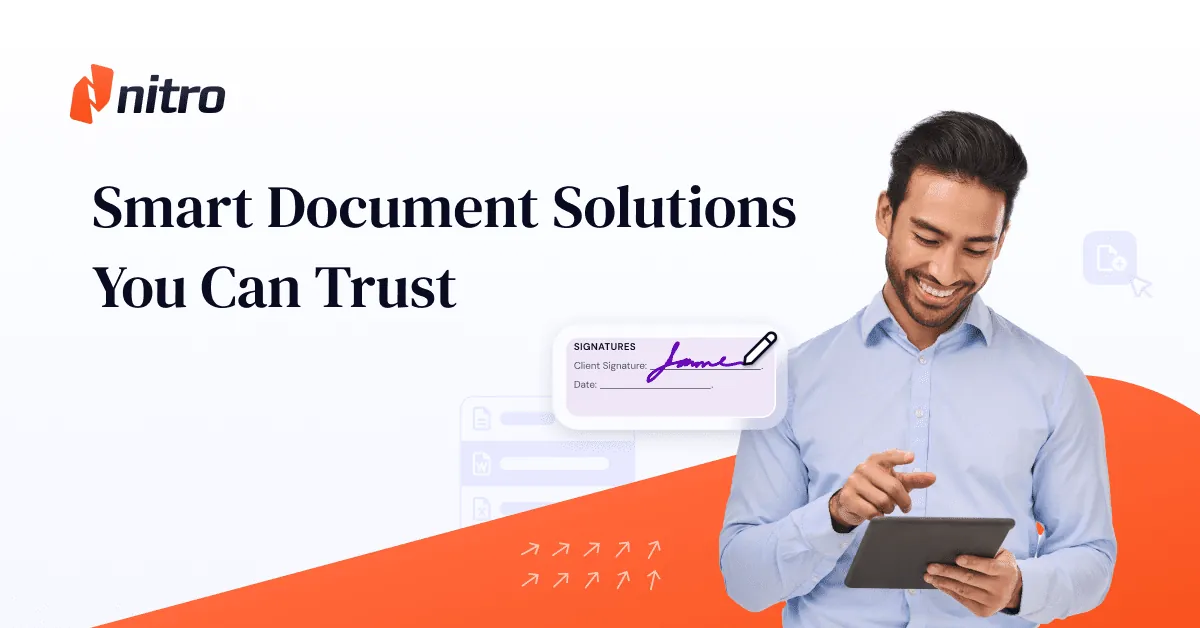
Nitro PDF Pro copies the Microsoft Office ribbon, so office teams find their way around quickly. It creates and edits PDFs, runs OCR, converts to Office formats, builds fillable forms and sends documents for e-signature through Nitro Sign; the Windows version also has AI tools for extracting data to spreadsheets and redaction.
The 14-day trial is fair, with no card and no automatic charge, but the desktop features lock completely when it ends. Nitro PDF Standard costs $180 a year, billed annually, which is more than Foxit PDF Editor. Nitro PDF Classic is a one-time purchase for three years of use on Windows.
Pros
- 14-day trial with no card and no auto-charge
- Familiar Microsoft Office-style interface
- OCR, conversion and e-signatures in one app
Cons
- Desktop features lock completely after the trial
- Subscriptions are billed yearly, not monthly
- No customer support during the trial
8. Master PDF Editor — PDF Editor
Best for: A one-time purchase that also runs on Linux
- Shareware
- $79.95, one-time license for the current version, 1 year of updates
- Office & PDF
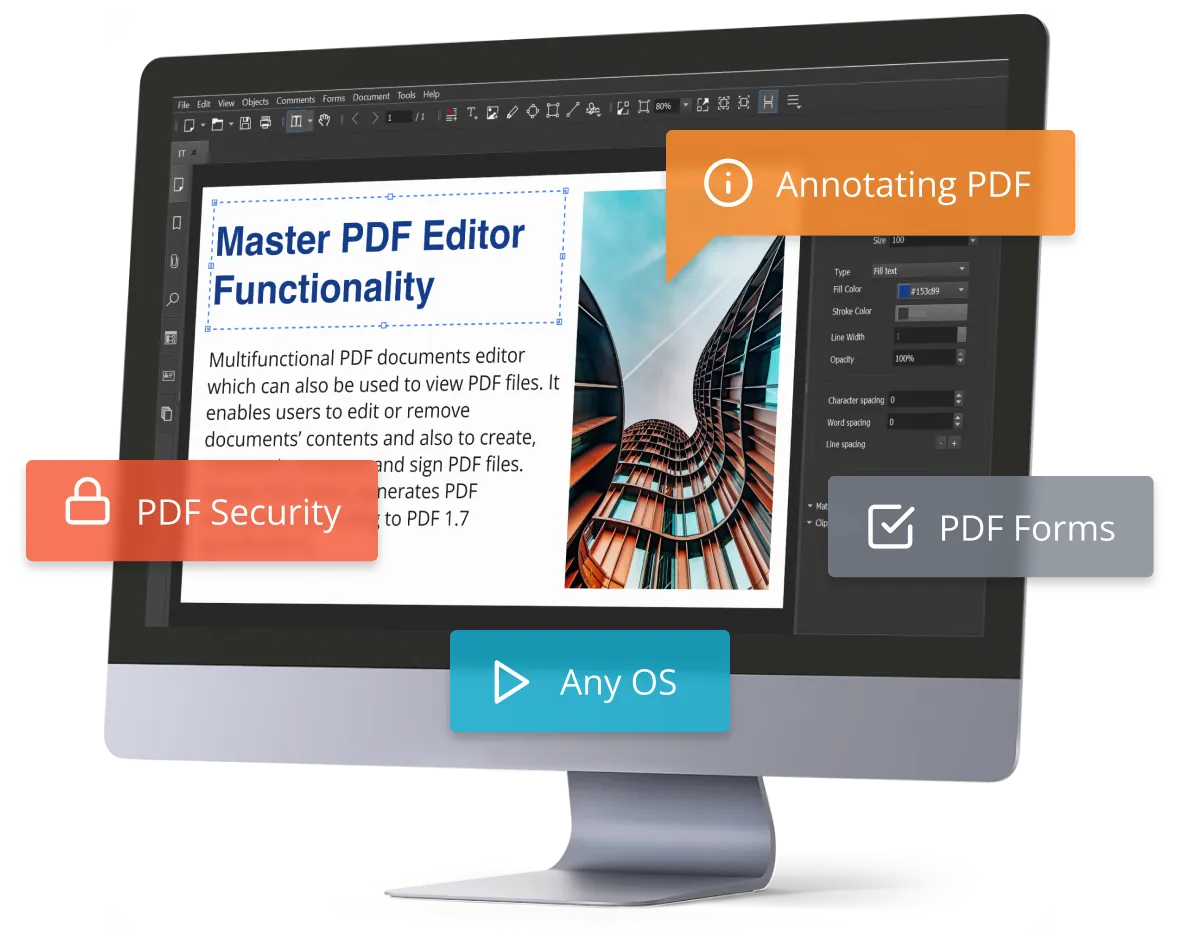
Master PDF Editor is a compact editor for text, images, forms with JavaScript and XFA support, OCR, certificate signatures and page management, with versions for Windows, macOS and Linux. A license costs $79.95 one-time for the current version and includes a year of updates; later years cost half price.
The demo never expires and handles viewing, form filling, comments, splitting and merging, but only for personal, non-commercial use, and anything you edit is saved with a watermark. If you just need free editing, PDFgear has no such restriction.
Pros
- Perpetual license, no subscription
- Demo has no time limit
- Editing, forms, OCR and signatures in one app
Cons
- Edited files get a watermark until you buy a $79.95 license
- Free use is limited to personal, non-commercial purposes
- Updates after the first year cost extra
9. Stirling PDF — PDF Toolkit
Best for: Privacy-minded batch work and self-hosting
- Freeware
- Free
- Office & PDF
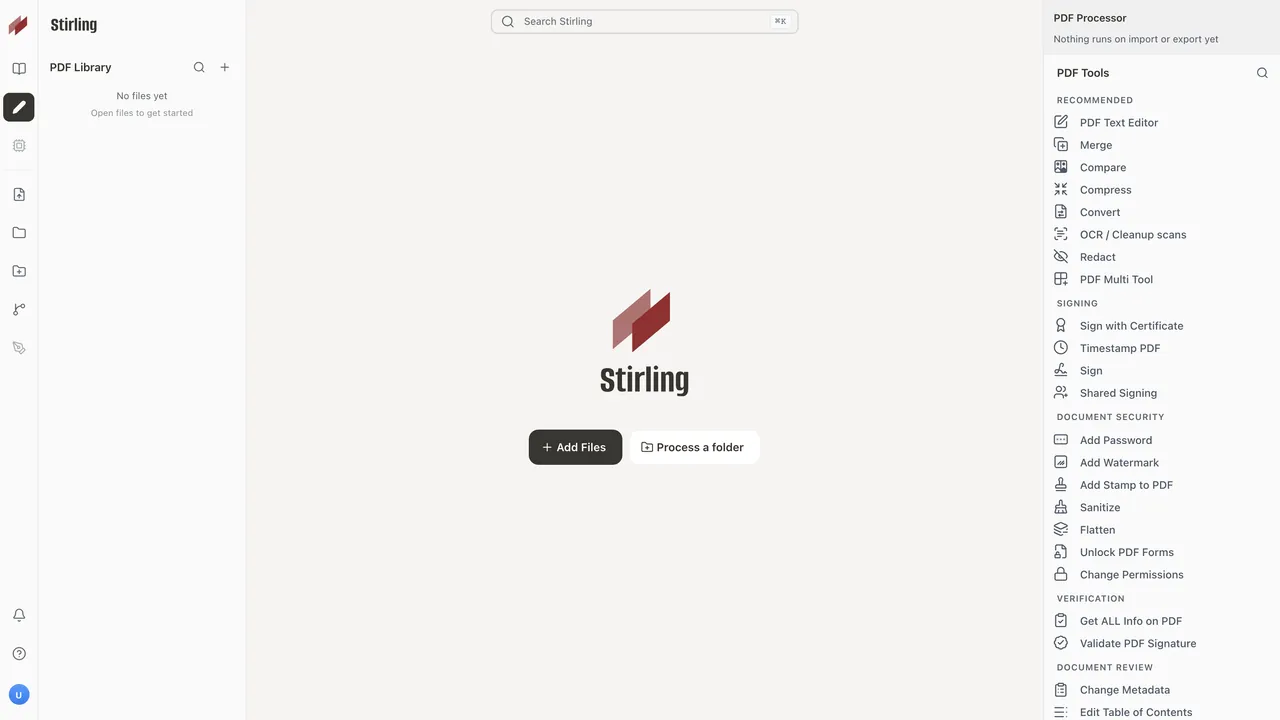

Stirling PDF bundles more than 60 tools: merge, split, reorder, compress, watermark, number pages, sign, redact and password-protect. In Local Only mode you use it without an account and every file stays on your computer, and teams can connect it to their own Stirling server.
The desktop engine cannot do OCR, Office-to-PDF or PDF-to-Word conversion by itself; those need Stirling Cloud or a self-hosted server. Pipelines and folder processing use cloud credits. For offline OCR on a single PC, PDF24 Creator is simpler.
Pros
- Large set of PDF tools in one app
- Local Only mode needs no account
- Free for individuals, no card required
Cons
- OCR and most Office conversions need Stirling Cloud or a server
- Desktop app and premium parts are under a proprietary license
- AI tools, folder processing and pipelines use cloud credits
Free, watermark or trial: know what you get
Completely free: PDFgear, PDF24 Creator and Stirling PDF for individuals. Free with watermarks on some tools: PDF-XChange Editor, where most tools are clean, and Master PDF Editor and PDFelement, where editing output is watermarked. Trials that lock: Acrobat Pro for 7 days, Foxit PDF Editor and Nitro PDF Pro for 14 days.
Acrobat's trial is the only one here that turns into a paid plan automatically unless you cancel. Foxit and Nitro need an account but no card.
Subscription or one-time license?
Acrobat Pro, Nitro and most Foxit and PDFelement plans are subscriptions. If you prefer to pay once, look at Master PDF Editor at $79.95, Foxit's $209.99 perpetual PDF Editor 14 license, PDF-XChange Editor's perpetual licenses, Nitro PDF Classic or the perpetual PDFelement license. Perpetual licenses usually cover one version, with updates for a limited time.
Privacy and confidential documents
For contracts, medical or financial files, prefer tools that work offline. PDF24 Creator and Stirling PDF in Local Only mode keep files on your PC. PDFgear's AI chat sends document text to an online service, and Foxit, PDFelement and Nitro also include AI assistants, so leave those features off for sensitive files. When you black out information, use a real redaction tool, which removes the content, rather than drawing a black box that can be deleted.
If you only need to read, fill and sign
You do not need an editor for that. Adobe Acrobat Reader is free, renders PDFs exactly as their authors made them and handles complex official forms, though it often promotes paid Acrobat features. Foxit PDF Reader also fills XFA forms and adds comments and signatures for free. Sumatra PDF is a small open-source reader that opens files instantly and also reads EPUB, MOBI and comics, but it has only basic annotations and cannot fill complex forms or sign.
Frequently asked questions
What is the best free PDF editor for Windows?
PDFgear is the best fully free editor: it edits text, converts to Office formats and runs OCR without an account or watermarks. PDF-XChange Editor is a strong alternative if you hide its licensed tools.
Is there a free alternative to Adobe Acrobat Pro?
Yes. PDFgear covers editing, conversion, OCR, merging and signing for free, and PDF24 Creator handles merging, compression and OCR offline. Acrobat Pro still leads on redaction, document comparison and tracked e-signatures.
Is Adobe Acrobat Pro free?
No. It has a 7-day free trial that converts to a paid plan unless you cancel, and then costs $19.99 a month on an annual plan. The free Acrobat Reader views, fills and signs PDFs but cannot edit text.
Is Foxit PDF Editor better than Acrobat?
It covers the same core tools, including editing, OCR, conversion, forms and redaction, for less money: $129.99 a year or a $209.99 perpetual license. Acrobat remains the reference for how PDFs render and has more e-signature and review features.
Can I edit a PDF without a watermark for free?
Yes, with PDFgear. PDF-XChange Editor is also watermark-free as long as you only use its free tools. PDFelement and Master PDF Editor watermark edited files until you buy a license.
Which PDF editor works offline?
PDFgear (except its AI chat), PDF-XChange Editor, PDF24 Creator and Master PDF Editor work offline. Stirling PDF works offline in Local Only mode, but OCR and Office conversion need its cloud or a server.
ExeDepot does not host installers. Every download button opens the developer's own server or official download page. Prices and licenses come from each developer's site and were checked on .