

Our verdict: Apache OpenOffice still opens and edits documents, spreadsheets and presentations for free, but the project has stayed on the 4.1 line since 2014 and ships only maintenance releases. LibreOffice, which forked from the same code, gets new features and better Microsoft Office compatibility much faster. Pick OpenOffice only if you already depend on it.
About Apache OpenOffice
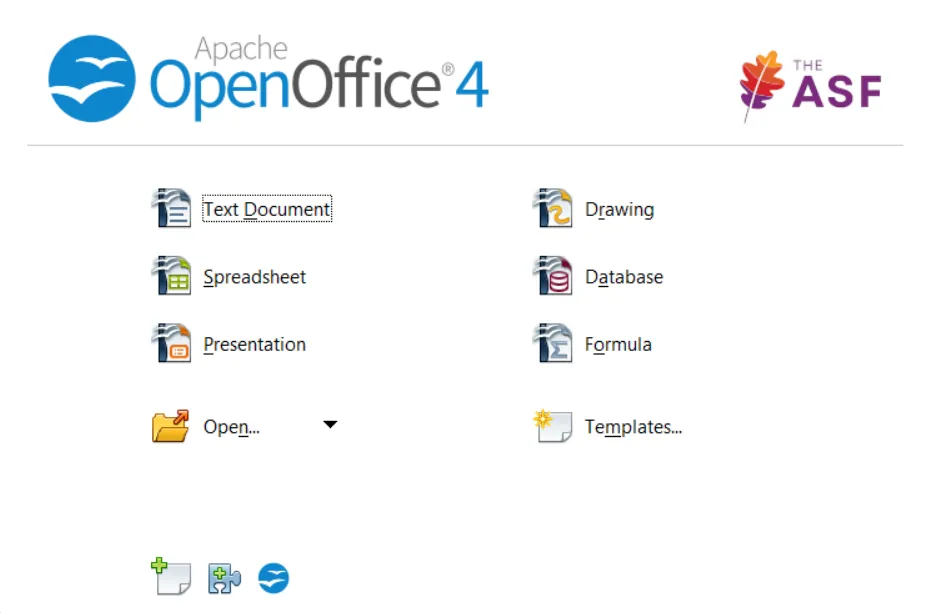
Apache OpenOffice is the continuation of OpenOffice.org, maintained by volunteers at the Apache Software Foundation under the Apache License 2.0. It includes Writer for documents, Calc for spreadsheets, Impress for presentations, Draw for diagrams, Base for databases and Math for formulas, and saves in the OpenDocument format by default.
Development is slow: version 4.1.0 came out in 2014, and every release since then, up to 4.1.17, has been a maintenance update with bug and security fixes and dictionary updates. The Windows build is a 32-bit installer, offered separately for each interface language.
What it does well
- Six apps in one suite. Writer, Calc, Impress, Draw, Base and Math share one installer and one interface.
- OpenDocument by default. Saves files as ODT, ODS and ODP, and can also open and save Microsoft Office formats.
- PDF export. Exports any document, spreadsheet or presentation to PDF from the File menu.
- Extensions and templates. Adds dictionaries, templates and extra functions from the official extensions site.
- Many interface languages. Separate installers are published for dozens of interface languages.
Who it is for
Good fit
Users and organisations that already rely on OpenOffice files, macros or workflows and want to keep them running.
Look elsewhere
New users choosing an office suite today; LibreOffice or ONLYOFFICE are more actively developed and handle DOCX and XLSX better.
Pros and cons
Pros
- Open source with no ads or accounts
- Complete suite with database and drawing apps
- Light on resources compared with newer suites
Cons
- Only maintenance releases since 2014; far slower development than LibreOffice
- Weaker compatibility with modern DOCX, XLSX and PPTX files
- Windows build is 32-bit only
How to install Apache OpenOffice
The direct link downloads the English (US) 32-bit installer from Apache's server; other languages are listed on the official download page. The installer first unpacks its files to a folder on the desktop, which you can delete after setup. Some Base features need a Java runtime, which is not bundled.
Questions about Apache OpenOffice
Is Apache OpenOffice free?
Yes. It is open source under the Apache License 2.0 and free for home, school and business use.
Is Apache OpenOffice still developed?
It still receives maintenance releases in the 4.1 series with bug and security fixes, but no major new features have been added since 2014.
Should I use OpenOffice or LibreOffice?
For most people LibreOffice is the better choice: it started from the same code but is updated much more often and opens Microsoft Office files more reliably.


