

Our verdict: ONLYOFFICE is the free office suite to pick if you mostly exchange DOCX, XLSX and PPTX files with Microsoft Office users. It also edits PDFs and fillable forms, which most free suites cannot. It lacks a database app, and the installer is large.
About ONLYOFFICE Desktop Editors
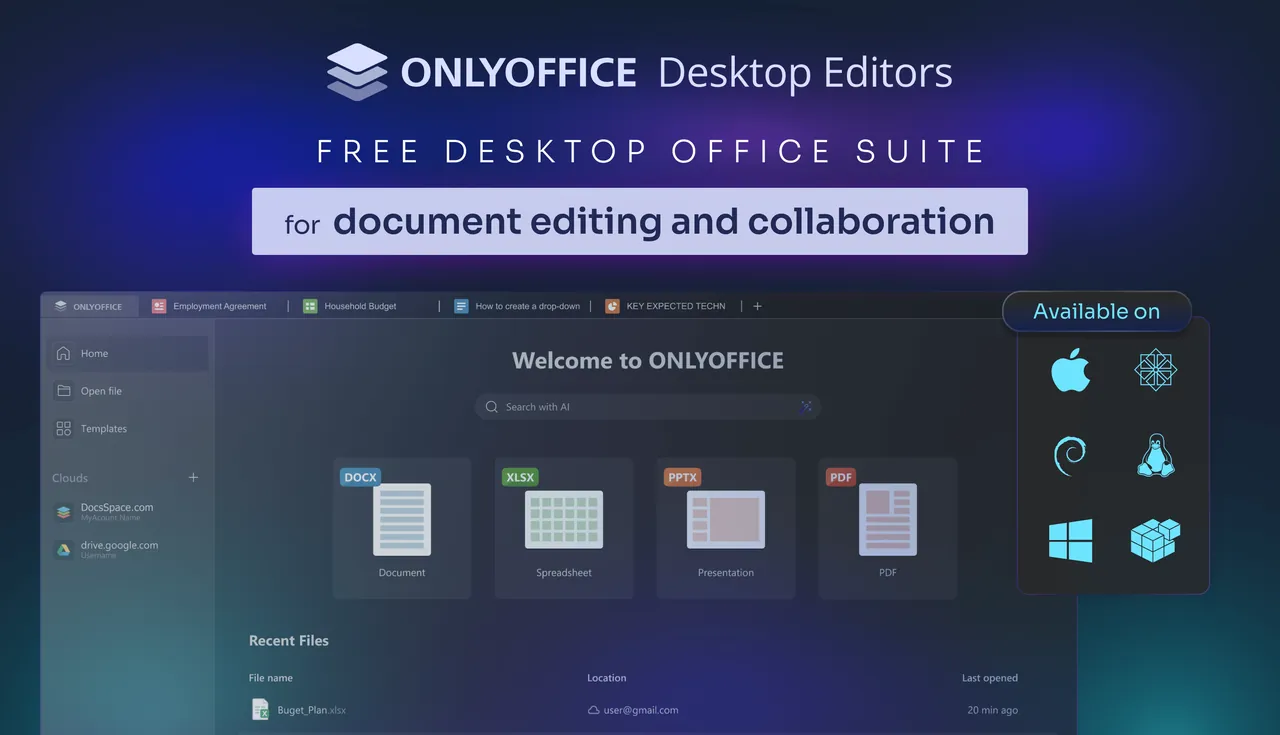
ONLYOFFICE Desktop Editors is developed by Ascensio System SIA and released under the GNU AGPL v3. One app holds a document editor, spreadsheet editor, presentation editor and PDF editor, each file opening in its own tab.
The editors are built around the Office Open XML formats, so DOCX, XLSX and PPTX are the native file types; ODT, ODS, ODP and CSV open as well. Everything works offline, and you can connect the app to ONLYOFFICE, Nextcloud, ownCloud, Seafile and other cloud platforms when you need to co-edit with others.
What it does well
- Native Microsoft formats. Opens and saves DOCX, XLSX and PPTX directly, keeping fonts, charts and styles.
- PDF editor. Edits text, images and layout in PDFs, adds annotations and converts PDFs to editable documents.
- Fillable forms. Creates and fills PDF forms with text fields, checkboxes and other form elements.
- Cloud connections. Links to ONLYOFFICE, Nextcloud, ownCloud, Seafile, Box or Dropbox for real-time co-editing and comments.
- Plugins and optional AI. Adds plugins such as a translator or code highlighter, and optional AI tools that work with a provider you choose.
Who it is for
Good fit
People who share Word, Excel and PowerPoint files with colleagues and want a free editor that keeps the layout intact.
Look elsewhere
Users who need a database app like Access or LibreOffice Base, or who want a small, light download.
Pros and cons
Pros
- Native DOCX, XLSX and PPTX support
- Edits PDFs and fillable forms
- Tabbed interface for all file types
- Works fully offline
Cons
- No database or drawing app
- Large installer, close to 300 MB
- Real-time co-editing needs a connected cloud service
How to install ONLYOFFICE Desktop Editors
Download the Windows x64 installer from onlyoffice.com; an MSI package and a small online installer are offered on the same page. On first launch, use the Connect to cloud button only if you want shared editing; local files work without an account.
Questions about ONLYOFFICE Desktop Editors
Is ONLYOFFICE Desktop Editors free?
Yes. The desktop editors are open source under the AGPL v3 and free for home and business use. ONLYOFFICE sells paid server and enterprise products separately.
Can ONLYOFFICE open LibreOffice files?
Yes. It opens ODT, ODS and ODP files, although its native formats are DOCX, XLSX and PPTX.
Do I need an account to use ONLYOFFICE?
No. You only need an account if you connect the app to a cloud service for shared editing.


