
Office & PDF · Updated
The best note-taking apps for Windows
Note apps look similar at first, but they store your notes in very different ways. Some keep plain Markdown files in a folder on your PC, some keep everything in the developer's cloud, and some encrypt notes on your device so even the developer cannot read them. That choice decides how easily you can switch apps later and how private your notes are.
The other questions are practical. Do you need free sync between your PC and phone? Do you write long documents, quick lists, bullet-point outlines or handwritten notes? Do you want databases and project boards, or just a fast notepad? Free plans differ a lot: some are free without limits, others cap the number of notes, devices or uploads.
Our picks at a glance
| App | Best for | License | Price | Download |
|---|---|---|---|---|
 Obsidian Obsidian |
A personal knowledge base you fully own | Freeware | Free | Review |
 Notion Notion |
Notes, databases and planners in one workspace | Freeware | Free | Review |
 Microsoft OneNote Microsoft OneNote |
Handwritten and free-form notes | Freeware | Free | Review |
 Joplin Joplin |
Open-source notes with encrypted sync | Open source | Free | Review |
 Notesnook Notesnook |
Private rich-text notes synced for free | Open source | Free | Review |
 Logseq Logseq |
Outliners, daily journals and research | Open source | Free | Review |
 Anytype Anytype |
A private, local-first Notion alternative | Freeware | Free | Review |
 Simplenote Simplenote |
Quick plain-text notes and lists | Open source | Free | Review |
 Standard Notes Standard Notes |
Sensitive notes such as journals and records | Open source | Free | Review |
1. Obsidian — Note-Taking App
Best for: A personal knowledge base you fully own
- Freeware
- Free
- Office & PDF
Obsidian keeps every note as a Markdown file in an ordinary folder, so any text editor can open your notes and you are never locked in. Links between notes, backlinks, a graph view and an infinite Canvas make it strong for research and writing, and thousands of community plugins add tasks, calendars and more. It is free for all uses, including companies, without an account.
The app is closed source, and official sync costs $4 a month; you can also sync the folder with your own tools. If you prefer bullet-point outlines over documents, look at Logseq; if you want open source with built-in encrypted sync, look at Joplin.
Pros
- Notes stay as plain Markdown files
- Free for personal and commercial use
- Large plugin and theme ecosystem
Cons
- Closed source
- Official sync and publishing are paid subscriptions
2. Notion — Notes and Workspace App
Best for: Notes, databases and planners in one workspace
- Freeware
- Free
- Office & PDF
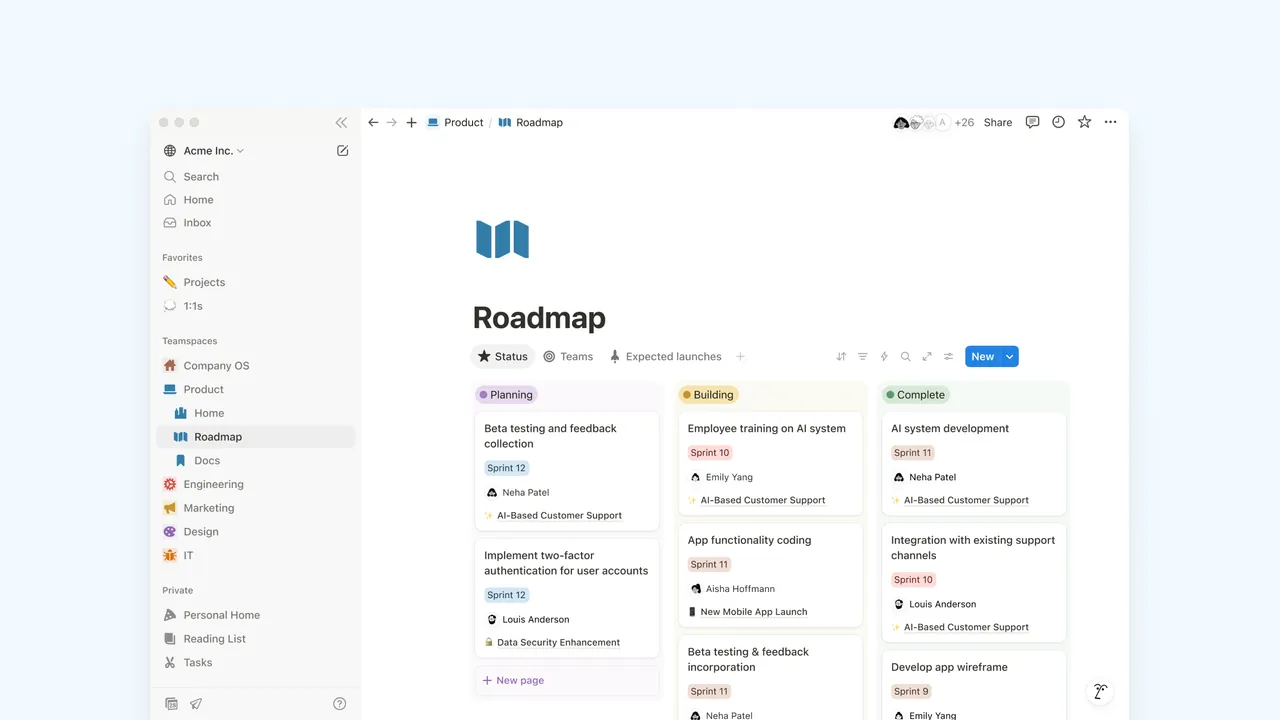
Notion builds everything from blocks and pages, with databases that show as tables, boards, calendars or lists. That makes it a journal, wiki, reading list and project tracker in one app. The Free plan gives one person unlimited pages and blocks, and students can get Plus for free with a school email.
It needs an account and stores everything in Notion's cloud, with no end-to-end encryption or local files. Free workspaces with two or more members hit block limits and 5 MB uploads. For a Notion-style app that keeps data local and encrypted, see Anytype or AppFlowy.
Pros
- Unlimited pages and blocks for individuals
- Very flexible databases
- Large template gallery
Cons
- Requires an account; data lives in Notion's cloud
- Free workspaces with 2+ members have block limits and 5 MB uploads
- Notion AI is only a limited trial on the free plan
3. Microsoft OneNote — Note-Taking App
Best for: Handwritten and free-form notes
- Freeware
- Free
- Office & PDF
OneNote treats each page as an open canvas: click anywhere to type, drop in images, tables and audio, or write and draw with a pen. That makes it the best free choice for Windows tablets and touch laptops. Notebooks, sections and pages keep classes or projects apart, and shared notebooks let several people edit at once.
Notebooks live in OneDrive, so you need a Microsoft account and your OneDrive plan sets the storage limit. Export options are limited, which makes moving to another app hard, and Copilot needs a paid Microsoft 365 plan. For notes in open files, Obsidian or Joplin are easier to leave.
Pros
- Free without an Office licence
- Excellent pen and touch support
- Free-form pages for mixed content
Cons
- Notebooks live in OneDrive, so storage is limited by your OneDrive plan
- Export options are limited, which makes moving to another app hard
- Copilot AI features require a paid Microsoft 365 subscription
4. Joplin — Note-Taking App
Best for: Open-source notes with encrypted sync
- Open source
- Free
- Office & PDF
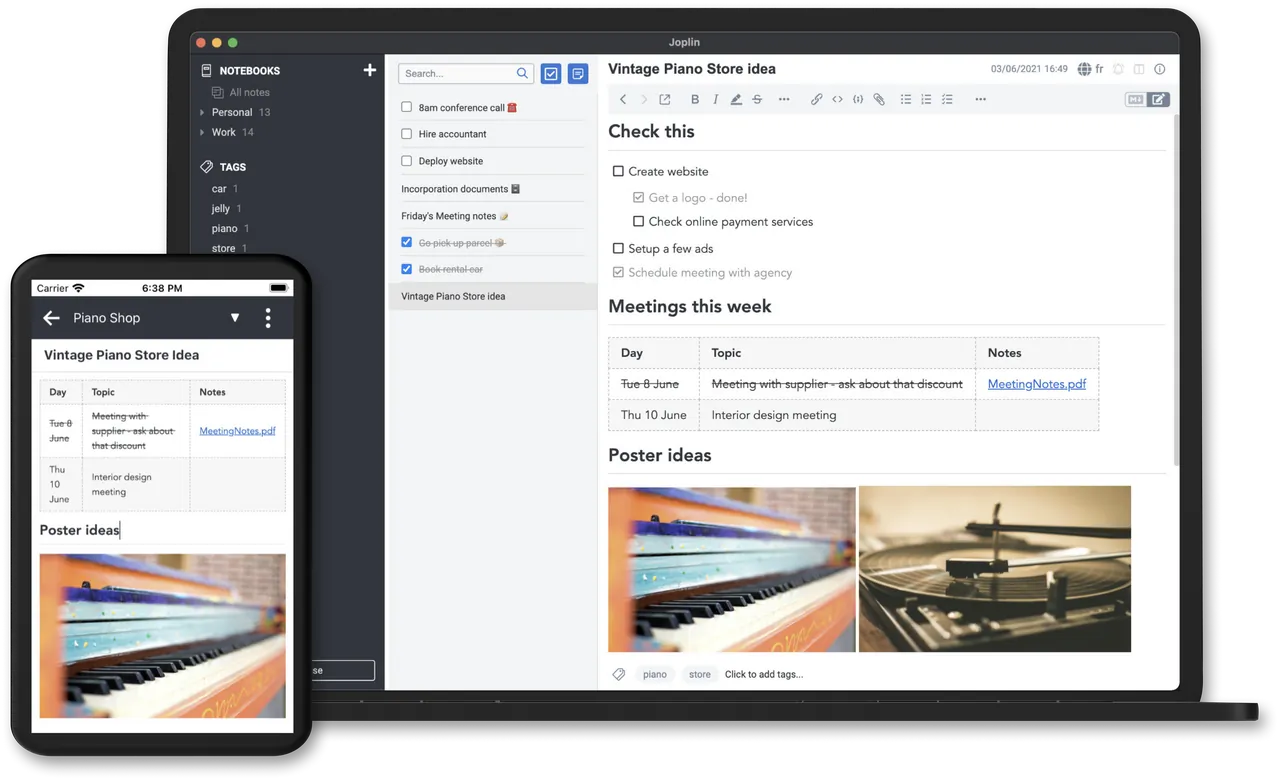

Joplin is open source and offline first: every device keeps a full copy of your notes. It syncs through Nextcloud, Dropbox, OneDrive or the paid Joplin Cloud with optional end-to-end encryption, so you can use storage you already have. It imports Evernote exports with images and attachments, and has a web clipper for Chrome and Firefox.
Sharing notebooks with other people and publishing notes need Joplin Cloud, which starts at 2.99 EUR a month, or a self-hosted Joplin Server. It is the most direct free replacement for Evernote, whose free plan is now very limited.
Pros
- Open source
- End-to-end encrypted sync
- Apps for every major platform
Cons
- Sharing and collaboration need paid Joplin Cloud or a self-hosted server
- Web clipper is only available for Chrome and Firefox
5. Notesnook — Encrypted Notes App
Best for: Private rich-text notes synced for free
- Open source
- Free
- Office & PDF
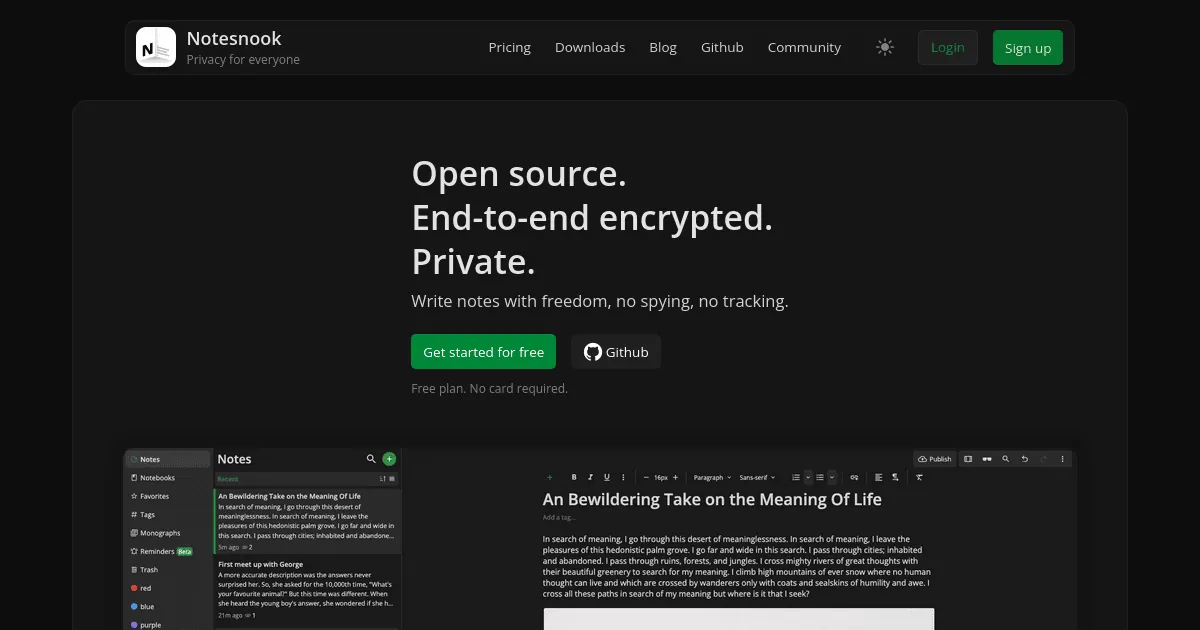
Notesnook encrypts every note on your device before sync, and its free plan allows unlimited notes on unlimited devices. Unlike the free plan of Standard Notes, it includes a rich-text editor with task lists, tables, code blocks and links between notes, plus an app lock and a password-protected vault. It is open source and can import from Evernote, Google Keep, Obsidian and Simplenote.
Free attachments are limited to 50 MB a month and 10 MB per file, with 50 notebooks and 50 tags. If you lose both your password and recovery key, your notes are gone. If you stop paying for a plan, nothing is deleted or locked.
Pros
- End-to-end encrypted and open source
- Unlimited notes and devices for free
- Clean editor with tasks and outlines
Cons
- Free attachments limited to 50 MB a month and 10 MB per file
- Free plan capped at 50 notebooks and 50 tags
- Lost password plus lost recovery key means lost notes
6. Logseq — Outliner and Notes App
Best for: Outliners, daily journals and research
- Open source
- Free
- Office & PDF
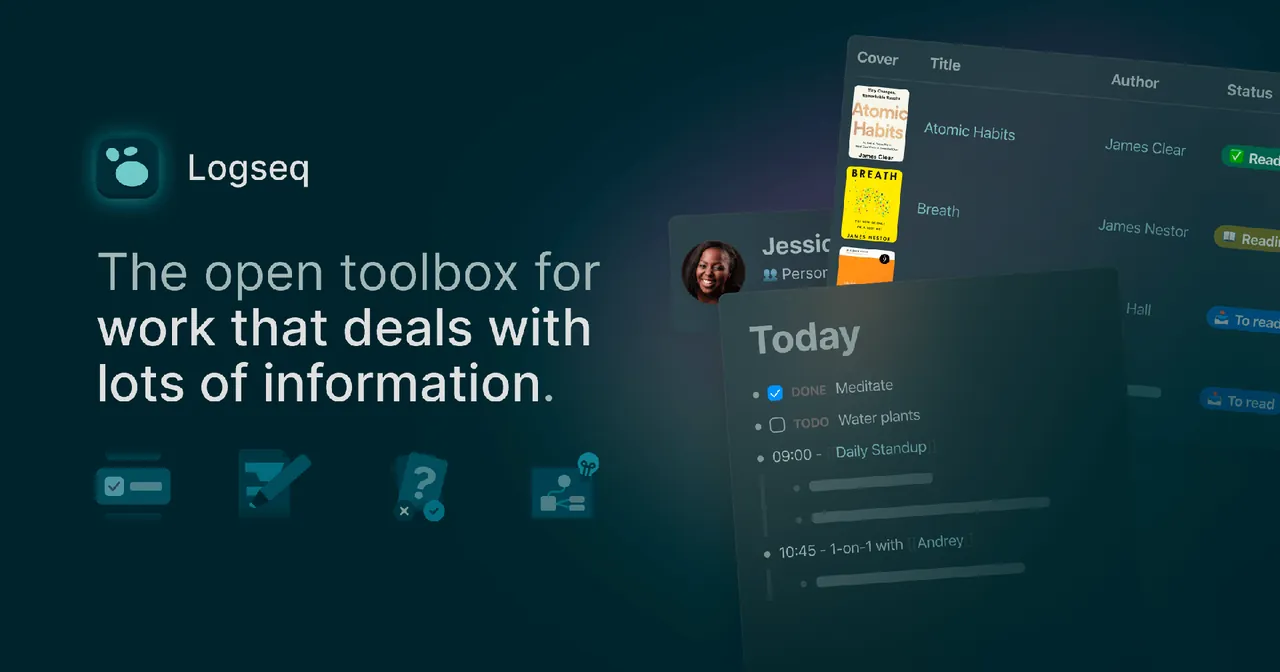
In Logseq every line is a block you can link, embed and move, and every page shows all blocks that mention it. A new journal page each day makes quick capture easy, and it adds tasks with deadlines, queries, PDF annotations and built-in flashcards. The 0.10 desktop line stores notes as Markdown or Org-mode files in a folder you choose, and the app is open source.
All releases are still labeled beta, and a separate database-based 2.0 version is in testing, so expect changes. Outline-only writing does not suit long documents; Obsidian is the better fit there.
Pros
- Free and open source
- Notes stay as local Markdown files
- Fast block linking and daily journals
Cons
- All releases are still labeled beta
- Two versions in parallel: file-based 0.10 and the 2.0 database beta
- Outliner-only writing does not suit long documents
7. Anytype — Notes and Workspace App
Best for: A private, local-first Notion alternative
- Freeware
- Free
- Office & PDF
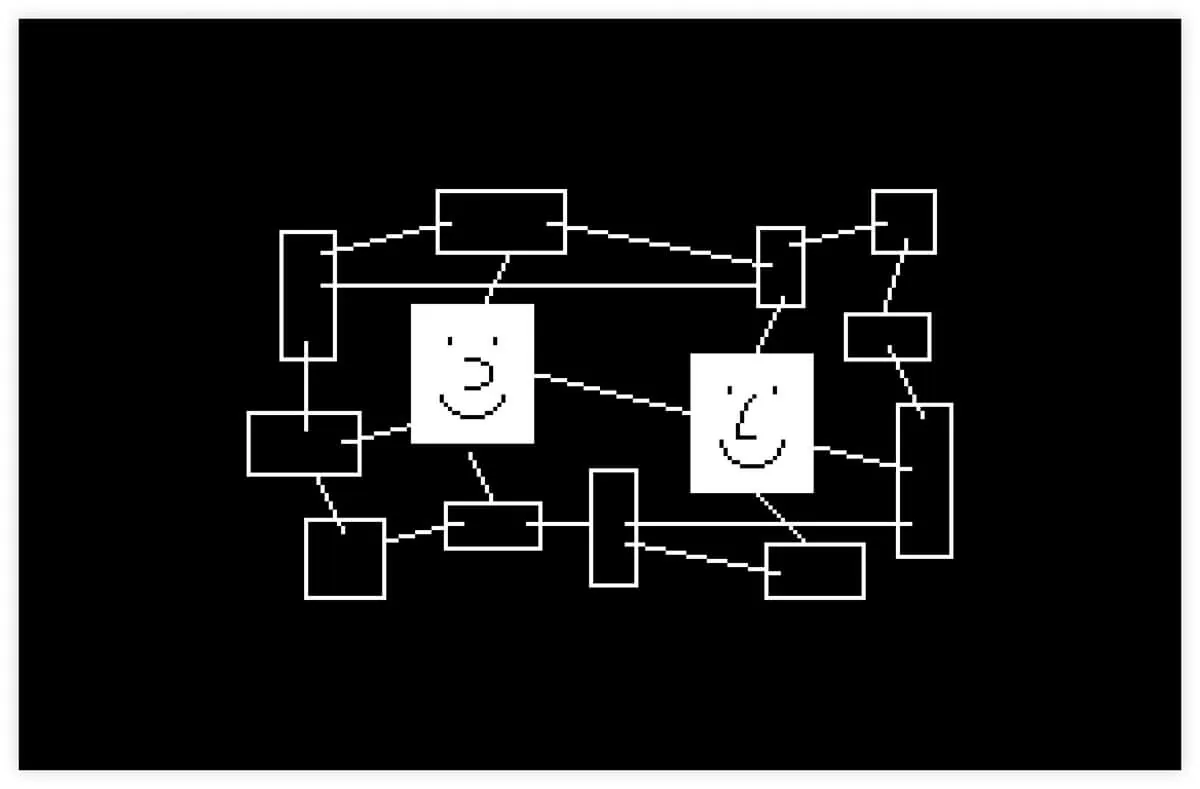
Anytype keeps data on your devices, encrypts it end to end and syncs over its network or directly on your local network. You log in with a recovery phrase instead of an email and password. Everything is an object with a type, such as a task, book or contact, shown in tables, boards, galleries or calendars, and shared channels let you work with other people.
The free plan has only 100 MB of remote storage for files, the object model takes time to learn, and losing the recovery phrase means losing access. The code is public but under a source-available license, not OSI open source. AppFlowy is a fully open-source alternative with a more Notion-like layout.
Pros
- End-to-end encrypted and local-first
- No email or password account needed
- Flexible objects, types and views
Cons
- Free plan: only 100 MB of remote storage for files
- Source-available license, not OSI open source
- Lose the recovery phrase and you lose access
8. Simplenote — Note-Taking App
Best for: Quick plain-text notes and lists
- Open source
- Free
- Office & PDF
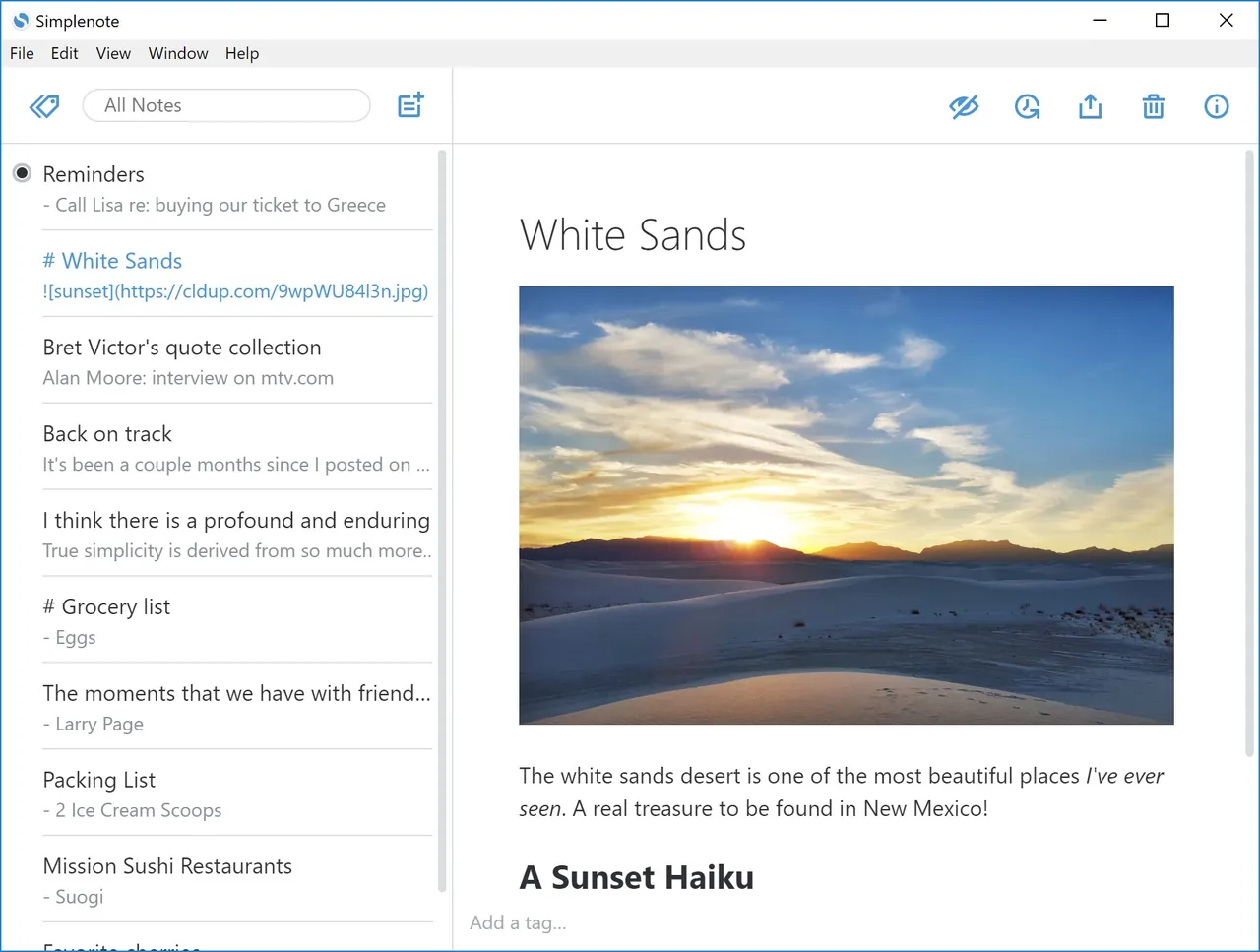
Simplenote from Automattic does one thing: plain-text notes that sync instantly between PC, phone and browser. Tags, pinned notes, instant search, Markdown preview, sharing, publishing and a version history slider are all free, and there is no paid plan at all.
It has no notebooks, images or attachments, notes are stored on Automattic's servers and are not end-to-end encrypted. For encrypted plain-text notes, Standard Notes is the closer match.
Pros
- Completely free, including sync
- Open source
- Very fast and simple
Cons
- Plain text only: no images or file attachments
- No notebooks or folders, only tags
- Requires an account; notes are stored on Automattic's servers
9. Standard Notes — Encrypted Notes App
Best for: Sensitive notes such as journals and records
- Open source
- Free
- Office & PDF
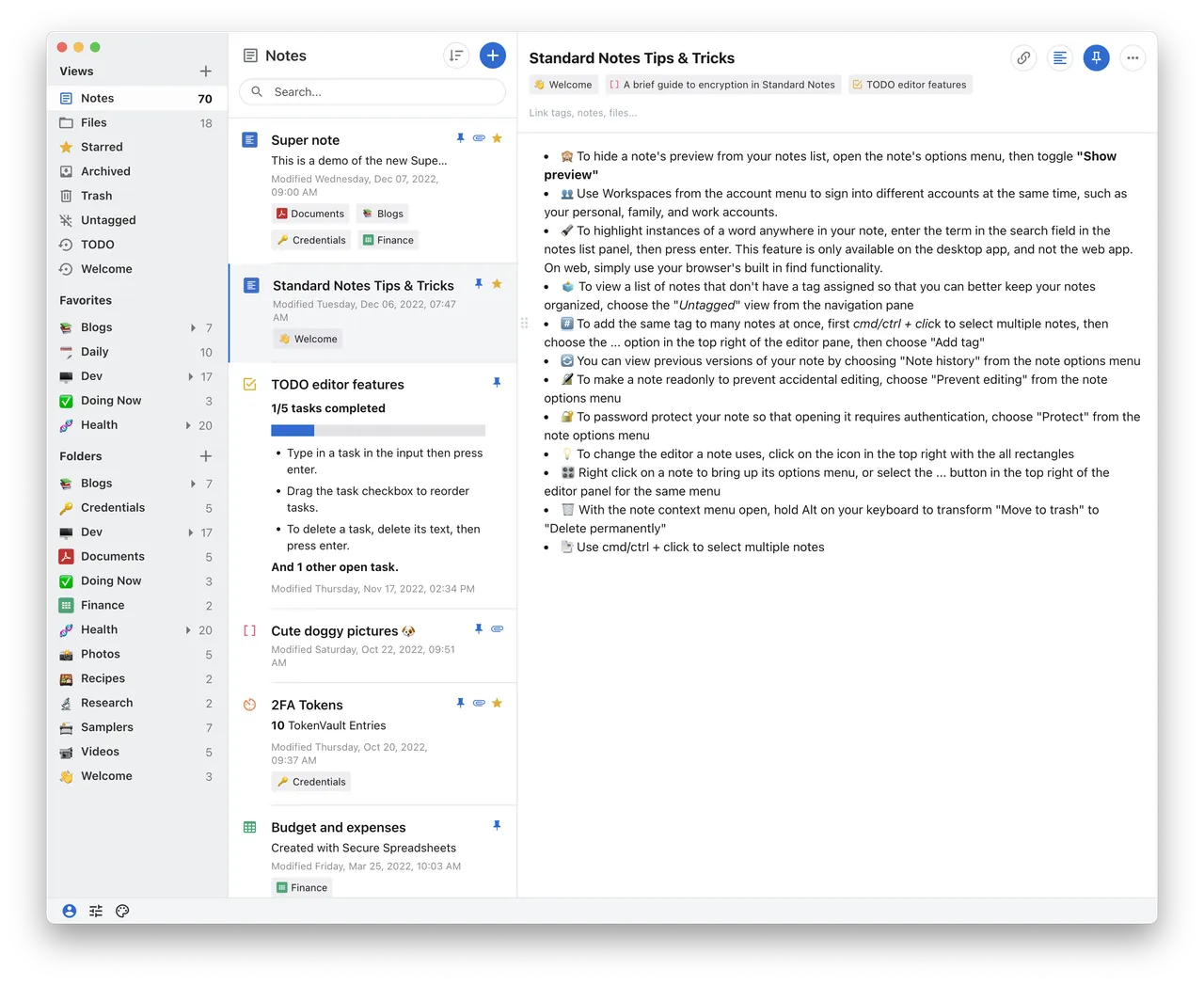
Standard Notes is built for notes you would not want anyone else to read. It is open source, has been independently audited, and encrypts notes on your device with XChaCha20-Poly1305. The free plan includes sync on unlimited devices, offline access, password protection for individual notes, two-factor login and daily encrypted email backups.
Free notes are plain text only. The Super rich-text editor, folders and revision history need the Productivity plan at $90 a year, and a lost password cannot be reset without losing data. Notesnook gives you rich text with end-to-end encryption on its free plan.
Pros
- End-to-end encryption, open source and audited
- Free sync on unlimited devices
- Offline access
Cons
- Free plan is plain text only
- Folders, Super notes and revision history require a paid plan
- Lost passwords cannot be reset without losing data
Local files or cloud?
Obsidian and Logseq keep notes as Markdown files in a folder you choose, which is the easiest way to own your notes and switch apps later. Joplin and Anytype are local first with optional sync. Notion, OneNote, Evernote and Simplenote store notes in the developer's cloud and need an account.
Which free plans really are free?
Obsidian, Joplin, Logseq and Simplenote have no limits on the number of notes. Notesnook and Standard Notes sync unlimited notes for free, with limits on attachments or formatting. Notion is generous for one person but limited for shared workspaces, and AppFlowy caps its free cloud plan at 100 MB of storage and 7 MB uploads.
Two well-known apps are now poor free choices. Evernote's Free plan allows 50 notes, one notebook and sync on one device, and the free version of UpNote stops at 50 notes. Both are fine if you plan to pay; otherwise start elsewhere.
Privacy and encryption
If your notes include journals, health records or passwords, choose an app with end-to-end encryption: Notesnook, Standard Notes, Anytype, or Joplin with encryption turned on. These apps cannot reset your password without losing data, so store the recovery key safely. Apps that keep notes in a vendor cloud without end-to-end encryption are fine for everyday notes but not for secrets.
Frequently asked questions
What is the best free note-taking app for Windows?
Obsidian for a personal knowledge base in local files, OneNote for handwritten notes, and Joplin if you want open source with free encrypted sync between PC and phone.
Is Obsidian better than Notion?
They suit different people. Obsidian stores notes as local Markdown files, works offline and suits writing and linked research. Notion is a cloud workspace with databases and boards that suits planning and shared wikis. Obsidian charges for official sync; Notion syncs for free but keeps your data in its cloud.
Is OneNote free?
Yes. The OneNote app for Windows is free with a Microsoft account. Notebooks are stored in OneDrive, and Copilot features need a paid Microsoft 365 plan.
What is the best alternative to Evernote?
Joplin imports Evernote exports with images and attachments and syncs for free through services such as Nextcloud, Dropbox or OneDrive. Notesnook also imports Evernote notes and adds end-to-end encryption.
Is Evernote still free?
There is a Free plan, but it is limited to 50 notes, 1 notebook, 1 GB of storage and sync on 1 device. Larger limits need a paid plan.
Which note app is the most private?
Apps with end-to-end encryption: Standard Notes, Notesnook and Anytype. With them, even the developer cannot read your notes.
ExeDepot does not host installers. Every download button opens the developer's own server or official download page. Prices and licenses come from each developer's site and were checked on .