

Our verdict: Opera packs features into the browser that others leave to extensions: an ad blocker, a free VPN, messengers in the sidebar and an AI assistant. It runs Chrome extensions, so switching is easy. The free VPN is a browser proxy rather than a full VPN, and the start page carries sponsored shortcuts.
About Opera
Opera is one of the oldest browsers still in development. Since 2013 it has been built on Chromium, the engine behind Chrome, so websites behave as they do in Chrome and most Chrome Web Store extensions can be installed.
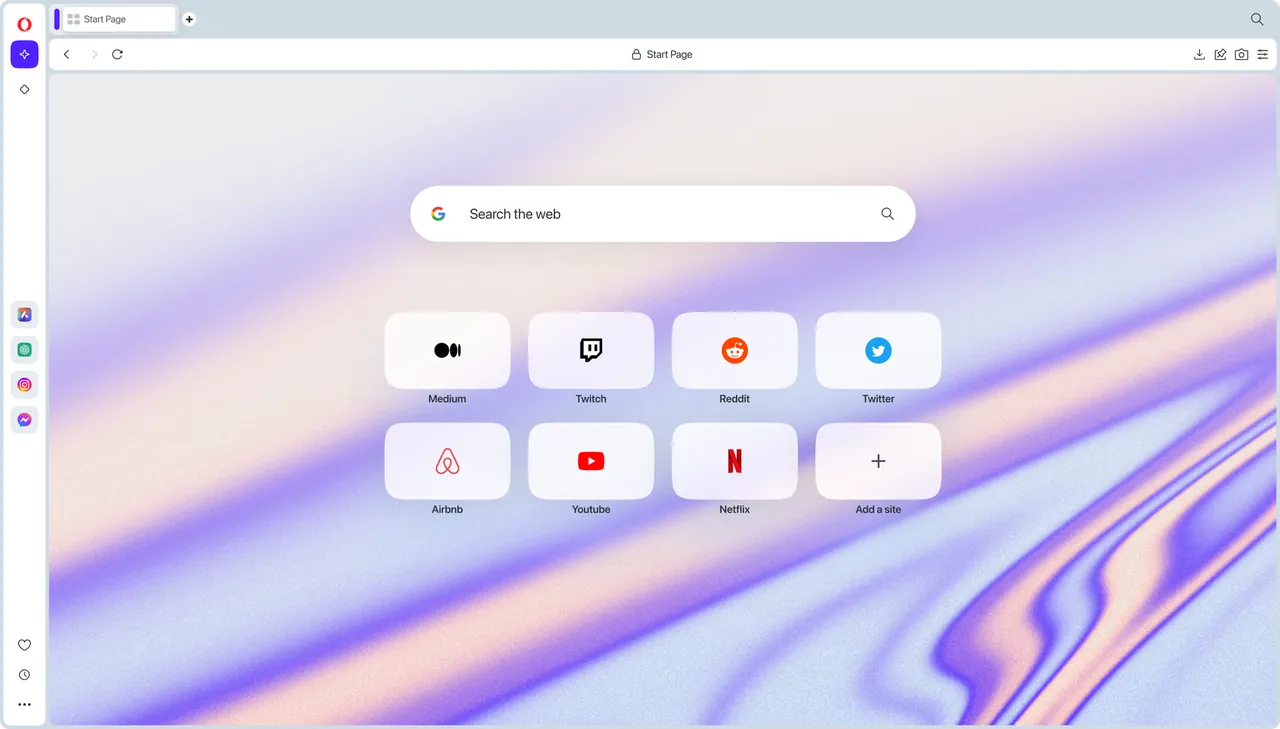
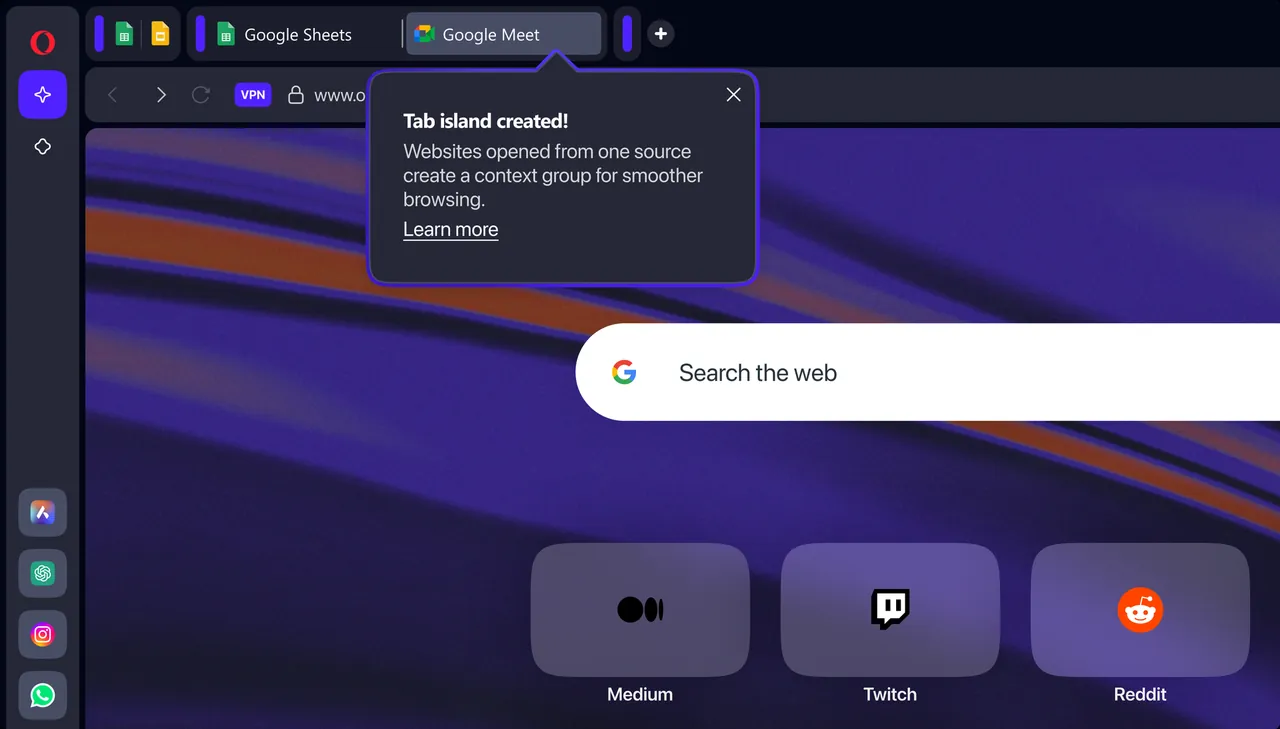
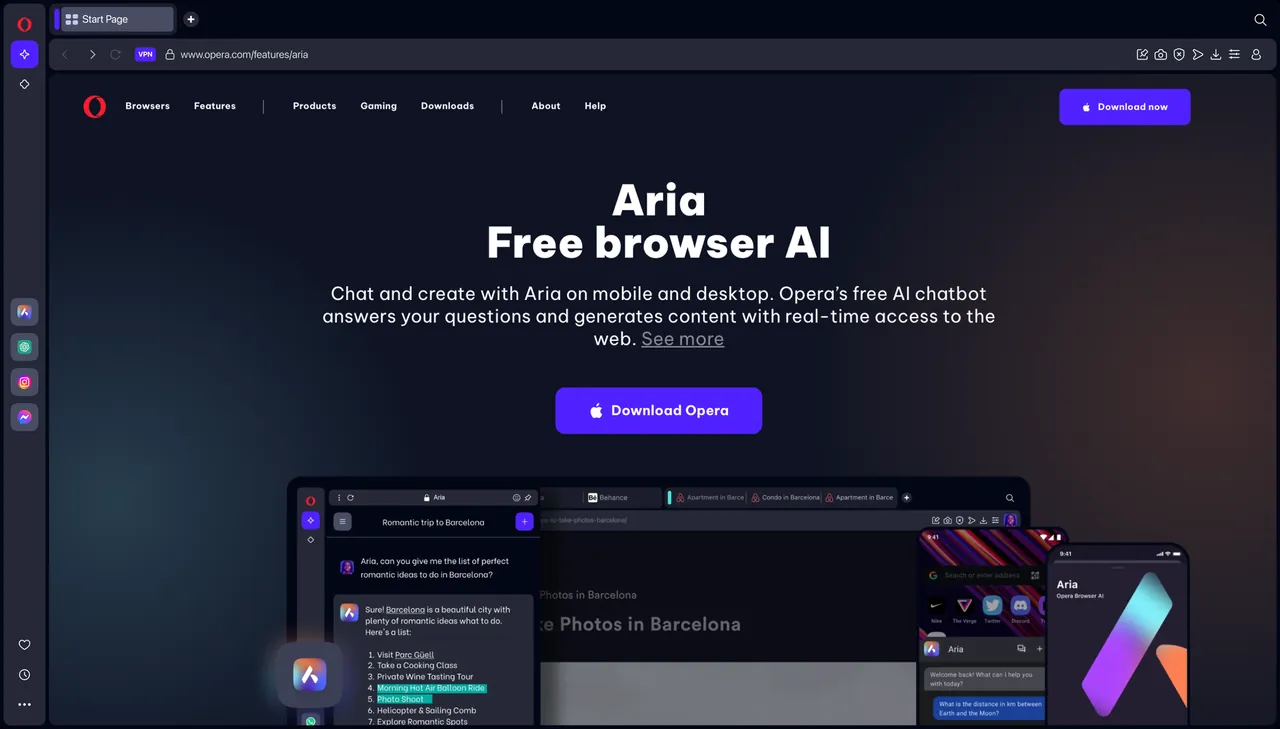
Opera's own additions include an ad and tracker blocker, a free browser VPN, a sidebar with WhatsApp, Telegram, Messenger and other web messengers, Tab Islands that group related tabs, and Opera AI, a chat assistant built into the browser. A paid VPN Pro subscription extends the VPN to the whole device.
What it does well
- Free browser VPN. Routes browser traffic through Opera's servers to hide your IP address from websites.
- Ad blocker. Blocks ads and trackers without installing an extension.
- Built-in messengers. Keeps WhatsApp, Telegram, Messenger and other chat apps open in the sidebar.
- Tab Islands. Groups tabs opened from the same task together and lets you collapse them.
- Opera AI. A free chat assistant in the browser that can answer questions and work with pages.
Who it is for
Good fit
People who want an ad blocker, a simple VPN and messengers in one browser without collecting extensions.
Look elsewhere
Users who need a real system-wide VPN or want a browser without sponsored content and promotions.
Pros and cons
Pros
- Free VPN and ad blocker built in
- Messengers in the sidebar
- Runs Chrome extensions
- Free AI assistant
Cons
- Free VPN only covers the browser, not other apps
- Speed Dial includes sponsored shortcuts
- Closed source
How to install Opera
The official installer downloads the browser during setup. Before clicking Install, open Options to choose whether Opera becomes the default browser and whether to import data from your current browser. Turn on the VPN and ad blocker in Settings → Privacy & security, as they are off by default.
Questions about Opera
Is Opera free?
Yes. The browser, the built-in VPN and the ad blocker are free. VPN Pro is an optional paid subscription.
Is the Opera VPN a real VPN?
The free VPN is a browser proxy: it hides your IP address for traffic inside Opera only. VPN Pro covers the whole device.
Can Opera install Chrome extensions?
Yes. Opera is based on Chromium and can install most extensions from the Chrome Web Store.


