

Our verdict: Battle.net is the launcher you need for Blizzard games and recent Call of Duty titles on PC. It is quick, handles patches well and includes friends and voice chat. It is useful only for games published on it, and it requires a Battle.net account.
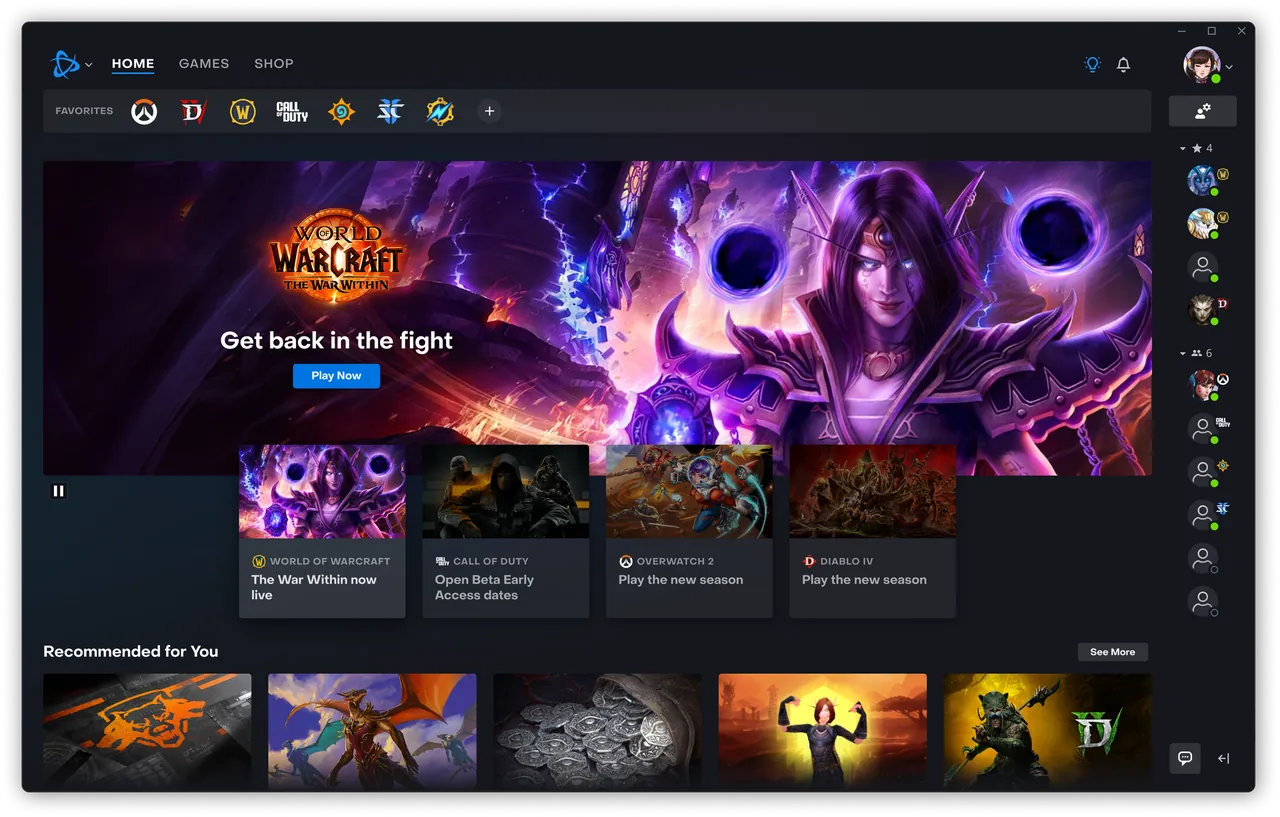
About Battle.net
Battle.net is run by Blizzard Entertainment. It installs and updates games such as World of Warcraft, Diablo IV, Overwatch 2, Hearthstone and StarCraft II, and Activision titles such as Call of Duty.
The client includes a shop, a friends list, text and voice chat, and game news. Several Blizzard games are free to play, while others are paid or, in the case of World of Warcraft, need a subscription.
What it does well
- Game installs and patches. Downloads, updates and repairs Blizzard and Call of Duty games.
- Friends and chat. Friends list with text and voice chat across games.
- Shop. Buy games, expansions and in-game items.
- Scan and repair. Checks game files and fixes damaged installs.
- Multiple regions. Switch between game regions where supported.
Who it is for
Good fit
Players of World of Warcraft, Diablo, Overwatch 2, Hearthstone or Call of Duty on PC.
Look elsewhere
People who do not play Blizzard or Activision games.
Pros and cons
Pros
- Fast patching
- Built-in friends and voice chat
- Scan and repair tool
Cons
- Requires a Battle.net account
- Only for Blizzard and Activision games
- Shows store promotions inside the client
How to install Battle.net
Run the small installer; it downloads the client. Sign in or create a Battle.net account and add an authenticator for account security. Choose a game install folder on a drive with plenty of space, and turn off launching at Windows startup in App Settings if you prefer.
Questions about Battle.net
Is Battle.net free?
Yes. The launcher and account are free. Some games are free to play, others are paid or need a subscription.
Do I need Battle.net for Call of Duty on PC?
Copies bought on Battle.net run through it. Call of Duty titles bought on Steam are launched through Steam.
Can I move Battle.net games to another drive?
Yes. You can use Locate the game in the launcher to point it at an existing install folder.


