

Our verdict: Bruno is the API client to pick if you want your requests versioned in Git next to your code and never synced to a vendor cloud. The free open-source edition covers requests, scripting, tests and the collection runner. Built-in Git push, branching and some team features are reserved for the paid Pro and Ultimate editions.
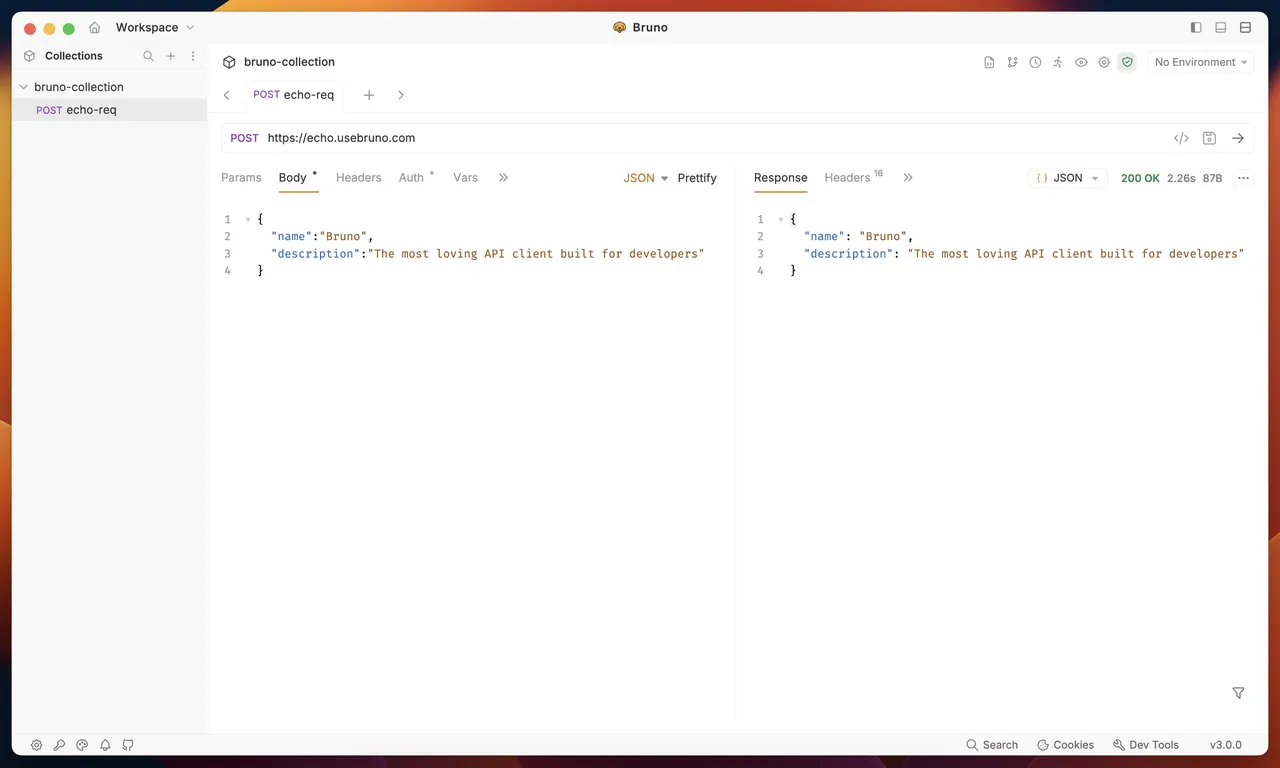
About Bruno
Bruno is an API client released on GitHub under the MIT License. Instead of a cloud workspace, it saves each collection as a folder of plain text files on your disk, so you can share and review requests with Git like any other code. The app works offline and has no account or cloud sync.
The free Open Source edition supports HTTP, REST, GraphQL and gRPC requests, environments, secret management, JavaScript scripting, tests, code generation and an unlimited collection runner. Paid Pro and Ultimate licenses add full Git operations inside the app, unlimited workspaces, data-driven runs, report generation and enterprise features such as SSO.
What it does well
- Plain-file collections. Requests are stored as text files in a folder you choose, ready to commit to Git.
- Offline only. No account and no cloud sync; data stays on your machine.
- Many request types. HTTP, REST, GraphQL and gRPC requests with environments and variables.
- Scripts and tests. JavaScript pre-request and post-response scripts, assertions and a collection runner.
- Imports. Import collections from Postman, Insomnia and OpenAPI specs.
Who it is for
Good fit
Developers who want API requests stored in Git with their code and no cloud account.
Look elsewhere
Teams that want real-time cloud sharing of collections, or full Git operations inside the client for free.
Pros and cons
Pros
- Open source under the MIT License
- No account and no cloud sync
- Collections live in Git next to your code
- Imports Postman and Insomnia collections
Cons
- In-app Git push, branching and merging need a paid license
- Free edition is limited to two workspaces
- No built-in real-time collaboration
How to install Bruno
Download the x64 installer; the MSI and portable ZIP are on the same page if you need them. On first launch, create or open a collection and choose a folder for it, ideally inside your project's Git repository. Bruno does not ask for an account.
Questions about Bruno
Is Bruno free?
Yes. The Open Source edition is free under the MIT License. Pro and Ultimate are optional paid editions with extra Git and team features.
Does Bruno need an account?
No. Bruno works offline and stores everything in local files.
Can I move my Postman collections to Bruno?
Yes. Bruno can import Postman collections, as well as Insomnia collections and OpenAPI specs.


