

Our verdict: Insomnia is a capable free API client that covers REST, GraphQL, gRPC, WebSockets and OpenAPI design in one app. The free Essentials plan is generous for individuals, and the Local Vault keeps projects off the cloud. Kong steers you toward signing in, and team collaboration through Git Sync is limited to three users on the free plan.
About Insomnia
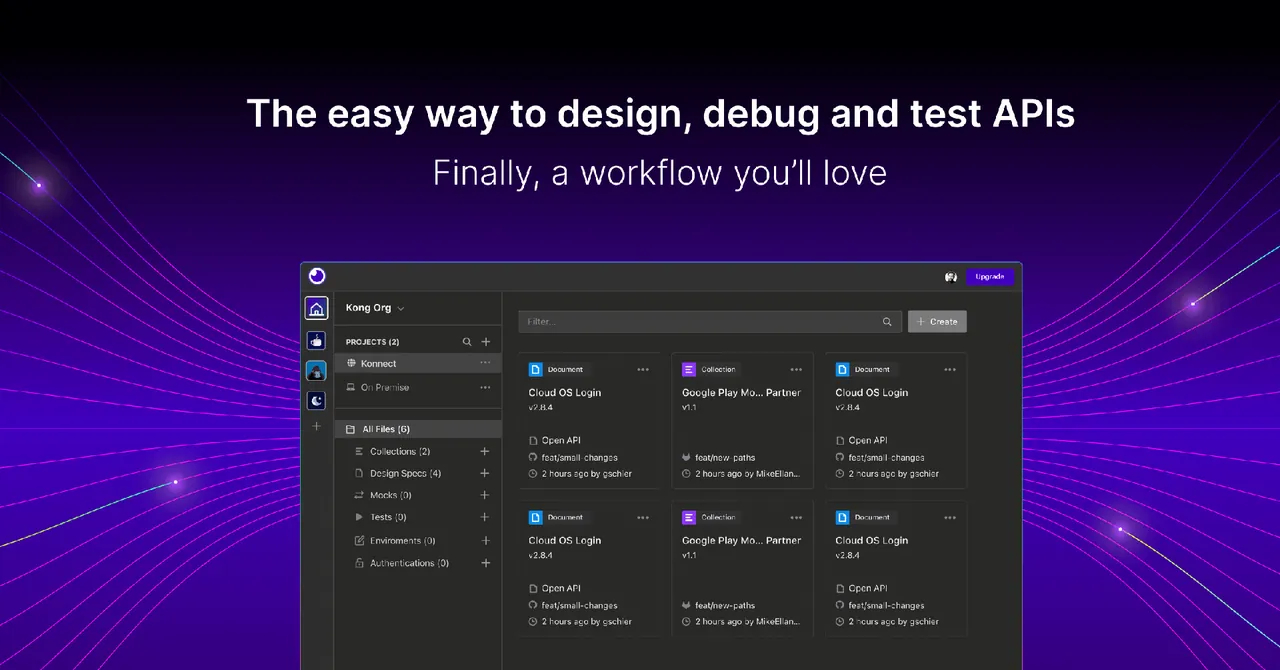
Insomnia is an API client and design tool developed by Kong and published on GitHub under the Apache License 2.0. You build requests, organize them in collections with environments and variables, run pre-request and after-response scripts, and check results with tests. It also edits OpenAPI specs with live preview and linting, and can create MCP clients.
Projects can be stored in a Local Vault on your PC, synced through your own Git repository, or synced through Insomnia's end-to-end encrypted cloud. Without an account you can use the local Scratch Pad. The free Essentials plan includes unlimited collection runs and Git Sync for up to three users; Pro and Enterprise add more users, RBAC, SSO and higher mock server limits.
What it does well
- Many protocols. REST, GraphQL, gRPC, SOAP, WebSocket, Socket.IO and server-sent events in one client.
- Local, Git or cloud storage. Keep projects in a Local Vault, sync them through your own Git repo, or use encrypted cloud sync.
- Scripting and tests. Pre-request and after-response scripts plus JavaScript tests and a collection runner.
- API design. OpenAPI editor with live preview, linting and custom rules.
- Inso CLI. Run collections and tests from the command line in CI/CD pipelines.
Who it is for
Good fit
Developers who test and design HTTP, GraphQL or gRPC APIs and want an open-source Postman alternative.
Look elsewhere
Teams of more than three that need free Git-based collaboration, or people who want no account prompts at all.
Pros and cons
Pros
- Open source under Apache 2.0
- Supports REST, GraphQL, gRPC and WebSockets
- Local-only storage option
- Unlimited collection runs on the free plan
Cons
- Most features push you toward creating an account
- Free Git Sync collaboration is limited to three users
- Electron app that uses a lot of memory
How to install Insomnia
The installer sets up Insomnia for the current user without options. On the first screen, sign in or pick the local Scratch Pad if you do not want an account. When you create a project, choose Local Vault or Git Sync if your requests must not go to Insomnia's cloud.
Questions about Insomnia
Is Insomnia free?
Yes. The app is open source, and the Essentials plan is free. Paid Pro and Enterprise plans add more collaborators, RBAC and SSO.
Can I use Insomnia without an account?
Yes, through the local Scratch Pad. Other features such as projects and sync expect you to sign in.
Does Insomnia store my requests in the cloud?
Only if you choose Cloud Sync. Local Vault and Scratch Pad keep data on your PC, and Git Sync uses your own repository.


