

Our verdict: Canva is the fastest way for non-designers to make good-looking social posts, presentations and flyers from templates. The free plan is generous for everyday use. Many templates, stock assets and tools such as the background remover are reserved for Pro.
About Canva
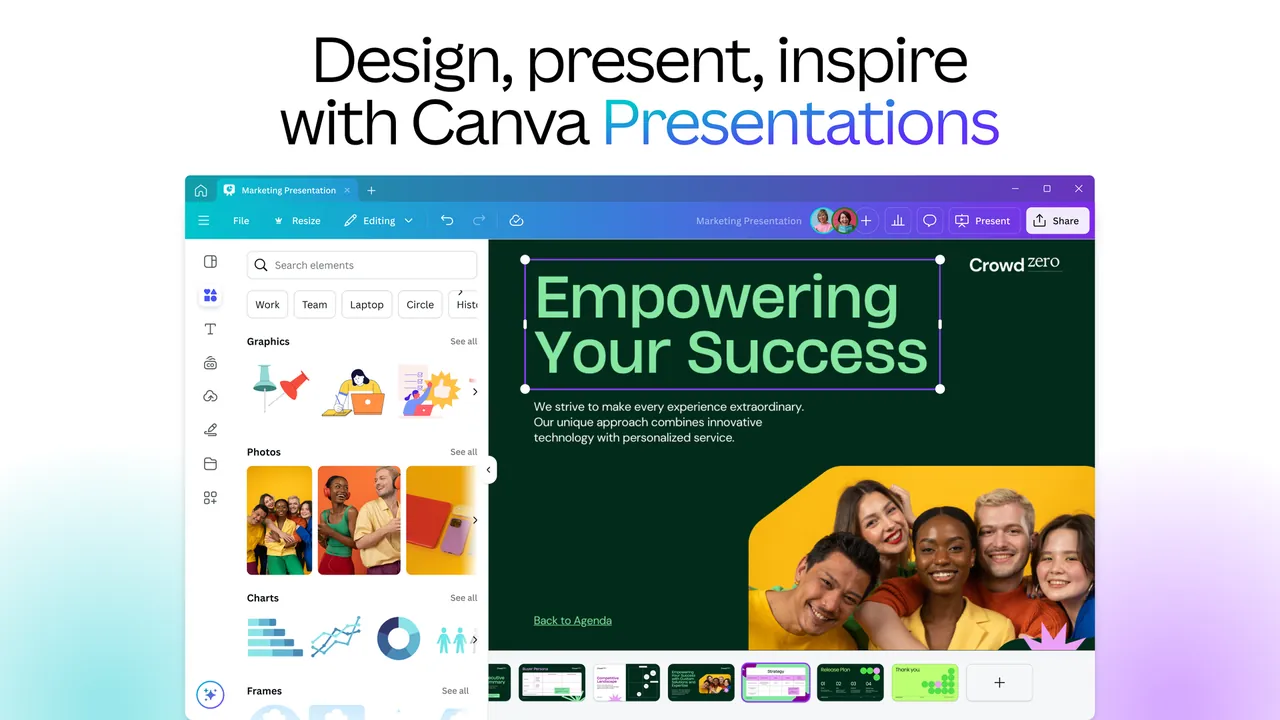
The Canva desktop app for Windows gives you the same editor as the website in its own window. Designs are stored in your Canva account, so you need to sign in, and you can continue the same design on the web or the mobile apps.
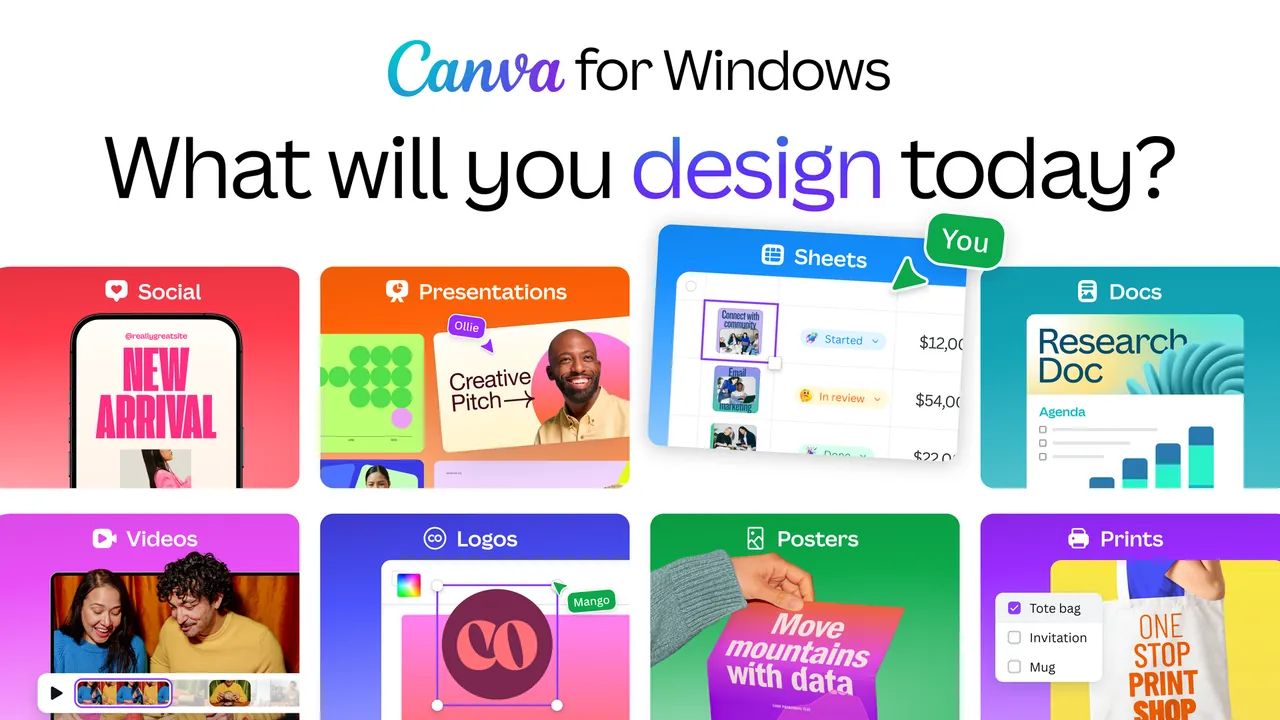
The free plan includes the drag-and-drop editor, more than 1,000 design types, 1.6 million templates, 4.7 million photos, videos, graphics and audio tracks, one Brand Kit with three colors, limited AI use and 5 GB of cloud storage. Pro adds premium templates and media, background removal, resizing, translation and 100 GB of storage.
What it does well
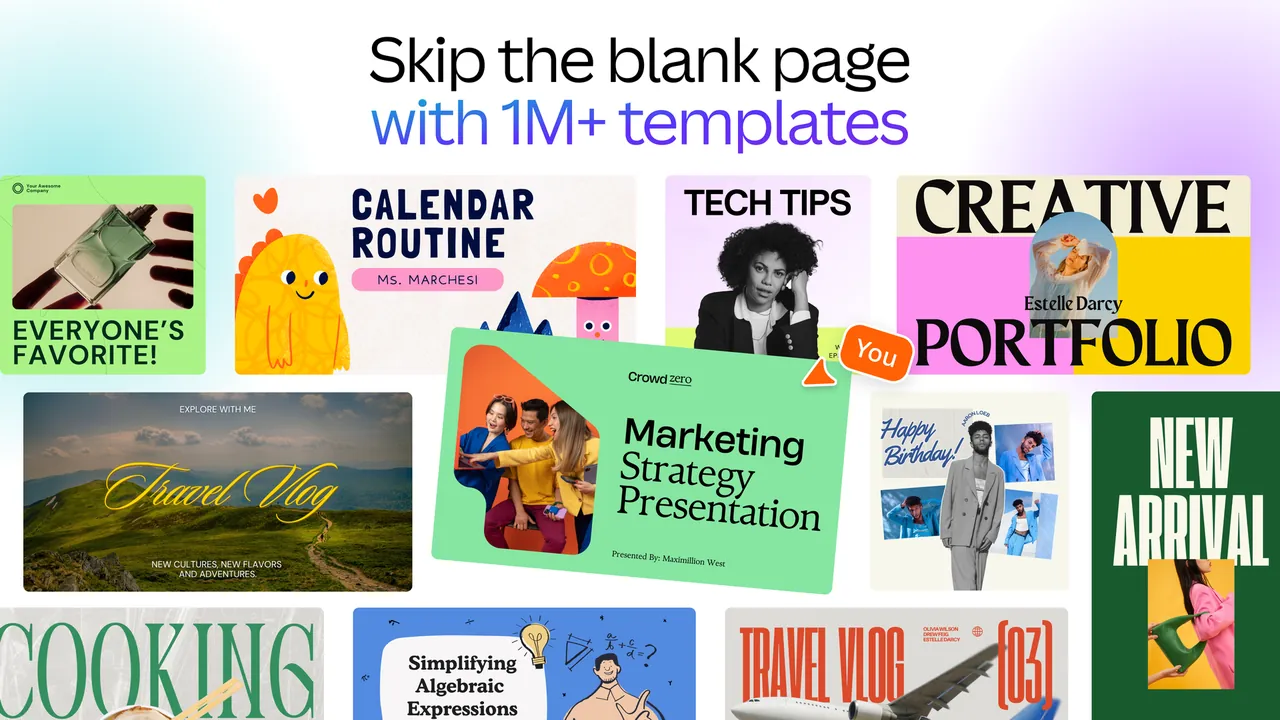
- Templates. 1.6 million free templates for social posts, presentations, flyers and more.
- Drag-and-drop editor. Change text, photos, colors and layout without design skills.
- Free media library. 4.7 million free photos, videos, graphics and audio tracks.
- Export options. Download designs as PDF, JPG or PNG, or share them online.
- Collaboration. Share designs with others to comment or edit together.
Who it is for
Good fit
Small businesses, teachers and social media users who need quick designs from templates.
Look elsewhere
Professional designers who need precise vector or photo editing, or work without an account.
Pros and cons
Pros
- Huge free template library
- Very easy to learn
- Designs sync across desktop, web and phone
- 5 GB of free cloud storage
Cons
- Many templates and stock assets are Pro only
- Background remover, Magic Resize and translation require Pro
- Requires a Canva account
How to install Canva
Download the Windows installer for Windows 10 or later from the official page. Sign in with your Canva account or create a free one. Premium items are marked with a crown; using them in the free plan requires an upgrade.
Questions about Canva
Is Canva free?
Yes. Canva Free costs nothing and includes the editor, 1.6 million templates, millions of free media assets and 5 GB of storage. Pro is a paid upgrade.
What does Canva Pro add?
Premium templates and media, tools such as background removal, Magic Resize and translation, five Brand Kits, social content scheduling, more AI use and 100 GB of storage.
Is the Canva desktop app different from the website?
No. It is the same editor in a desktop window, and your designs sync between the app and the website.


