

Our verdict: Inkscape is the leading free vector editor on Windows and a realistic replacement for Adobe Illustrator in logo, icon and diagram work. Its path tools, live path effects and SVG support are strong. Large files can feel slow, and professional CMYK print output is limited.
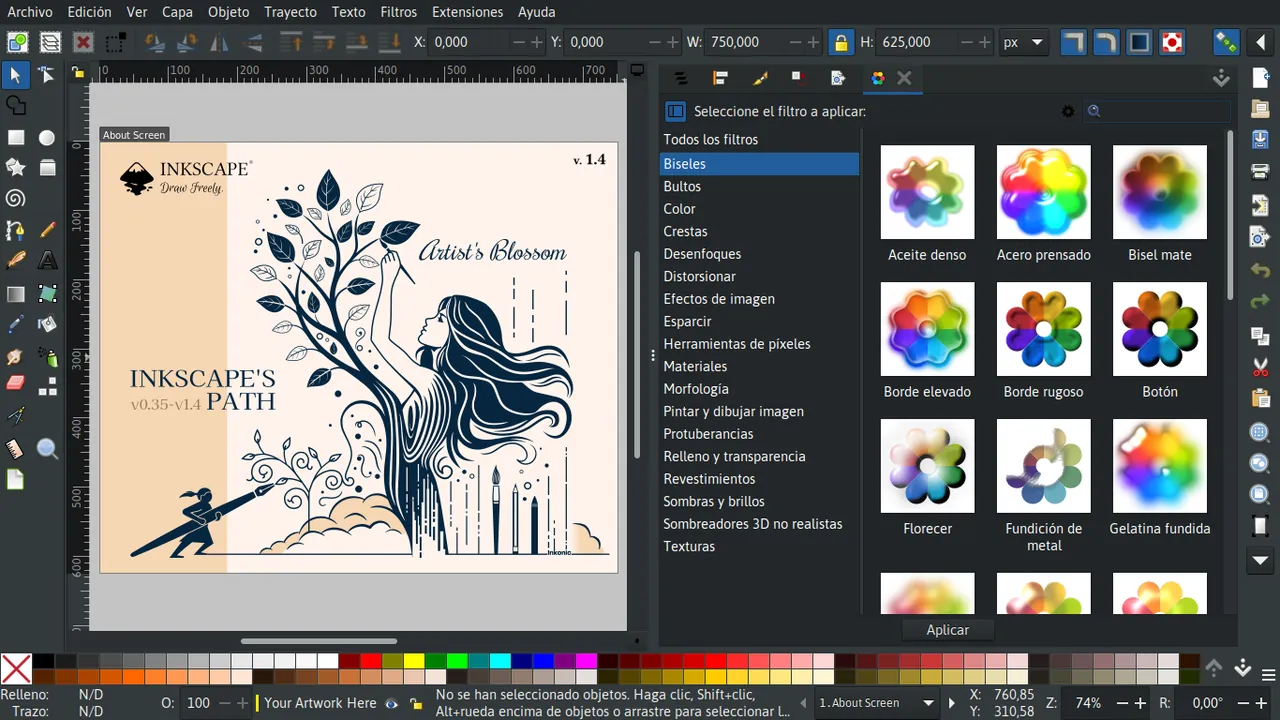
About Inkscape
Inkscape is developed by The Inkscape Project, an international community of volunteer and paid contributors, and is a member of the Software Freedom Conservancy. Vector graphics are made of shapes and paths rather than pixels, so artwork stays sharp at any size.
SVG is Inkscape's native format, which means files open directly in web browsers and many other programs. It also imports and exports PDF, AI, EPS and PostScript, and exports PNG and DXF for the web, cutting plotters and CNC machines.
What it does well
- Drawing tools. Pen with Bézier, Spiro and B-Spline modes, pencil, calligraphy and shape tools.
- Path operations. Node editing, Boolean operations, the Shape builder and bitmap tracing to vectors.
- Live path effects. Non-destructive effects such as rounded corners, offset, power stroke and pattern along path.
- Typography. Text on a path, text in a shape, kerning and variable font support.
- Extensions and filters. More than 150 extensions and 250 filters included, plus a Python extension API.
Who it is for
Good fit
Logo designers, illustrators, web designers, makers preparing files for laser or vinyl cutters, and anyone drawing diagrams.
Look elsewhere
Photo editing, and print shops that require a complete CMYK workflow.
Pros and cons
Pros
- Full-featured vector toolset
- Native SVG for the web
- Opens PDF and AI files
- Large extension and filter library
Cons
- Can be slow with complex drawings
- Limited CMYK print workflow
- Previous version should be uninstalled before updating
How to install Inkscape
The download page offers a 64-bit Windows installer as EXE or MSI, a 7z archive and a Microsoft Store version; choose x86_64 unless your PC has an ARM processor. Inkscape's download page asks you to uninstall the previous version before updating. Use the 7z archive if you need two versions side by side.
Questions about Inkscape
Is Inkscape a good Illustrator alternative?
For logos, icons, illustrations and diagrams, yes. Illustrator still leads in professional print workflows and integration with other Adobe apps.
Can Inkscape open Adobe Illustrator files?
Yes. AI is one of the formats Inkscape imports. Complex Illustrator-specific effects may not convert exactly, so check the result.
Is Inkscape free for commercial use?
Yes. It is open source under the GNU GPL, and you own the artwork you create with it.


