

Our verdict: Discord is the default place for gaming groups and many online communities to talk. Voice channels, screen sharing and text chat are free without time limits. Larger uploads, higher streaming quality and cosmetic perks sit behind the paid Nitro subscription, and the app is closed source.
About Discord
Discord is developed by Discord Inc. and launched in 2015 as a chat app for people playing games together. Communities are organized into servers with text channels, voice channels and roles; you can also call friends directly or in group DMs.
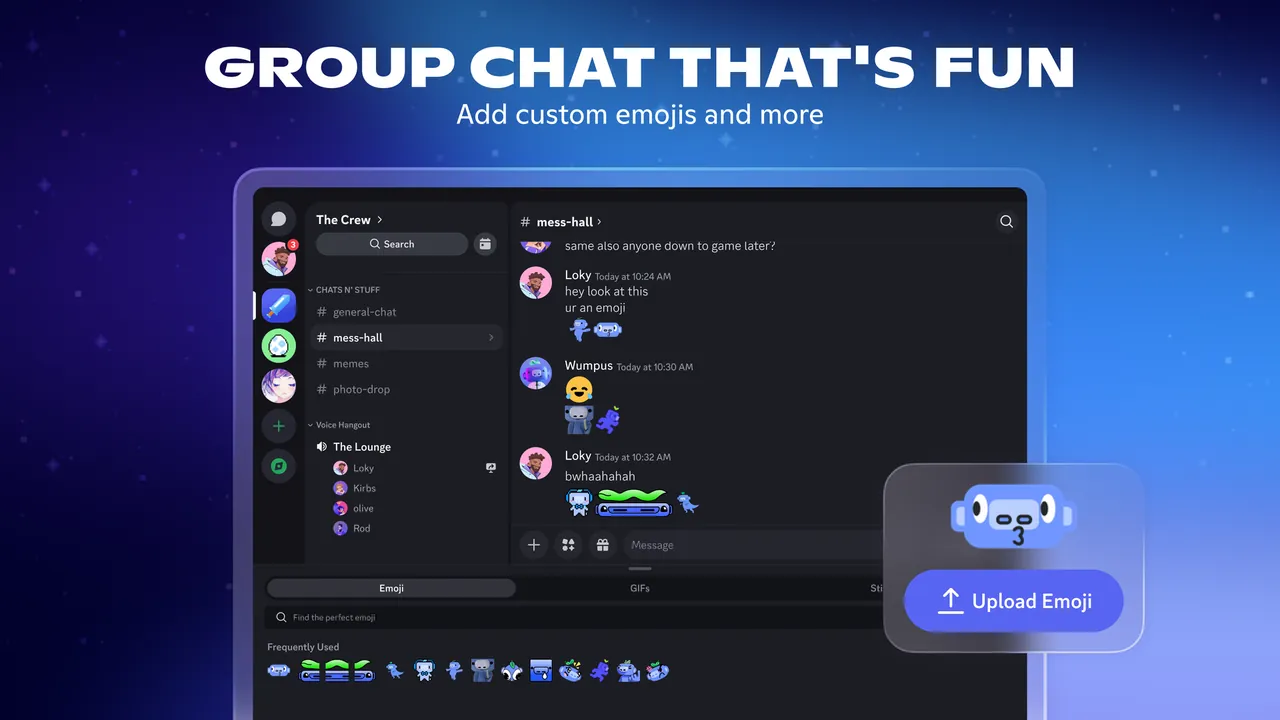
The core app is free. Nitro Basic ($2.99 per month) and Nitro are optional subscriptions that raise the file upload limit, improve screen sharing quality, allow custom emoji and stickers across servers and add profile customization. Discord also runs on PlayStation and Xbox for voice chat with PC and mobile friends.
What it does well
- Servers and channels. Organize a community into text and voice channels with roles and permissions.
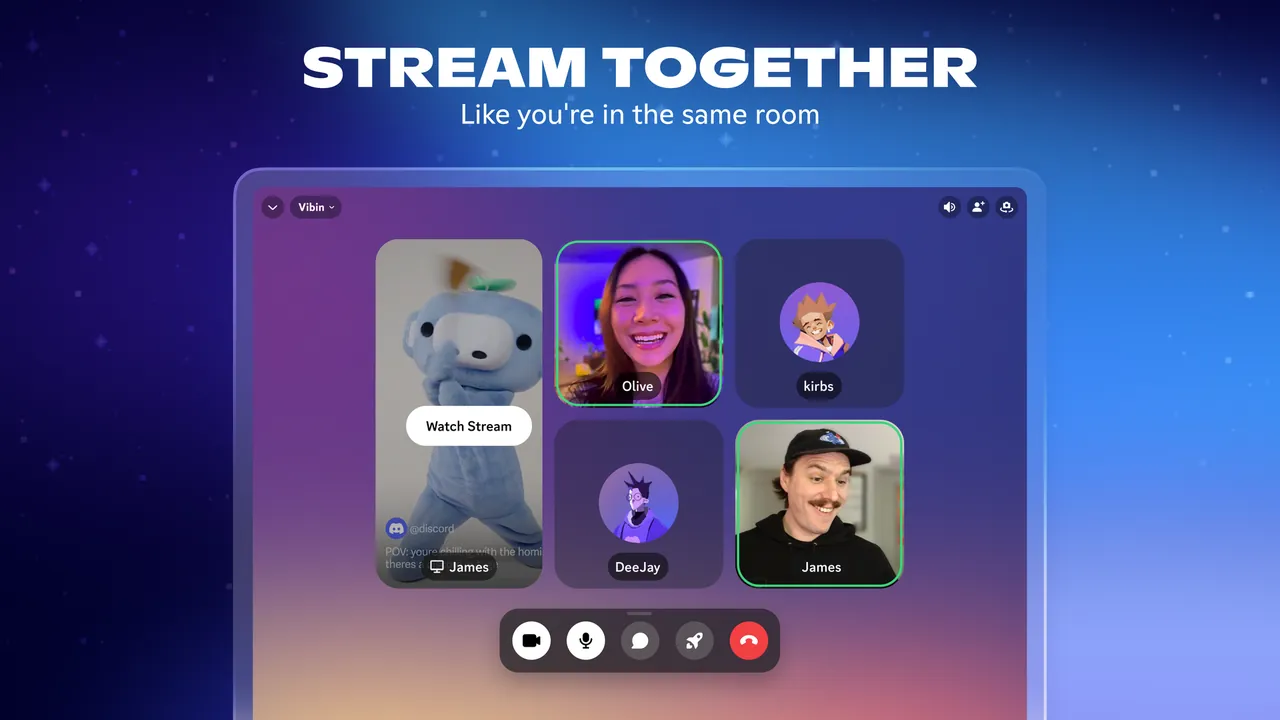
- Voice and video calls. Talk in always-open voice channels or call friends one to one and in groups.
- Go Live and screen share. Stream a game or your screen to friends in a server or a direct call.
- In-game overlay. Shows voice chat and messages on top of a running PC game.
- Activities and soundboard. Play games and watch things together inside a call, or play short sound clips.
Who it is for
Good fit
Gamers, study groups and online communities that want always-available voice rooms and organized chat.
Look elsewhere
People who need end-to-end encrypted messaging or open-source software, or who dislike paid upsells.
Pros and cons
Pros
- Free voice channels without time limits
- Screen sharing and game streaming
- Apps for PC, phone and consoles
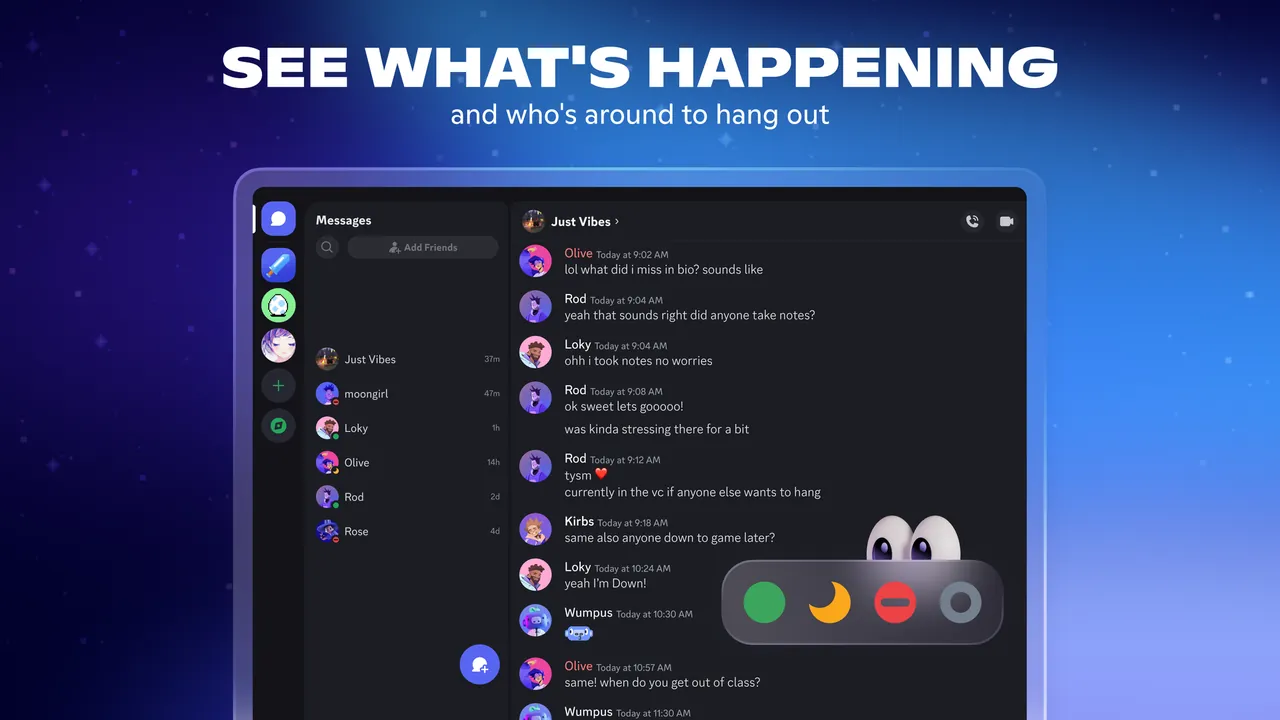
- Shows what game you are playing to friends
Cons
- Larger uploads and higher stream quality require Nitro
- Closed source, and messages are stored on Discord's servers
- Requires an account
How to install Discord
Download the Windows installer from discord.com and run it. Sign in or create an account, then check Settings → Voice & Video to pick your microphone and test it before your first call.
Questions about Discord
Is Discord free?
Yes. Chatting, voice channels and screen sharing are free. Nitro and Nitro Basic are optional subscriptions with extra perks.
What does Discord Nitro add?
A higher file upload limit, better screen sharing quality, custom emoji and stickers across servers and profile customization.
Can I use Discord in a browser instead?
Yes, but the Windows app adds features such as the in-game overlay.


