

Our verdict: Teams is the app you install because work or school uses it, and for that it does the job well: one app now holds work, school and personal accounts. The free personal plan is fine for family chats and short group calls, but 60-minute meetings and 5 GB of storage are tight compared with paid Microsoft 365.
About Microsoft Teams
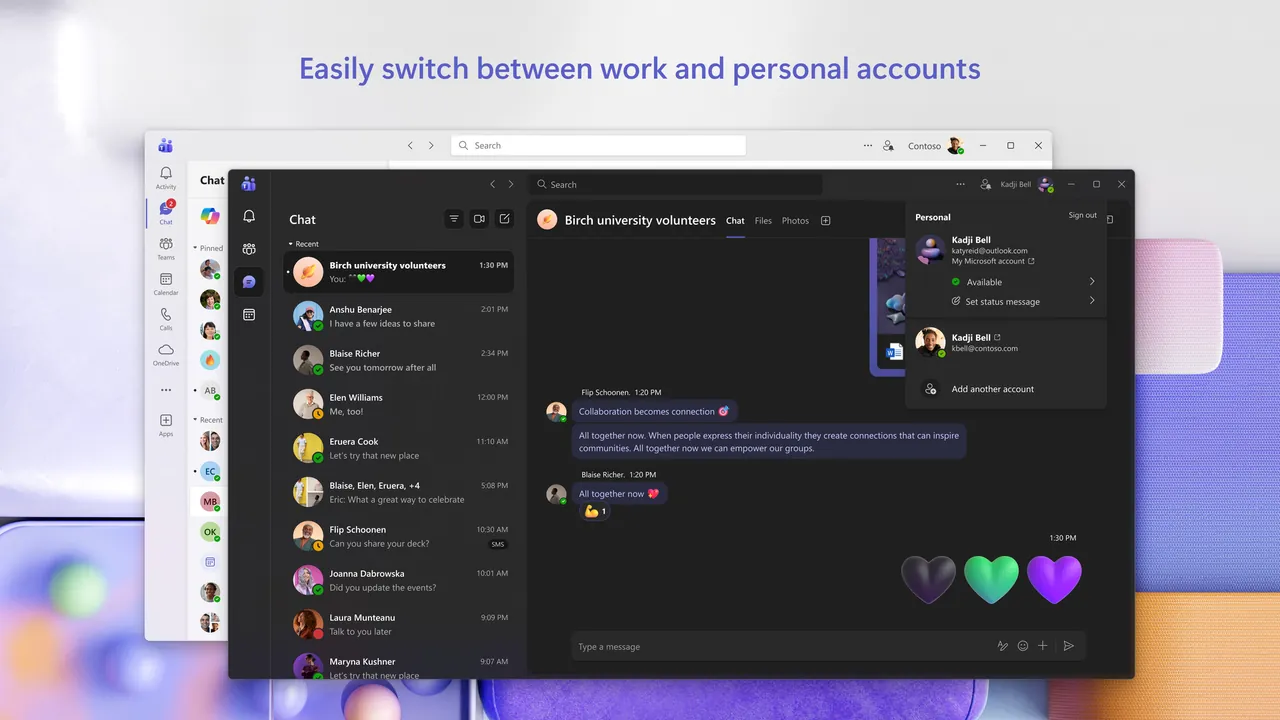
Microsoft Teams combines chat, calls, meetings and file sharing. The current Teams app for Windows replaced the classic Teams client and lets you add work, school and personal accounts and switch between them without signing out.
The free Microsoft Teams plan for individuals includes unlimited chat, group calls of up to 60 minutes with up to 100 participants, 5 GB of cloud storage, tasks and polls. Microsoft 365 Personal and Family raise calls to 30 hours and 300 people and add the Office apps and 1 TB or more of storage.
What it does well
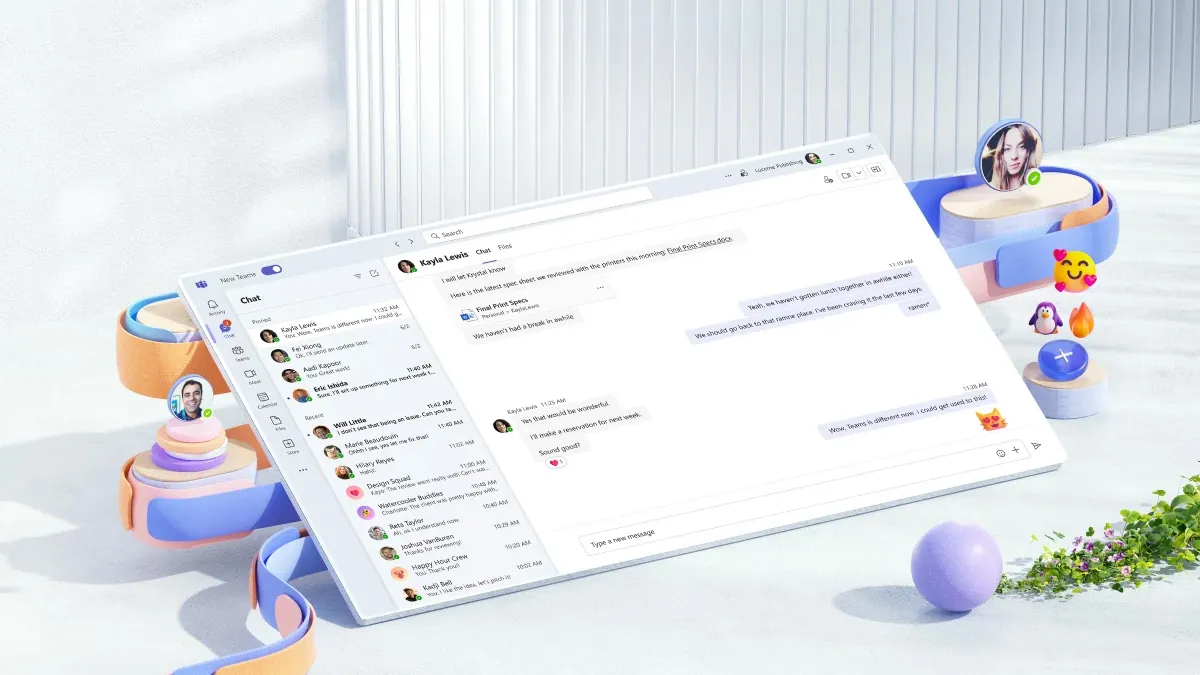
- Chat. One-to-one and group chats with files, reactions and suggested replies.
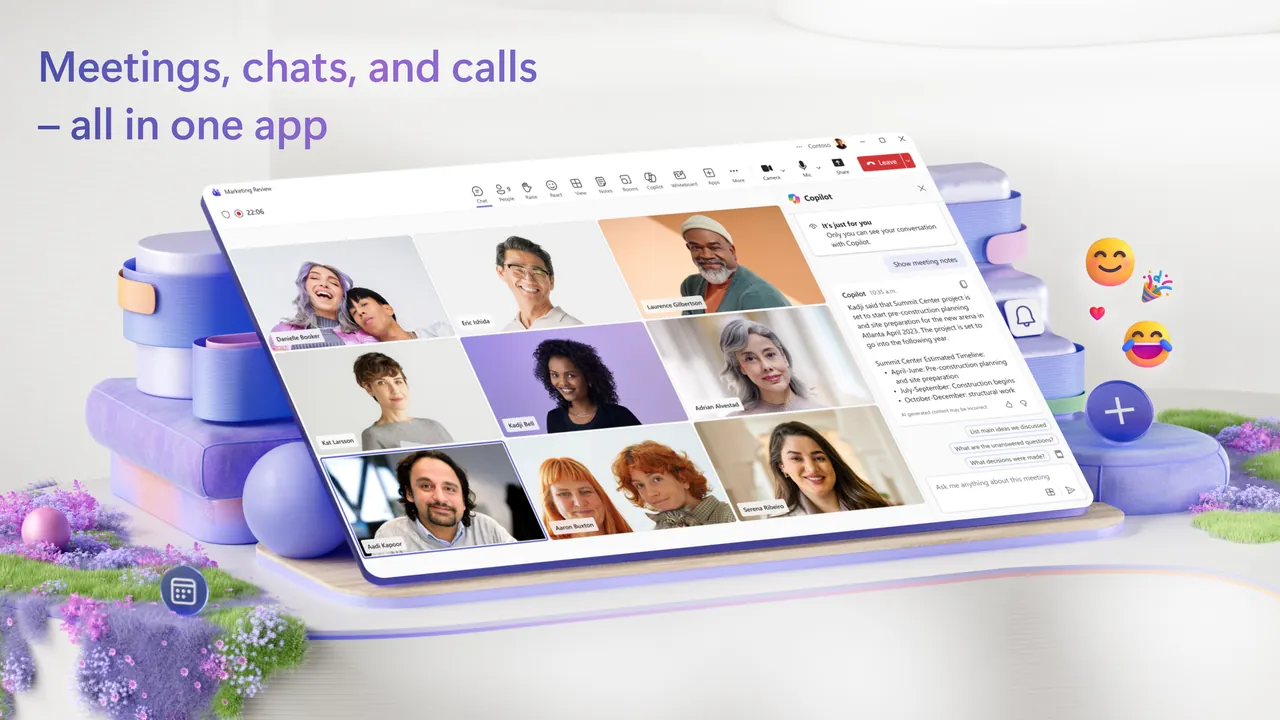
- Meetings and calls. Video meetings with screen sharing; free group calls last up to 60 minutes.
- Multiple accounts. Keep work, school and personal accounts in one app and switch between them.
- Communities. Organize groups with events and announcements on the free plan.
- Office integration. Share and edit Word, Excel and PowerPoint files inside chats and meetings.
Who it is for
Good fit
People whose employer or school uses Microsoft 365, and families who already use Microsoft accounts.
Look elsewhere
Users who want long free group calls, a lightweight app or end-to-end encrypted chat by default.
Pros and cons
Pros
- Work, school and personal accounts in one app
- Up to 100 people in free group calls
- Tight integration with Office files
- Also works in a browser
Cons
- Free group calls end after 60 minutes
- Only 5 GB of cloud storage on the free plan
- Requires a Microsoft account
How to install Microsoft Teams
Download Teams from Microsoft's download page and run the installer, or use Teams on the web without installing anything. Sign in with a Microsoft account for personal use, or with your work or school account. You can add more accounts later from your profile picture.
Questions about Microsoft Teams
Is Microsoft Teams free?
Yes. The free plan includes unlimited chat, 60-minute group calls for up to 100 people and 5 GB of cloud storage. Microsoft 365 plans extend these limits.
Can I join a Teams meeting without the app?
Yes. Teams also works on the web at teams.microsoft.com.
What happened to classic Teams?
Microsoft replaced it with the new Teams app, which is faster and supports work, school and personal accounts in one place.


