

Our verdict: The Stream Deck app is the reason Stream Deck hardware is popular: it is easy to set up, and the Marketplace has plugins for OBS, Discord, Spotify and much more. The software is free, but it is only useful with an Elgato or supported Corsair device, or a paid Stream Deck Mobile Pro.
About Elgato Stream Deck
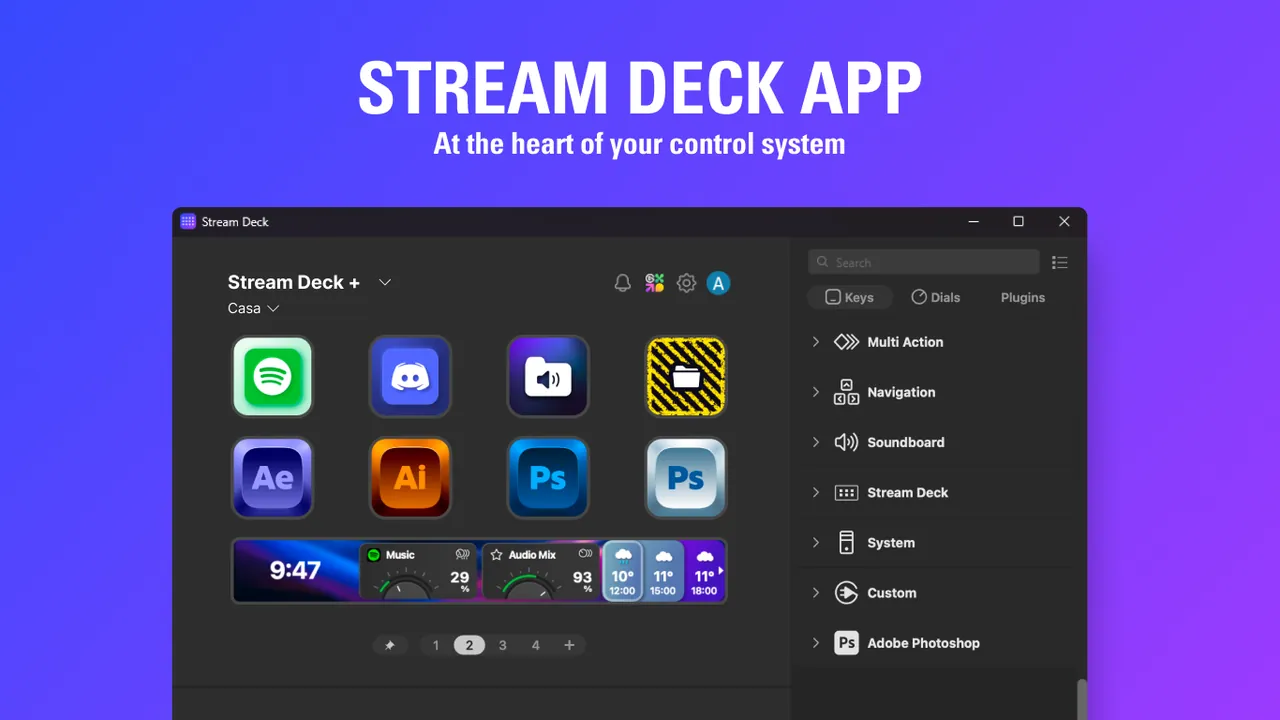
Stream Deck is Elgato's free app for configuring Stream Deck controllers. You drag actions onto keys and dials: launch apps, send hotkeys, switch OBS scenes, mute the microphone, run multi-actions or control smart lights. Profiles can switch automatically when a given app is in focus.
Version 7 adds Virtual Stream Deck, an on-screen panel with up to 64 keys. Elgato says it must be unlocked with a supported Stream Deck or Corsair device connected at least once every 30 days, or with a Stream Deck Mobile Pro license; it needs Windows 11 or macOS 13. Plugins, icons and profiles come from the Elgato Marketplace.
What it does well
- Drag-and-drop actions. Hotkeys, app launching, website opening, text and multi-actions.
- Marketplace plugins. Integrations for OBS Studio, Discord, Spotify, Twitch and many other apps.
- Smart profiles. Switches key layouts automatically based on the active app.
- Virtual Stream Deck. On-screen panel with up to 64 keys, unlocked by supported hardware.
- Folders and pages. Organizes many actions on a small number of keys.
Who it is for
Good fit
Streamers, video editors and office users who own a Stream Deck or compatible Corsair device.
Look elsewhere
People without supported hardware who expect a free on-screen macro panel.
Pros and cons
Pros
- Very easy to configure
- Huge plugin Marketplace
- Automatic profile switching
- Free updates
Cons
- Useless without Stream Deck hardware or a paid mobile license
- Virtual Stream Deck requires Windows 11
- Some Marketplace content is paid
How to install Elgato Stream Deck
The download button gets the Windows MSI installer from Elgato's server. Connect your Stream Deck before first launch so it is detected. Install plugins from the built-in Marketplace; an Elgato account is needed for some Marketplace content.
Questions about Elgato Stream Deck
Is the Stream Deck software free?
Yes, the app is free. It needs a Stream Deck device, a supported Corsair device or a Stream Deck Mobile Pro license to be useful.
Can I use Virtual Stream Deck without hardware?
Only with a Stream Deck Mobile Pro license. Otherwise Elgato requires a supported device to have been connected at least once in the past 30 days.
Does it work with OBS Studio?
Yes. OBS actions such as scene switching, recording and streaming are available.


