

Our verdict: PRISM Live Studio takes the OBS Studio engine and adds a friendlier layer for streamers: multistreaming, chat overlays, text templates, widgets and face effects without hunting for plugins. It suits creators who find plain OBS too bare. Expect a sign-in, a NAVER-run service behind several features and a fast-changing interface.
About PRISM Live Studio
PRISM Live Studio is made by NAVER, the South Korean internet company, and its desktop app is derived from OBS Studio. The source code is published on GitHub under the GNU GPL v2. It streams to several platforms at the same time, records locally, and adds PRISM sources such as text templates, chat overlay, clock and viewer count widgets, audio visualizer, background templates and stickers.
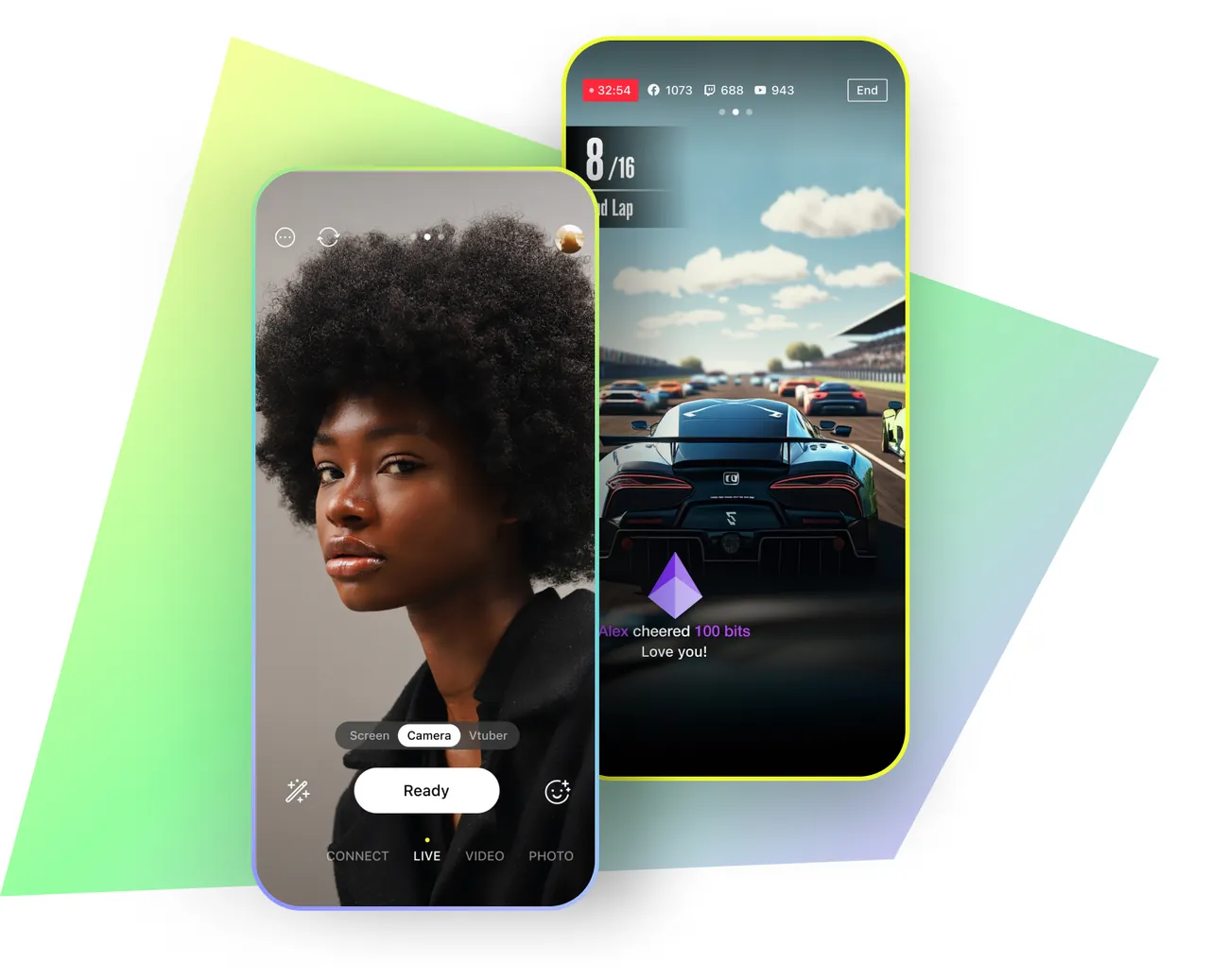
The companion PRISM Lens app and Lens filters add face retouching, background removal and fun camera effects, and the PRISM mobile app can connect a phone as a camera source. The desktop app is free; optional credits for paid extras are sold in the mobile app. Several features depend on NAVER's online services, so you sign in when you first use it.
What it does well
- Multistreaming. Streams to several platforms at the same time from one app.
- PRISM sources. Text templates, chat overlay, clock, viewer count and audio visualizer widgets.
- Lens camera effects. Face retouching, background removal and filters on a camera source.
- Mobile connect. Uses a phone running the PRISM app as a camera or remote.
- OBS compatibility. Built on OBS Studio, with support for OBS plugins in the newest versions.
Who it is for
Good fit
New streamers who want OBS-level power with ready-made widgets, chat overlays and camera effects.
Look elsewhere
Users who prefer to avoid sign-ins and online services, or who already have a tuned OBS setup.
Pros and cons
Pros
- Free and open source
- Multistreaming built in
- Widgets and chat overlay without plugins
- Camera effects through PRISM Lens
Cons
- Many features need a sign-in and NAVER services
- Interface changes a lot between versions
- Mac version only for Apple Silicon
How to install PRISM Live Studio
The button downloads PRISM's small Windows installer, which fetches the current version, so keep the PC online. Sign in when the app asks to unlock streaming channels and online features. Version 6.0 is a separate beta on GitHub; the official site installs the stable release.
Questions about PRISM Live Studio
Is PRISM Live Studio free?
Yes. The desktop app is free and open source under the GNU GPL v2. Optional credits for paid extras are sold only in the PRISM mobile app.
Is PRISM Live Studio based on OBS?
Yes. NAVER states that the desktop app is derived from OBS Studio, and the newest beta follows the OBS interface and supports OBS plugins.
Can I stream to YouTube and Twitch at the same time?
Yes. Multistreaming to several platforms at once is built in.


