

Our verdict: JDownloader is the most capable free tool for downloading many files from file-hosting sites. It handles link lists, waiting times and archive extraction on its own. The interface is cluttered, and the main installer from the home page comes with optional offers.
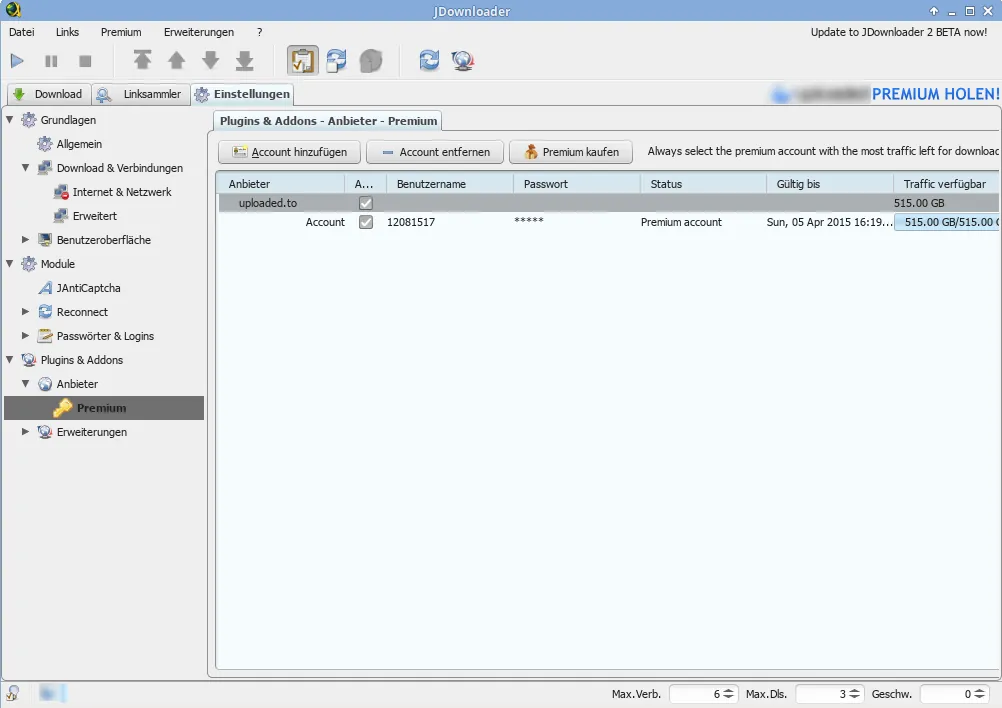
About JDownloader
JDownloader is a Java download manager built by AppWork and its community. Instead of single URLs, it works with whole lists of links: copy a page or a list of links to the clipboard and the LinkGrabber finds every downloadable file.
Plugins for hundreds of file hosts and video sites handle waiting times and premium accounts. After a download finishes, JDownloader can extract split archives automatically. MyJDownloader lets you control the app from a browser or phone.
What it does well
- LinkGrabber. Detects downloadable files in copied links and pages and groups them into packages.
- File-host plugins. Supports many file-hosting and video sites, including premium accounts.
- Automatic extraction. Unpacks split RAR, ZIP and 7z archives when all parts are downloaded.
- Parallel downloads. Downloads several files and chunks at once, with speed limits and scheduling.
- Remote control. MyJDownloader controls downloads from a web browser or mobile app.
Who it is for
Good fit
People who download large sets of files from file-hosting sites or long lists of links.
Look elsewhere
Users who only download a file now and then and want a small, simple tool.
Pros and cons
Pros
- Handles long lists of links
- Plugins for many file hosts
- Extracts archives automatically
- Remote control via MyJDownloader
Cons
- Main installer may include optional third-party offers
- Crowded interface with many settings
- Java-based and heavier than simpler download tools
How to install JDownloader
Use the installer from the jdownloader.org/jdownloader2 page, which the developers describe as free of optional software offers; the installer on the home page may include them. The x64 installers ship with their own Java runtime. After the first start, JDownloader downloads updates before it opens.
Questions about JDownloader
Is JDownloader free?
Yes. JDownloader is free and its source code is published under the GNU GPL v3.
Which JDownloader installer should I use?
Take the installer from the jdownloader.org/jdownloader2 page, which is offered without optional software, and pick the x64 build for 64-bit Windows.
Can JDownloader extract archives?
Yes. It unpacks split RAR, ZIP and 7z archives after the last part is downloaded.


