

Our verdict: MSI Afterburner is the most widely used free tool for tuning a graphics card. It handles overclocking, undervolting through the voltage curve, custom fan curves and an in-game overlay with FPS and temperatures. Download it only from msi.com, because many fake Afterburner sites exist.
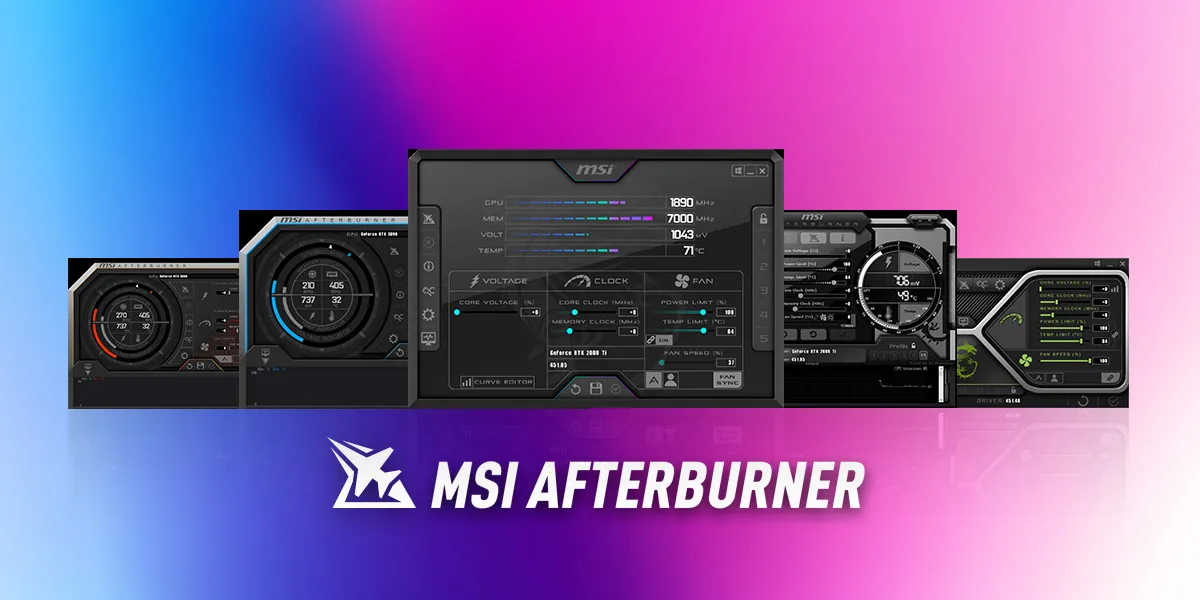
About MSI Afterburner
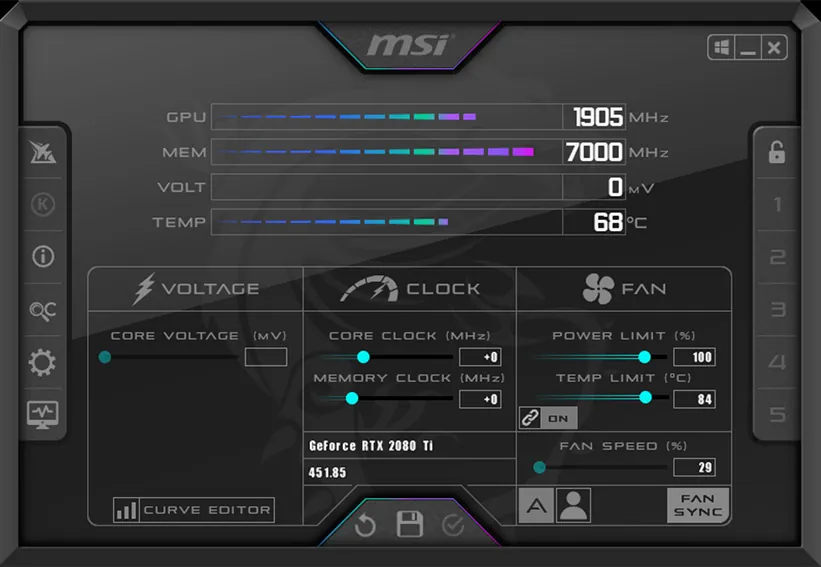
Afterburner is published by MSI but works with graphics cards from all brands. It controls core clock, memory clock, power limit and fan speed, and OC Scanner automatically searches for the highest stable overclock for your card.
Its hardware monitor tracks GPU temperature, load, clocks and fan speed, and the on-screen display shows these values in the corner of a running game. The display relies on RivaTuner Statistics Server, which the setup installs alongside Afterburner. Fan profiles let you replace the card's default fan curve with your own.
What it does well
- Overclocking controls. Core and memory clocks, power limit and voltage for the GPU.
- OC Scanner. Finds the highest stable overclock automatically.
- Custom fan curves. Set fan speed per temperature to balance noise and cooling.
- On-screen display. FPS, temperatures and load shown inside games.
- Hardware monitor. Graphs of GPU temperature, clocks, load and fan speed.
Who it is for
Good fit
Gamers who want to overclock, undervolt or quiet down any NVIDIA or AMD graphics card.
Look elsewhere
Users who only need to read GPU specs; GPU-Z is simpler for that.
Pros and cons
Pros
- Works with graphics cards of any brand
- Detailed fan curve control
- In-game FPS and temperature overlay
- OC Scanner for one-click overclocking
Cons
- Many fake download sites; only msi.com and Guru3D are official
- Download page advertises third-party software such as Norton
- Wrong overclock settings can cause crashes
How to install MSI Afterburner
Download the ZIP from MSI's Afterburner page, extract it and run the setup inside. Keep RivaTuner Statistics Server selected if you want the in-game overlay. The MSI page also advertises Norton and other offers; you do not need them. Raise clocks in small steps and test stability before saving a profile.
Questions about MSI Afterburner
Is MSI Afterburner free?
Yes. MSI Afterburner is free and works with graphics cards from all manufacturers, not only MSI.
Do I need RivaTuner Statistics Server?
Only for the in-game on-screen display and frame-rate statistics. Afterburner's overclocking and fan control work without it.
Where is the official MSI Afterburner download?
MSI says the only official sources are msi.com and Guru3D. Other sites using the name may be fake.


