

Our verdict: NVIDIA App is the simplest way to keep a GeForce card on current drivers and record gameplay without extra software. It replaces GeForce Experience and moves most NVIDIA Control Panel 3D settings into one window. It is only useful if your PC has an NVIDIA graphics card.
About NVIDIA App
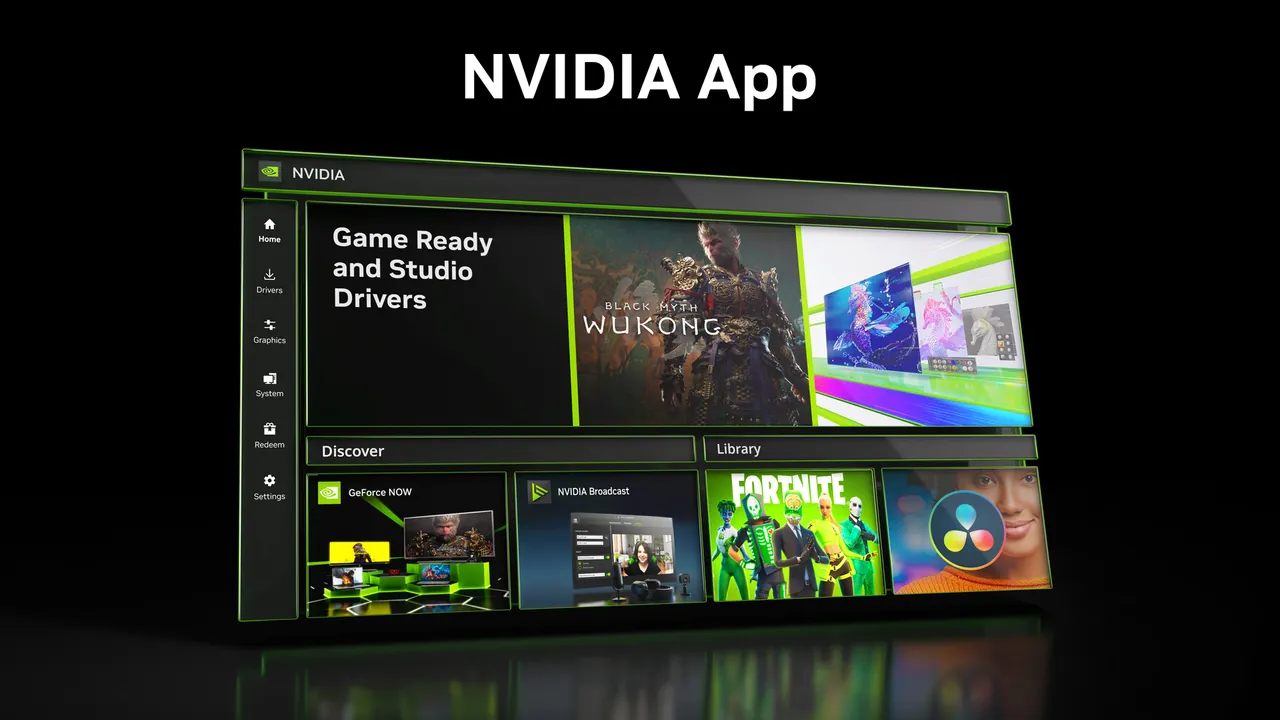
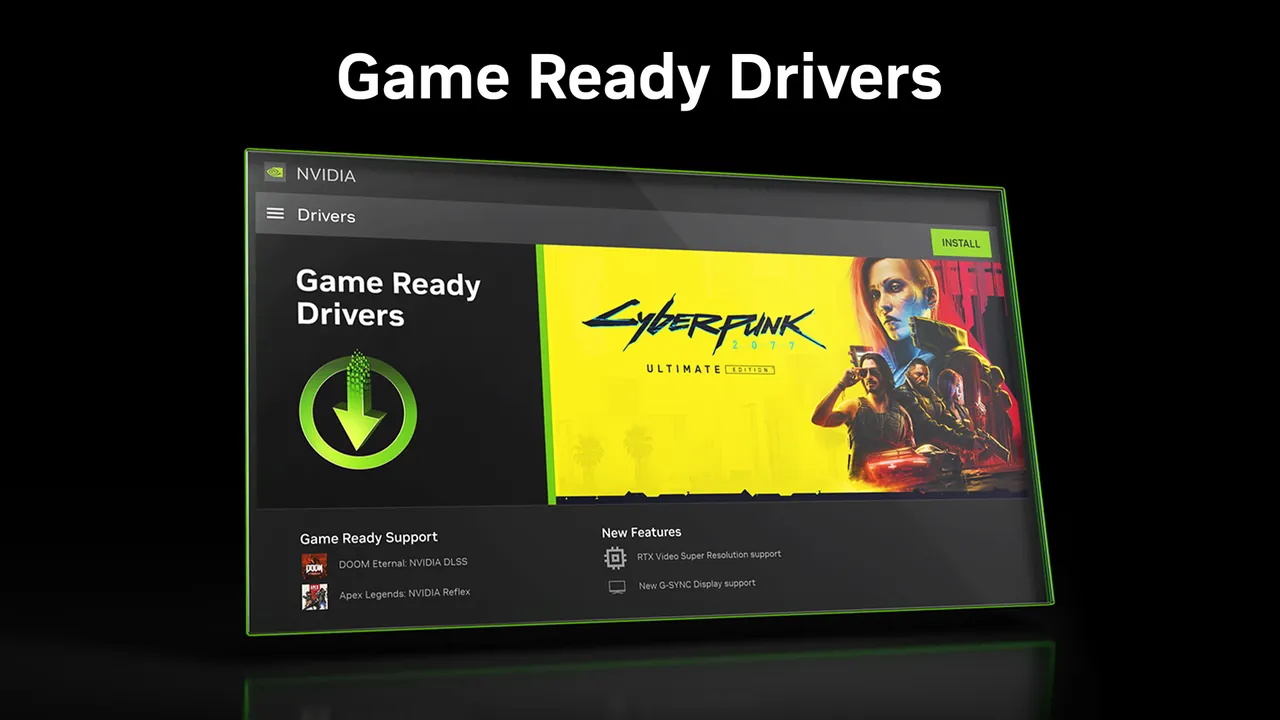
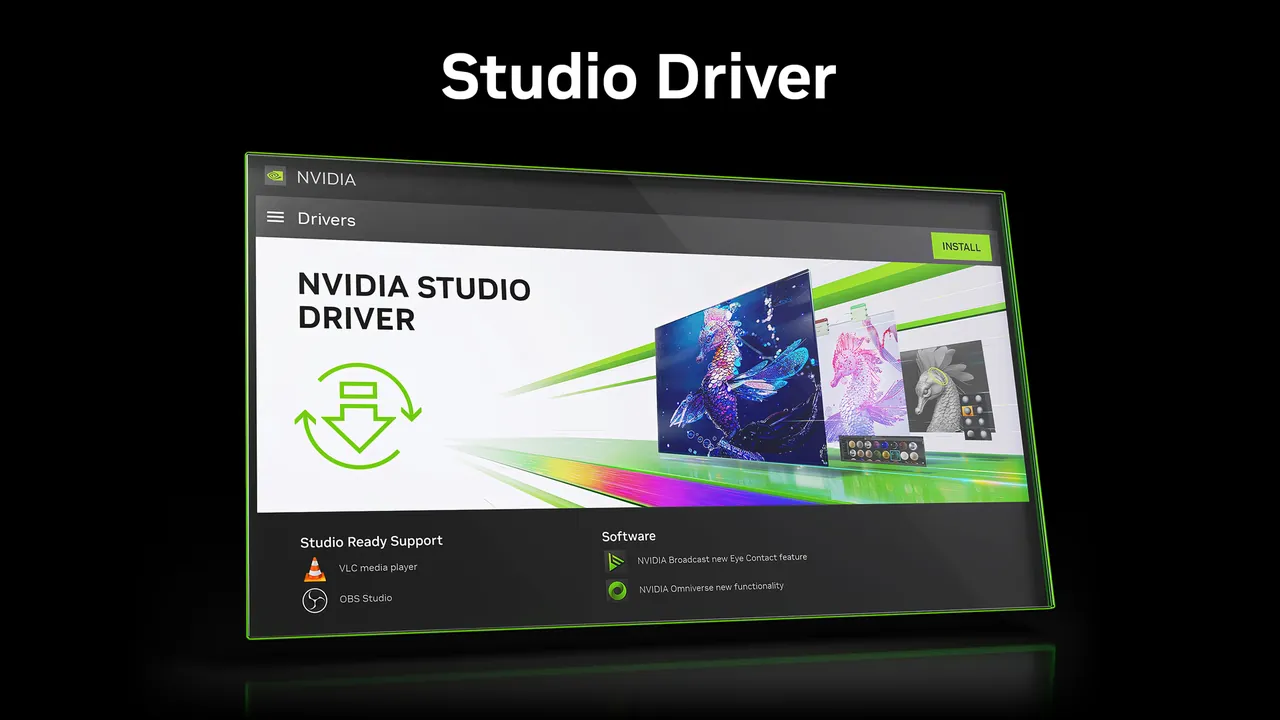
NVIDIA App is NVIDIA's official companion for GeForce owners and the successor to GeForce Experience. It downloads Game Ready and Studio drivers, shows what each update fixes and can roll back to a previously installed driver. Logging in to an NVIDIA account is optional and only needed to redeem GPU bundles and rewards.
The Graphics tab combines optimal game settings for over 1000 games with the 3D settings from NVIDIA Control Panel, including DLSS Override for supported games. The in-game overlay adds ShadowPlay recording with Instant Replay, a performance monitor and Freestyle filters such as RTX HDR, which needs an RTX GPU.
What it does well
- Driver updates. Installs Game Ready or Studio drivers and can roll back to an earlier one.
- Optimal game settings. Applies recommended in-game settings for over 1000 games based on your hardware.
- ShadowPlay recording. Records gameplay and saves the last moments with Instant Replay.
- Performance overlay. Shows FPS, GPU and CPU usage and latency while you play.
- Freestyle and RTX filters. Game filters including RTX HDR and RTX Dynamic Vibrance on RTX GPUs.
Who it is for
Good fit
Gamers and creators with a GeForce graphics card who want current drivers and built-in gameplay recording.
Look elsewhere
PCs with AMD or Intel graphics only, since the app works only with NVIDIA GPUs; also people who want just the driver without an extra background app.
Pros and cons
Pros
- Driver updates with release notes and rollback
- Gameplay recording with Instant Replay
- Game and GPU settings in one place
- Account login is optional
Cons
- Works only on PCs with an NVIDIA GPU
- Runs background services and an overlay unless you disable them
- Bundles and rewards require an NVIDIA account
How to install NVIDIA App
Download the installer from nvidia.com and run it; it needs a GeForce 551.52 driver or later. You can skip the NVIDIA account sign-in, as it is optional and only used for bundles and rewards. Turn off the in-game overlay in Settings if you do not plan to record or monitor performance.
Questions about NVIDIA App
Is NVIDIA App free?
Yes. NVIDIA provides it for free to owners of NVIDIA graphics cards.
Do I need an NVIDIA account to use NVIDIA App?
No. Login is optional and is only needed to redeem GPU bundles and rewards.
Does NVIDIA App replace GeForce Experience?
Yes. It includes the main GeForce Experience features, such as driver updates, optimal game settings and recording, plus most NVIDIA Control Panel 3D settings.


