Notepad++ — Free Text and Code Editor

By Don Ho · Developer tools
  • Open source
  • Free
  • Developer tools
Download Notepad++ Direct download from github.com Official download page Link checked October 19, 2026

Our verdict: Notepad++ is the fastest way to upgrade from Windows Notepad. It opens instantly, highlights code in dozens of languages and has search and replace that can handle whole folders. It is not a full development environment, and it is meant to be quick instead.
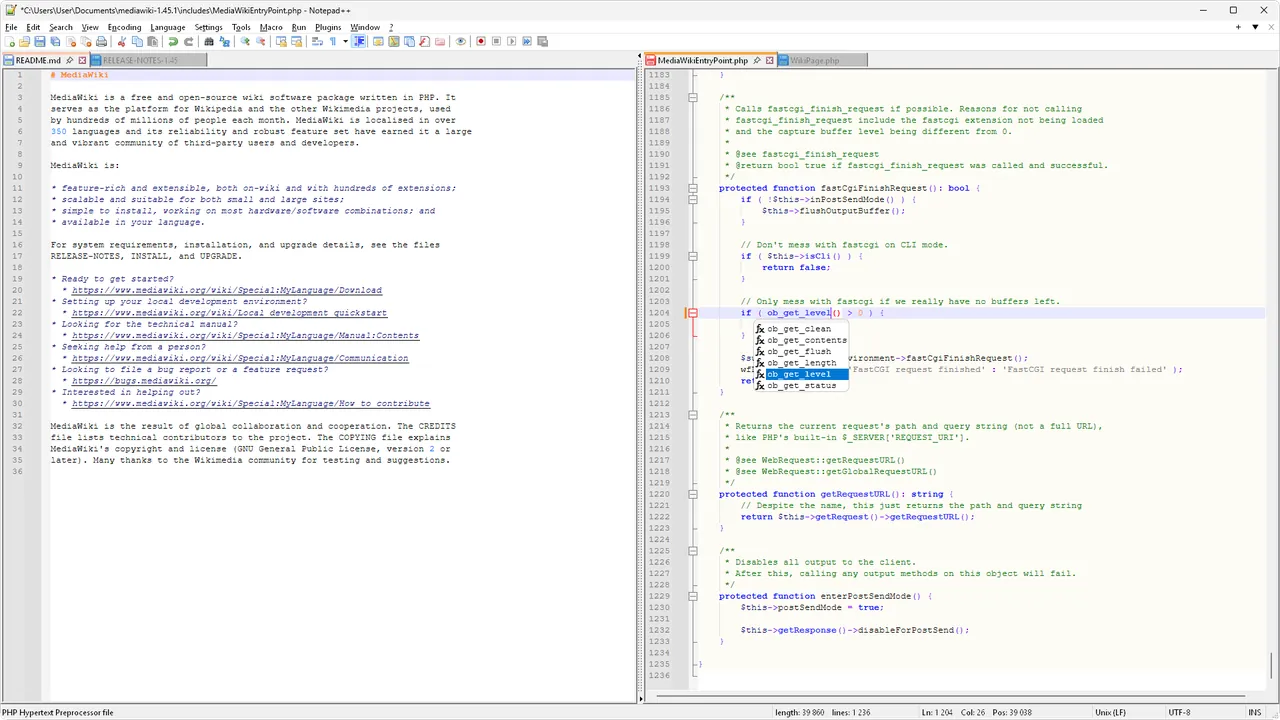
Notepad++ 8.9 on Windows 11 with PHP code in split view and autocompletion
Notepad++ 8.9 on Windows 11 with PHP code in split view and autocompletion · Screenshot: WubTheCaptain, GPL, via Wikimedia Commons
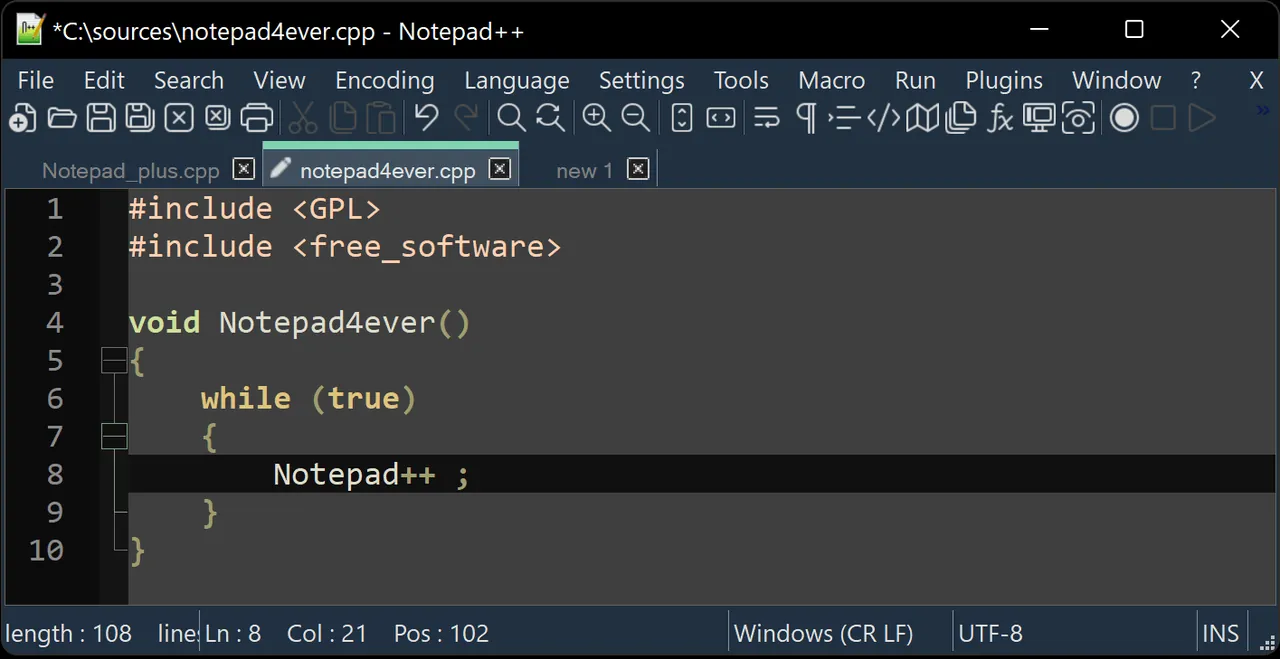
Notepad++ on its official website, another view
Notepad++ on its official website, another view · Screenshot from the official website

About Notepad++

Notepad++ has been maintained by Don Ho since 2003 and is one of the most widely used editors on Windows. It is written in C++ on top of the Scintilla editing component, which keeps it light even with large files.

It remembers your open tabs between sessions, including unsaved ones, so you can close it at any time without losing scratch notes. Plugins add features such as file comparison and JSON formatting.

What it does well

  • Syntax highlighting. Colors code for HTML, CSS, JavaScript, Python, SQL, PowerShell and many more languages.
  • Find in files. Searches and replaces across whole folders, with regular expressions.
  • Tabs and sessions. Keeps many files open and restores them, even unsaved ones, after a restart.
  • Macros. Records repeated edits and plays them back over a whole file.
  • Plugin Admin. Installs plugins such as Compare and JSON Viewer from inside the app.

Who it is for

Good fit

Developers, admins and anyone who edits config files, logs or quick scripts.

Look elsewhere

People who want a full IDE with debugging, Git integration and project-wide refactoring.

Pros and cons

Pros

  • Starts instantly
  • Excellent search and replace
  • Never loses unsaved tabs
  • Light on memory

Cons

  • Windows only
  • Not an IDE
  • Interface feels busy at first

How to install Notepad++

The download button gets the 64-bit installer. Portable ZIP builds are listed on the official downloads page. During setup you can add an 'Edit with Notepad++' entry to the right-click menu.

Questions about Notepad++

Is Notepad++ free?

Yes. It is open source and free for personal and commercial use.

Is there Notepad++ for Mac?

No. It is a Windows program. On a Mac, you would need a different editor.

Can Notepad++ compare two files?

Yes, with the Compare plugin, which you can install from Plugins → Plugins Admin.

Download Notepad++ from notepad-plus-plus.org ExeDepot does not host this file. The download starts from the developer's server, github.com. Other versions are on the official download page.

Alternatives to Notepad++

  • Visual Studio Code Code Editor

    Microsoft's free code editor with debugging, Git, a built-in terminal and a huge extension library.

    Microsoft · Freeware · code.visualstudio.com
  • Sublime Text Code Editor

    Fast code and text editor with multiple cursors and Goto Anything; unlimited evaluation, $99 license.

    Sublime HQ · Shareware · sublimetext.com
  • EmEditor Text Editor

    Fast Windows text and CSV editor for huge files; free for home and school use, Professional is paid.

    Emurasoft, Inc. · Freeware · emeditor.com
  • UltraEdit Text Editor

    Commercial text editor for 10 GB+ files with column mode, multi-caret, FTP/SSH and UltraCompare; 7-day trial.

    UltraEdit, Inc. (Idera) · Free trial · ultraedit.com

Similar to Notepad++ All developer tools apps

  • VSCodium Code Editor

    Community build of VS Code with Microsoft's telemetry and branding removed, under the MIT licence.

    VSCodium community · Open source · github.com/VSCodium
  • Zed Code Editor

    Fast open-source code editor written in Rust, with collaboration and optional AI.

    Zed Industries · Open source · zed.dev
  • Neovim Terminal Text Editor

    Modern, extensible fork of Vim with Lua configuration and a built-in LSP client.

    Neovim contributors · Open source · neovim.io
  • Vim Text Editor

    Classic modal text editor with a Windows GUI (gVim), scripting and thousands of plugins.

    Bram Moolenaar and the Vim community · Open source · vim.org