

Our verdict: Spybot – Search & Destroy Free is a long-running on-demand scanner for spyware, adware and tracking software, with useful extras such as immunization and startup tools. The free edition has no antivirus engine, no live protection and no automatic updates, so treat it as a second-opinion tool.
About Spybot – Search & Destroy
Spybot – Search & Destroy is developed by Safer-Networking Ltd., based in Ireland, and has been around for more than two decades. Version 2.9 Free Edition uses Spybot's own anti-spyware engine to find adware, tracking software, keyloggers and other unwanted programs.
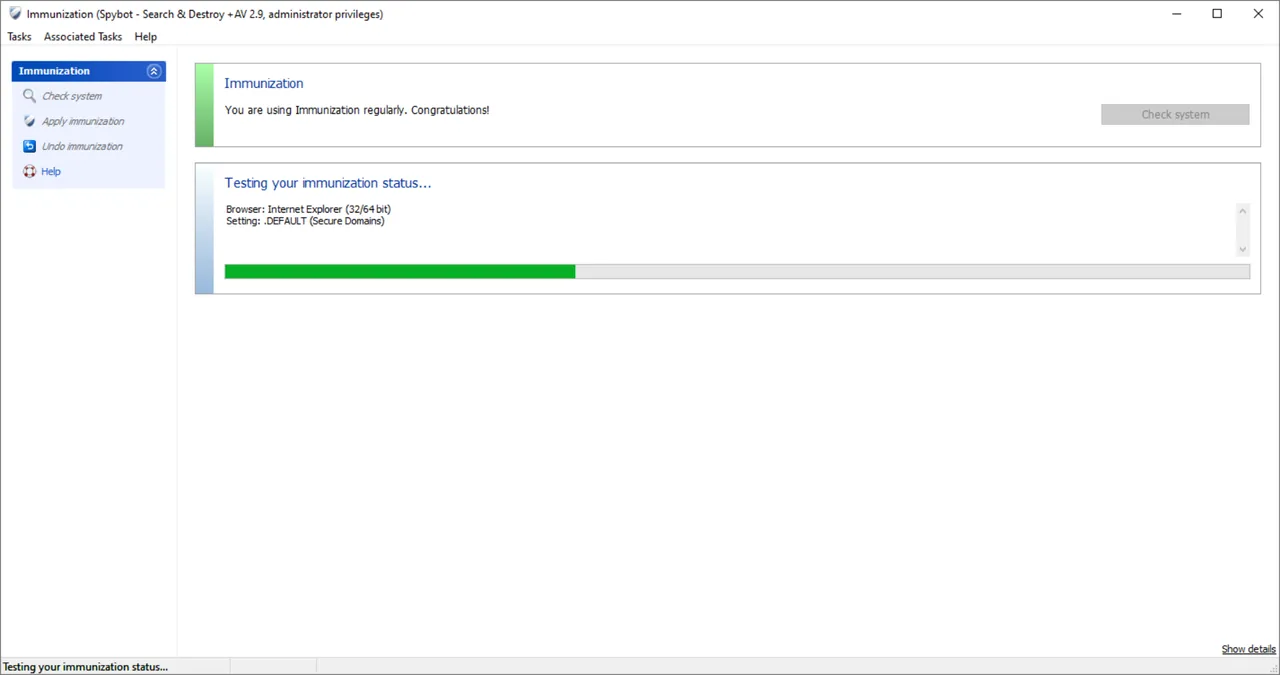
The free edition includes Immunization, which blocks known malicious sites, tracking cookies and harmful browser plugins in supported browsers, plus Startup Tools and a Rootkit Scan. The antivirus engine, Live Protection, automatic signature updates, scheduled tasks and the protected repair environment are only in the paid Home and Professional editions, which are yearly subscriptions.
What it does well
- Anti-spyware scan. Finds and removes adware, tracking software, keyloggers and other spyware.
- Immunization. Blocks known malicious sites, tracking cookies and bad browser plugins.
- Startup Tools. Shows and changes what Windows loads at startup.
- Rootkit Scan. Checks the file system, registry and process lists for hidden rootkits.
- Start Center. Shows the last scan, immunization and update status on one screen.
Who it is for
Good fit
Experienced users who want a second scanner focused on spyware, adware and tracking.
Look elsewhere
Anyone who needs an antivirus or real-time protection without paying.
Pros and cons
Pros
- Free anti-spyware scanning with a separate detection engine
- Browser immunization against known bad sites and trackers
- Startup tools and rootkit scan included
Cons
- No antivirus engine or live protection in the free edition
- Signatures must be updated manually in the free edition
- Advanced tools are easy to misuse and can break software if you remove the wrong entries
How to install Spybot – Search & Destroy
Run the installer and read each screen before clicking Next. Before the first scan, open the Start Center and click Update, because the free edition does not update its signatures automatically. Run Immunize after each update and use Startup Tools only if you know what an entry does.
Questions about Spybot – Search & Destroy
Is Spybot – Search & Destroy free?
Yes. The Free Edition costs nothing; Safer-Networking asks for donations. The Home and Professional editions are paid yearly subscriptions with antivirus and live protection.
Does Spybot Free replace an antivirus?
No. The free edition has no antivirus engine and no real-time protection. Use it next to Microsoft Defender or another antivirus.
What is Immunization?
It blocks access to sites known for malicious or unwanted software and blocks known tracking cookies and harmful browser plugins.


