

Our verdict: Blender is a professional 3D suite that happens to be free. It covers modeling, sculpting, animation, rendering and even video editing. The learning curve is real, so plan to spend time with tutorials before your first finished project.
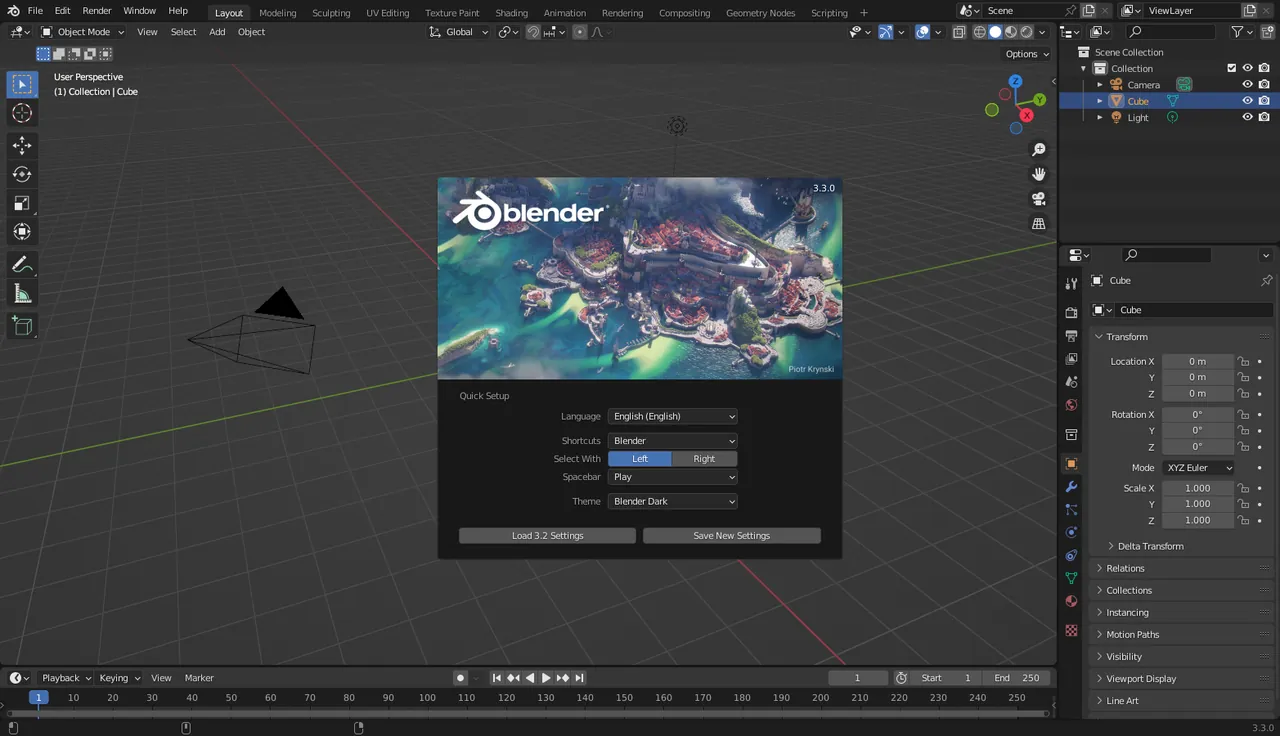
About Blender
Blender is developed by the Blender Foundation and Blender Institute with a large open-source community. Studios, game developers and freelancers use it in production.
It ships with two render engines: Cycles for realistic path-traced images, and EEVEE for fast, real-time-style rendering. A recent graphics card makes a big difference for both.
What it does well
- Modeling and sculpting. Polygon modeling, modifiers and a full sculpting toolset.
- Cycles and EEVEE. Photorealistic and real-time render engines in one app.
- Animation and rigging. Armatures, shape keys, constraints and a graph editor.
- Geometry Nodes. Procedural modeling and effects with a node system.
- Grease Pencil and video. 2D animation in 3D space, plus a built-in video sequencer.
Who it is for
Good fit
3D artists, game developers, product visualizers and motivated beginners.
Look elsewhere
People who need a quick, simple 3D viewer or an older PC without a dedicated GPU.
Pros and cons
Pros
- Professional features
- Huge tutorial community
- Fast development
- Free for any use
Cons
- Steep learning curve
- Needs a decent graphics card
- Frequent UI changes between major versions
How to install Blender
The download page offers a Windows installer, a portable ZIP and links to the Microsoft Store and Steam. All are free. Check the official requirements page if your graphics card is several years old.
Questions about Blender
Is Blender free for commercial work?
Yes. You can use it for paid projects and sell what you create.
Can Blender run on a laptop?
Yes, but smooth viewport performance and fast rendering need a reasonably modern graphics card.
Is Blender good for beginners?
It is powerful but complex. Beginners do well by following a full introductory tutorial series.


