

Our verdict: ZBrush is the standard tool for sculpting characters, creatures and collectibles: it stays responsive at polygon counts that slow other apps down, and its brush system feels like clay. The interface is unlike any other 3D program and takes time to learn. It is subscription-only, and Blender's sculpt mode covers the basics for free.
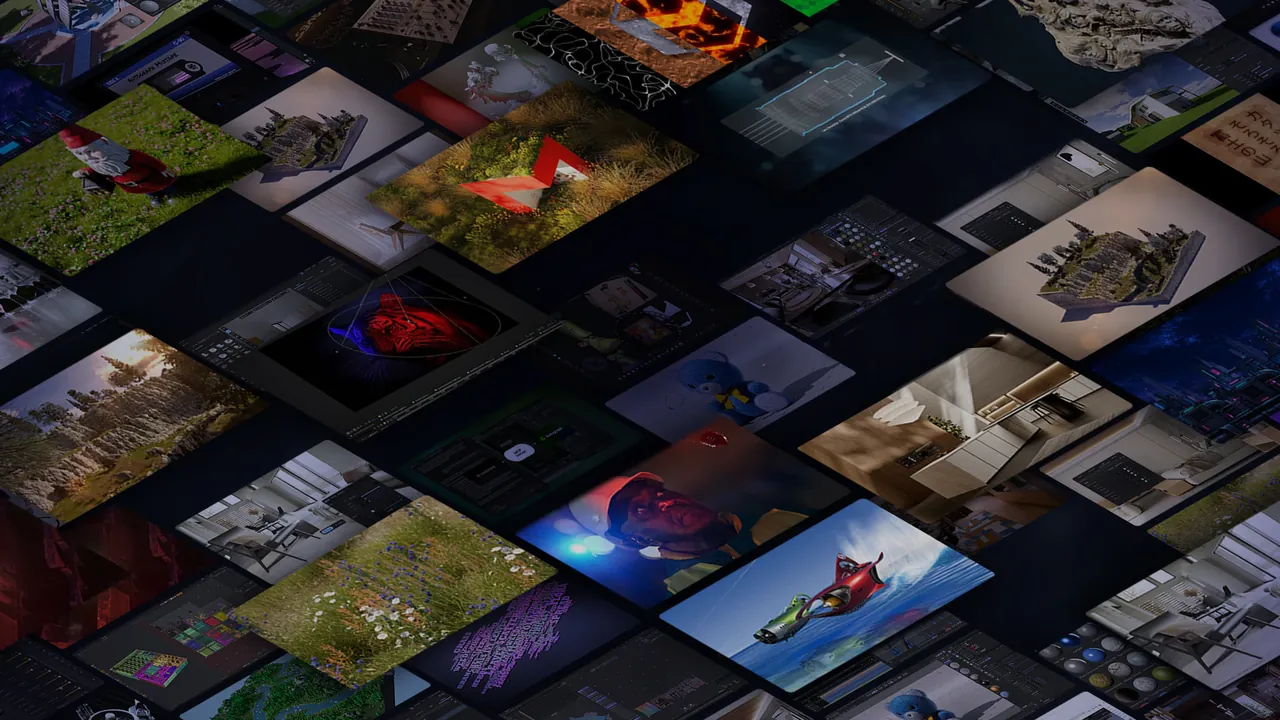
About ZBrush
ZBrush was created by Pixologic and is now developed by Maxon, the maker of Cinema 4D. It is a digital sculpting, modeling and painting app with more than 200 brushes that work on meshes of tens of millions of polygons in real time, and it does not need a powerful graphics card because its engine runs on the processor. ZModeler and Live Boolean handle hard-surface models, PolyPaint colors the surface without UVs, a UV editor and UV Master prepare maps, and GoZ sends models to Cinema 4D and other apps. Redshift CPU rendering and the BPR preview renderer are built in.
ZBrush is sold only as a subscription; Maxon discontinued perpetual licenses in December 2023. On the official store, shown in euros with the highest VAT rate, it costs €441.57 per year billed annually or €55.35 billed monthly, and the subscription includes ZBrush for iPad. The free trial lasts 14 days and covers all of Maxon One. You need a Maxon account and the Maxon App to start it; when it ends no charge is made and the apps stop working until you subscribe.
What it does well
- Sculpting brushes. More than 200 brushes plus DynaMesh and Sculptris Pro for sculpting without worrying about topology.
- High polygon counts. Sculpt and paint meshes with millions of polygons in real time on the CPU.
- Hard-surface tools. ZModeler, Live Boolean and polygon tools for precise low-poly and mechanical models.
- PolyPaint and UVs. Paint color directly on the surface, then create UVs with the UV editor or UV Master.
- Rendering and export. Redshift CPU rendering, BPR previews and GoZ for round trips with Cinema 4D.
Who it is for
Good fit
Character, creature and toy artists, concept sculptors and 3D printing hobbyists who need detailed organic models.
Look elsewhere
Animators and generalists who need rigging, animation or scene layout, and anyone avoiding subscriptions.
Pros and cons
Pros
- Industry standard for character and creature sculpting
- Handles millions of polygons without a high-end GPU
- Strong hard-surface and painting tools
- Subscription includes ZBrush for iPad
Cons
- Subscription only, perpetual licenses were discontinued
- Trial is only 14 days and needs a Maxon account
- Unusual interface with a steep learning curve
How to install ZBrush
Create a Maxon account, download the Maxon App from the official trial page and click Start Trial inside it; the app then installs ZBrush. Maxon may use your e-mail for marketing when you activate the trial, which you can revoke later. A pen tablet from Wacom, XP-Pen, Xencelabs or Huion is strongly recommended; N-Trig pens are not fully compatible.
Questions about ZBrush
Is ZBrush free?
No. Maxon offers a 14-day free trial of Maxon One, which includes ZBrush, started from the Maxon App with a Maxon account. When the trial ends nothing is charged, but ZBrush stops working until you subscribe. The official store shows €441.57 per year billed annually, including the highest VAT rate; prices vary by region.
Can I still buy a perpetual ZBrush license?
No. Maxon discontinued perpetual ZBrush licenses in December 2023. ZBrush is now available through a ZBrush or Maxon One subscription.
Does ZBrush need a powerful graphics card?
No. Maxon states that ZBrush's processor-based engine runs well on most modern computers regardless of the graphics card, though it needs OpenGL 3.3 and Vulkan 1.1 support.


