

Our verdict: Blockbench is the go-to free tool for blocky and low-poly game models, especially for Minecraft. Modeling, texturing and animating all happen in one focused window. It is not meant for high-poly sculpting or realistic rendering.
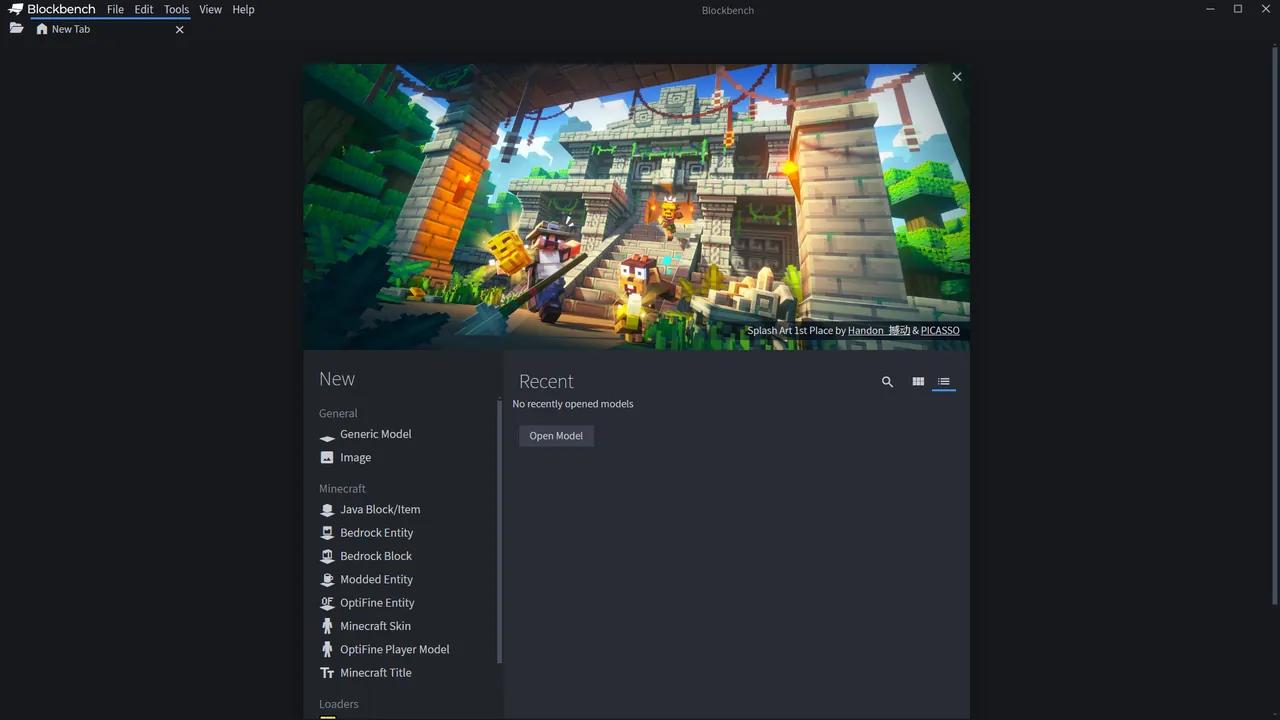
About Blockbench
Blockbench is an open-source modeler under the GPL and free for any project, including commercial ones. Studios such as Mojang and Hytale are listed on the official site as users. It builds models from cuboids for the classic Minecraft look and also has mesh tools for other low-poly shapes.
Textures can be created and painted inside the program, directly on the model in 3D or in a 2D editor, and Blockbench can create a UV map and template automatically. A built-in plugin store adds tools and export formats, and a web version runs in the browser.
What it does well
- Cuboid and mesh modeling. Cuboids for a Minecraft style plus mesh tools for other low-poly shapes.
- Texture painting. Paint in 3D or 2D, with automatic UV maps and templates.
- Animation editor. Rig models and animate with keyframes and a graph editor.
- Plugin store. Adds new tools, generators and export formats from inside the app.
- Web version. The same editor runs in a browser without installation.
Who it is for
Good fit
Minecraft creators, modders and indie developers making low-poly game assets.
Look elsewhere
Artists who need high-poly sculpting, realistic materials or film rendering.
Pros and cons
Pros
- Free and open source for any project
- Modeling, texturing and animation in one app
- Built-in plugin store
- Browser version available
Cons
- Limited to low-poly work
- Many features are tailored to Minecraft formats
How to install Blockbench
Download the 64-bit Windows installer from the latest release linked on the official site. On first start, pick the model format you work with, such as Java Block/Item, Bedrock Entity or Generic Model, since it decides which tools are available. Browse the plugin store under File for extra formats.
Questions about Blockbench
Is Blockbench free?
Yes. It is open source under the GPL and free for any type of project, including commercial work.
Can Blockbench make Minecraft models?
Yes. It supports Minecraft Java and Bedrock model formats and is widely used for Minecraft mods, resource packs and Marketplace content.
Can I use Blockbench without installing it?
Yes. A web version runs in the browser at web.blockbench.net.


