

Our verdict: calibre is the standard free tool for anyone with more than a handful of e-books. It organizes the library, fetches metadata and covers, converts formats and copies books to almost any e-reader. The interface is busy, and conversion settings take some learning.
About calibre
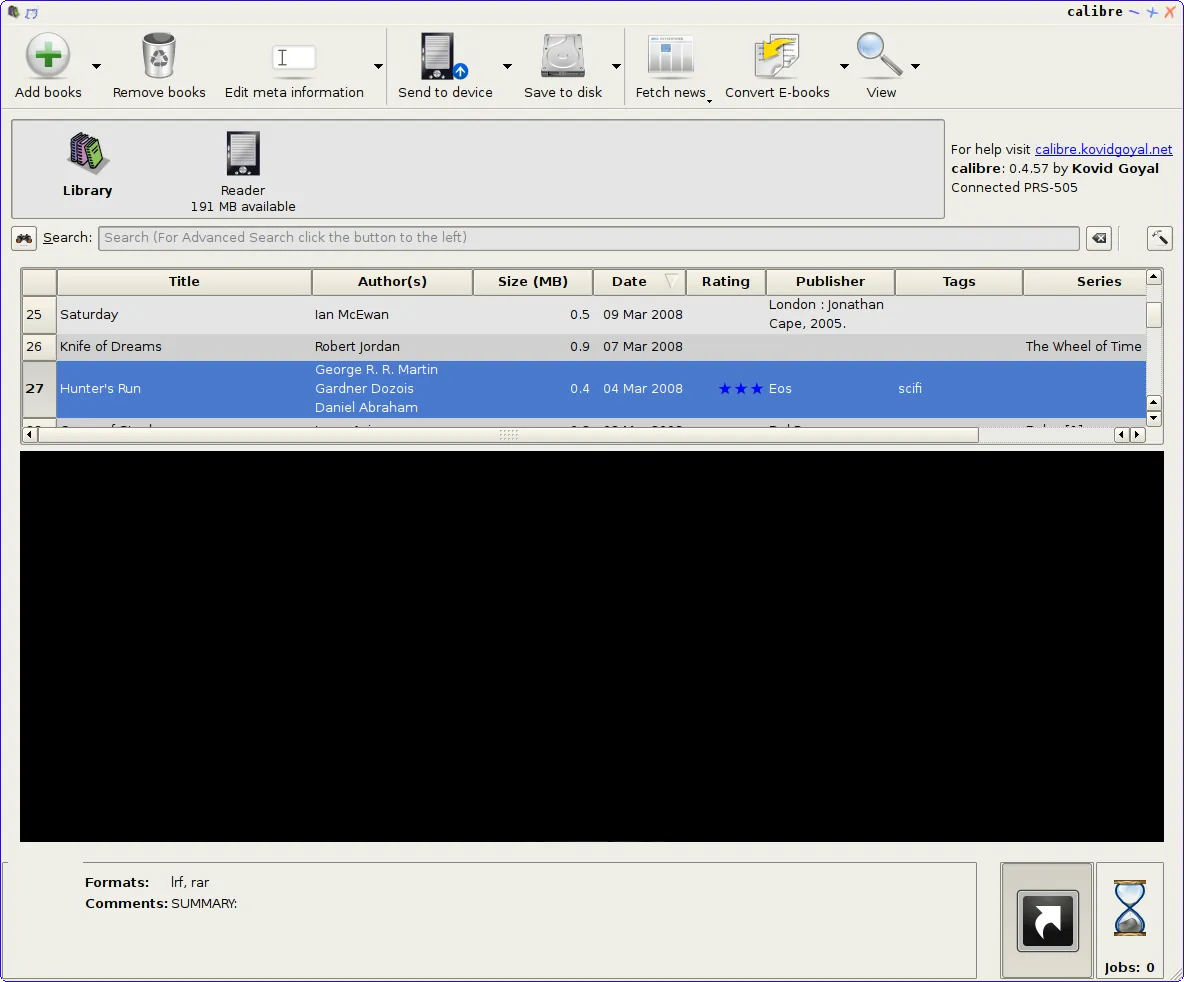
calibre was started in 2006 by Kovid Goyal and is developed as an open source project with volunteer contributors. It keeps your books in a library folder with a database of titles, authors, tags, series and custom fields, and can download metadata and covers from the internet.
Besides managing books, calibre converts between dozens of e-book formats, includes a viewer for all major formats, and has an editor for the insides of EPUB and Kindle (AZW3) books. A built-in Content server lets you read your library from a phone or tablet in a browser.
What it does well
- Library management. Sort and search by author, series, tags and custom columns, with automatic metadata and covers.
- Format conversion. Converts between EPUB, MOBI, AZW3, PDF, DOCX, TXT and many other formats.
- E-reader support. Detects most e-readers and sends books in a format the device can read.
- E-book viewer and editor. Reads all major formats and edits EPUB and AZW3 files directly.
- Content server and news. Shares the library over the network and turns news sites and RSS feeds into e-books.
Who it is for
Good fit
Readers with large e-book collections, Kindle and Kobo owners, and people who create or fix EPUB files.
Look elsewhere
People who only read a few PDFs; a lighter viewer like SumatraPDF is enough.
Pros and cons
Pros
- Handles almost every e-book format
- Works with most e-readers
- Built-in EPUB editor
- Hundreds of plugins
Cons
- Crowded interface with many options
- Conversion settings take time to learn
- Cannot open or convert DRM-protected books
How to install calibre
Download the 64-bit installer from calibre-ebook.com. It works on Windows 10 version 1809 and later; the download page links older releases for earlier Windows versions. On first start, a wizard asks where to create the library folder and which e-reader you use.
Questions about calibre
Is calibre free?
Yes. It is open source under the GNU GPL v3, with no paid version.
Can calibre send books to a Kindle?
Yes. Connect the Kindle by USB and use Send to device; calibre converts the book to a compatible format if needed.
Can calibre open DRM-protected e-books?
No. DRM prevents calibre from opening or converting a book, but calibre can still store it and transfer it to your e-reader.


