

Our verdict: Foxit PDF Reader is a capable free alternative to Acrobat Reader with a familiar ribbon interface. It fills standard and XFA forms, adds comments and signatures, and offers security controls such as Safe Mode. Editing PDF content requires the paid Foxit PDF Editor, which the app promotes.
About Foxit PDF Reader
Foxit PDF Reader is made by Foxit Software. Besides reading and printing, it fills standard AcroForms and XFA forms, adds sticky notes, highlights and file attachments as comments, and supports handwritten and digital signatures.
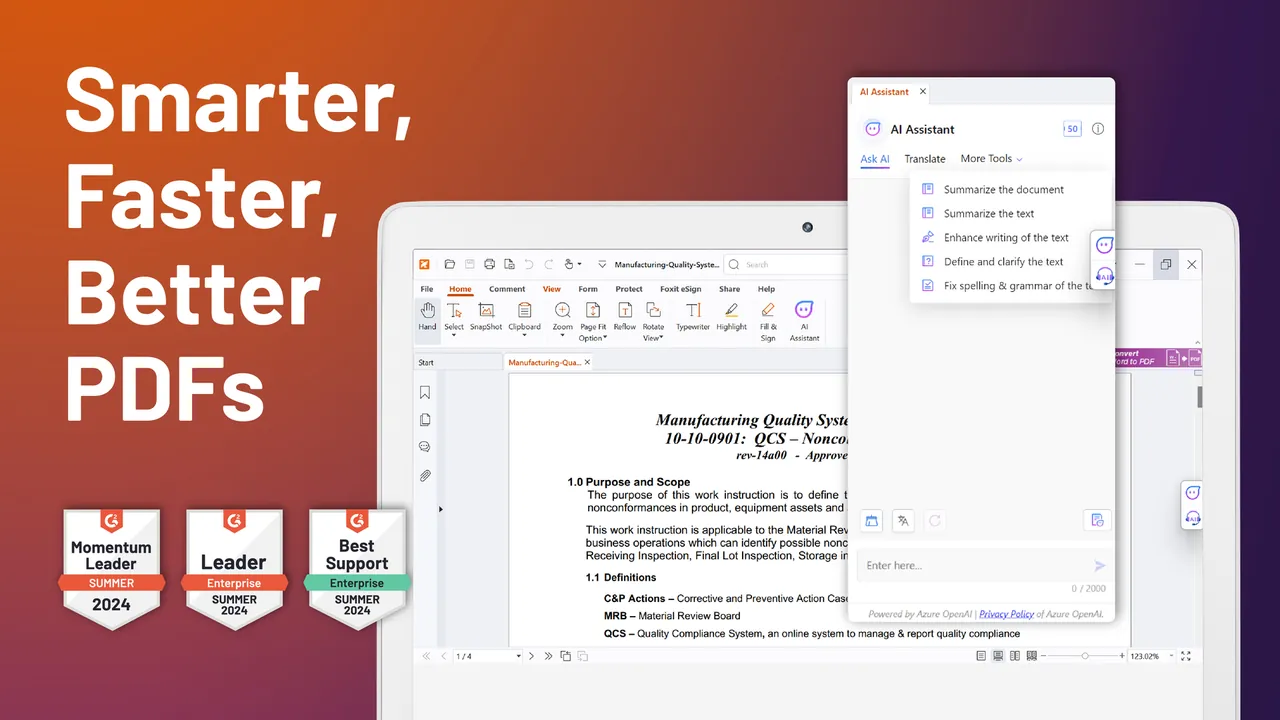
For security, it includes Trust Manager with Safe Mode, an option to disable JavaScript and security warning dialogs. Administrators can deploy it with an MSI package and manage settings through Group Policy. An AI assistant based on ChatGPT is built in.
What it does well
- Form filling. Fills standard AcroForms and XFA forms.
- Comments. Highlights, sticky notes, drawing tools and file attachments as comments.
- Signatures. Handwritten signatures, eSignature and verification of digital signatures.
- Security controls. Trust Manager, Safe Mode, JavaScript switch and security warnings.
- Enterprise deployment. MSI installer, Group Policy templates and XML configuration for mass rollout.
Who it is for
Good fit
Home and office users who want a full-featured free PDF reader other than Adobe's.
Look elsewhere
People who need to edit PDF text for free or want a minimal viewer.
Pros and cons
Pros
- Fills XFA forms that many free readers cannot
- Strong security options
- Familiar ribbon interface
- MSI and Group Policy support for companies
Cons
- Editing PDF content requires the paid Foxit PDF Editor
- Large installer of about 290 MB
- Promotes paid Foxit products and cloud services
How to install Foxit PDF Reader
The direct link downloads the current 64-bit Windows installer from Foxit. Read each setup screen and untick any optional trial or extra component you do not want. In the first-run dialog you can decide whether Foxit becomes your default PDF reader.
Questions about Foxit PDF Reader
Is Foxit PDF Reader free?
Yes. Reading, printing, commenting, form filling and signing are free. Editing PDF content requires Foxit PDF Editor.
Can Foxit PDF Reader fill XFA forms?
Yes. It fills both standard AcroForms and XFA forms.
Can I deploy Foxit PDF Reader in a company?
Yes. Foxit offers an MSI installer, Group Policy templates and XML configuration for large deployments.


