

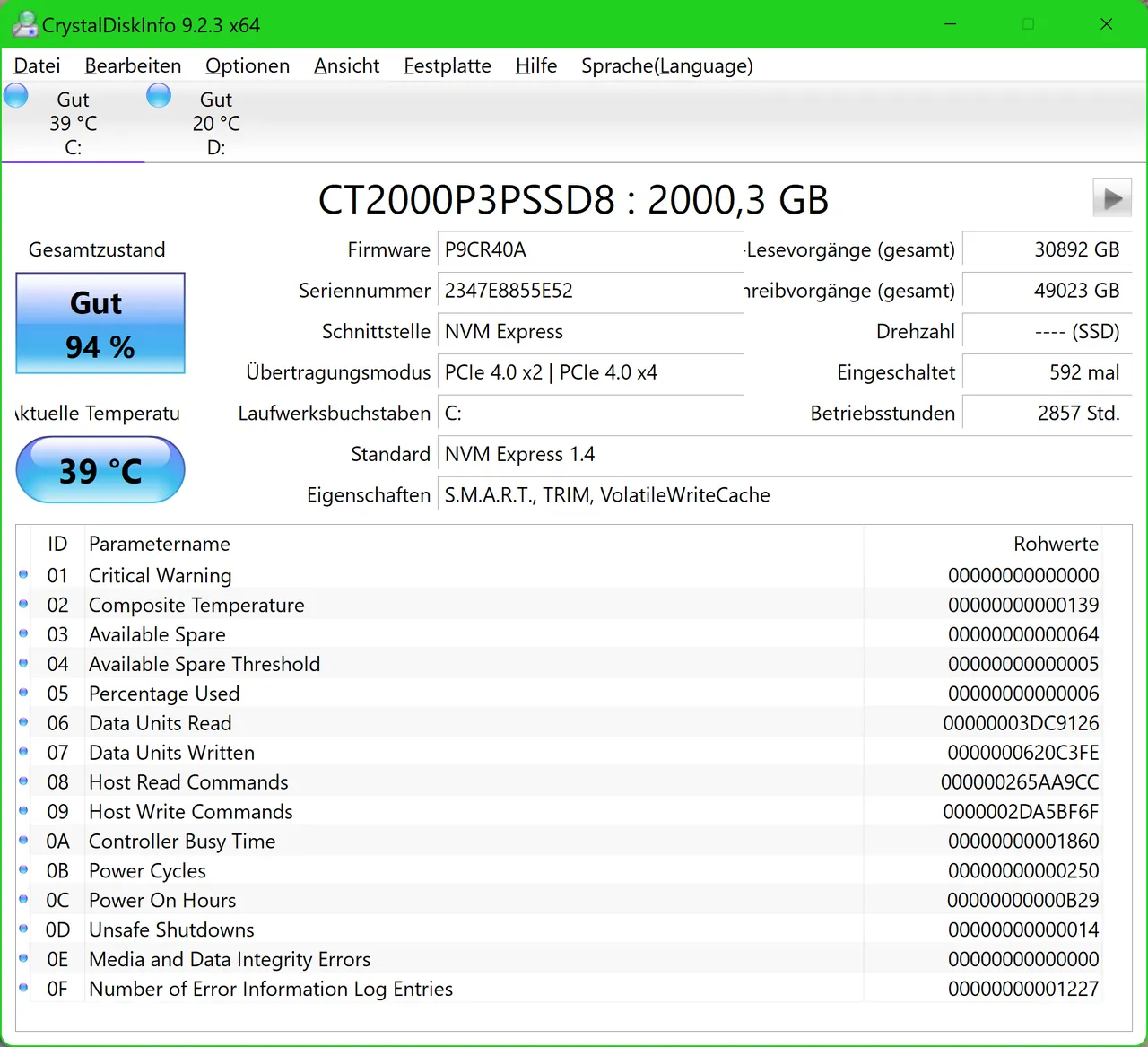
Our verdict: CrystalDiskInfo is the quickest way to check whether a hard drive or SSD is wearing out. It turns raw S.M.A.R.T. values into a simple Good, Caution or Bad label and can warn you from the tray. It cannot see drives behind most RAID controllers, and no tool can predict every failure.
About CrystalDiskInfo
CrystalDiskInfo is developed by hiyohiyo and published on Crystal Dew World, the same site as the CrystalDiskMark benchmark. It reads the S.M.A.R.T. self-monitoring data that drives keep about themselves and shows it for SATA drives, NVMe SSDs on Windows 10 or later, and some USB drives and Intel RAID setups.
For hard drives it reports Caution when reallocated, pending or uncorrectable sector counts cross a threshold. For SSDs it uses the remaining life value from the drive. Besides the Standard Edition, the download page offers Shizuku, Aoi and Kurei Kei editions, which are themed versions with character artwork.
What it does well
- Health status. Labels each drive Good, Caution, Bad or Unknown based on S.M.A.R.T. values.
- Full S.M.A.R.T. table. Shows every attribute with current, worst, threshold and raw values.
- Temperature and graphs. Tracks drive temperature and attributes over time in a graph window.
- Tray alarms and email. Runs in the background and can alert you by sound or email when health changes.
- AAM/APM control. Adjusts acoustic and power management on hard drives that support it.
Who it is for
Good fit
Anyone who wants to check an old drive, a used SSD or a drive that has started to act up.
Look elsewhere
Servers with hardware RAID, or people looking for a tool that repairs or recovers drives.
Pros and cons
Pros
- Clear health label for every drive
- Supports NVMe SSDs on Windows 10 and 11
- Background alerts by tray icon and email
- Open source under the MIT License
Cons
- Does not see disks behind most RAID controllers and some USB enclosures
- S.M.A.R.T. data cannot warn about every sudden failure
- Several editions and download buttons can confuse first-time users
How to install CrystalDiskInfo
Open the official download page and pick the Standard Edition installer or ZIP. The installer runs on Windows Vista or later; the ZIP version needs no setup. If you use the startup or event log features, turn them off before uninstalling.
Questions about CrystalDiskInfo
What does Caution mean in CrystalDiskInfo?
For hard drives it means reallocated, pending or uncorrectable sectors were found. For many SSDs it means remaining life is 10% or less. Back up the drive's data soon.
What are the Shizuku and Aoi editions?
They are themed editions of CrystalDiskInfo with character artwork. If you want a plain interface, choose the Standard Edition.
Why does CrystalDiskInfo not show my external drive?
Only some USB enclosures pass S.M.A.R.T. data through. You can try Function → Advanced Feature → USB/IEEE 1394 settings, but some enclosures do not support it at all.


