

Our verdict: LocalSend is the simplest free way to move files between a Windows PC and a phone or another computer on the same network. It works like AirDrop across platforms, needs no account and sends nothing through the internet.
About LocalSend
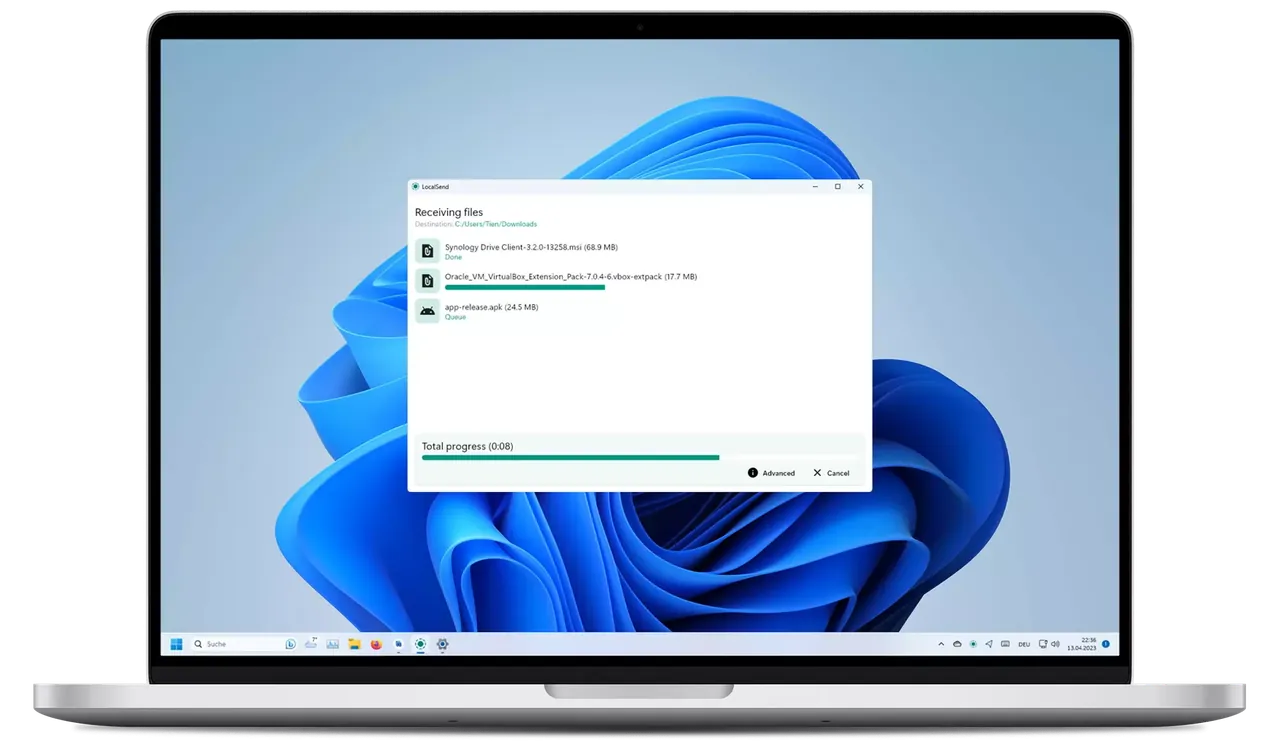
LocalSend is an open-source app that finds other devices running LocalSend on the same local network. You pick files, folders or text, choose the receiving device, and the other side accepts the transfer.
Transfers go directly between devices over HTTPS on your network, so there is no file size limit set by a cloud service and no internet connection is needed. Because both devices must be on the same network, it does not replace cloud sharing over long distances.
What it does well
- Cross-platform. Apps for Windows, macOS, Linux, Android and iOS.
- No account, no internet. Devices find each other on the local network.
- Encrypted transfers. Data is sent over HTTPS directly between devices.
- Files, folders and text. Send whole folders or paste text and links.
- Share via link. Devices without the app can download shared files in a browser.
Who it is for
Good fit
Moving photos and files between your phone and PC at home or in the office.
Look elsewhere
Sending files to someone on another network or keeping folders in sync.
Pros and cons
Pros
- Open source
- No account or cloud
- Works between all major platforms
- Fast on a local network
Cons
- Only works when devices share a network
- Some routers and guest Wi-Fi networks block device discovery
How to install LocalSend
Install the x64 setup and allow LocalSend through Windows Firewall when asked, at least for private networks. Install LocalSend on the other device too. If devices do not see each other, check that both are on the same Wi-Fi and that the network is set to Private in Windows.
Questions about LocalSend
Is LocalSend free?
Yes. It is open source under the Apache License 2.0 with no ads or paid plan.
Does LocalSend need the internet?
No. Devices only need to be on the same local network.
Can LocalSend send files to an iPhone?
Yes. Install LocalSend from the App Store on the iPhone and both devices will see each other on the same Wi-Fi.


