

Our verdict: GOG Galaxy is a pleasant launcher for GOG's DRM-free games, and unlike most launchers it is optional. You can still download offline installers from the GOG website. Its integrations can gather games from other launchers, though they depend on plugins.
About GOG Galaxy
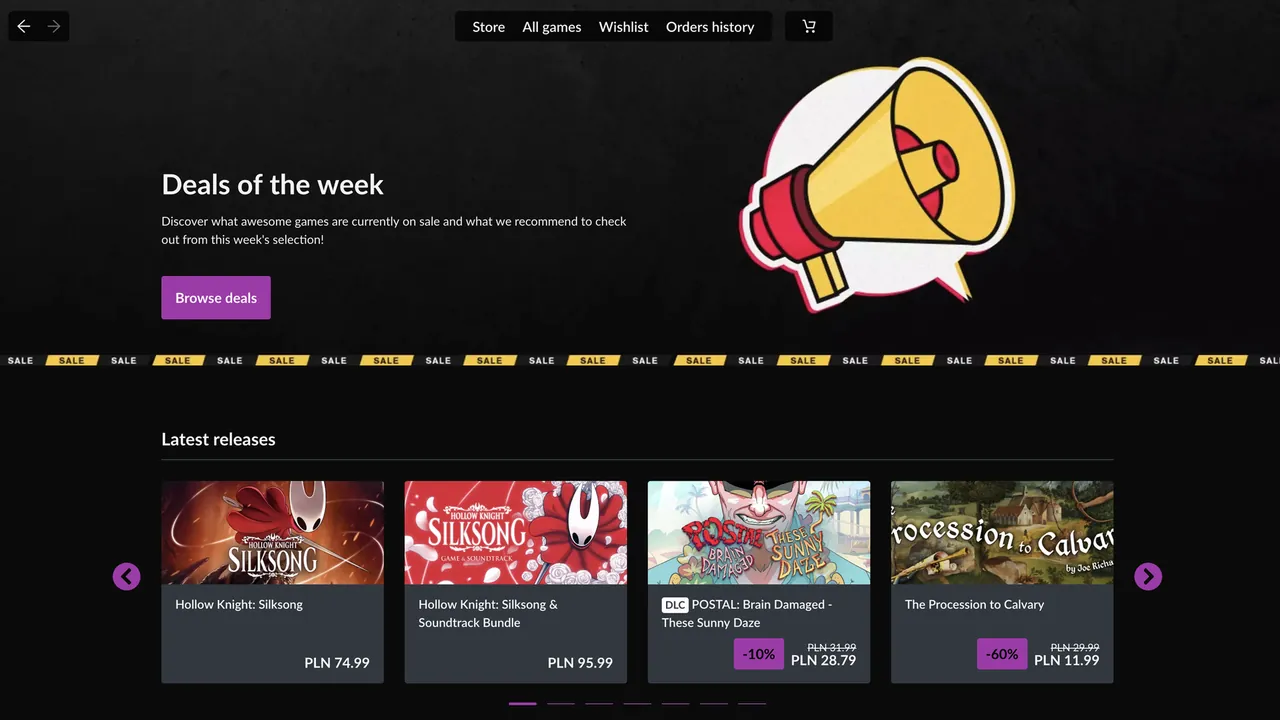
GOG Galaxy is the client of GOG, the store owned by CD PROJEKT that sells games without DRM. Games bought on GOG can be installed with Galaxy or with standalone offline installers from your account page on the website.
Galaxy adds automatic updates, cloud saves, achievements and the option to roll a game back to an earlier version. Integrations let you sign in to other platforms and see those games in the same library, with play time and achievements in one place.
What it does well
- DRM-free library. Installs and updates the games you bought on GOG.
- Optional client. Games also work without Galaxy, via offline installers from the website.
- Update rollback. Return a game to an earlier version if a patch breaks something.
- Cloud saves. Syncs saves between PCs for supported games.
- Integrations. Shows games from other platforms in one combined library.
Who it is for
Good fit
People who buy on GOG and want easy updates, and those who want one library for many launchers.
Look elsewhere
Players who own no GOG games and do not need a combined library.
Pros and cons
Pros
- DRM-free games keep working without the client
- Rollback to earlier game versions
- Combined library across launchers
- No mandatory online check for GOG games
Cons
- Requires a GOG account
- Integrations with other platforms can break when those services change
- No Linux client
How to install GOG Galaxy
Run the small online installer; it downloads the rest of Galaxy. Sign in with your GOG account. Under Settings → Integrations, connect other platforms if you want them in the same library. To keep a game exactly as it is, turn off automatic updates for it in the game's settings.
Questions about GOG Galaxy
Is GOG Galaxy free?
Yes. The client is free. You pay only for games you buy on GOG.
Do I need GOG Galaxy to play GOG games?
No. You can download offline installers from your GOG account and play without the client.
Can GOG Galaxy show my Steam games?
Yes. After connecting an integration, games from other platforms appear in the Galaxy library.


